
Microsoft Purview is introducing new diagnostics for Data Loss Prevention and Information Protection, providing admins deeper insights into triggered policies for files and emails. Rolling out from January to May 2026, these tools require no action, cause no workflow impact, and are enabled by default.
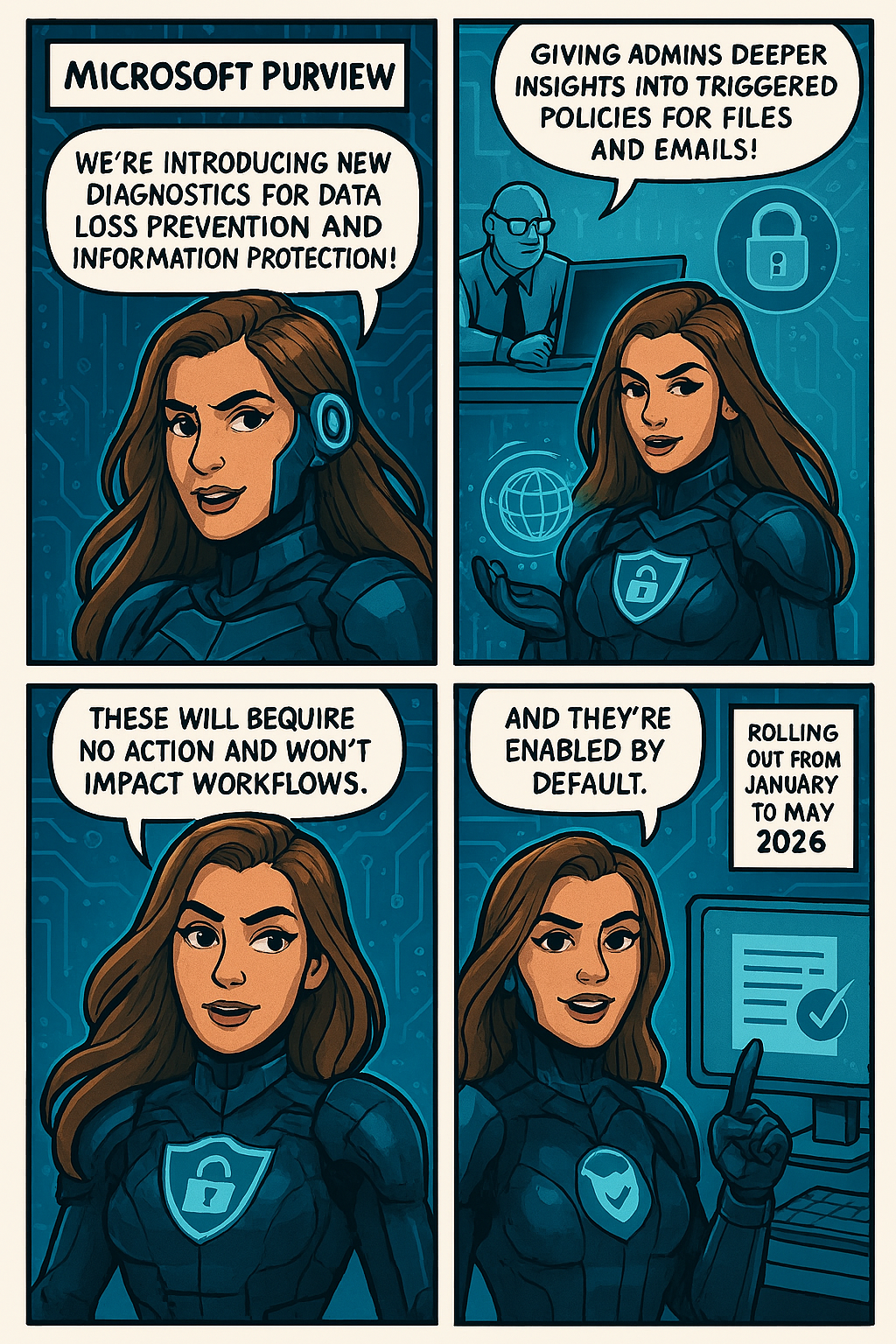
To help administrators troubleshoot Data Loss Prevention (DLP) and Information Protection scenarios more effectively, Microsoft Purview is introducing a new set of enhanced diagnostics. These improvements provide deeper visibility into why specific DLP rules or sensitivity labeling policies are triggered on files and emails, making investigation and policy tuning more efficient.
This update corresponds to Roadmap ID 547833.
📅 Rollout Timeline
Public Preview
- Start: Mid‑January 2026
- Completion: Mid‑February 2026
General Availability (Worldwide)
- Start: Early April 2026
- Completion: Early May 2026
Impact on Your Organization
Who is Affected
- Microsoft 365 admins managing:
- DLP policies
- Information Protection labels
- Purview compliance and security operations
What’s Changing
Administrators will gain expanded visibility into:
- 🔎 Sensitive Information Types detected within files and emails
- 🏷️ Labels applied to content
- 🚨 DLP policies triggered based on content inspection
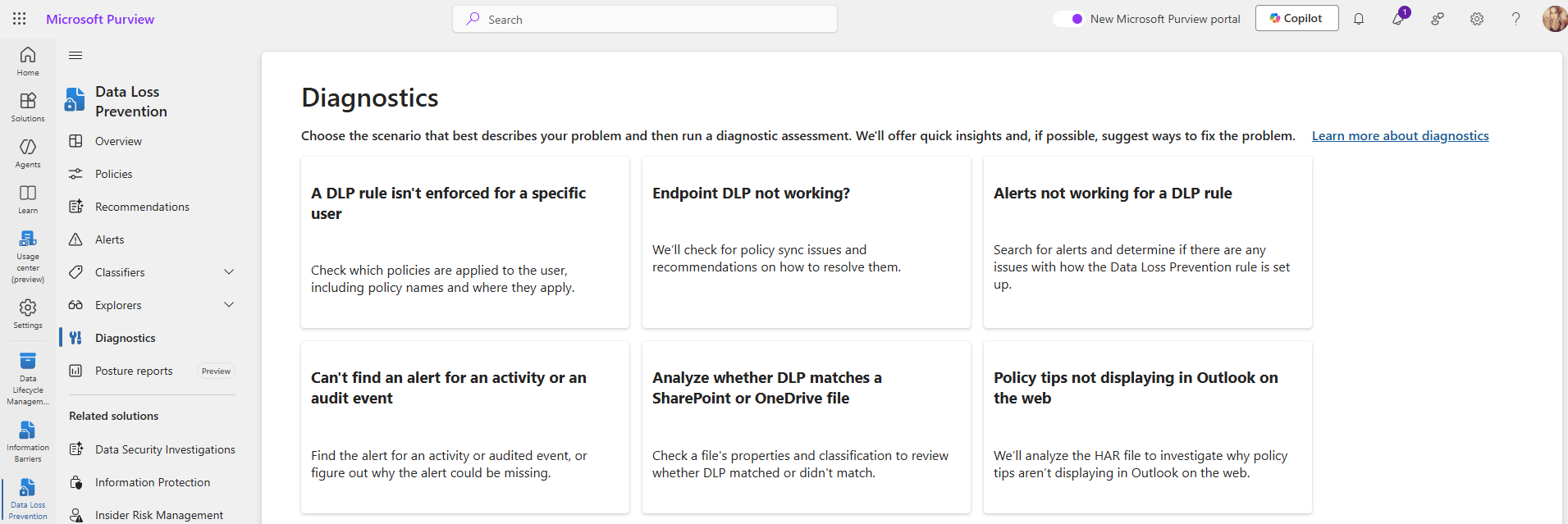
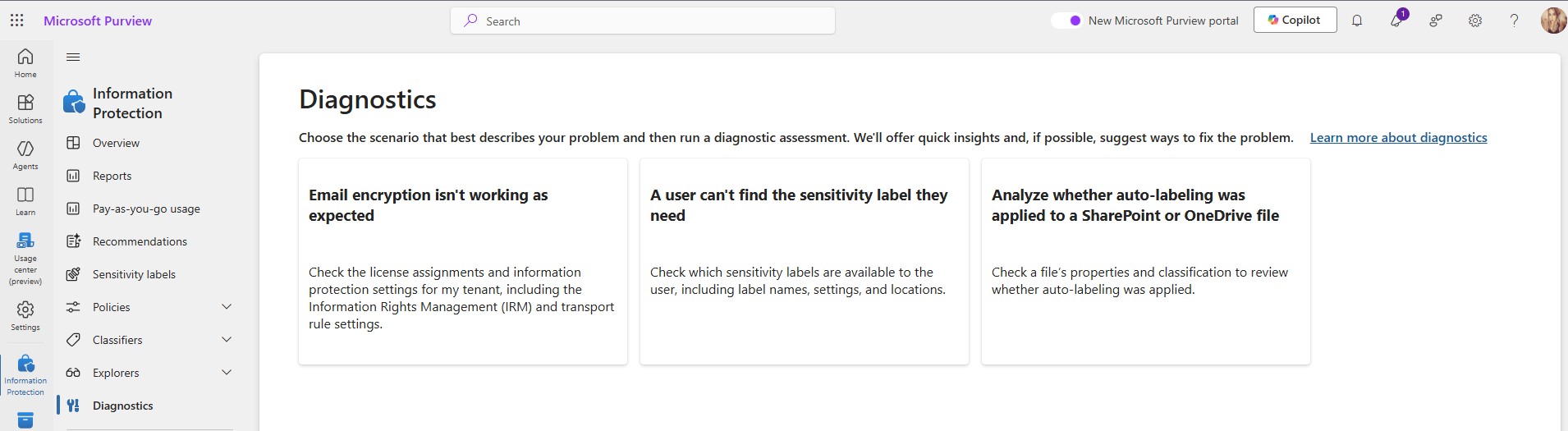
New diagnostics experiences include:
- DLP SharePoint Diagnostics
Insights into policy matches within SharePoint Online content. - DLP Exchange Online (EXO) Diagnostics
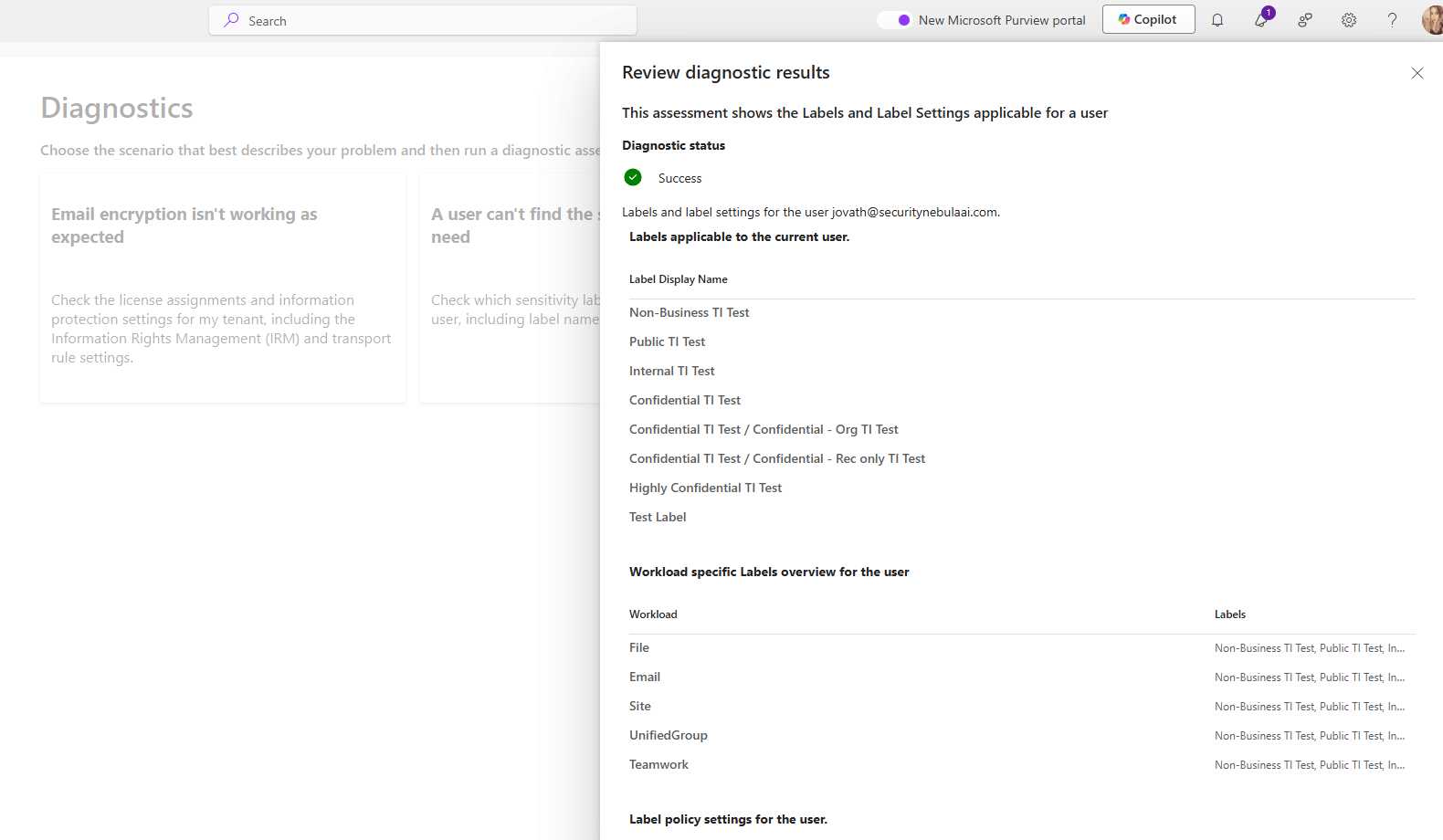
Validation of DLP triggers across email workflows. - Auto-Labeling Diagnostics for SharePoint & OneDrive
Visibility into label assignment, policy behavior, and alignment for stored files.
No Impact to User or Admin Workflows
- No changes to policy enforcement
- No changes to existing configurations
- Diagnostics are enabled by default
- No workflow disruptions
For additional learning and internal readiness, you may review:
 Catastrophic Failure