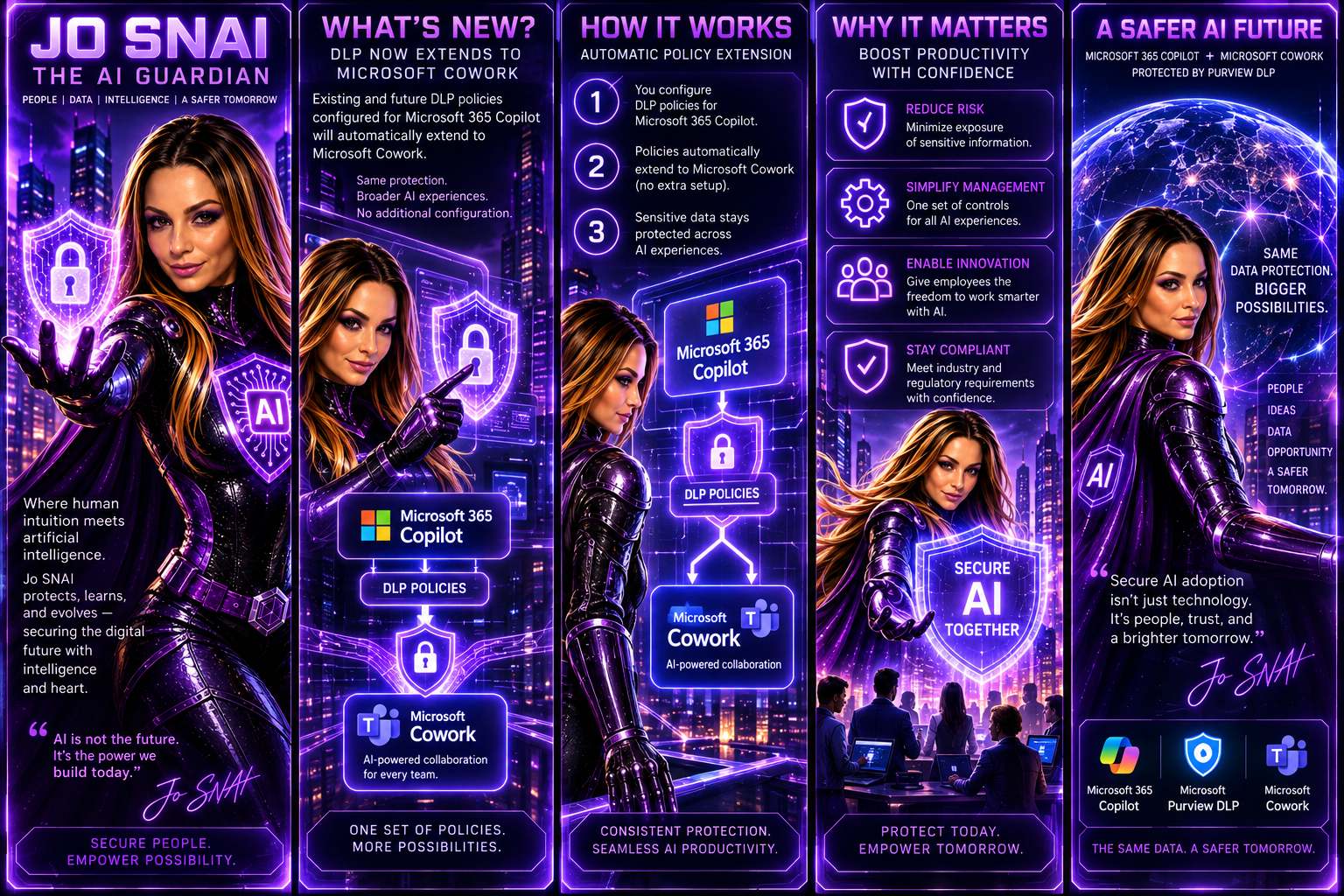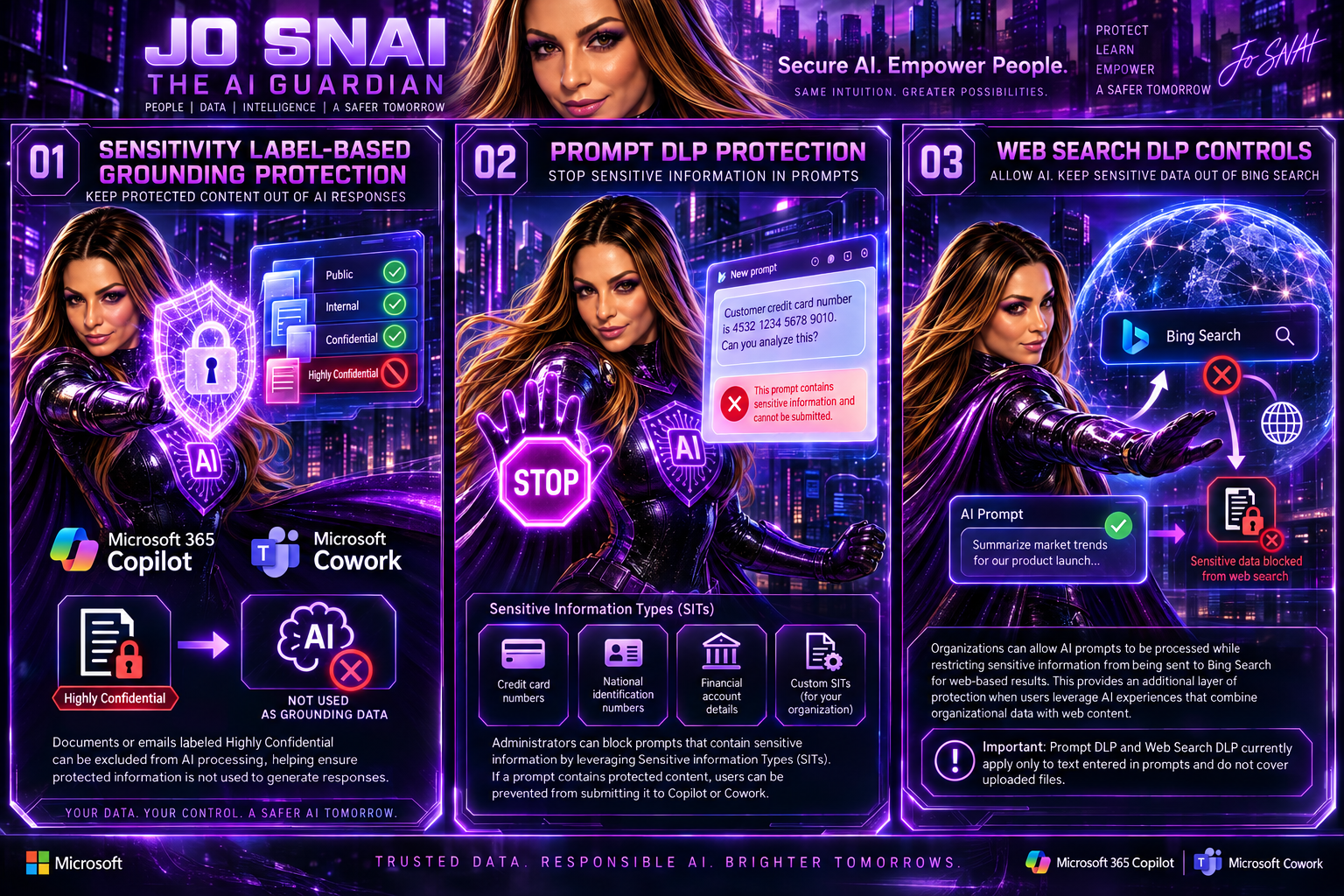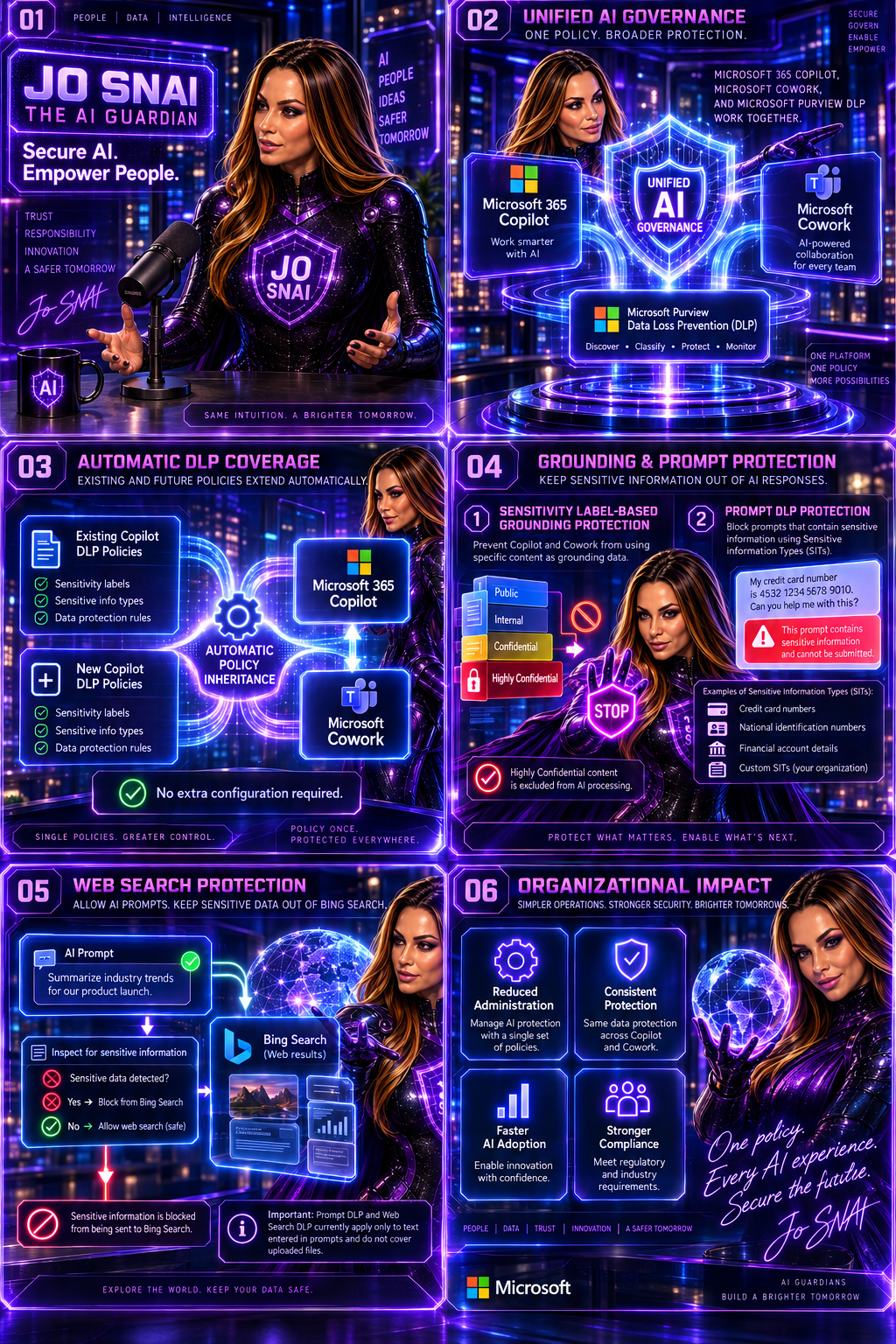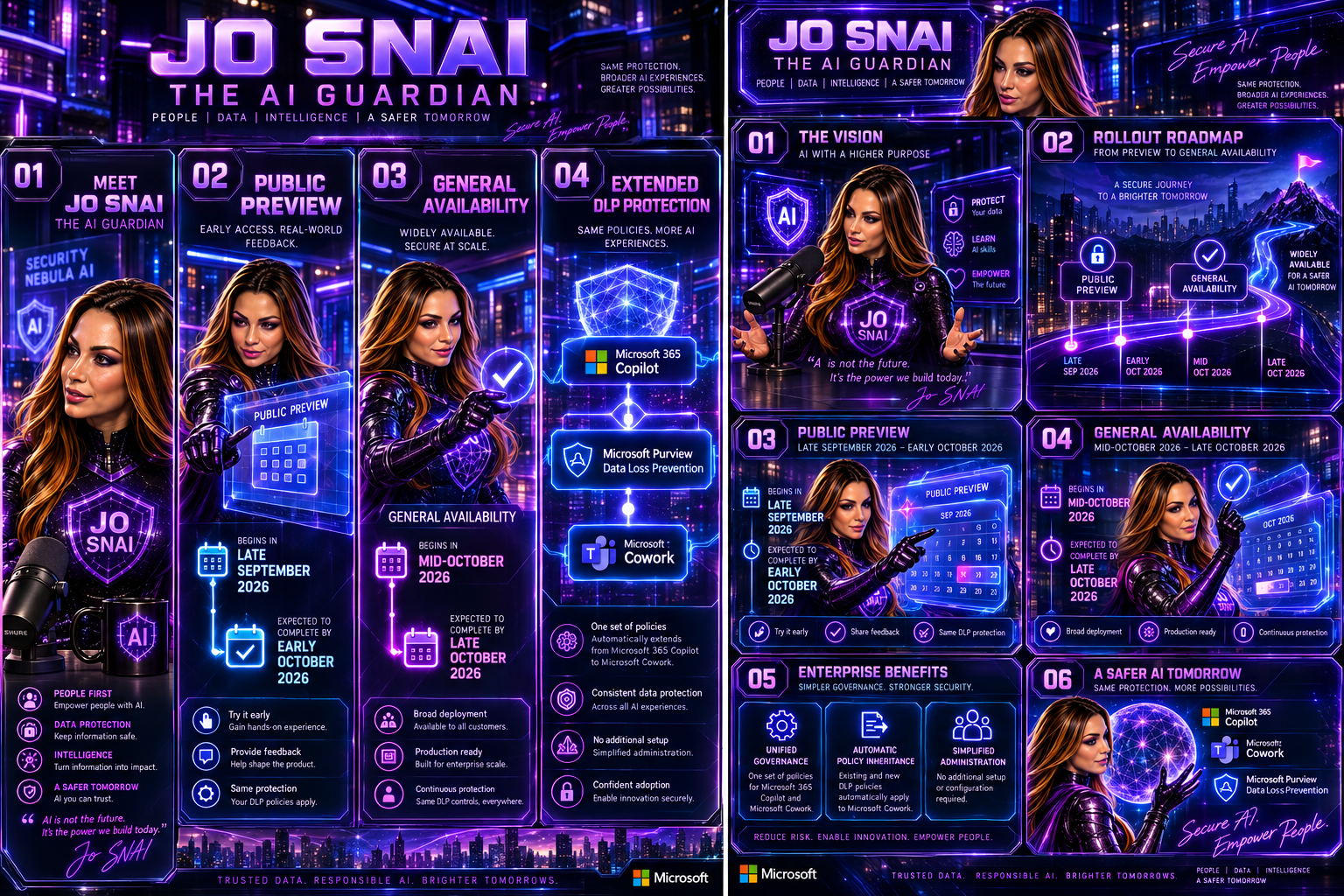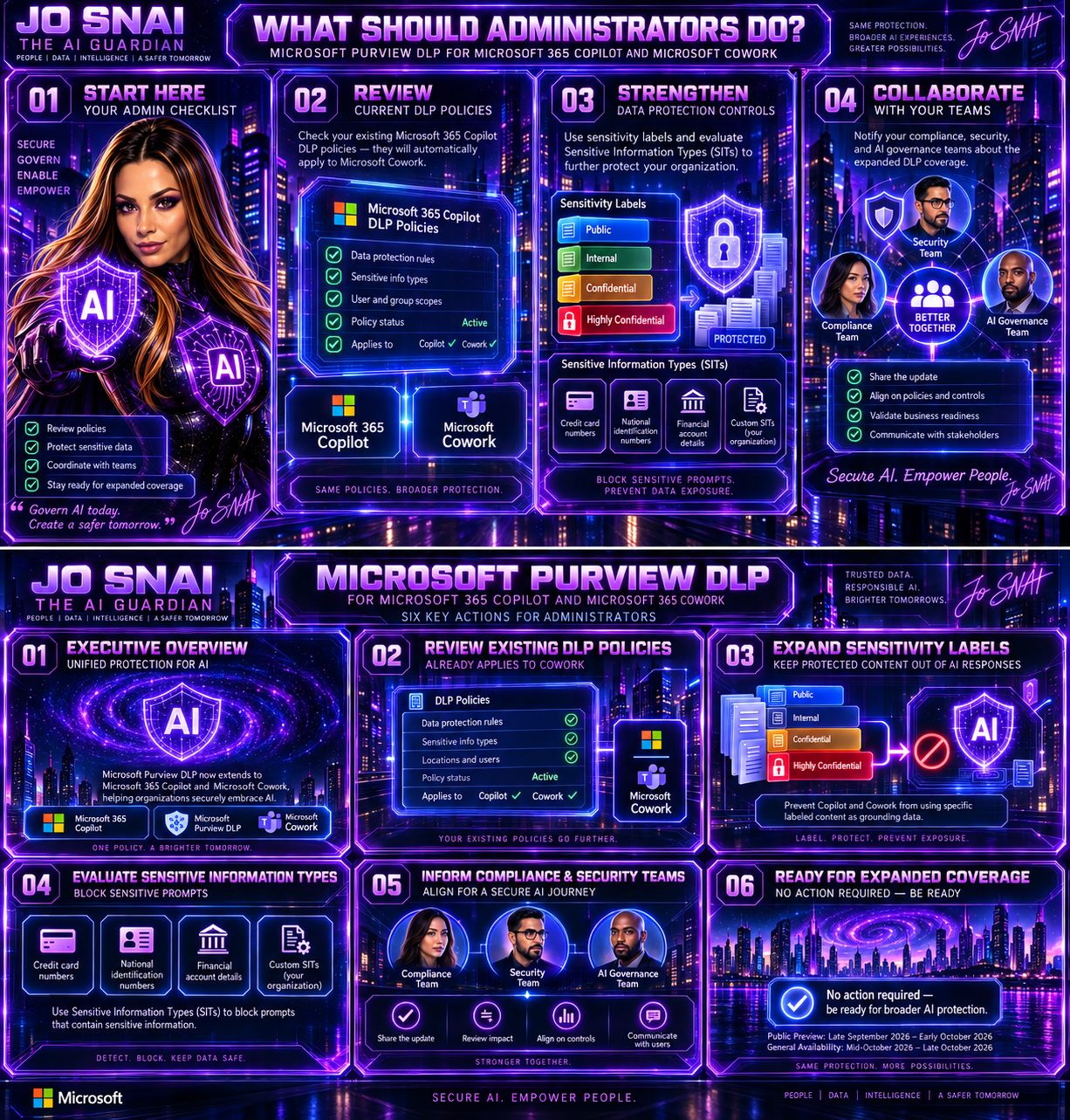
Copilot Cowork is now available in Frontier

Copilot Cowork has officially landed in Frontier for Microsoft 365 Copilot (Premium) users. This release brings a more collaborative way for Copilot to work across apps, handling multi‑step tasks while keeping you in control.

With Copilot Cowork, tasks can span multiple Microsoft 365 apps, with clear user approvals along the way and built‑in progress tracking so you always know what’s happening. It’s designed to feel less like a single command and more like a coworker helping you get things done.

To use Copilot Cowork, users need to be enrolled in Frontier. It currently works with Microsoft‑built agents and uses Anthropic as a subprocessor. For customers in the EU, data boundary controls are in place to help meet regional compliance requirements.

The good news? No admin action is required to get started eligible users can simply explore the experience once Frontier is enabled.

When is this happening?

Copilot Cowork is already rolling out and is available today in Frontier.
General availability for all customers will be announced later—Microsoft will share details once it’s ready for broader release.

What this means for your organization

This update introduces a new way for Copilot to work alongside users—taking on longer, multi‑step tasks across Microsoft 365 apps while keeping people firmly in control. Think of it as Copilot stepping up from quick help to ongoing collaboration.

Who can use Copilot Cowork?

Copilot Cowork is available to:

  • Users with a Microsoft 365 Copilot (Premium) license
  • Users who are enabled for Frontier
  • English‑language users (for now)
Prerequisites and controls to be aware of

Before Copilot Cowork can be used, a few requirements need to be in place:

  • The tenant must be enrolled in the Frontier program
  • Microsoft‑built agents must be enabled
  • Anthropic must be enabled as a subprocessor (this is on by default)

For organizations based in the European Union (EU):

  • Anthropic is turned off by default to meet EU Data Boundary requirements
  • It must be explicitly enabled for Copilot Cowork to function
  • If Anthropic remains off, users may see Copilot Cowork listed but won’t be able to use it

Admins also need to be enrolled in Frontier to see Copilot Cowork listed in the Agent Inventory.

What users can expect

Once available, users can:

  • Install Copilot Cowork directly from the Agent Store in the Microsoft 365 Copilot app
  • Pin it to the left rail for easy access

From there, users can simply describe what they want to achieve—in plain, natural language—and Copilot Cowork will:

  • Create a multi‑step plan based on the user’s Microsoft 365 context
  • Coordinate work across apps like Word, PowerPoint, Outlook, and more
  • Continue working over time, with clear checkpoints and progress tracking

Importantly, Copilot Cowork never acts without permission. It will always propose actions first and wait for explicit user approval before doing things like:

  • Sending emails or Teams messages
  • Scheduling, declining, or rescheduling meetings
  • Editing, moving, or organizing files

Users stay in control at all times—they can pause, adjust, or stop execution whenever they want, and come back later to review progress.

Default behavior and governance

For eligible tenants, Copilot Cowork is enabled by default and respects existing Microsoft 365 permissions and policies. The only exception is where EU Data Boundary settings apply, which may limit functionality unless explicitly configured.

(Updated) Microsoft 365 Copilot: Graph APIs for agent and app management

Microsoft is rolling out two new Microsoft Graph APIs that make it much easier for administrators to discover, monitor, and manage Copilot agents and apps across their organization.

Instead of relying on manual checks through the admin UI, these new APIs allow admins to programmatically access a complete inventory of agents and apps. This opens the door to richer reporting, automation, and seamless integration with existing tools and workflows.

This update is tracked under Microsoft 365 Roadmap ID 502875.

When is this happening?
  • Frontier (Preview): Available now
  • General Availability (Worldwide):
    Deployment will start in mid‑April 2026 (previously end of March) and is expected to complete by early May 2026 (previously end of February).
How does this affect your organization?
Who is impacted?

This change is relevant for admins who manage Copilot agents and apps within Microsoft 365 environments.

What’s changing?

Microsoft is introducing new Graph API endpoints that provide visibility into all agents and apps in your tenant:

  • Retrieve all agents and apps GET graph.microsoft.com/copilot/admin/catalog/packages Returns a full inventory of Microsoft, External, Shared, and Custom agents and apps.
  • Retrieve details for a specific agent or app GET graph.microsoft.com/copilot/admin/catalog/packages/{id} Returns detailed metadata, including properties and manifest information.

These endpoints enable:

  • Automated reporting
  • Easier integrations with internal tools
  • Better visibility into what’s deployed across your organization
What’s not changing?
  • There are no changes to existing admin UI workflows
  • There are no changes to current policies
  • No additional licenses are required — the APIs are available with an existing Microsoft 365 license

Microsoft Purview | DLP protections to prevent sensitive data from leaving your organization through external web search in Microsoft 365 Copilot and Copilot Chat

Microsoft is rolling out an important enhancement to help organizations use Microsoft 365 Copilot more securely. Starting this year, Microsoft Purview Data Loss Prevention (DLP) will include new protections designed specifically for Copilot and Copilot Chat. The goal: prevent sensitive data from being sent to external web search engines during AI‑assisted interactions.

This update introduces real‑time DLP evaluation for prompts that contain Sensitive Information Types (SITs). When Copilot detects protected data in a user’s prompt, it will block any external web search from taking place. Instead, Copilot will continue responding only with internal Microsoft Graph data provided that the user’s licensing allows it.

This feature corresponds with Microsoft 365 Roadmap ID 548671.

Rollout Timeline

Public Preview
Begins: Late March 2026
Completes: Late April 2026

General Availability (Worldwide)
Begins: Late June 2026
Completes: Late July 2026

What This Means for Your Organization
Who Will Be Affected?

This update is relevant for:

  • Organizations using Microsoft 365 Copilot, Copilot Chat, or Copilot Studio agents published to Microsoft 365.
  • Admins who manage Data Loss Prevention policies in the Microsoft Purview portal.
What’s Changing?
New DLP Control for Copilot Web Search

Admins will soon see a new option when configuring DLP policies: the ability to stop Copilot from using external web search when a prompt includes specific sensitive information types.

When this policy is triggered:

  • Copilot will not send content to external web search providers.
  • Copilot will still respond, drawing exclusively from internal Microsoft Graph data sources (assuming the user’s licensing supports this).

New in Microsoft Purview: Smarter Credential Scanning to Strengthen Your Data Security

Microsoft is rolling out a major update to the Data Security Posture Agent in Microsoft Purview, and it’s a big step forward for organizations looking to stay ahead of credential‑related risks.

The newest addition is a credential scanning capability designed to help you uncover exposed credentials, like Microsoft Entra ID details, private keys, API tokens, and other sensitive access points across your selected data locations. With this update, Purview doesn’t just spot the issues; it also gives you risk scores, AI‑generated insights, confidence levels, and credential categories so you can quickly understand what matters and what needs attention.

All findings are surfaced in one streamlined task board, making it easier than ever to review, confirm, and take action.

This enhancement is listed as Microsoft 365 Roadmap ID 558436.

Rollout Timeline
  • Public Preview: Starts late March 2026, expected to finish by early April 2026
  • General Availability (Worldwide): Starts late June 2026, wrapping up by early July 2026

What This Means for Your Organization

Who will notice the change?

Admins who manage Microsoft Purview and use the Data Security Posture Agent within Microsoft 365 tenants will see the new feature appear under the Explore Agent section.

What’s changing?

A brand‑new credential scanning experience is being introduced, including:

  • LLM-powered detection of exposed credentials across selected data locations
  • Automated identification of:
    • Microsoft Entra ID credentials
    • Private keys
    • API tokens
    • Additional sensitive credential types

Each detection comes with:

  • A risk score
  • AI-generated insights
  • A confidence rating
  • A credential category

And to help you stay organized, Purview provides a task board where you can follow up on findings, track progress, and take recommended actions, all in one place.

How to Prepare

New in Microsoft Defender XDR: AI‑Powered Summaries for DLP Alerts

Microsoft is rolling out a great new capability that will make life much easier for anyone who works with Data Loss Prevention (DLP) alerts. You’ll now start seeing AI‑generated summaries and categorizations, produced by the Microsoft Purview Data Security Triage Agent, directly inside the Microsoft Defender XDR portal.

This means faster triage, clearer insights, and less time manually digging through alert details.

What’s new?

When a DLP alert fires, analysts will now see:

  • A concise AI‑generated summary of what happened
  • A suggested categorization of the alert
  • Context pulled directly from the incident to help speed up investigation

If you’ve already deployed the Triage Agent in Purview, these summaries will show up automatically in your Defender XDR alerts. If not, eligible analysts will be able to deploy it directly from the alert page super handy.

Rollout timeline

Public Preview
Starts: Early April 2026
Completed by: Mid‑April 2026

General Availability (Worldwide)
Starts: Mid‑August 2026
Completed by: Late August 2026

Roadmap ID: 558860

Who is impacted?

This update is especially helpful for:

  • Security analysts and administrators triaging DLP alerts in Defender XDR
  • Organizations already using (or planning to use) Microsoft Purview’s Data Security Triage Agent

Existing DLP policies, enforcement, and user experience remain unchanged.

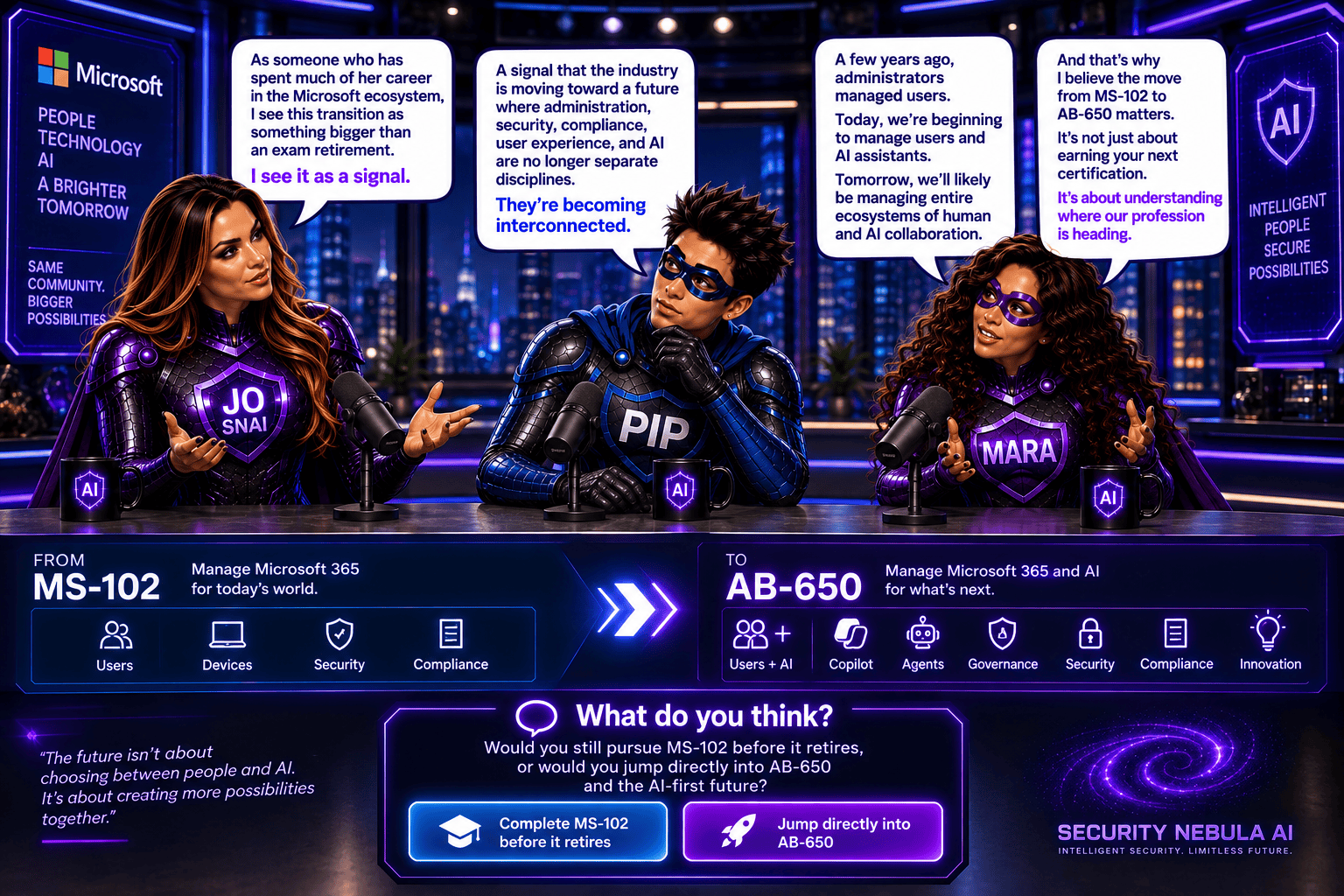
What’s New in Cloud, AI & Security Certifications

Microsoft is rolling out a new wave of Certifications that reflect today’s rapidly evolving cloud, AI, and security landscape. The first beta exams begin this month, with more releases over the next few months, and all new Certifications expected to become generally available later this year.

New Microsoft Certification Beta Timeline (2026)

Machine Learning Operations (MLOps) Engineer Associate
Perfect for professionals who deploy and manage machine learning and generative AI solutions in production.
  • Exam: AI‑300 (beta) — March 2026
  • Training: Available March 2026
  • Go-live: May 2026

Azure Databricks Data Engineer Associate
Ideal for data engineers who design secure, scalable pipelines using Azure Databricks to support real‑time analytics and AI.

  • Exam: DP‑750 (beta) — March 2026
  • Training: Available March 2026
  • Go-live: May 2026

SQL AI Developer Associate
Validates your ability to build AI‑powered, modern database applications using best‑practice governance and DevOps approaches.

  • Exam: DP‑800 (beta) — March 2026
  • Training: Available March 2026
  • Go-live: May 2026

Azure AI Fundamentals
A refreshed Fundamentals Certification focused on building modern AI apps and agents using Microsoft Foundry — great for beginners.
  • Exam: AI‑901 (beta) — April 2026
  • Training: March 2026
  • Go-live: June 2026

Azure AI App and Agent Developer Associate
Aligned with generative and agentic architectures. Covers building generative apps, multistep reasoning workflows, and production‑ready agent solutions.

  • Exam: AI‑103 (beta) — April 2026
  • Training: March 2026
  • Go-live: June 2026

Cybersecurity Business Professional
Validates your ability to recognize risks, apply secure-by-design practices, and support business decision‑making that enables secure AI adoption.

  • Exam: SC‑730 (beta) — April 2026
  • Training: May 2026
  • Go-live: July 2026

Azure AI Cloud Developer Associate
Designed for developers building and monitoring AI solutions on Azure using containers, vector databases, serverless components, and distributed observability.

  • Exam: AI‑200 (beta) — April 2026
  • Training: April 2026
  • Go-live: July 2026

Cloud and AI Security Engineer Associate
Focuses on securing cloud and AI workloads, protecting models, and applying enterprise‑grade security patterns.

  • Exam: SC‑500 (beta) — May 2026
  • Training: July 2026
  • Go-live: July 2026

Windows Server Hybrid Administrator
A unified Certification covering both Azure and on‑premises hybrid administration.

  • Exam: AZ‑802 (beta) — June 2026
  • Training: August 2026
  • Go-live: August 2026

Retiring Certifications: Key Dates & What Replaces Them

As Microsoft updates its Certification portfolio for modern AI‑driven roles, several existing Certifications are scheduled for retirement in 2026. If you hold one of these, make sure you renew it before the retirement date if renewal is available.

You can read more in the official Microsoft article here.

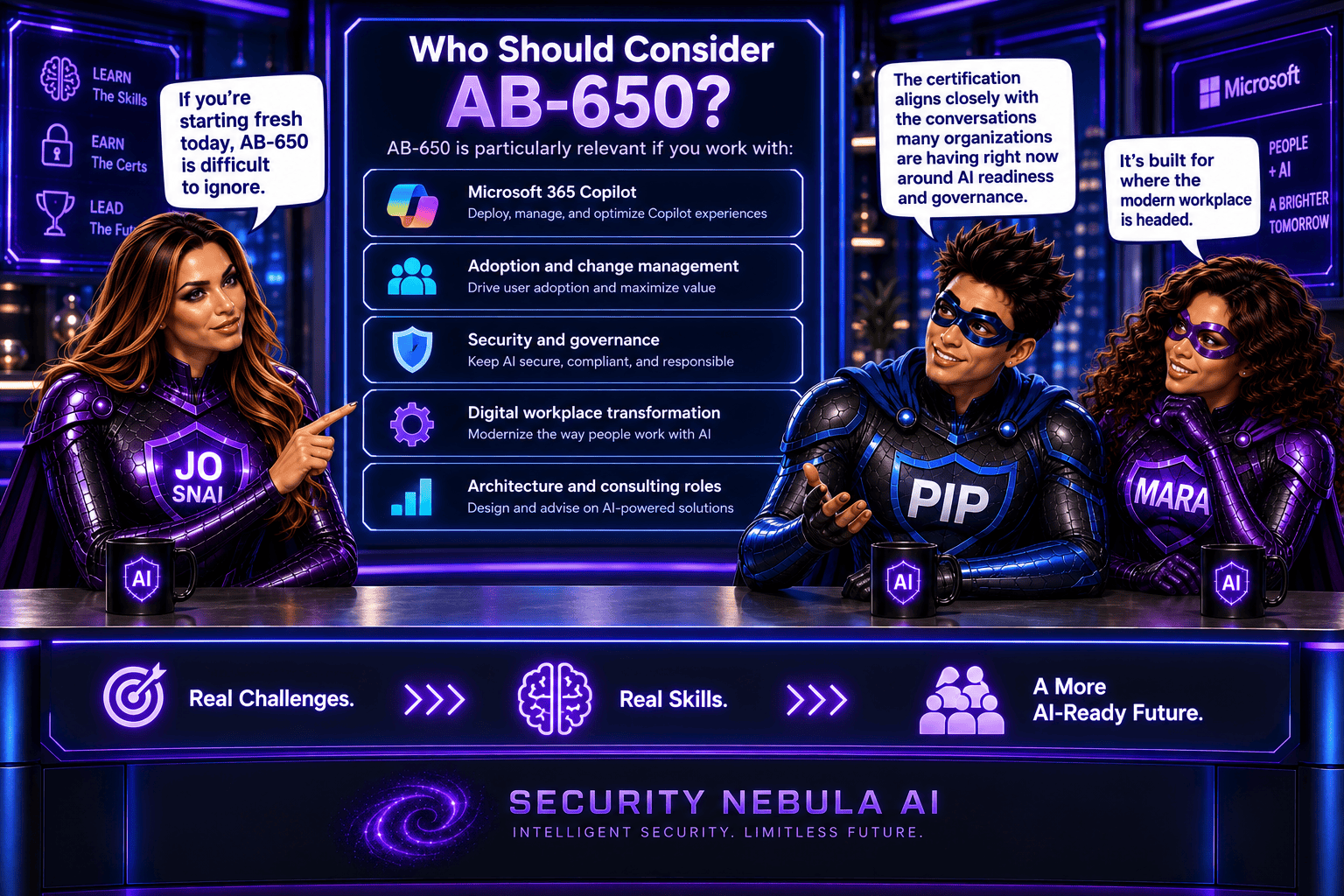
Wave 3 of Microsoft 365 Copilot – The Ultimate Game Changer

Today Microsoft is rolling out some major updates that truly reshape how AI shows up in everyday work. Here’s what’s new:

  • Wave 3 of Microsoft 365 Copilot
  • More model diversity, with Claude and next‑gen OpenAI models available starting today
  • Agent 365 becoming generally available on May 1 at $15 per user
  • Microsoft 365 E7: The Frontier Suite, also coming May 1, priced at $99 per user

Wave 3 is honestly the biggest shift I’ve seen in Copilot so far. It doesn’t feel like “AI that helps you write or summarize” anymore, it feels like Microsoft is moving Copilot into a true agent that can actually do work for you, not just respond to prompts. And this changes everything in how we’ll use Microsoft 365.

Frontier Transformation – What It Really Means

Microsoft is talking about “Frontier Transformation” but at its core, it’s actually simple: AI should help people achieve their highest goals — not just make processes a little faster.

Copilot Cowork – The game changer

The main highlight is Copilot Cowork, built together with Anthropic (the team behind Claude). What I love about it is that it can finally take on a whole piece of work, break it into steps, run those steps in Word, Excel, PowerPoint, Outlook, and keep you updated as it goes.

Not instantly, but over minutes or even hours.
So instead of: “Write a one‑page summary”
It becomes: “Prepare the full report, build the Excel analysis, create the PowerPoint, and draft the email to the team.”
And it actually moves this work forward across the apps we already use daily.

Edit with Copilot – In-app agentic editing

Another thing I like is that “Agent Mode” is gone.
It’s now simply called Edit with Copilot, and it works right inside the apps:

  • Word: turns your messy draft into something polished
  • Excel: actually builds formulas and charts (not just suggests)
  • PowerPoint: creates slides using your real templates and brand
  • Outlook: drafts or refines emails in the compose window

No more copy-paste. No more losing sensitivity labels. Everything stays governed and saved where it should be.

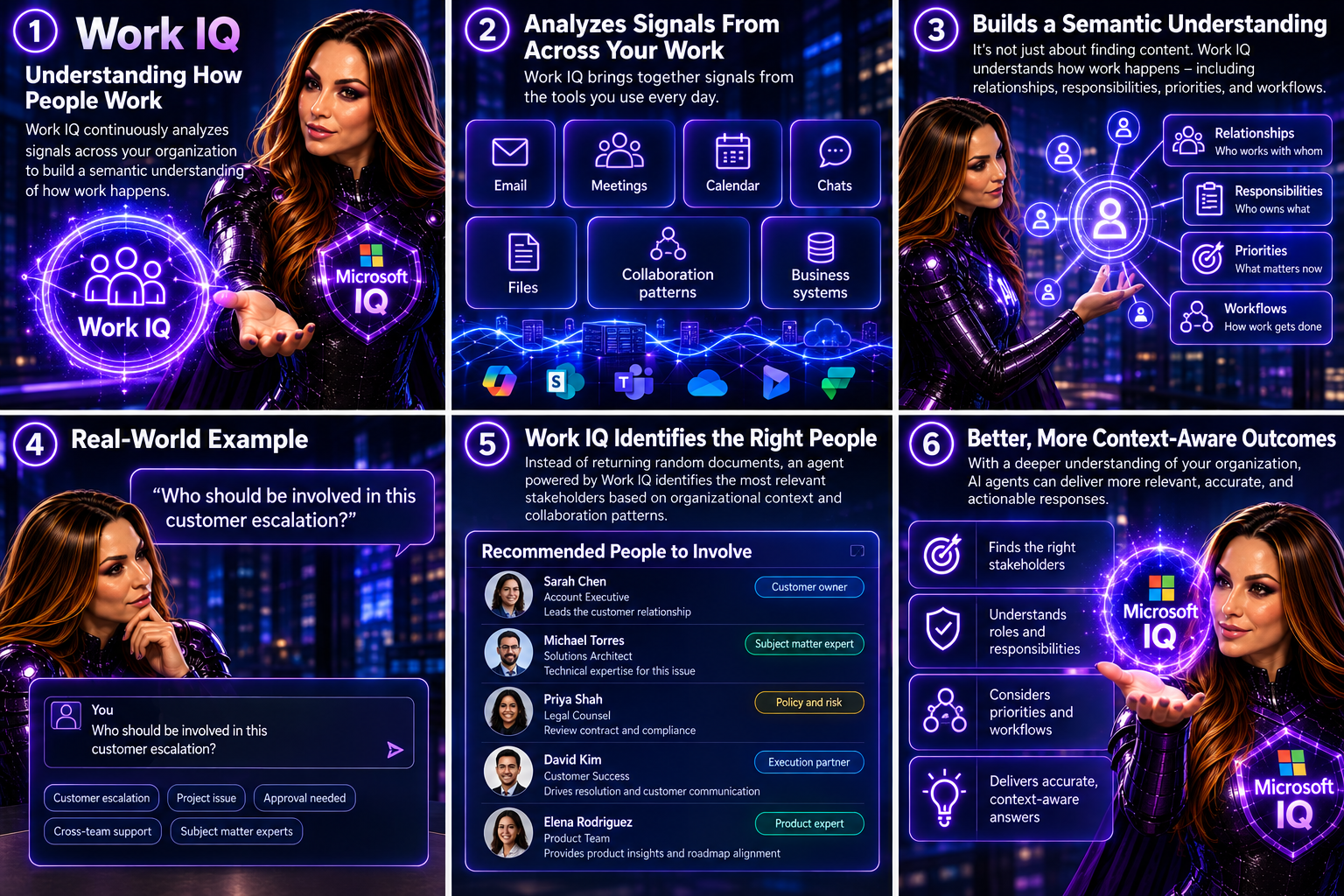
Work IQ – Copilot that “knows how you work”

Wave 3 also introduces Work IQ, which gives Copilot a deeper understanding of:

  • Your organization’s content
  • Your collaboration patterns
  • The apps and workflows you use
  • The context behind your requests

This is what helps Copilot choose the right model (Claude or OpenAI) depending on the task.

Multi‑model Copilot (Claude + OpenAI)

For the first time, Copilot becomes model-agnostic.
You’ll be able to pick or automatically use:

  • Anthropic Claude (via the Frontier program)
  • OpenAI models

A model selector is coming to Copilot Chat so you can choose which model works best, depending on the task.

New licensing tier: Microsoft 365 E7 “The Frontier Suite”

Microsoft also launched a brand new enterprise tier — their first in 11 years:
Microsoft 365 E7 (The Frontier Suite)

It bundles:

  • M365 E5
  • Copilot
  • Agent 365
  • Additional security + analytics tools

This shows how seriously Microsoft is betting on agentic AI becoming the new standard.

Rollout timeline

Wave 3 features are:

  • Already in research preview for selected customers
  • Expanding via the Frontier Program starting March 2026

With Wave 3, Agent 365, Work IQ, and the new E7 suite, AI is shifting from early experimentation to real, scalable, enterprise-wide value. Microsoft is not only imagining what AI could be it’s giving organizations the tools to build that future right now.

You can read more in the official Microsoft article here.

Data Security Investigations introduces new soft purge mitigation action

Microsoft is introducing a new soft purge action in Data Security Investigations (DSI), giving admins a quick and safe way to remove sensitive or overshared files during an investigation. With soft purge, items can be deleted immediately but still recovered later as long as they’re within their deleted‑item retention period, so admins get speed without risking permanent data loss.

This builds on DSI’s growing set of AI‑powered tools like intelligent categorization, AI search, and automated risk insights making it easier than ever for organizations to spot issues and take action fast.

New update coming to Microsoft 365 Roadmap ID 558109. A soft purge action will soon be available in Data Security Investigations (DSI), giving admins a safer and more flexible way to remove sensitive or overshared content during an investigation.

When it’s rolling out
  • General Availability (Worldwide): Begins early April 2026
  • Expected completion: late May 2026

What this means for your organization

Who is affected?

Admins who use Data Security Investigations (DSI) in the Microsoft Purview compliance portal.

What’s changing

A new soft purge option will appear in DSI. With this action, admins can:

  • Remove items that match an investigation query
  • Keep those items recoverable until the retention period expires
  • Act quickly without risking accidental permanent deletion

And the best part:

  • The feature is on by default
  • No configuration needed
  • No changes to existing DLP, labeling, or retention policies
  • End users will not see any changes in their workflows

Once the rollout finishes, the feature simply appears for eligible tenants.

How to prepare

There is nothing you need to do in advance.
If you want to get ahead, you may consider:

  • Reviewing how soft purge works in DSI
  • Updating any internal guidance on investigation processes
  • Informing your security or compliance teams about the new action

Overall, this update gives organizations a safer and more controlled way to remove sensitive content during investigations—without adding extra steps or complexity.

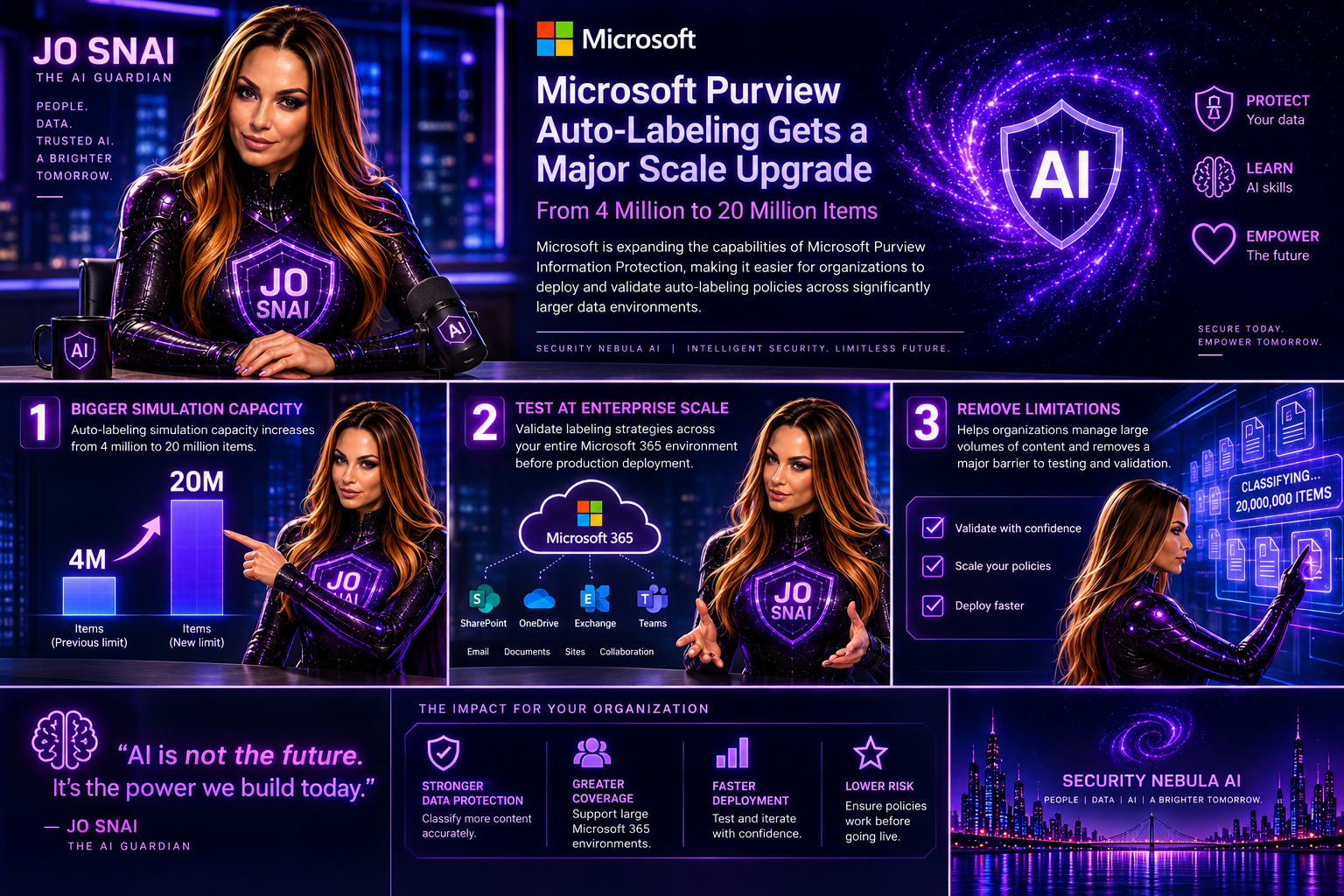
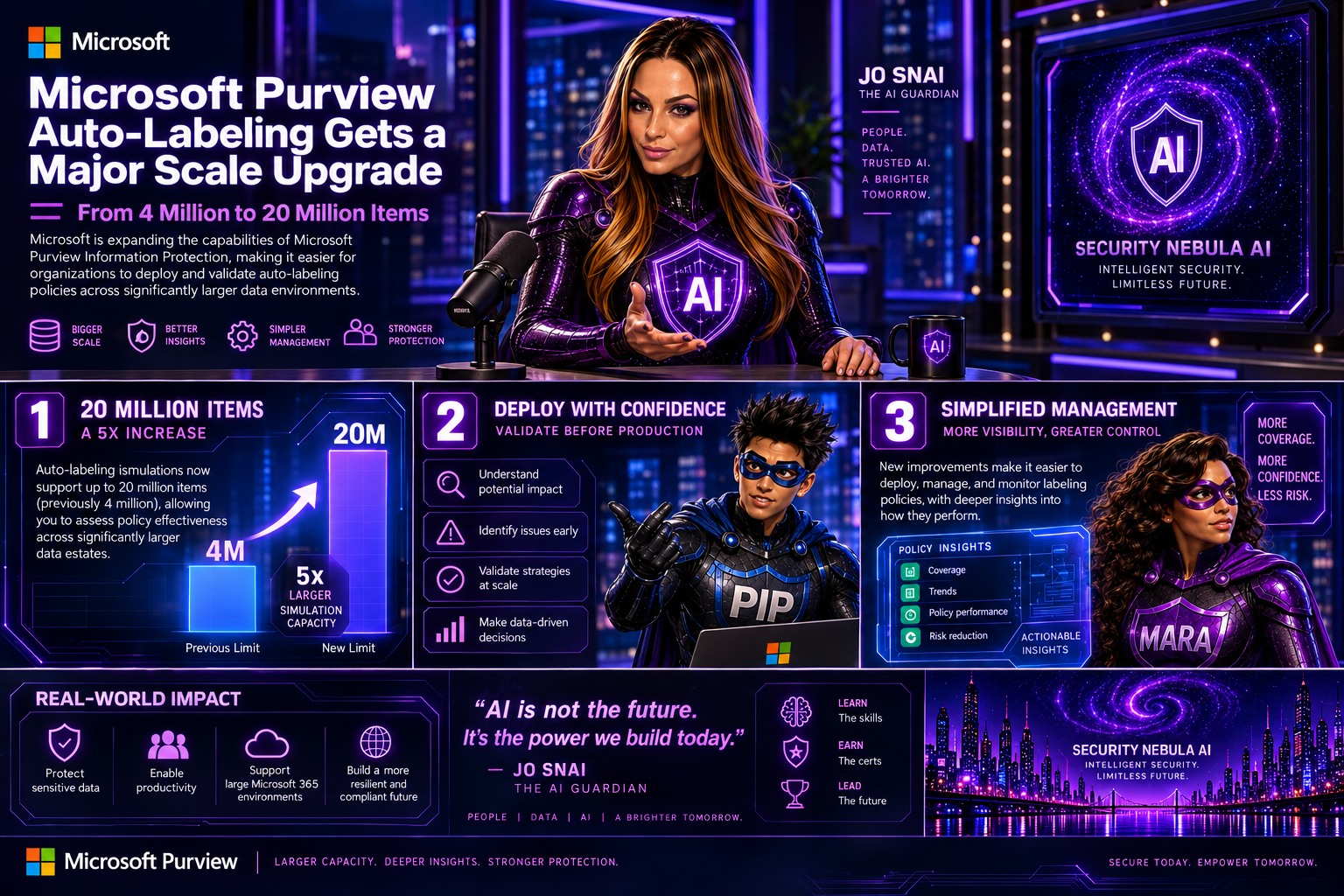
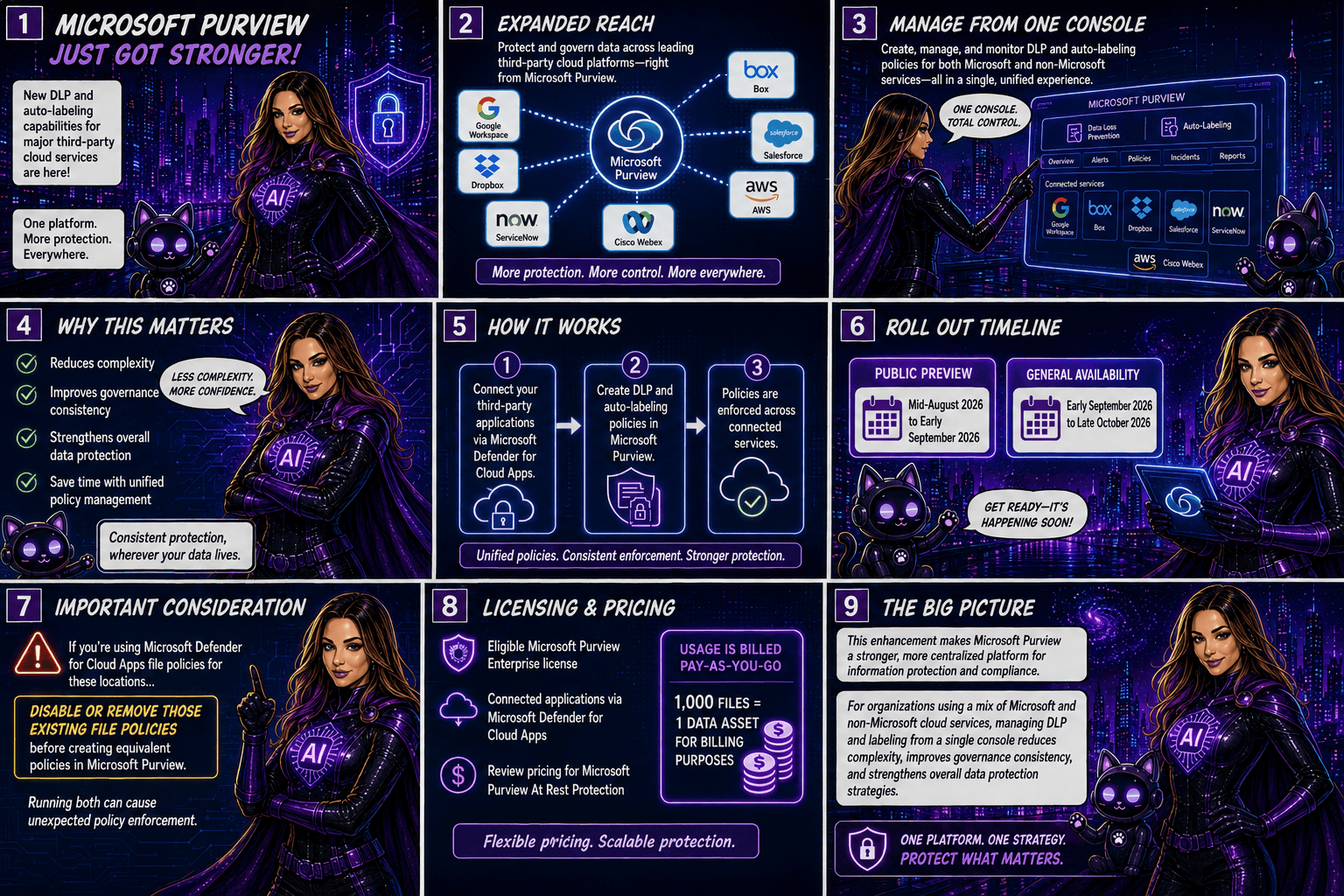
Microsoft Purview Information Protection: Override Manually Applied Labels and Remove Labels Using Auto‑Labeling

Microsoft Purview is rolling out a great new capability for SharePoint and OneDrive: automatic actions for sensitivity labels.

Until now, if someone manually applied the wrong label to a file, admins had limited options—especially when large volumes of content were involved. With this update, Purview can now automatically override or remove manually applied sensitivity labels when they don’t match your organization’s policies.

In simple terms:
Your data stays correctly classified, even when humans make mistakes.

Rollout begins mid‑April 2026, and the feature will be off by default, giving administrators full control over when and how they want to enable it. It’s another step toward stronger, more accurate data governance across Microsoft 365.

Microsoft Purview is getting a meaningful upgrade as part of its ongoing integration with Microsoft Defender for Cloud Apps. The latest improvement brings new auto‑labeling actions to SharePoint and OneDrive, giving organizations more control over how sensitive information is classified across their environment.

What’s new?
Admins can now automatically override sensitivity labels that were applied manually or remove labels entirely when a file no longer meets the criteria for that classification. This means large volumes of content can stay properly labeled—even as information changes—without relying on users to update labels themselves.

This update appears under Microsoft 365 Roadmap ID 558342.

📅 Rollout Timeline

  • General Availability (Worldwide): Starting mid‑April 2026
  • Completion expected by mid‑April 2026

A fast rollout for a very impactful capability.

Who will be impacted

This update mainly affects:

  • Microsoft 365 admins managing Purview Information Protection
  • Organizations using auto‑labeling policies for SharePoint or OneDrive

What’s changing

Admins will now see new actions inside the auto‑labeling configuration panel in the Purview portal.

Auto‑labeling policies can now:

Override existing sensitivity labels

Even if a user applied the label manually, Purview can replace it if the file meets a different policy condition.

Remove a specific sensitivity label

If a file no longer qualifies for a certain label, Purview can automatically strip it from the document.

Applies to files at rest

These changes affect existing content already stored in:

  • SharePoint Online
  • OneDrive for Business

Admin-controlled

Nothing changes until an admin enables these new actions.
By default, the feature is off.

Compliance Considerations

AreaWhat It Means
Does this change how customer data is processed?Yes—files in SharePoint and OneDrive may now have labels automatically overridden or removed based on rules you configure.
Does this modify Information Protection capabilities?Yes—it expands auto‑labeling to include overriding manual labels and removing specific labels.
Does this affect monitoring or compliance evidence?Yes—it improves consistency and auditability because label changes follow formal Purview policies.
Is there an admin control?Absolutely. Admins must explicitly configure these new actions in Purview. Nothing changes automatically.

Copilot in Outlook Becomes Even Smarter: Shared & Delegate Mailboxes Now Supported

Microsoft is rolling out an exciting update that will make life noticeably easier for anyone who works with shared or delegated inboxes in Outlook. Whether you’re an executive assistant managing a busy calendar, part of an HR or finance team working from a shared mailbox, or supporting customers from a service desk account—Copilot is about to become your new best friend.

Until now, Copilot features like summarizing threads or drafting replies were only available when you were in your own mailbox. But that’s changing. With this update, Copilot will work natively inside the shared or delegated mailboxes you already use every day, bringing AI assistance directly to the place where your work actually happens.

This enhancement is tracked under Microsoft 365 Roadmap ID 554936, and it’s one of the most practical Copilot improvements so far for collaborative teams.

When is this coming?

  • Targeted Release: Rolling out from early April 2026 through early May 2026
  • General Availability: Rolling out from early May 2026 through early June 2026

In other words—it’s coming soon, and it will reach everyone within the next couple of months.

What’s changing and who benefits?

This update applies to:

  • People who work in shared or delegated Outlook mailboxes
  • Organizations where users are licensed for Microsoft 365 Copilot

Once enabled, users will be able to:

✔ Use Copilot Chat directly inside shared or delegated mailboxes

You no longer need to switch back to your primary inbox to engage Copilot.

✔ Access features like Summarize, Draft, and other Copilot prompts

These capabilities will now operate on the content of the shared mailbox itself.

✔ Skip awkward prompt wording

No more typing things like “in @domain.com…”.
You can simply ask Copilot naturally, and it understands the context of the mailbox you’re currently in.

✔ Benefit from full support for:

  • Full-access shared mailboxes
  • Shared folder permissions
  • Folder-level access models commonly used by support desks and admin teams

✔ Keep your Copilot history private

Even though multiple people may work in the same shared mailbox, the Copilot conversation history stays tied to your personal account, not the shared mailbox.
No cross-user visibility. No confusion.

What does this mean for your organization?

The good news:
There’s nothing you need to turn on.
This feature will light up automatically for licensed users once rollout reaches your tenant.

Still, it’s worth doing a quick review of:

  • Your shared mailbox permission structure
  • Folder-level roles (especially for teams with tiered access)
  • Training materials or internal FAQs that mention Copilot in Outlook

You may want to update your documentation so users understand they can now use Copilot directly within shared inboxes.

Compliance considerations