Security Copilot Agent in Microsoft Purview Overview (preview)


Microsoft has introduced Security Copilot agents in Microsoft Purview (preview) to assist organizations automate and scale triage across Data Loss Prevention (DLP) and Insider Risk Management (IRM). These AI-powered agents are built on the Microsoft Security Copilot platform and leverage Security Compute Units (SCUs) to reason over alerts, analyze content, and priorities risk—at scale.
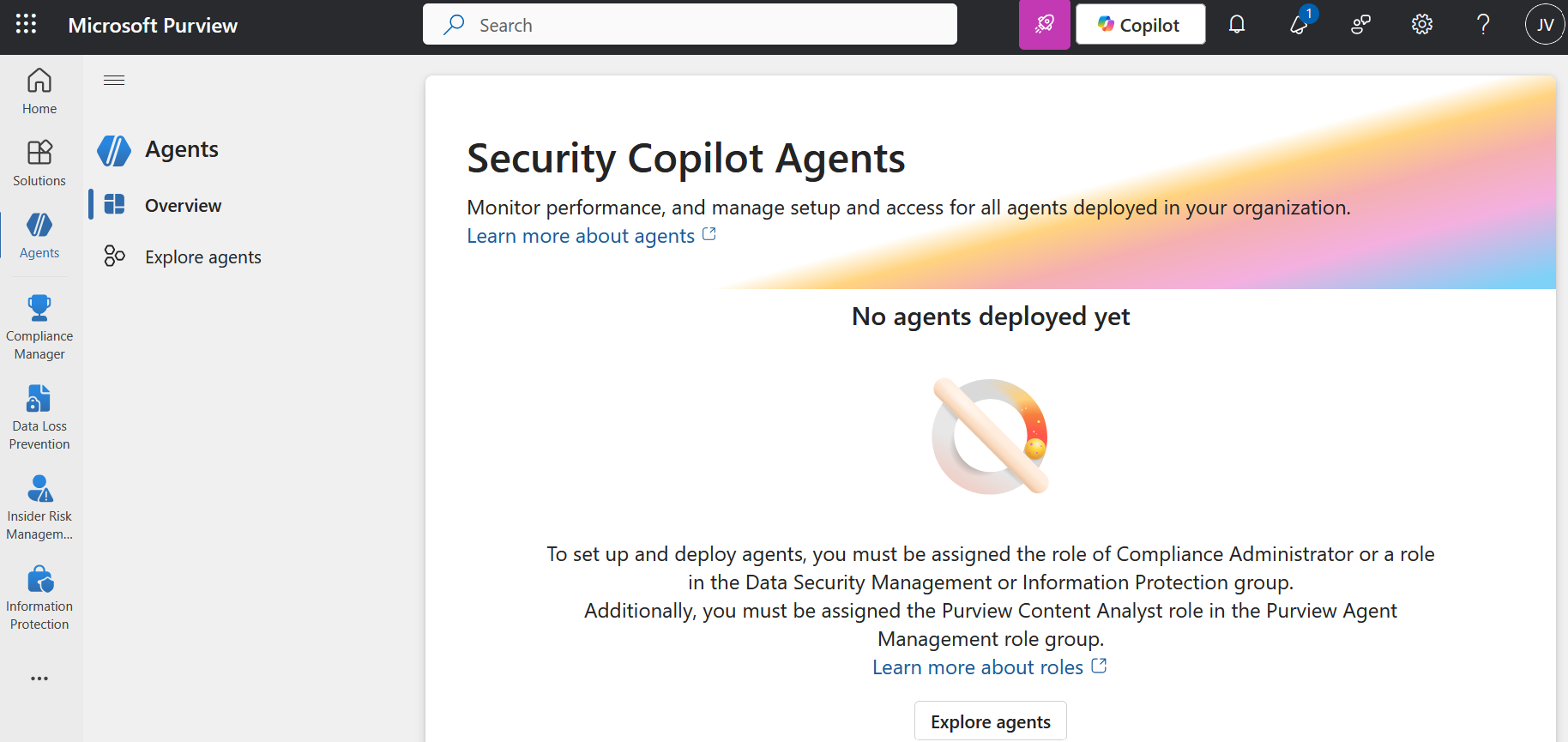
The Microsoft Purview Triage Agents run on Security Compute Units (SCU). Your organization must have SCUs provisioned for the agents to run SKU/subscriptions licensing.

When you deploy an agent, and when you edit triggers, you can select whether the agent will run automatically based on a set schedule or Agent will run manually on one alert at a time . If you select Run automatically based on a set schedule, the agent will triage the alerts that are included in the Select Alert timeframe setting.

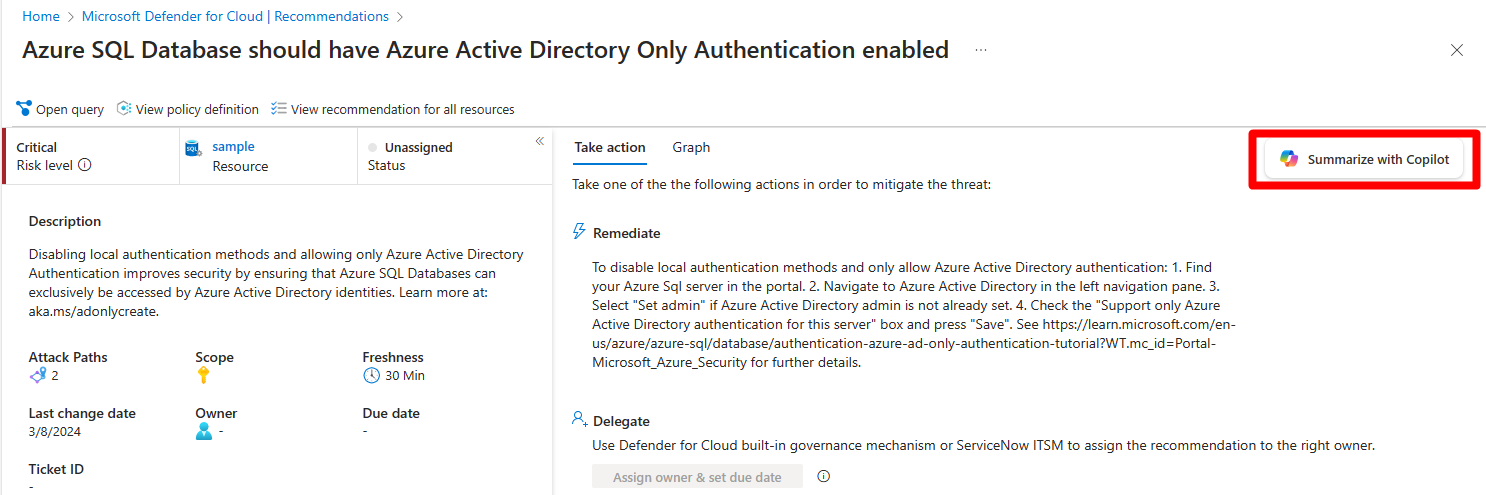
Copilot for Security in Defender for Cloud (Preview)


Microsoft Defender for Cloud integrates both Microsoft Copilot for Security and Microsoft Copilot for Azure into its experience. With these integrations, you can ask security-related questions, receive responses, and automatically trigger the necessary skills needed to analyze, summarize, remediate, and delegate recommendations using natural language prompts.

Both Copilot for Security and Copilot for Azure are cloud-based AI platforms that provide a natural language copilot experience. They assist security professionals in understanding the context and effect of recommendations, remediating or delegating tasks, and addressing misconfiguration in code.

How Copilot works in Defender for Cloud

Defender for Cloud integrates Copilot directly in to the Defender for Cloud experience. This integration allows you to analyze, summarize, remediate, and delegate your recommendations with natural language prompts.

When you open Copilot, you can use natural language prompts to ask questions about the recommendations. Copilot provides you with a response in natural language that helps you understand the context of the recommendation. It also explains the effect of implementing the recommendation and provides steps to take for implementation.

Some sample prompts include:

  • Show critical risks for publicly exposed resources
  • Show critical risks to sensitive data
  • Show resources with high severity vulnerabilities

Copilot can assist with refining recommendations, providing summaries, remediation steps, and delegation. It enhances your ability to analyze and act on recommendations.

Step-by-Step: Protect Your Usage of Copilot for M365 Using Microsoft Defender for Cloud Apps