
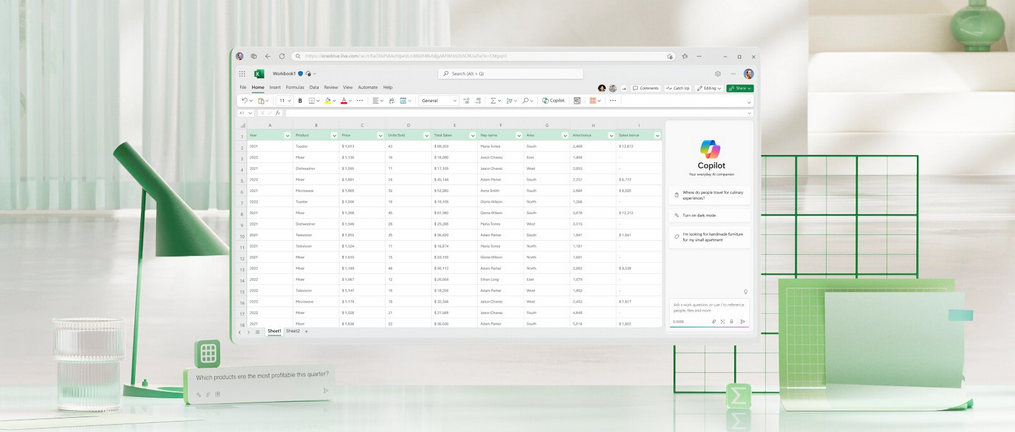
Microsoft Copilot in Excel helps you do more with your data in Excel tables by generating formula column suggestions, showing insights in charts and PivotTables, and highlighting interesting portions of data.
- Open Excel in Microsoft 365.
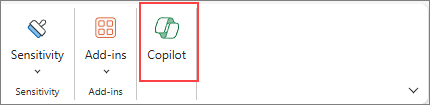

2. Open a workbook stored on OneDrive or SharePoint.
Important:
Your data needs to be formatted in specific ways (see Format data for Copilot in Excel), and you’ll need to select a cell within your table or data range before using Copilot.
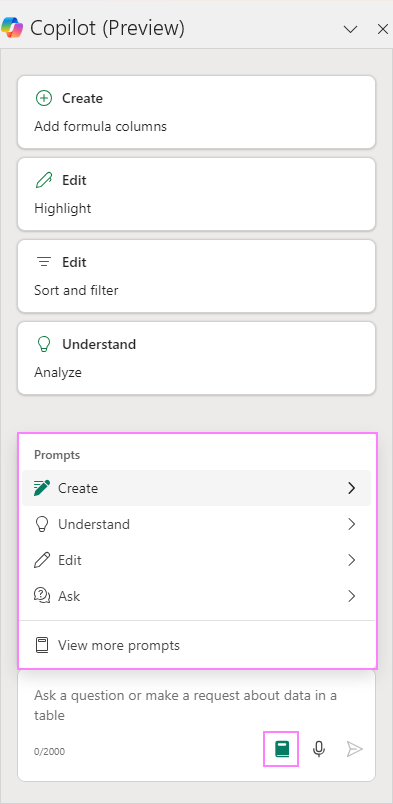
4. Select Copilot on the ribbon to open the chat pane.
Tip: If you can’t select the Copilot button in the ribbon, try saving the file to the cloud first.
5. Enter your prompts and start working with Copilot.
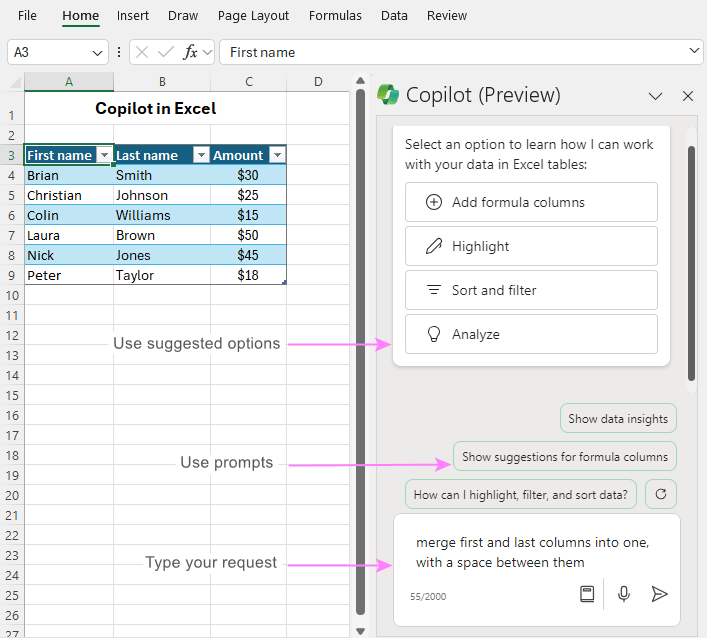
Learn more about creating effective prompts at Copilot Lab.
 Catastrophic Failure