🔐 New AI Transparency Policy in Microsoft 365


Microsoft 365 will offer a policy to add visual or audio watermarks to AI-generated or altered video and audio content, available via Cloud Policy by February 2026. This enhances transparency but does not apply to images, which users can watermark through privacy settings separately.
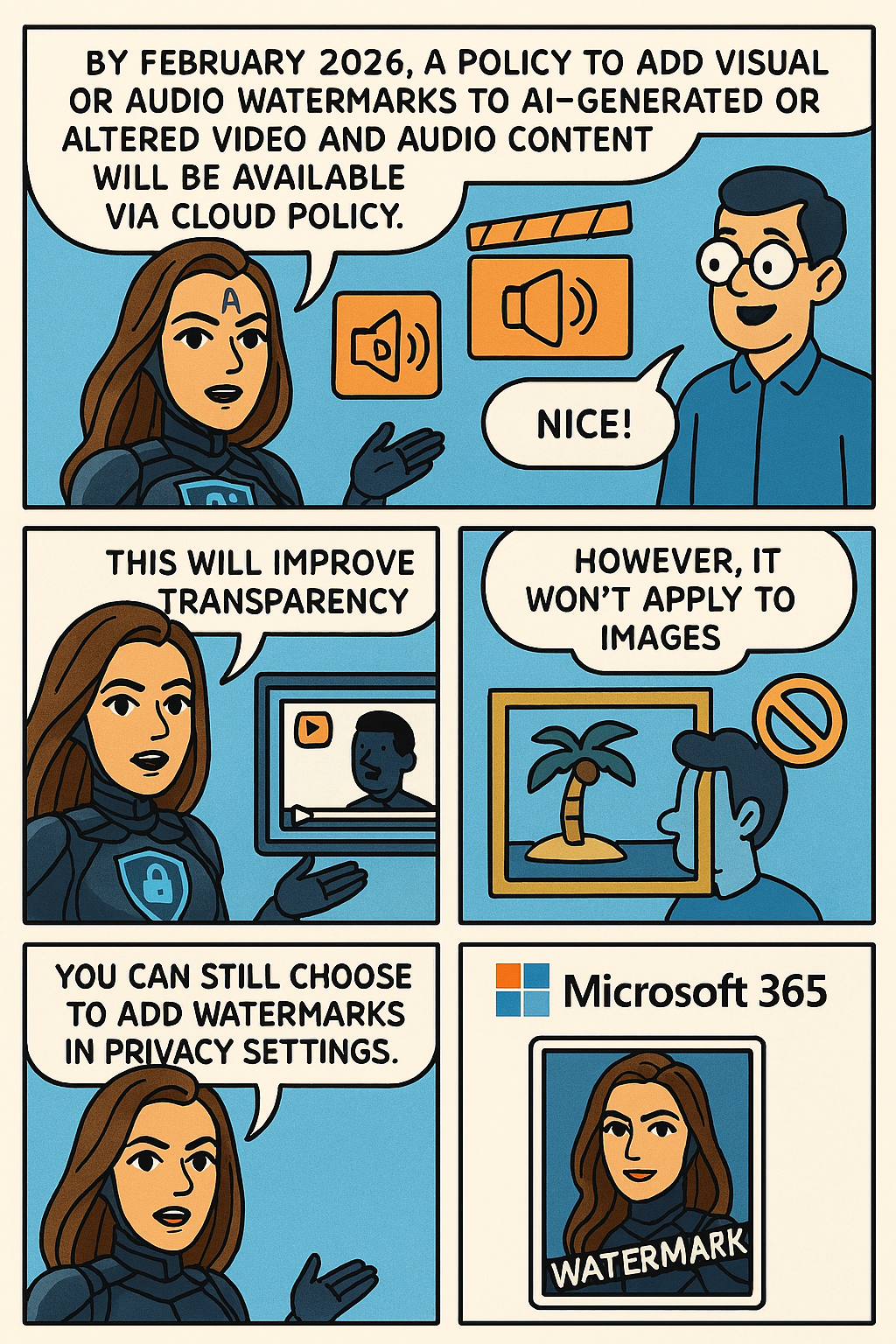
To help provide additional transparency about what content has been generated or altered by using AI in Microsoft 365, Microsoft is providing you with a policy setting that visually designates when content, such as video or audio content, is generated or altered by using AI. This policy setting controls your organization’s option to add a visual or audio watermark to video and audio content that your users generate or alter by using AI in Microsoft 365.
To turn on watermarks for video and audio content that your users generate or alter by using AI in Microsoft 365, you need to use the “Include a watermark when content from Microsoft 365 is generated or altered by AI” policy. This policy is available only in Cloud Policy service for Microsoft 365

Note: Watermarks are not turned on unless you set the policy to Enabled. Your organization is always responsible for following the Microsoft Enterprise AI Services Code of Conduct, including not generating or sharing deceptive AI content. 

This change is associated with Microsoft 365 Roadmap ID: 547831.

When this will happen

General Availability (Worldwide): We anticipate that this policy will be available in Cloud Policy by the second half of February 2026.

How this will affect your organization

Who is affected

Users that generate or alter video and audio content by using AI in Microsoft 365

What will happen

If you set the “Include a watermark when content from Microsoft 365 is generated or altered by AI” policy to Enabled in Cloud Policy, a visual or audio watermark is added to video and audio content that is generated or altered by using AI in Microsoft 365. Here are two examples:

  • A visual watermark is added to a video generated with Clipchamp.
  • An audio watermark is added to an audio overview generated by Copilot from a Word document.

Notes:

  • This policy doesn’t affect images generated or altered by using AI in Microsoft 365.
  • Instead, your users will be able to turn on watermarks for images by going to Settings & Privacy > Privacy at https://myaccount.microsoft.com. We anticipate this capability will be available in the second half of February 2026

What you need to do to prepare

Review the information in the following article: Add watermarks to content generated or altered by using AI in Microsoft 365. If you decide to set the “Include a watermark when content from Microsoft 365 is generated or altered by AI” policy to Enabled, inform your users that a visual or audio watermark will be added to video and audio content that they generate or alter by using AI in Microsoft 365

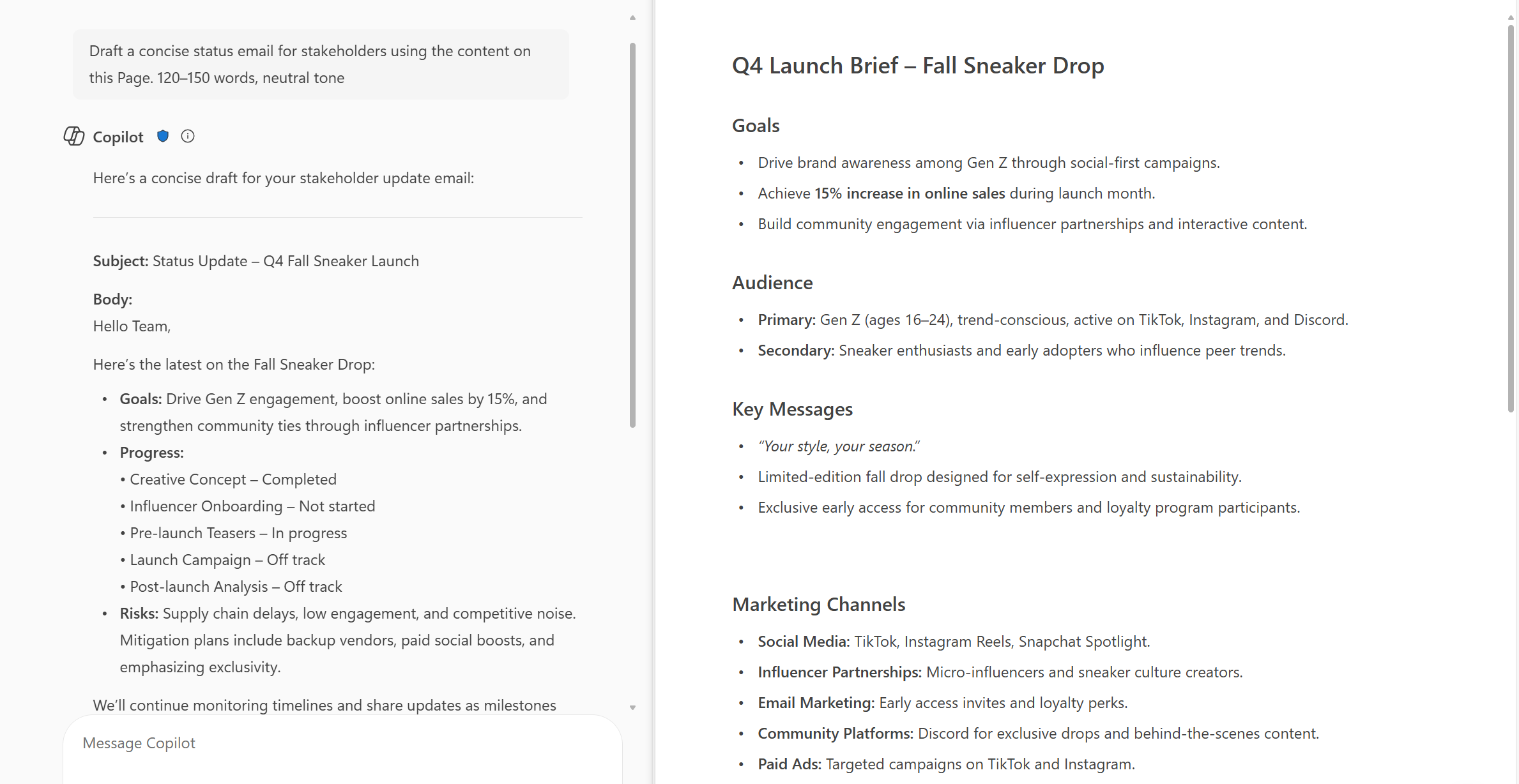
New feature-M365 Copilot Chat can now answer questions about the currently open page


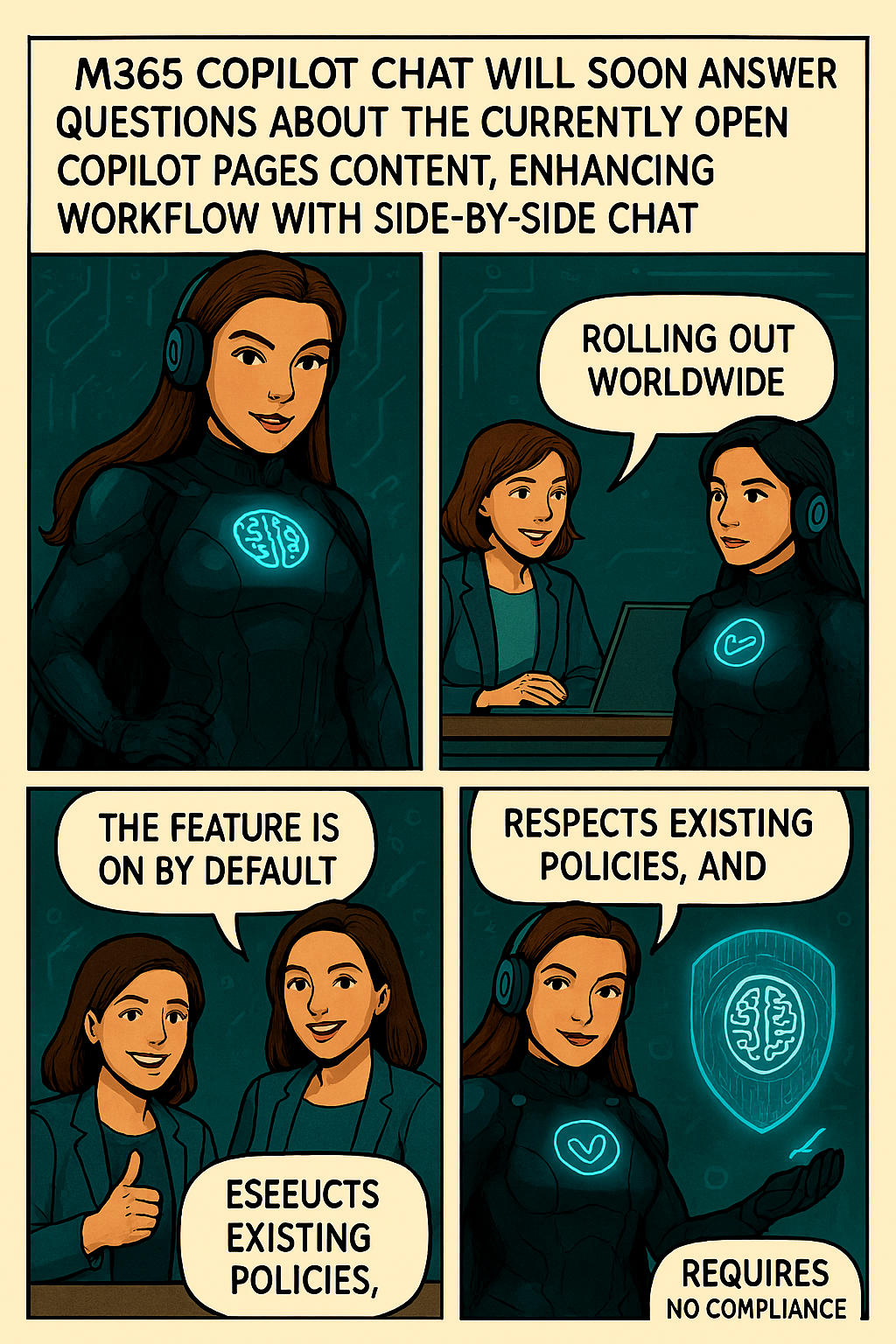
Microsoft introducing a new capability in Copilot Pages that allows Copilot Chat to answer questions based on the contents of the currently open page. This enhancement supports more efficient workflows by enabling users to get contextual answers directly within the side-by-side Chat experience, without needing to switch views or search manually.

When this will happen:
General Availability (Worldwide): We will begin rolling out in early October 2025 and expect to complete by early November 2025.

How this affects your organization:

  • Who is affected: Users with access to Copilot in Microsoft 365 who use Copilot Pages and Copilot Chat in side-by-side mode.
  • What will happen:
    • Users will be able to ask questions in Copilot Chat about the currently open page in Copilot Pages.
  • Copilot will respond using the content of the open page to provide contextual answers.
  • The feature will be ON by default for eligible tenants to configure.
  • Existing admin policies are respected; no policy changes are required.

What you can do to prepare:

  • Communicate this change to helpdesk and support staff.
  • Update internal documentation or training materials that reference Copilot Pages or Chat functionality.
  • Review user guidance to ensure users understand how to use Copilot effectively in side-by-side mode.

Learn more:  Manage Copilot Pages and Copilot Notebooks in your organization | Microsoft Learn

Compliance considerations
No compliance considerations identified, all compliance capabilities will be the same as the Microsoft 365 Copilot Pages experience.

Jo The Ciphermind: A Comic Journey Through Data, Privacy, and Security in Microsoft 365 Copilot


Hello Friday 🎉 !
It’s time to unwind with a great story. Who doesn’t love comics?
I certainly do! So, let’s dive into my comic story and introduce you my character…
My new Tech Comic: Meet Jo Valiant the Guardian of Digital Realms & AI Ethics


🆕 Character
🦸 Name: Jo Valiant
✍ Alias: The Ciphermind
🚨 Role: Guardian of Digital Realms & AI Ethics
🗒️ Catchphrase: “Decode The Chaos.”


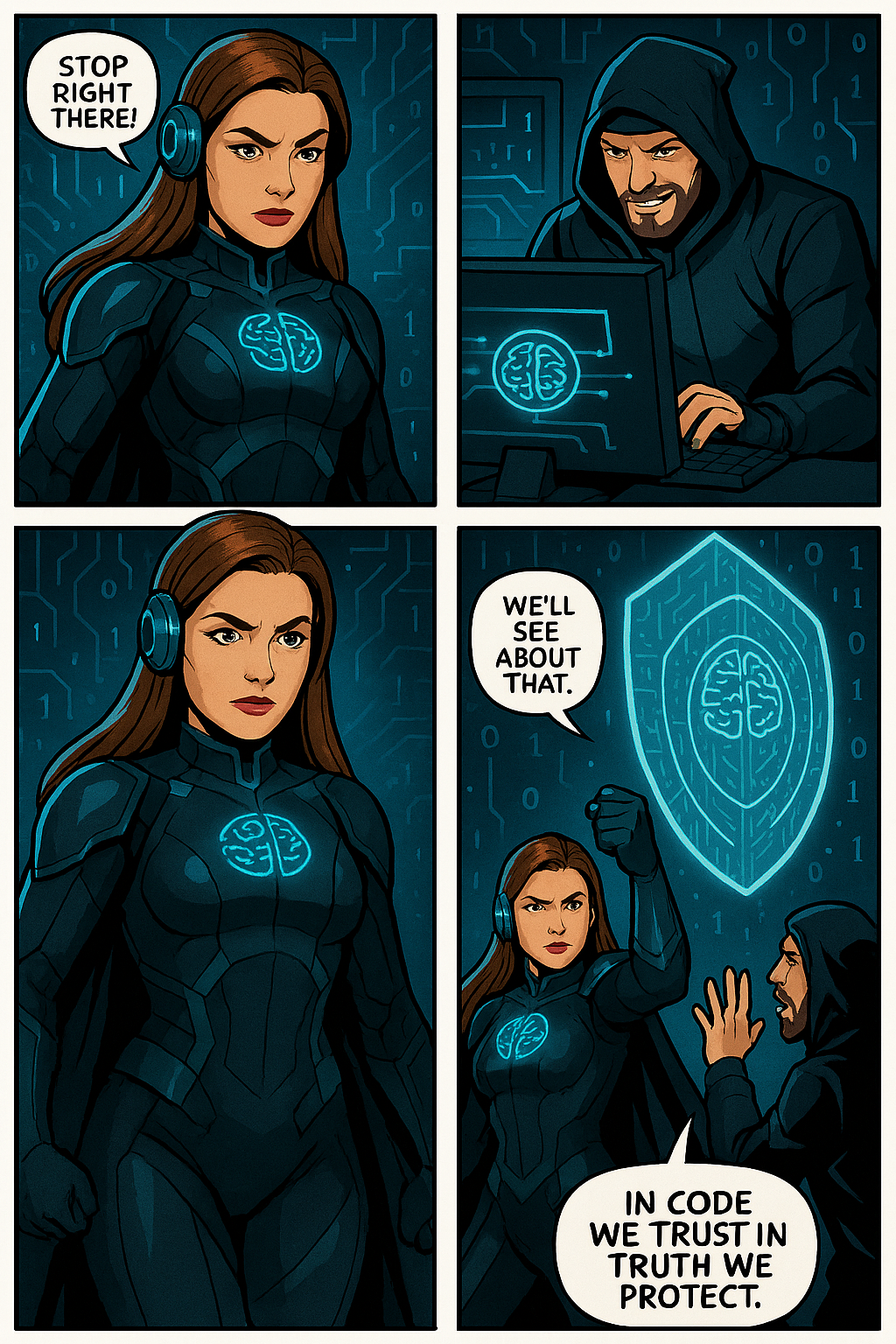
In a futuristic digital landscape where data flows like storms and privacy is constantly under threat, emerges Jo The Ciphermind—a guardian clad in encrypted armor and equipped with a mind shielded by advanced privacy protocols. Jo is not just a character but a symbol of resilience and vigilance in the realm of Microsoft 365 Copilot. With glowing blue accents and a brain symbol illuminated on the chest, Jo represents the fusion of human cognition and artificial intelligence. The headphones signify constant connectivity, while the surrounding icons—a padlock, AI chip, shield with a brain, and fingerprint—highlight Jo’s mission to protect data, ensure privacy, and uphold security. This slide introduces Jo as the protagonist of our comic-style journey, setting the stage for an engaging exploration of how Microsoft 365 Copilot integrates these critical elements into its ecosystem.

Balance of Innovation and Integrity
Jo’s journey highlights the balance between advancing AI innovation and upholding responsible data stewardship.

Jo’s Mission
Jo The Ciphermind’s mission transcends individual battles—it’s about empowering users with transparency, control, and trust in Microsoft 365 Copilot.

To be continue…