Microsoft Purview DLP: Instances Policy Location Retiring in January 2027

Microsoft has announced the retirement of the Instances policy location in Microsoft Purview Data Loss Prevention (DLP), with the change taking effect on January 6, 2027.

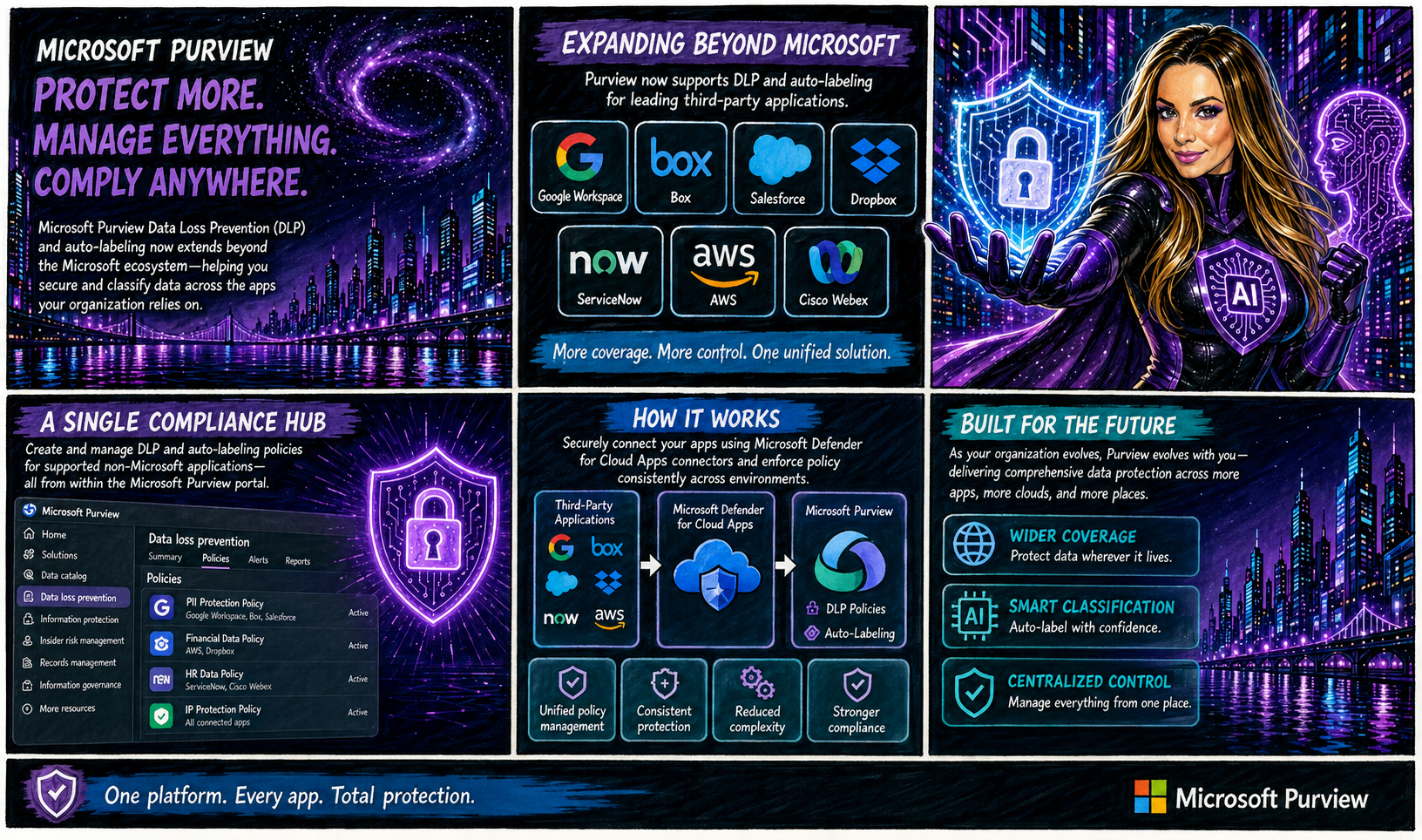
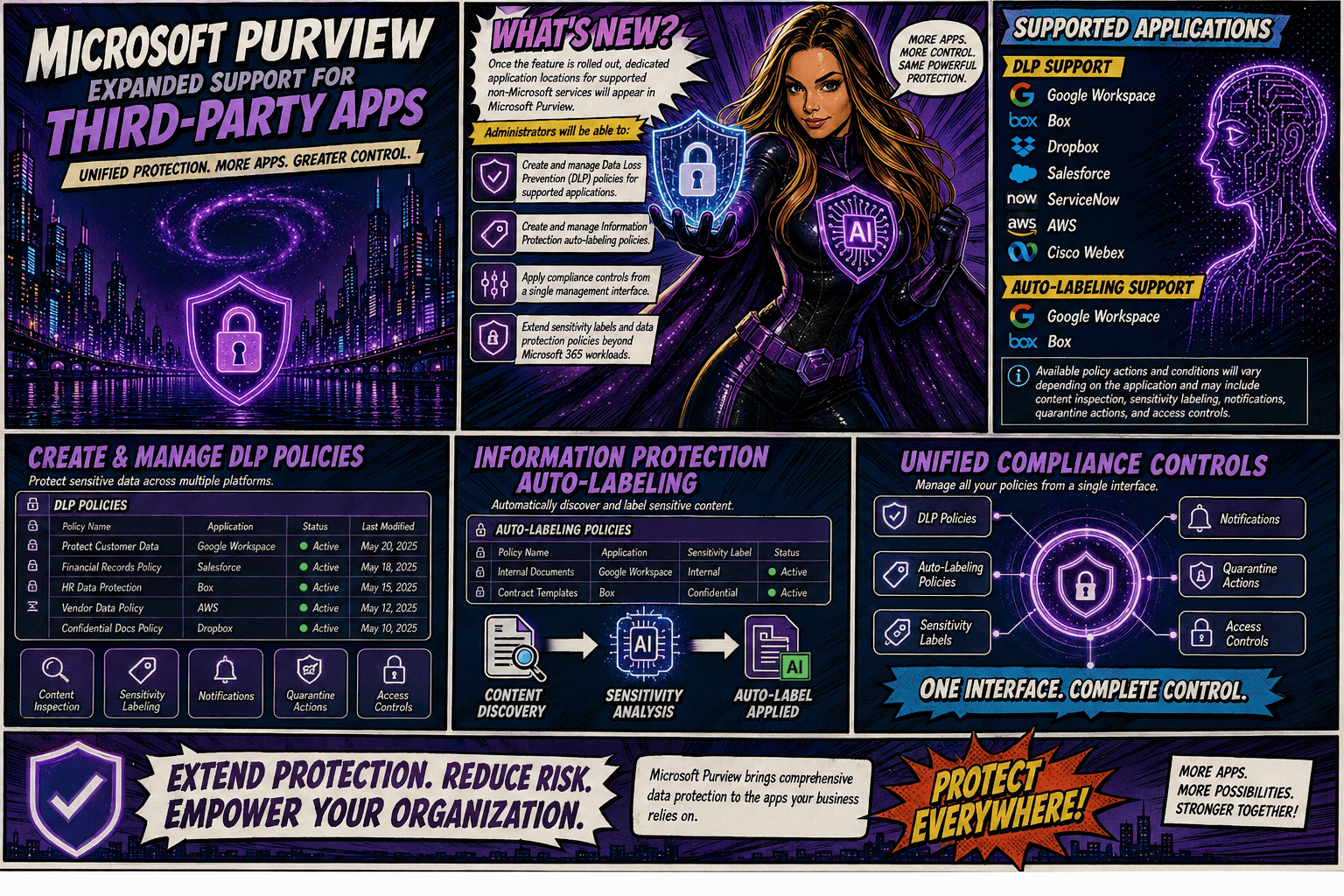
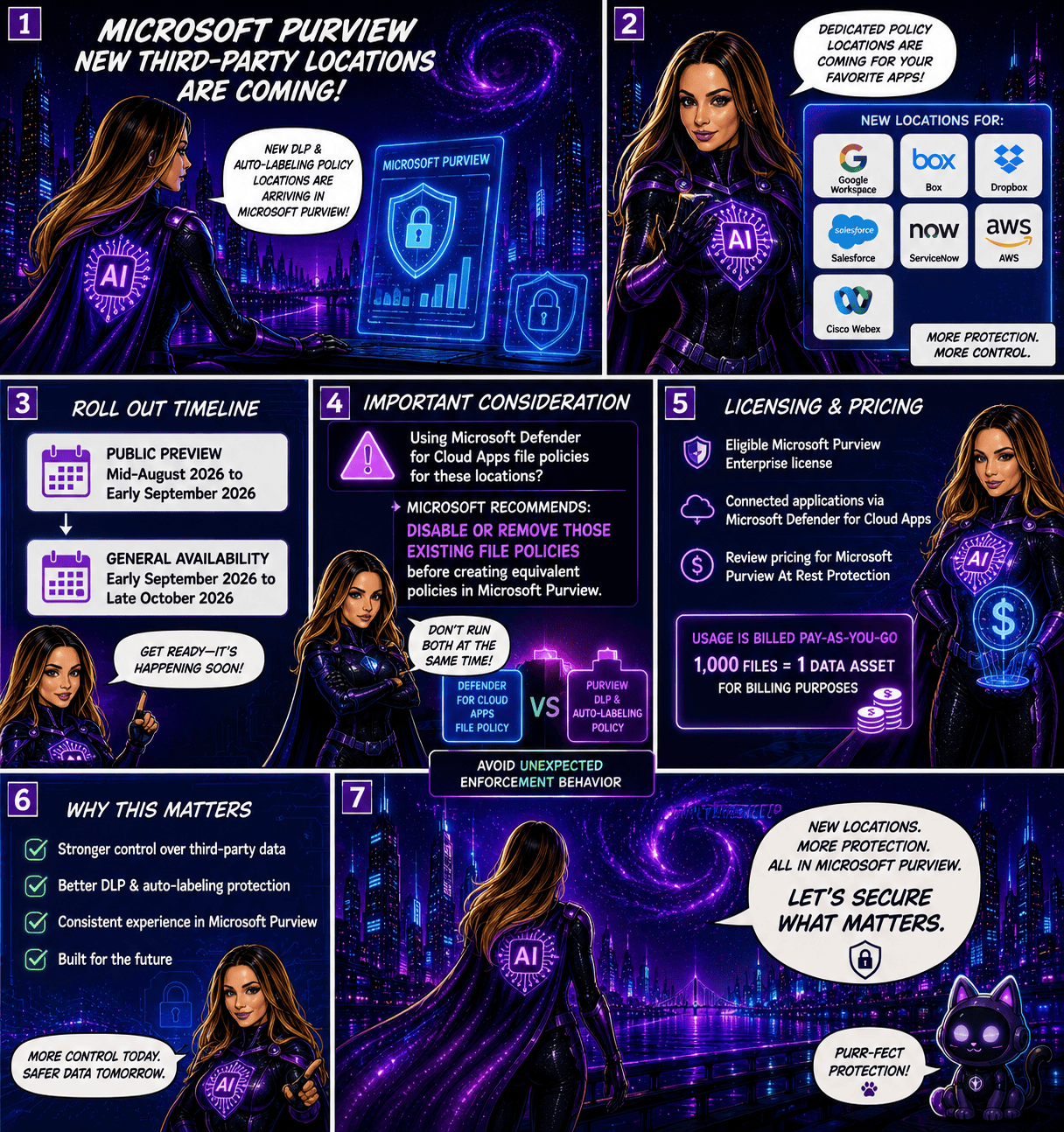
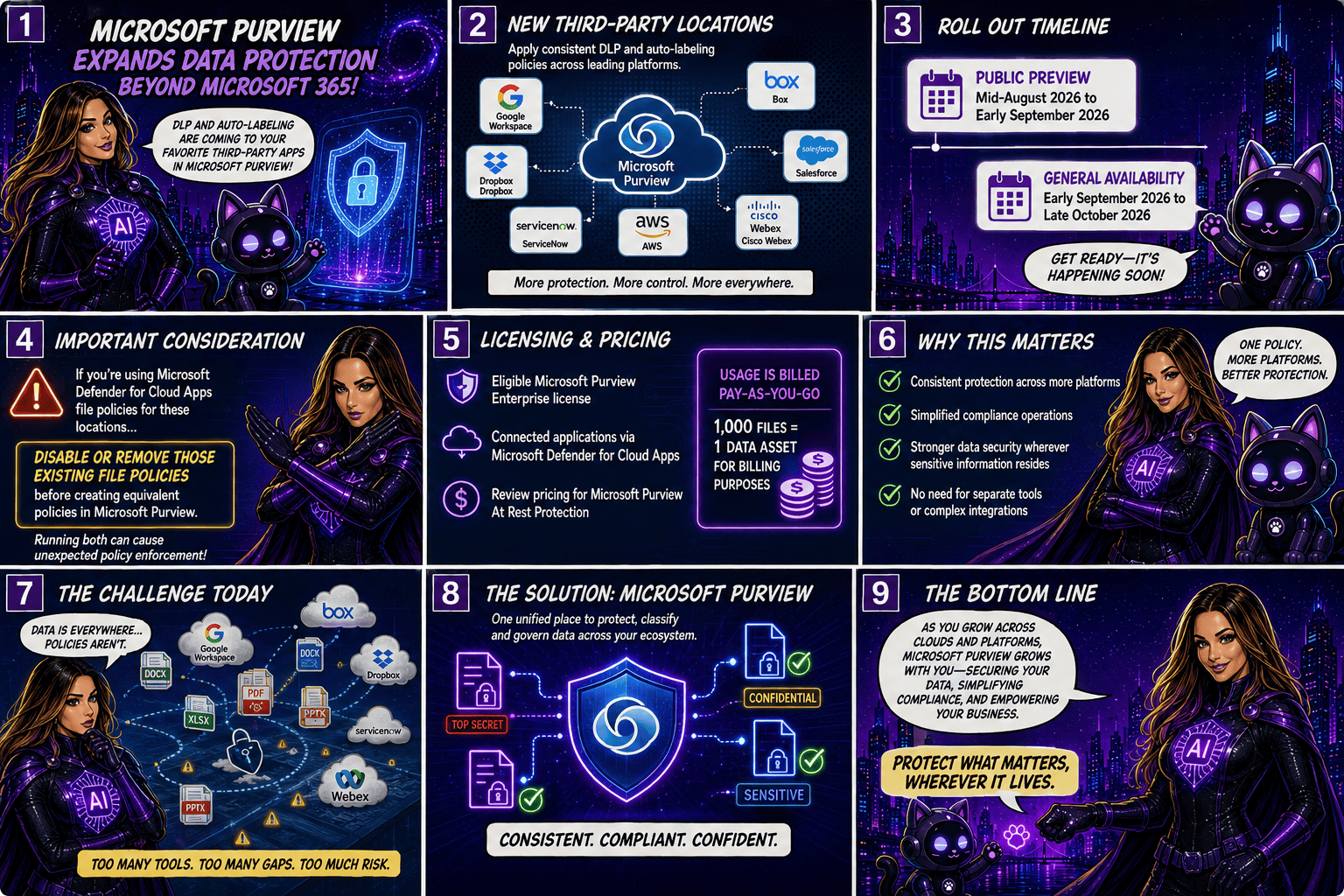
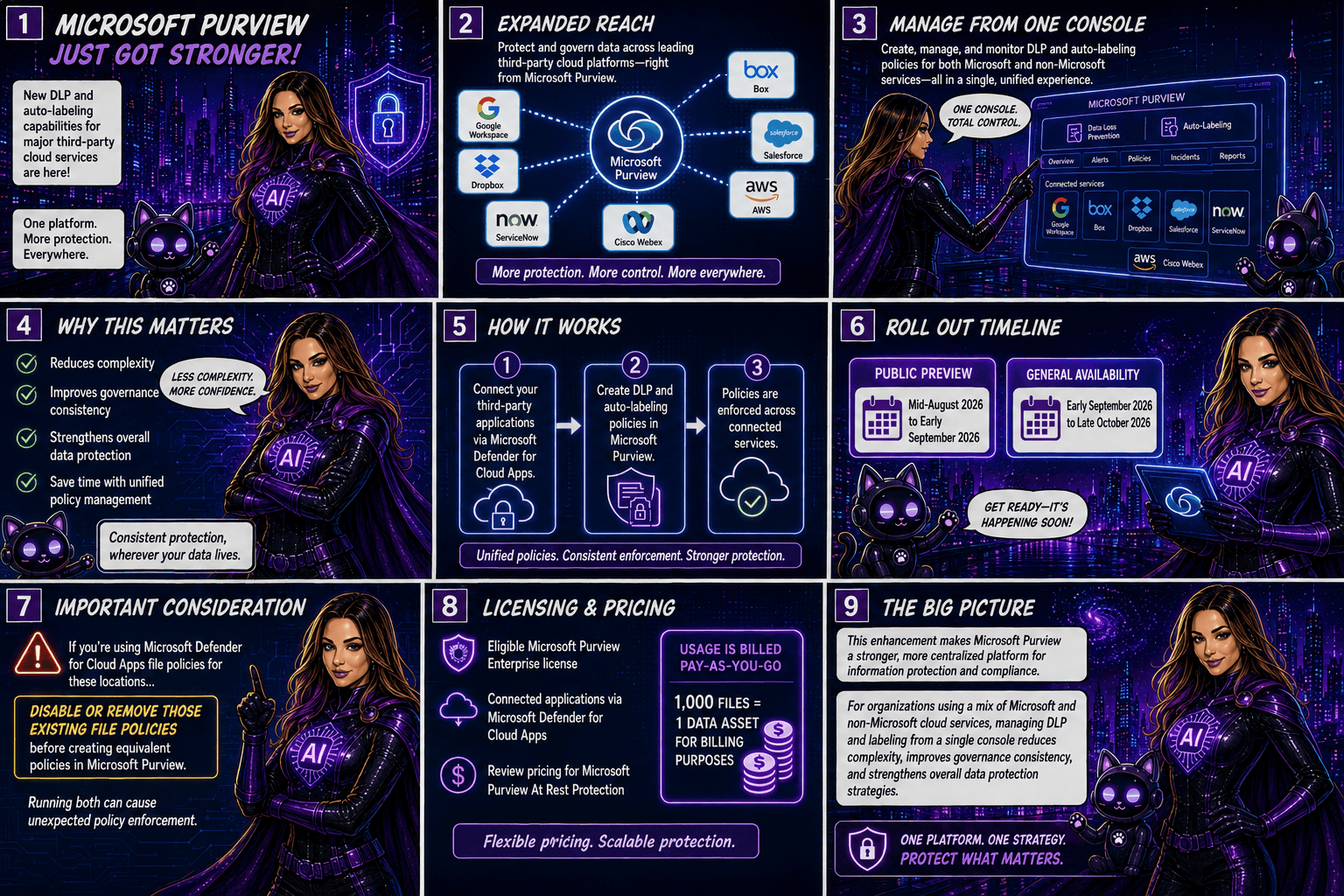
Today, organizations using the Instances location rely on the Microsoft Defender for Cloud Apps file policy infrastructure to enforce DLP and auto-labeling policies across supported third-party applications. To simplify policy management and provide a more consistent compliance experience, Microsoft is moving away from this approach and introducing dedicated application-specific policy locations directly within Microsoft Purview.

Supported applications include:

  • Google Workspace
  • Box
  • Dropbox
  • Salesforce
  • ServiceNow
  • AWS
  • Cisco Webex
What’s Changing?

Instead of creating policies under a generic Instances location, administrators will use dedicated locations for each supported application.

For example:

Current LocationNew Location
Instances (Google Workspace)Google Workspace
Instances (Box)Box
Instances (Dropbox)Dropbox
Instances (Salesforce)Salesforce
Instances (ServiceNow)ServiceNow
Instances (AWS)AWS
Instances (Cisco Webex)Cisco Webex

This change aligns non-Microsoft application protection more closely with the broader Microsoft Purview compliance framework.

Microsoft is introducing these new application locations ahead of the retirement date to allow organizations time to migrate.

Key dates:

  • Dedicated application locations will be rolled out before retirement.
  • January 6, 2027: Instances policy location officially retires.
  • Retirement rollout begins in early January 2027 and is expected to complete by mid-January 2027.
What Happens After January 6, 2027?

Once the retirement takes place:

  • New policies can no longer be created using the Instances location.
  • Existing policies configured with the Instances location will no longer be supported.
  • Organizations should use the new dedicated application locations for all future DLP and auto-labeling policies.
  • Policies that continue to rely on the retired Instances location may no longer be enforced as expected.

If your organization currently uses the Instances location, Microsoft strongly recommends recreating those policies in the new application-specific locations before the retirement deadline.

Recommended Next Steps

To avoid any disruption to DLP enforcement, organizations should begin preparing well before the 2027 deadline.

1. Review Existing Policies

Identify any DLP or auto-labeling policies currently configured through the Instances location.

2. Identify Affected Applications

Determine which non-Microsoft platforms are involved and map them to their new dedicated policy locations.

3. Recreate Policies

Build equivalent policies using the new application-specific locations within Microsoft Purview.

4. Test and Validate

Before retiring legacy policies, verify that policy enforcement, labeling, and user experiences behave as expected.

5. Update Documentation

Review operational procedures, internal documentation, and administrator guidance to reflect the new management model.

6. Notify Stakeholders

Make sure compliance, security, and support teams are aware of the upcoming change and migration timeline.

While the retirement is still several months away, organizations using third-party cloud platforms for collaboration and data storage should start planning their migration strategy now. Moving to dedicated application locations will ensure continued DLP and auto-labeling protection while providing a more streamlined and unified compliance experience within Microsoft Purview.

The bottom line: If you’re using the Instances location today, plan your migration before January 6, 2027. If you’re not, you can safely continue using Microsoft Purview as normal and take advantage of the new dedicated application locations as they become available.

Microsoft Purview Tightens Rules for Custom Sensitive Information Types

Organizations using Microsoft Purview custom Sensitive Information Types (SITs) should be aware of an upcoming change that may require updates to existing regex patterns.

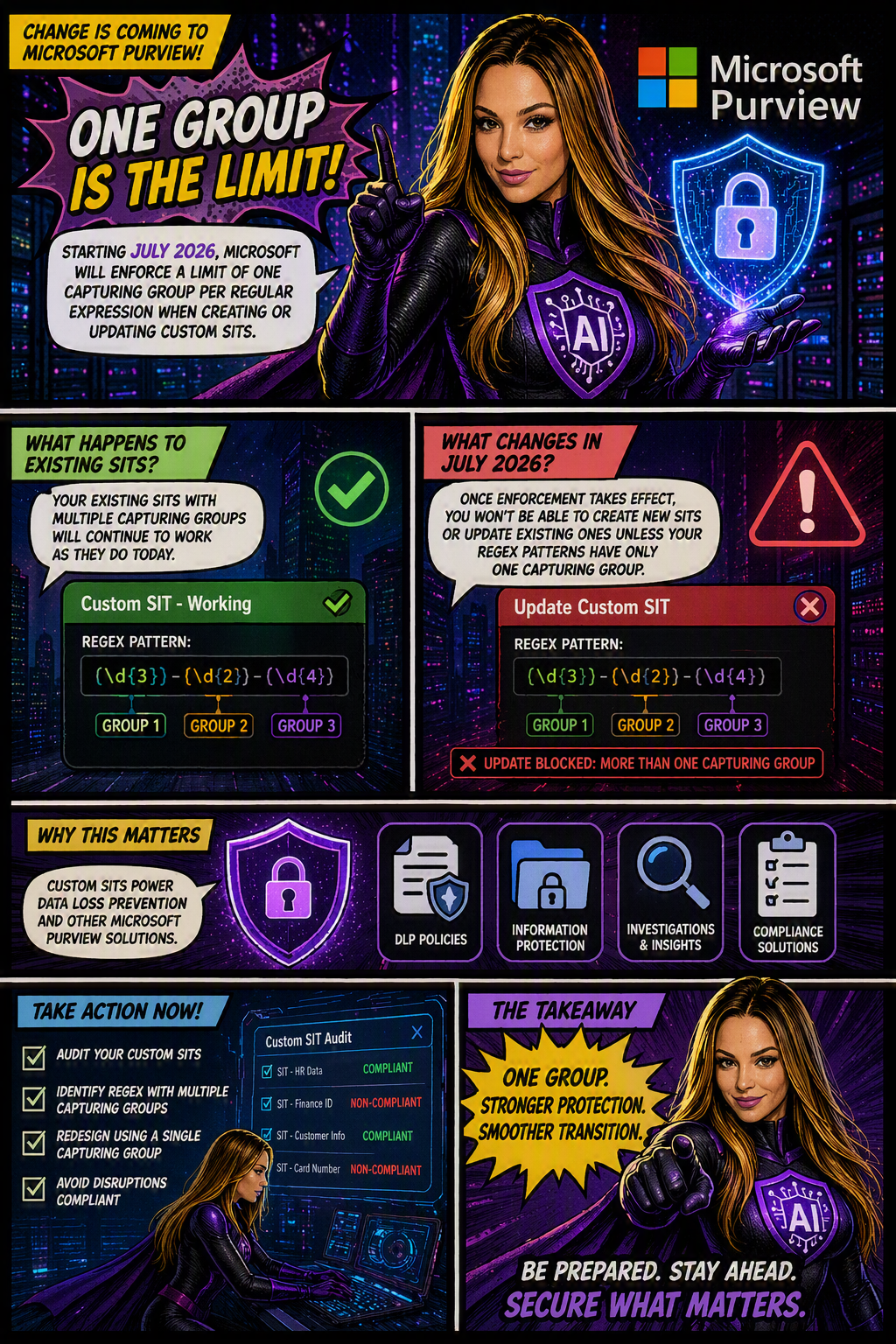
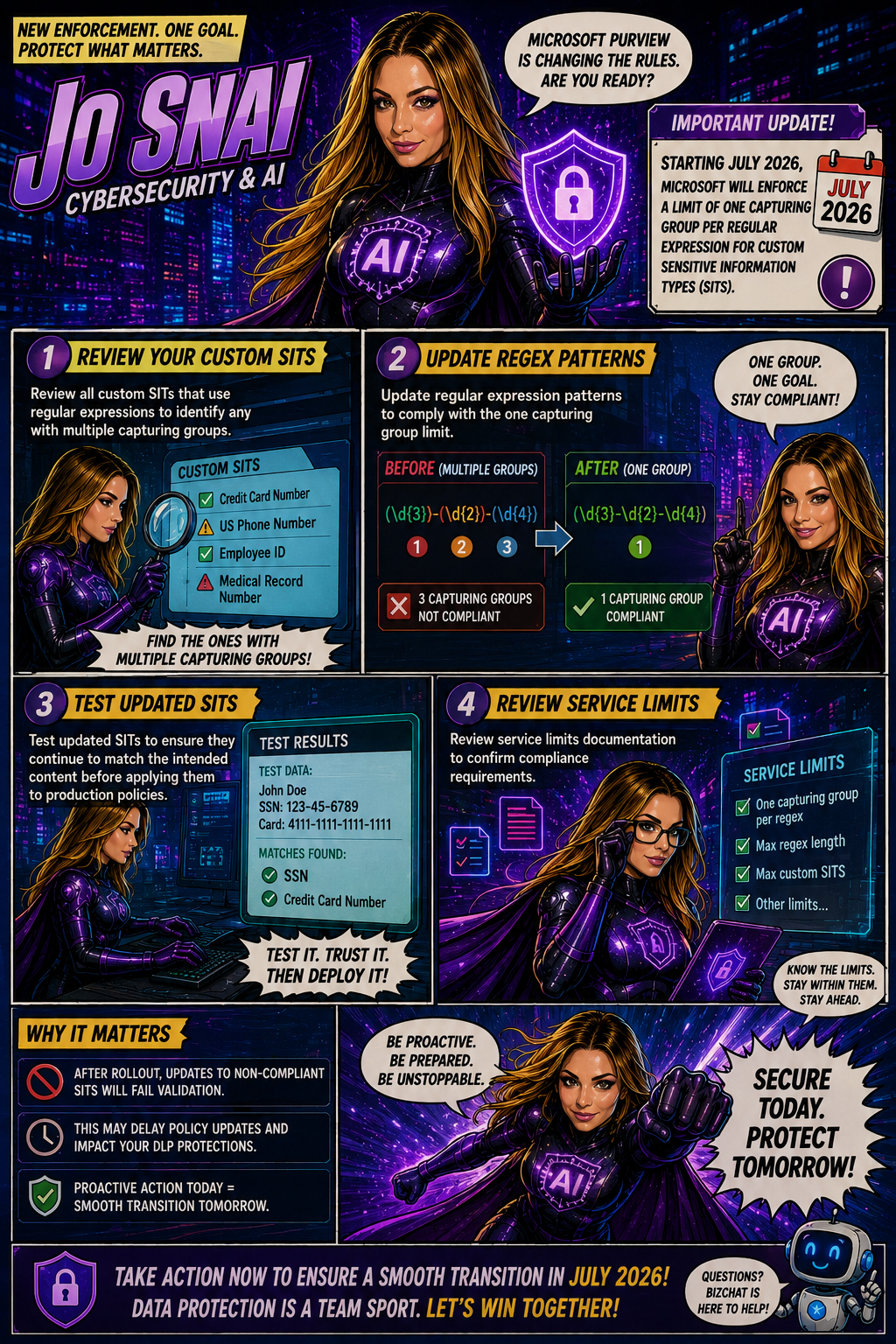
Microsoft is moving forward with enforcing a long-documented rule that allows only one capturing group per regular expression in custom SIT definitions. The goal is to improve the consistency, reliability, and predictability of how sensitive data is identified and classified across Microsoft Purview and Data Loss Prevention (DLP) workloads.

When is this happening?

The rollout is expected to be completed by early July 2026 across all Microsoft cloud environments, including:

  • Worldwide
  • GCC
  • GCC High
  • DoD
Who is affected?

This change primarily impacts:

  • Microsoft Purview administrators
  • Compliance teams managing custom Sensitive Information Types
  • Organizations using custom SITs in DLP, data classification, and compliance solutions

The enforcement applies whether SITs are managed through:

  • The Microsoft Purview portal
  • PowerShell, including:
    • New-DlpSensitiveInformationTypeRulePackage
    • Set-DlpSensitiveInformationTypeRulePackage
What changes?

Once enforcement is in place:

✅ New custom SITs must contain only one capturing group in each regular expression.

❌ Creating a new SIT with multiple capturing groups will be blocked.

❌ Updating an existing SIT that contains multiple capturing groups will fail validation.

❌ Administrators will not be able to save changes to existing SITs until non-compliant regex patterns are updated.

What about existing SITs?

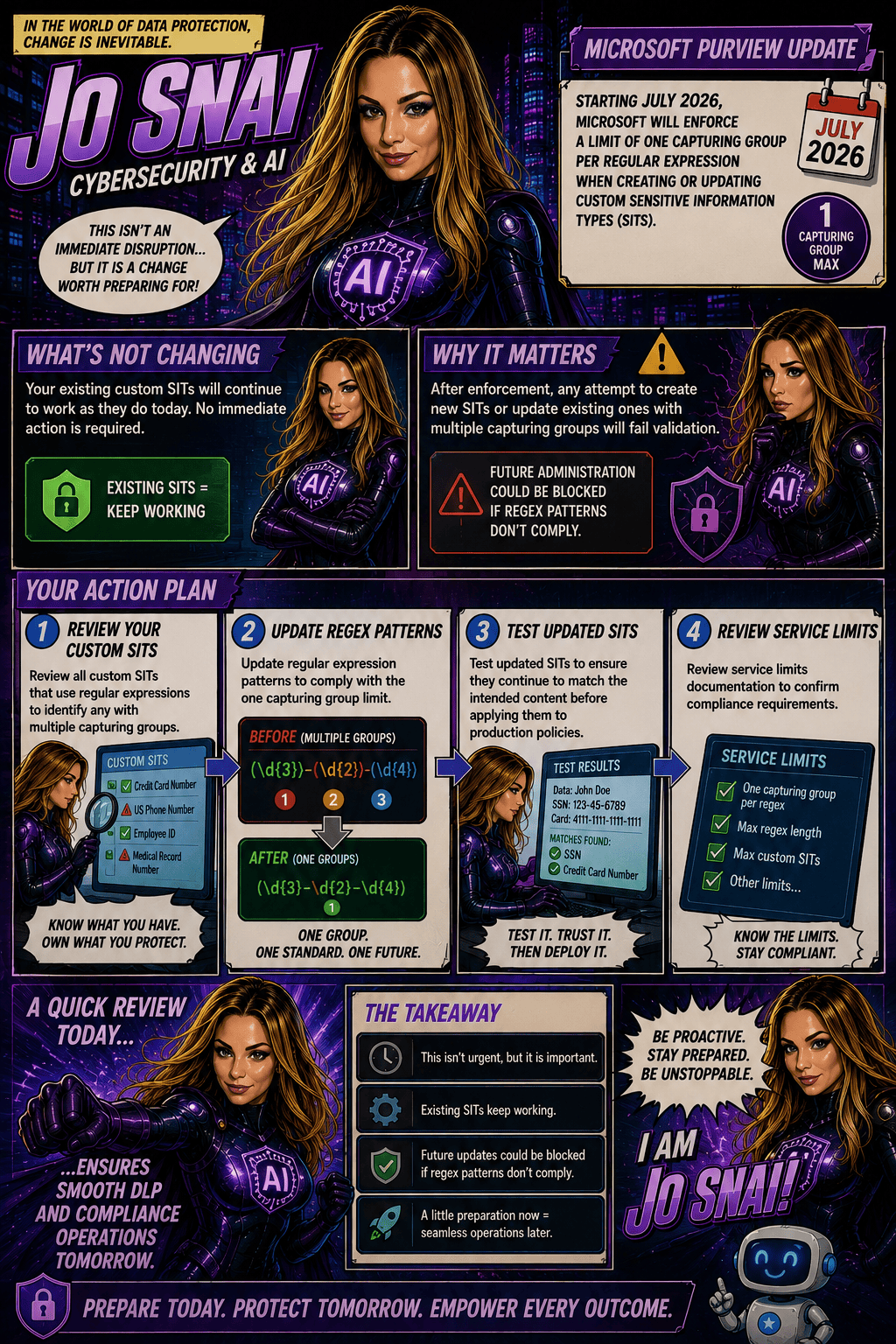
Existing custom SITs that contain multiple capturing groups will continue to work in their current state. However, they become a potential issue the moment you need to modify, update, or re-save them.

In other words, if an existing SIT contains a regex pattern with multiple capturing groups, you’ll need to redesign that pattern to comply with the one-capturing-group rule before any future changes can be saved.

Many organizations rely on custom SITs to identify sensitive business information and power key compliance capabilities such as:

Why does this matter?
  • Data Loss Prevention (DLP)
  • Data classification
  • Compliance monitoring
  • Information protection policies

If a custom SIT cannot be updated because it fails validation, it could delay policy changes, compliance updates, or new data protection initiatives.

What should you do now?

To avoid surprises, Microsoft Purview administrators should proactively:

  1. Audit existing custom SITs
  2. Identify regex patterns that use multiple capturing groups
  3. Redesign patterns to use a single capturing group
  4. Test and validate updated SITs before future modifications are required

Microsoft Purview Adds Time-Limited Role Assignments to Strengthen Security

Microsoft is enhancing Microsoft Purview with a new capability that allows administrators to assign expiration dates to role group memberships. This update makes it easier to grant temporary administrative access while supporting the principle of least privilege, helping organizations reduce the risk associated with long-term privileged accounts.

With this new feature, administrators can specify how long a user or security group should remain in a Purview role group, choosing a duration anywhere from one day up to two years. Once the assigned period expires, access is automatically removed, helping security and compliance teams maintain tighter control over administrative permissions.

When Will It Be Available?

Microsoft plans to roll out the feature according to the following schedule:

  • Worldwide General Availability: Starting in late July 2026 and expected to complete by late August 2026.
  • GCC, GCC High, and DoD: Starting in late August 2026 and expected to complete by late September 2026.
What Does This Mean for Organizations?

This enhancement primarily benefits:

  • Microsoft Purview administrators
  • Security administrators
  • Compliance teams
  • Organizations managing role-based access through Microsoft Purview

The feature will be available through:

  • Microsoft Purview Compliance Portal
  • Microsoft Purview Role-Based Access Control (RBAC)
Key Benefits

Once the rollout is complete, administrators will be able to:

✅ Assign users or security groups to role groups with a predefined expiration date.

✅ Set assignment durations ranging from 1 day to 2 years.

✅ Apply the capability to both new and existing role assignments.

✅ Reduce the likelihood of forgotten or unnecessary privileged access.

✅ Improve governance, compliance, and security posture with minimal administrative effort.

Importantly, existing role assignments will not be automatically modified, and end-user workflows will remain unchanged.

What Do You Need to Do?

The good news is that no action is required to enable this feature. It will be available by default once deployed, with no additional configuration or policy changes needed.

However, organizations may want to take advantage of the new functionality by:

  • Reviewing privileged access management processes.
  • Using expiration-based assignments for temporary projects, audits, or administrative tasks.
  • Updating internal documentation and operational procedures.
  • Informing Purview administrators about the new capability.

From a compliance perspective, time-limited role assignments help organizations demonstrate stronger control over privileged access.

Many regulatory frameworks and security standards—including ISO 27001, NIST, SOC 2, GDPR accountability requirements, and Zero Trust security principles—expect organizations to follow the principle of least privilege, ensuring users only have access to the resources they need and only for as long as they need it.

🎙️Podcast Episode: Smarter Insider Risk Coverage with Microsoft Purview

🎙️ New podcast episode just dropped!

We’re diving into Smarter Insider Risk Coverage with Microsoft Purview together with Pip & Mara, breaking down what’s new, why it matters, and how it can help organizations stay ahead of insider risks.

If you’re working in security, compliance, or Microsoft 365, this one’s definitely worth a listen 👇

▶️ Watch now on YouTube

Stay tuned…

Smarter Insider Risk Coverage with Microsoft Purview

Microsoft is making Insider Risk Management in Purview even more useful with the introduction of a Policy Recommendation panel, a feature designed to help admins quickly spot gaps in their current risk coverage and strengthen their defenses.

Let’s face it: even with policies in place, it’s not always easy to know what you might be missing. That’s where this new capability comes in. It analyzes your existing setup and highlights missing or high-impact policies, offering clear, actionable suggestions to improve your security posture.

What’s new?

The Policy Recommendation panel lives directly on the Policies page and automatically reviews your current configuration. Using built-in analytics, it identifies areas where you could increase protection and recommends policies to cover common insider risk scenarios like:

  • Data leakage
  • Data theft
  • IP theft
  • Risky AI usage
  • Other security violations

It’s essentially a built-in advisor that helps you get more value from Insider Risk Management without needing to manually audit everything.

A quick reminder: what Insider Risk Management does

Microsoft Purview Insider Risk Management works by correlating signals across your environment to detect potentially risky behavior, whether intentional or accidental.

It’s also designed with privacy in mind, including:

  • Pseudonymization by default
  • Role-based access controls
  • Audit logs for transparency

So you can investigate risks while still protecting user privacy.

Rollout timeline
  • Public Preview: Mid–June 2026 → Late June 2026
  • General Availability: Mid–July 2026 → Late July 2026

This message is associated with Microsoft 365 Roadmap ID 560600.

Podcast Episode: DSI Investigation templates for common data security scenarios

🎙️ New podcast episode just dropped!
DSI Investigation Templates for Common Data Security Scenarios with Pip & Mara
▶️ Watch now on YouTube

Stay tuned…

Data Security Investigations: Investigation templates for common data security scenarios

Microsoft just made investigations in Purview Data Security a lot simpler and faster. You can now use ready‑made search templates designed for common data security scenarios, so you don’t have to start from scratch every time.

These built‑in templates help standardize the way investigations are run and reduce the amount of manual setup, meaning security analysts can jump straight into the work with minimal input.

The best part? This feature is already available worldwide, requires no administrative setup, and is ready to use out of the box saving valuable time and streamlining the overall investigation process.

What’s new and why it matters

Microsoft is making investigations in Purview Data Security much more approachable by introducing built‑in search templates. These templates are designed for the scenarios analysts deal with most often—like data exfiltration, compromised mailboxes, exposure of personal data, or even risky AI interactions.

Instead of building queries from scratch every time, investigators can now choose a ready‑made template, enter a few basic details (such as a user or site), and get started immediately. This not only speeds things up but also ensures investigations are more consistent across teams. It’s especially helpful for less-experienced analysts, lowering the learning curve and reducing the time needed to get value from the solution.

(This update is tracked under Microsoft 365 Roadmap ID 560326.)

Rollout timeline

  • General Availability (Worldwide): Available now

What this means for your organization

Who it impacts

  • Security analysts and investigators working with Microsoft Purview Data Security Investigations

Where you’ll see it

  • Microsoft Purview (web portal)
  • Data Security Investigations solution

In short, this update removes a lot of the friction from starting an investigation helping teams move faster, stay consistent, and focus on what actually matters: understanding and responding to risks.

Microsoft Purview DSPM now includes a new data security agent to strengthen your data protection posture

Microsoft has officially moved Data Security Posture Management (DSPM) in Microsoft Purview from preview to general availability (GA) and that’s a big step forward for organizations looking to strengthen how they protect sensitive data.

At its core, DSPM helps you understand where your data risks really are, giving you better visibility across your Microsoft 365 environment. Instead of piecing things together manually, you get clear insights, risk signals, and practical recommendations to help improve your overall data security posture.

This release is part of Microsoft’s ongoing investment in enterprise-grade security and compliance tools, making it easier to protect data at scale without added complexity.

What’s New

One of the key additions in this GA release is the Data Security Posture Agent, now fully available.

With it, you can:

  • Get a centralized view of data risks across your environment
  • Identify potential gaps in your security posture
  • Access actionable recommendations to improve protection
  • Take direct steps to remediate risks

The transition from preview to GA is seamless—your existing configurations stay as they are, and there’s no need to reconfigure policies or settings.

Rollout Timeline
  • General Availability (Worldwide): Late May 2026 – Late June 2026

The feature will become available based on your organization’s Microsoft Purview deployment timing.

Who Should Pay Attention

This update is especially relevant for:

  • IT admins
  • Security teams
  • Compliance professionals

Basically anyone responsible for managing or protecting data within Microsoft 365 using Microsoft Purview.

What This Means for You

Good news, no action is required to enable this feature.

That said, it’s a great opportunity to take advantage of what DSPM offers. You might want to:

  • Explore the new DSPM capabilities and see how they fit into your security strategy
  • Learn how to set up and use the Data Security Posture Agent
  • Start using DSPM insights to prioritize and reduce data risks
  • Inform your security and compliance teams about the update
  • Update any internal documentation that references Purview DSPM

Meet the New Cyber Heroes Crew: Morgi & Spot 🐾

🟣 Morgi: The AI Superhero

Morgi is the thinker of the Cyber Heroes Crew, the one who’s always quietly paying attention. Curious, clever, and powered by AI, she has a gift for noticing patterns that others overlook and figuring out what they mean before something goes wrong.

With her softly glowing purple shield by her side, Morgi keeps an eye on the digital world, catching phishing tricks, malware, and even deepfakes in seconds. She doesn’t just spot danger, she explains it in a way people can understand, helping them feel confident instead of overwhelmed.

At heart, Morgi wants everyone to feel safe and informed online. Her mission is simple: make technology smarter, friendlier, and safer for everyone who uses it.

Superpower: Seeing Ahead

Morgi’s strength comes from understanding, reading signals, connecting dots, and knowing what’s likely to happen next. By thinking ahead, she helps everyone stay one step ahead too.

🐾 When Morgi is watching, clarity replaces confusion.

🔵 Spot: The Cybersecurity Hero

Spot is the one who looks out for you when you’re busy, distracted, or just trying to get through your day. Quietly observant and steady by nature, Spot stays close, keeping watch over your data and devices so you don’t have to worry about every little thing online.

With his familiar blue shield always nearby, Spot steps in when something doesn’t feel right, blocking phishing attempts, stopping ransomware, and protecting personal information before it’s ever at risk. He doesn’t make a fuss about it. He just does what needs to be done.

Spot believes safety starts with small moments of awareness. A pause before clicking. A second look at an email. A gentle reminder that it’s okay to slow down. That simple “think before you click” mindset is how Spot helps people stay safe without feeling stressed or overwhelmed.

At the heart of it all, Spot’s role is simple and reassuring:
to stand beside you, quietly protecting your digital world, every step of the way.

What Makes Spot Special

Spot’s strength isn’t flash or noise—it’s presence. He’s patient, dependable, and always paying attention, so you can move through the online world with confidence.

🐾 When Spot is around, you’re not facing the internet alone.

Together

Morgi analyzes. Spot protects.
Side by side, they form the ultimate cybersecurity duo, keeping Jo SNAI’s digital world secure, intelligent, and one step ahead of every threat.

🚀 Stay tuned as Morgi & Spot dive into their next cyber adventure! 🐾🐾

Microsoft Purview | DLP protections to prevent sensitive data from leaving your organization through external web search in Microsoft 365 Copilot and Copilot Chat

Microsoft is rolling out an important enhancement to help organizations use Microsoft 365 Copilot more securely. Starting this year, Microsoft Purview Data Loss Prevention (DLP) will include new protections designed specifically for Copilot and Copilot Chat. The goal: prevent sensitive data from being sent to external web search engines during AI‑assisted interactions.

This update introduces real‑time DLP evaluation for prompts that contain Sensitive Information Types (SITs). When Copilot detects protected data in a user’s prompt, it will block any external web search from taking place. Instead, Copilot will continue responding only with internal Microsoft Graph data provided that the user’s licensing allows it.

This feature corresponds with Microsoft 365 Roadmap ID 548671.

Rollout Timeline

Public Preview
Begins: Late March 2026
Completes: Late April 2026

General Availability (Worldwide)
Begins: Late June 2026
Completes: Late July 2026

What This Means for Your Organization
Who Will Be Affected?

This update is relevant for:

  • Organizations using Microsoft 365 Copilot, Copilot Chat, or Copilot Studio agents published to Microsoft 365.
  • Admins who manage Data Loss Prevention policies in the Microsoft Purview portal.
What’s Changing?
New DLP Control for Copilot Web Search

Admins will soon see a new option when configuring DLP policies: the ability to stop Copilot from using external web search when a prompt includes specific sensitive information types.

When this policy is triggered:

  • Copilot will not send content to external web search providers.
  • Copilot will still respond, drawing exclusively from internal Microsoft Graph data sources (assuming the user’s licensing supports this).