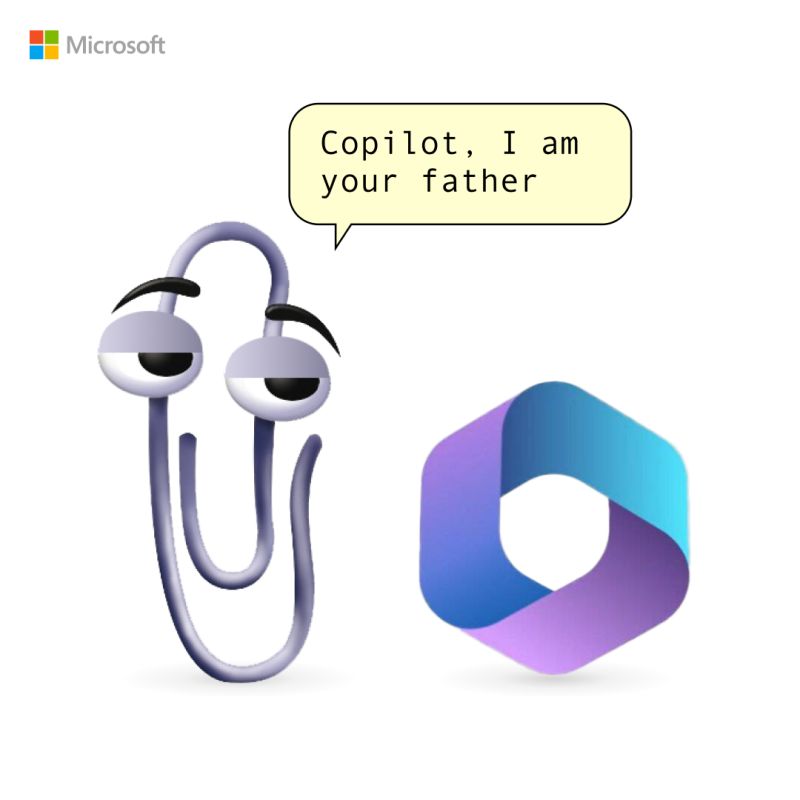
Paperclip by FireCube: Bring Clippit Back to Life with OpenAI GPT 3.5


Clippy is back, in a new, unauthorized app that somehow has made it onto the Microsoft Store.

Clippy by Firecube uses Microsoft’s animated paper clip, Clippy (known as Clippit to purists), as a front end for ChatGPT 3.5, the AI chatbot developed by OpenAI. Although the app refers to Clippy by name, the full text description of the app immediately identifies it as “Not by Microsoft” to presumably fend off any lawyers that might be sniffing about the app. Firecube has a good reputation as a developer who looks deeply into new Windows code for unpublicized features.

Paperclip by FireCube (formerly known as Clippy by FireCube) brings back the infamous Clippit into your desktop powered by the OpenAI GPT 3.5 model (OpenAI key required as of this version).

Paperclip can be pinned to the screen for quick access to chat or just be left for nostalgia. This app is open source with improvements coming such as support for more characters like bob or classic clippy. Dragging and resizing and support for no OpenAI key required.

You can download it from Microsoft Store for free here!
Microsoft Copilot for Security generally available worldwide on April 1, 2024


Today, Microsoft announce that Microsoft Copilot for Security will be generally available worldwide on April 1, 2024. The industry’s first generative AI solution will help security and IT professionals catch what others miss, move faster, and strengthen team expertise. Copilot is informed by large-scale data and threat intelligence, including more than 78 trillion security signals processed by Microsoft each day, and coupled with large language models to deliver tailored insights and guide next steps. With Copilot, you can protect at the speed and scale of AI and transform your security operations.

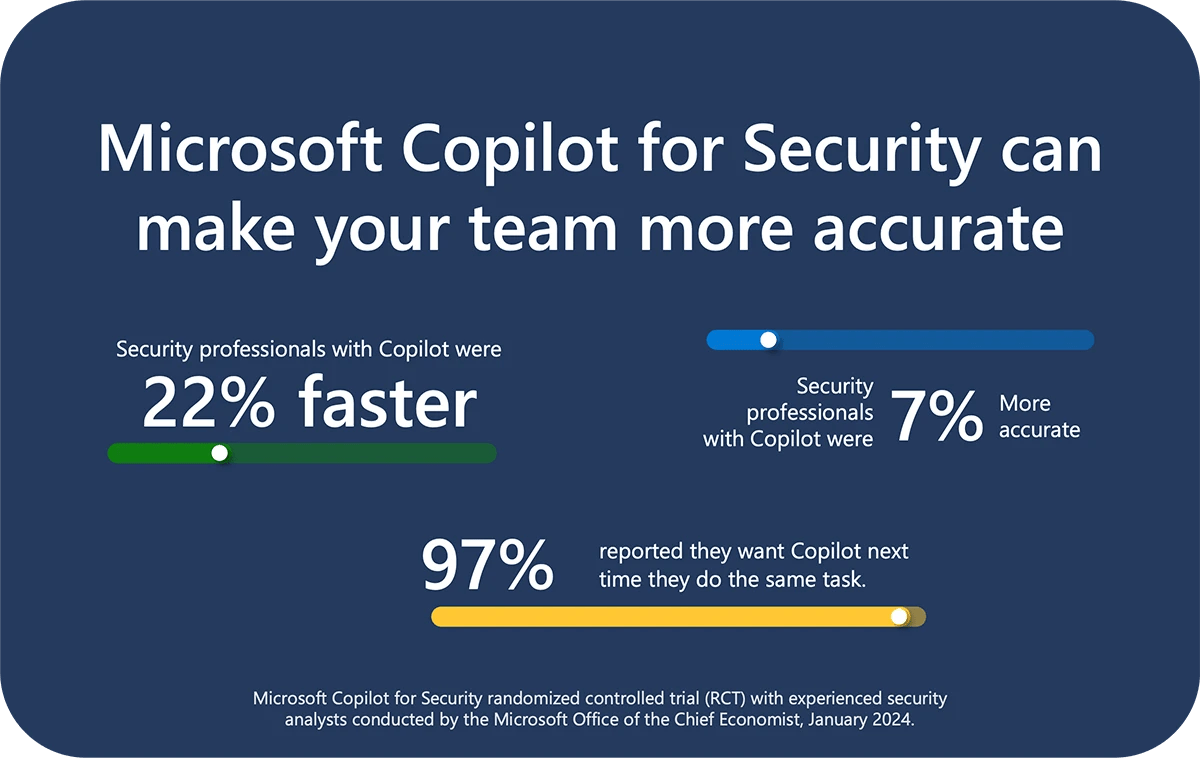
Copilot for Security economic study, which shows that experienced security professionals are faster and more accurate when using Copilot, and they overwhelmingly want to continue using Copilot. The gains are truly amazing:

* Experienced security analysts were 22% faster with Copilot.
* They were 7% more accurate across all tasks when using Copilot.
* And, most notably, 97% said they want to use Copilot the next time they do the same task.

This new study focuses on experienced security professionals and expands the randomized controlled trial we published last November, which focused on new-in-career security professionals. Both studies measured the effects on productivity when analysts performed security tasks using Copilot for Security compared to a control group that did not. The combined results of both studies demonstrate that everyone—across all levels of experience and types of expertise—can make gains in security with Copilot. When we put Copilot in the hands of security teams, we can break down barriers to entry and advancement, and improve the work experience for everyone. Copilot enables security for all.

Microsoft Copilot App


Microsoft’s Copilot App has recently become available for Android and iOS and it brings many nice features.

  • With just one tap you can use the advanced GPT-4 model.
  • Generate pictures effortlessly with the integrated DALL-E 3, both from your gallery and directly from your smartphone camera.
  • Voice typing with Bing just got easier, and receiving spoken feedback feels more natural than ever before.
  • An AI-powered productivity tool that provides intelligent assistance so users can improve their creativity, productivity, and skills on Microsoft 365 apps like Word, Excel, PowerPoint, Outlook, Teams, and others.

Android

iOS

Enjoy Copilot–Your AI-Powered Chat Assistant on your mobile…