Microsoft Purview DLP: Instances Policy Location Retiring in January 2027

Microsoft has announced the retirement of the Instances policy location in Microsoft Purview Data Loss Prevention (DLP), with the change taking effect on January 6, 2027.

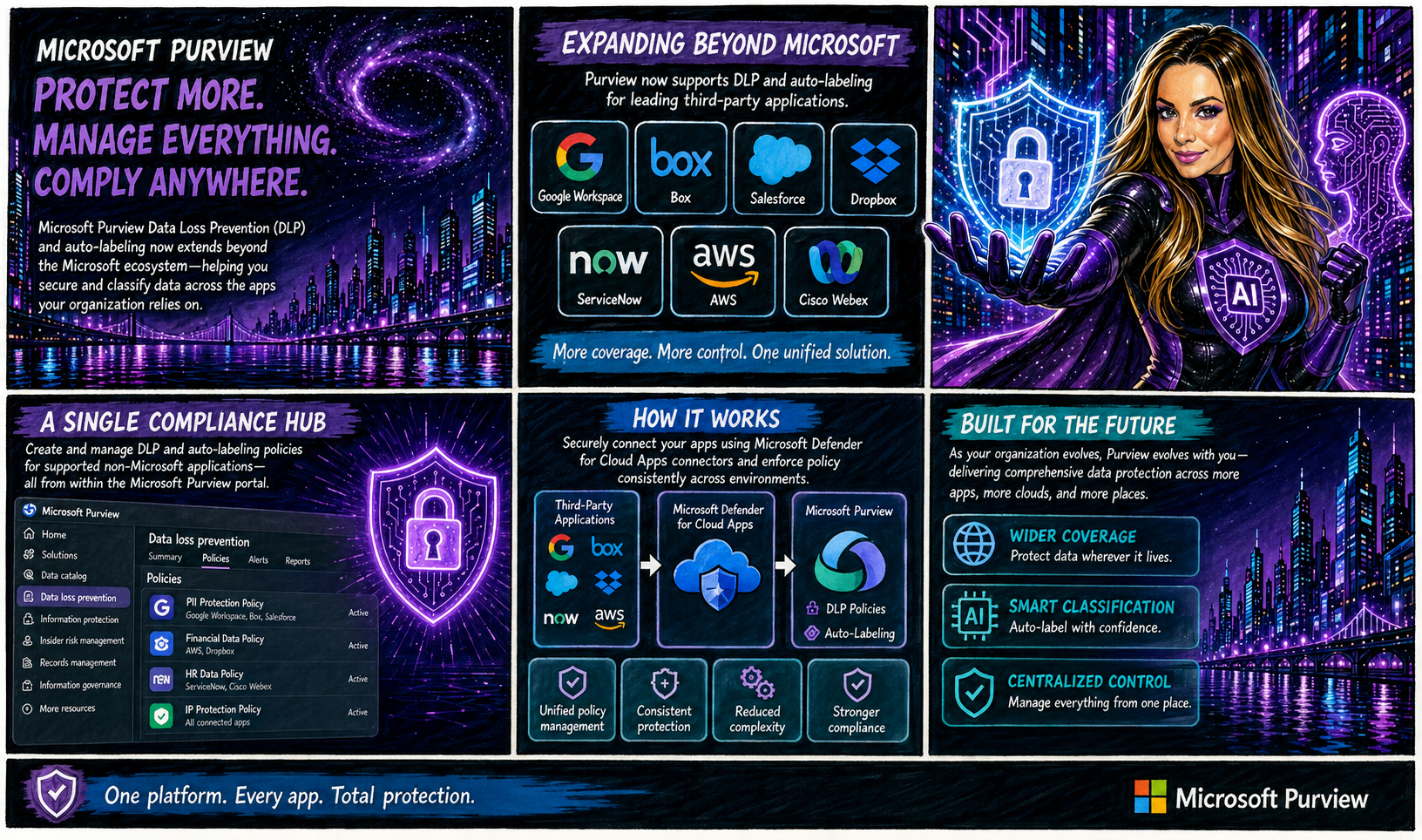
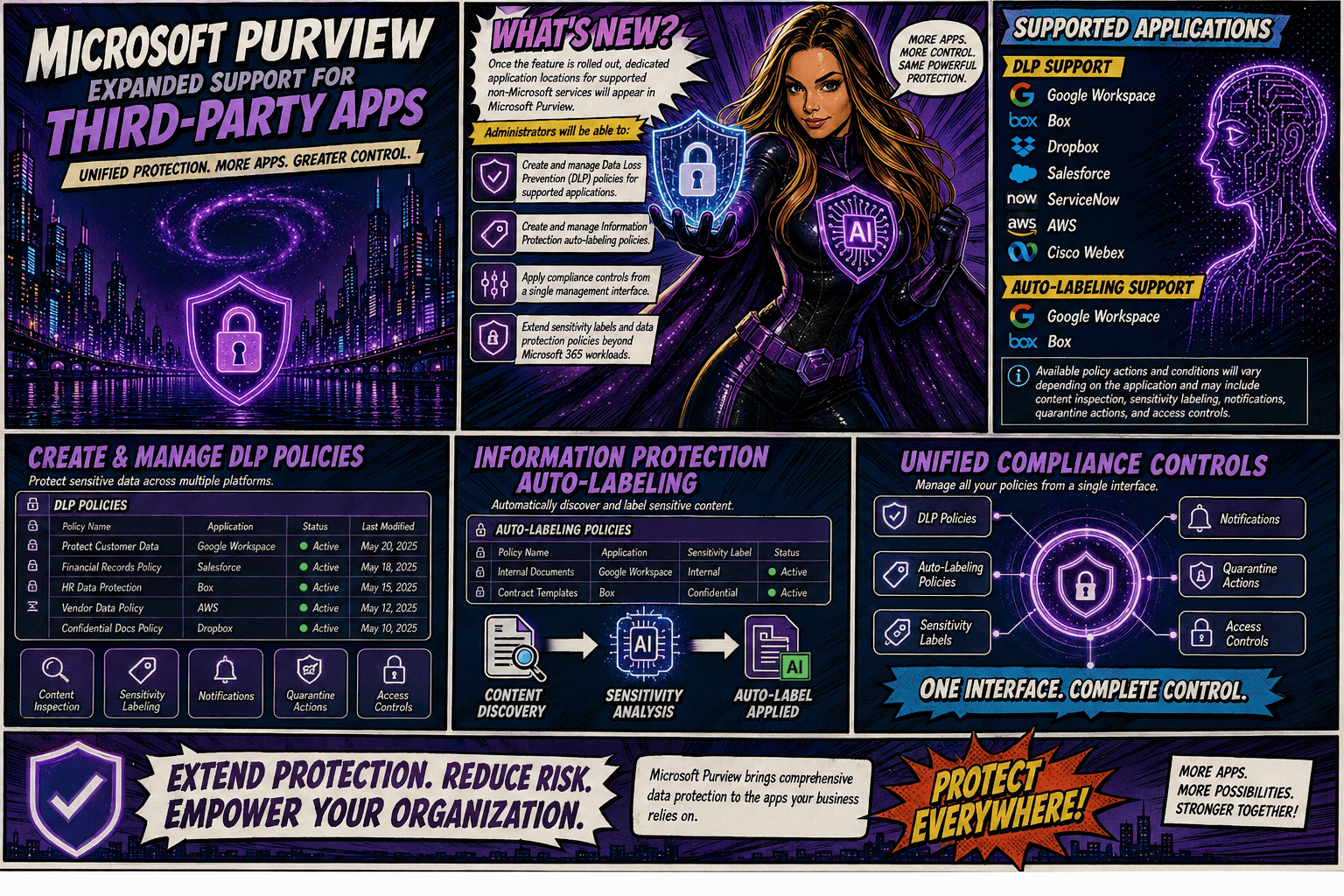
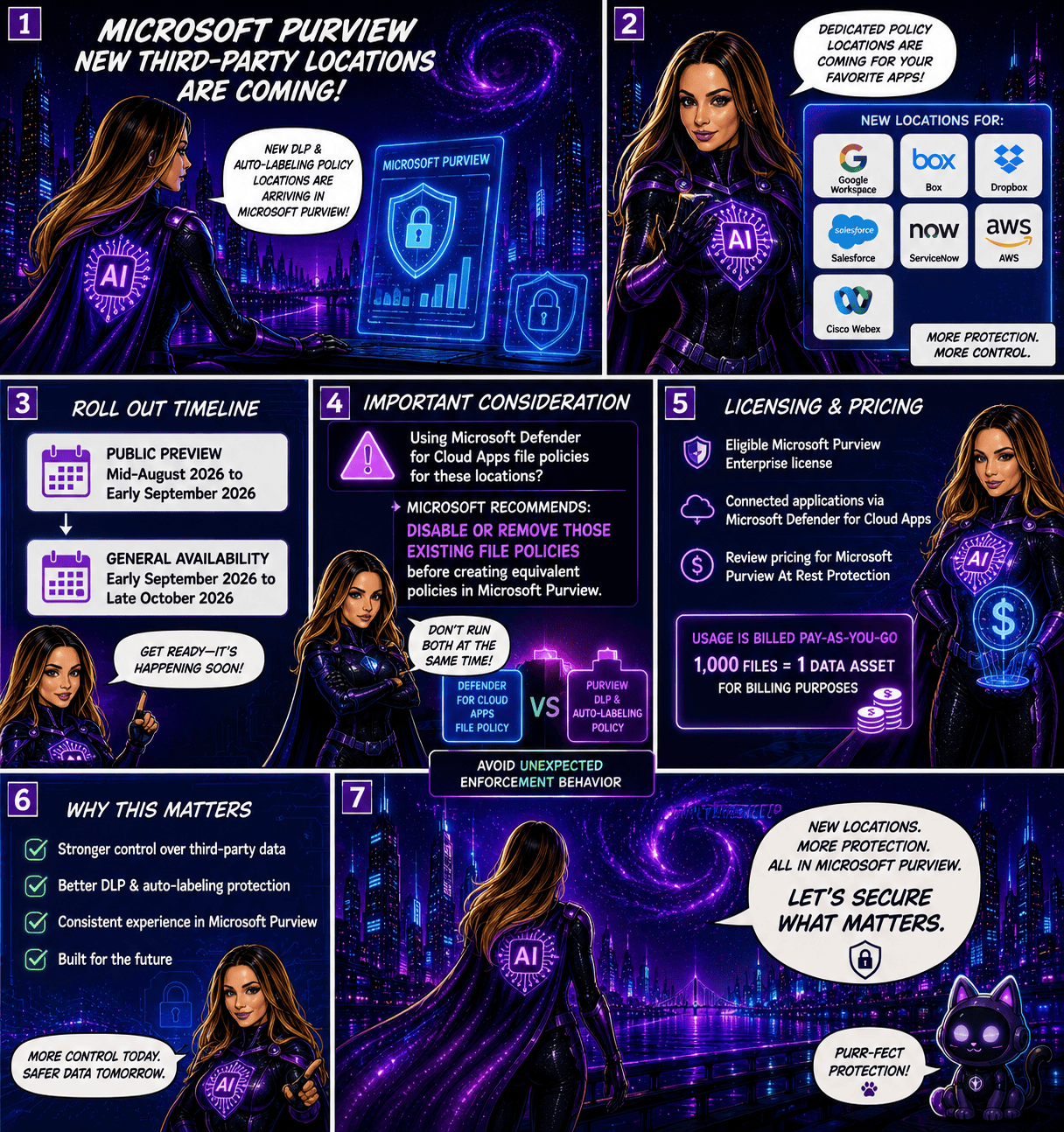
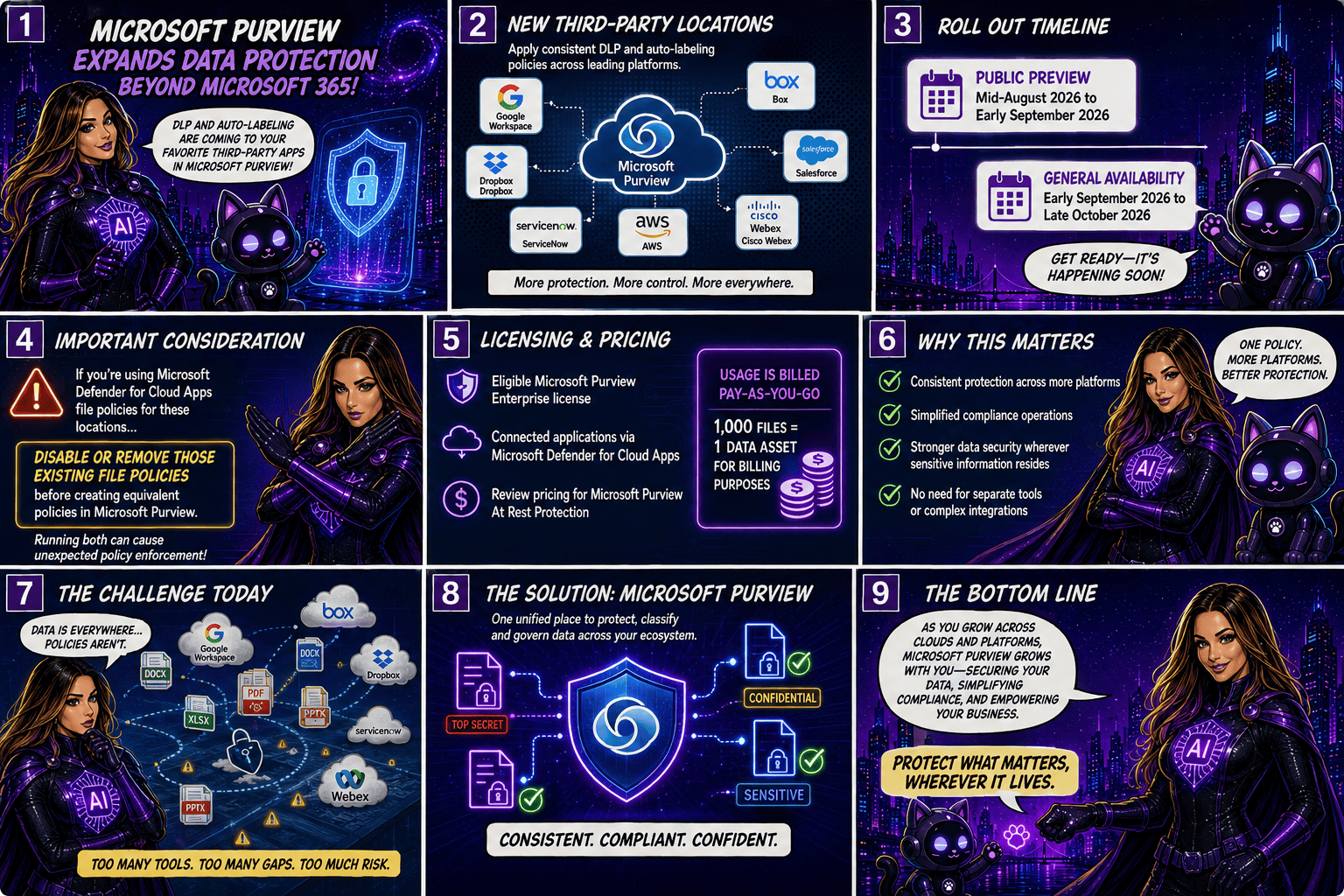
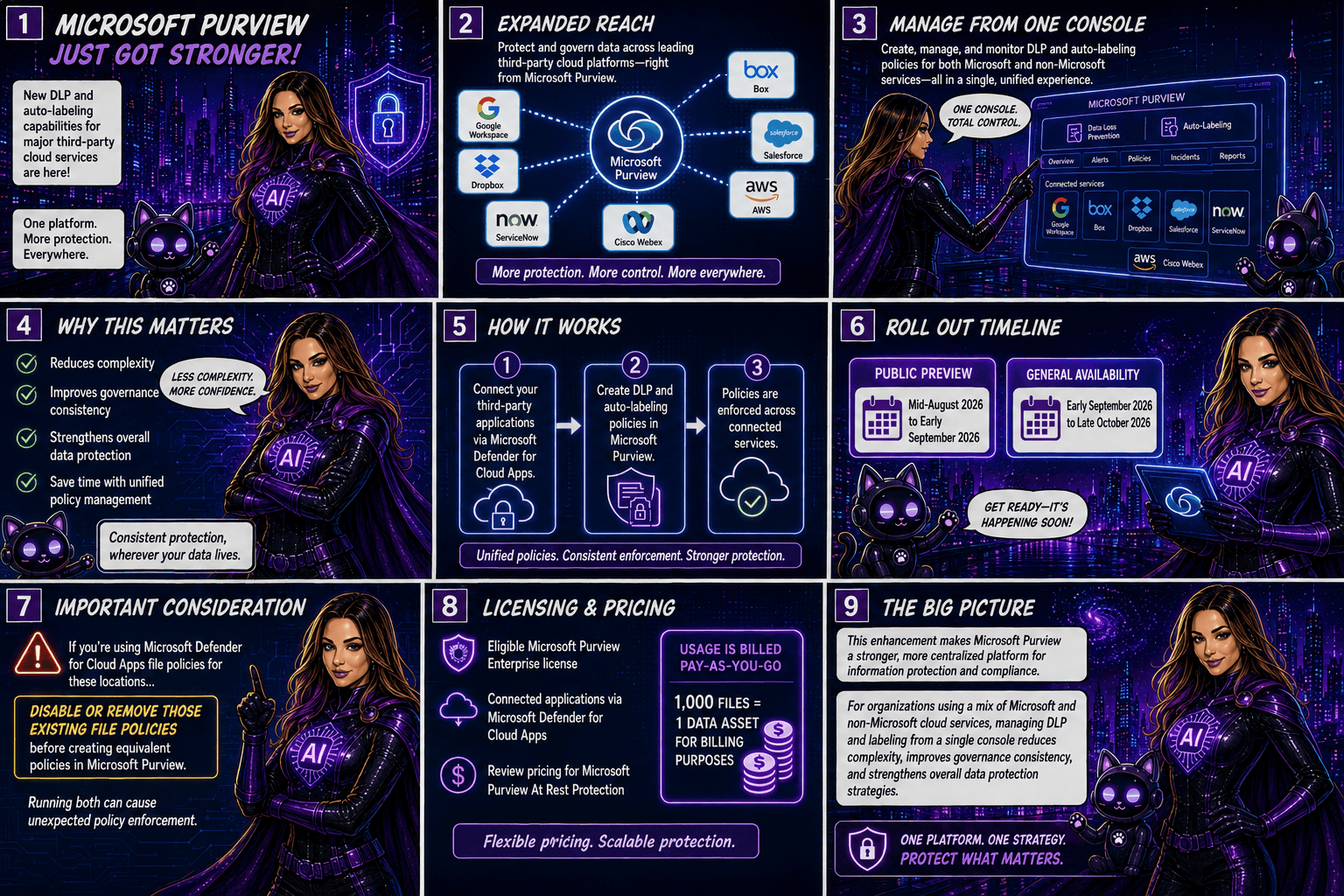
Today, organizations using the Instances location rely on the Microsoft Defender for Cloud Apps file policy infrastructure to enforce DLP and auto-labeling policies across supported third-party applications. To simplify policy management and provide a more consistent compliance experience, Microsoft is moving away from this approach and introducing dedicated application-specific policy locations directly within Microsoft Purview.

Supported applications include:

  • Google Workspace
  • Box
  • Dropbox
  • Salesforce
  • ServiceNow
  • AWS
  • Cisco Webex
What’s Changing?

Instead of creating policies under a generic Instances location, administrators will use dedicated locations for each supported application.

For example:

Current LocationNew Location
Instances (Google Workspace)Google Workspace
Instances (Box)Box
Instances (Dropbox)Dropbox
Instances (Salesforce)Salesforce
Instances (ServiceNow)ServiceNow
Instances (AWS)AWS
Instances (Cisco Webex)Cisco Webex

This change aligns non-Microsoft application protection more closely with the broader Microsoft Purview compliance framework.

Microsoft is introducing these new application locations ahead of the retirement date to allow organizations time to migrate.

Key dates:

  • Dedicated application locations will be rolled out before retirement.
  • January 6, 2027: Instances policy location officially retires.
  • Retirement rollout begins in early January 2027 and is expected to complete by mid-January 2027.
What Happens After January 6, 2027?

Once the retirement takes place:

  • New policies can no longer be created using the Instances location.
  • Existing policies configured with the Instances location will no longer be supported.
  • Organizations should use the new dedicated application locations for all future DLP and auto-labeling policies.
  • Policies that continue to rely on the retired Instances location may no longer be enforced as expected.

If your organization currently uses the Instances location, Microsoft strongly recommends recreating those policies in the new application-specific locations before the retirement deadline.

Recommended Next Steps

To avoid any disruption to DLP enforcement, organizations should begin preparing well before the 2027 deadline.

1. Review Existing Policies

Identify any DLP or auto-labeling policies currently configured through the Instances location.

2. Identify Affected Applications

Determine which non-Microsoft platforms are involved and map them to their new dedicated policy locations.

3. Recreate Policies

Build equivalent policies using the new application-specific locations within Microsoft Purview.

4. Test and Validate

Before retiring legacy policies, verify that policy enforcement, labeling, and user experiences behave as expected.

5. Update Documentation

Review operational procedures, internal documentation, and administrator guidance to reflect the new management model.

6. Notify Stakeholders

Make sure compliance, security, and support teams are aware of the upcoming change and migration timeline.

While the retirement is still several months away, organizations using third-party cloud platforms for collaboration and data storage should start planning their migration strategy now. Moving to dedicated application locations will ensure continued DLP and auto-labeling protection while providing a more streamlined and unified compliance experience within Microsoft Purview.

The bottom line: If you’re using the Instances location today, plan your migration before January 6, 2027. If you’re not, you can safely continue using Microsoft Purview as normal and take advantage of the new dedicated application locations as they become available.

Microsoft Purview Tightens Rules for Custom Sensitive Information Types

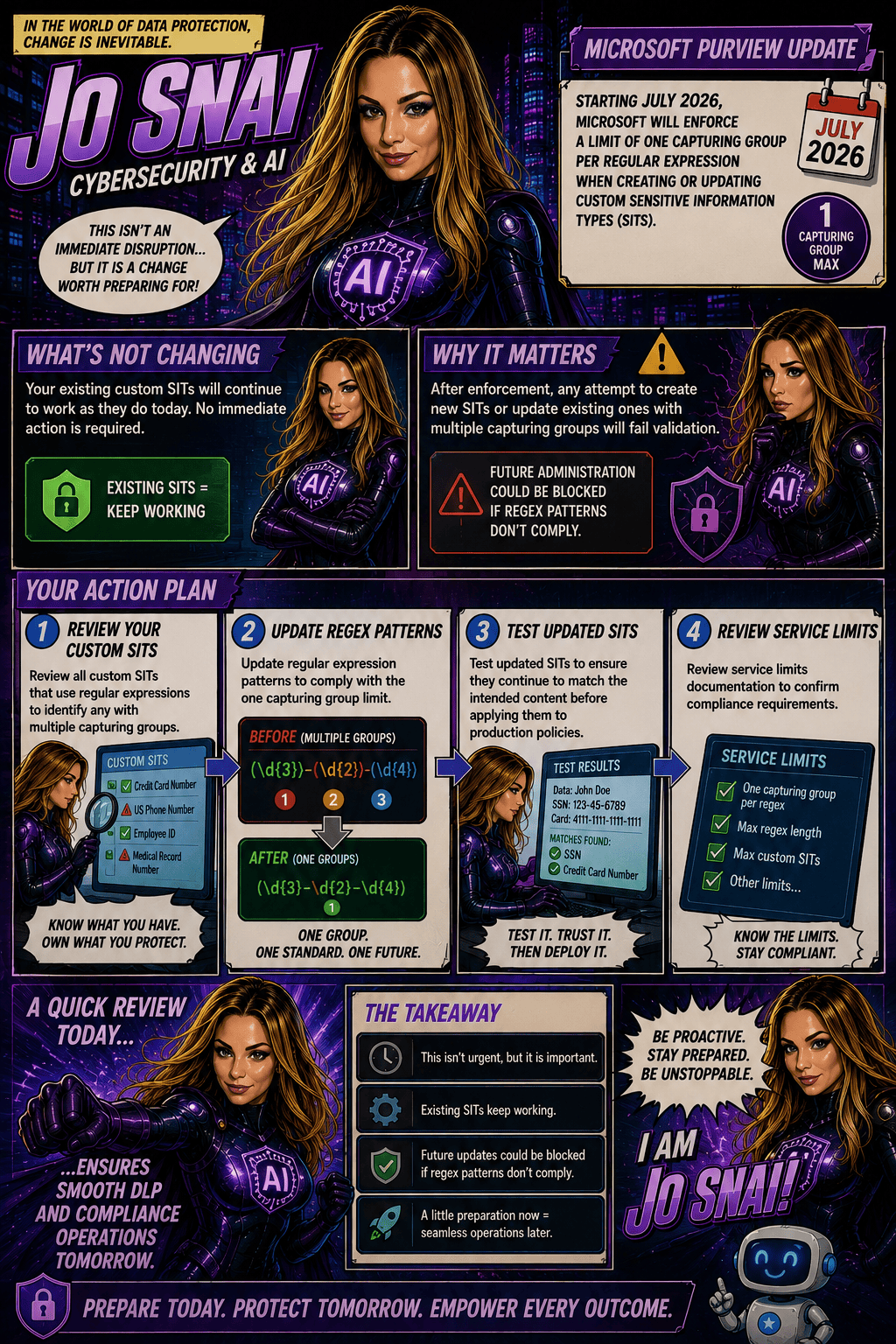
Organizations using Microsoft Purview custom Sensitive Information Types (SITs) should be aware of an upcoming change that may require updates to existing regex patterns.

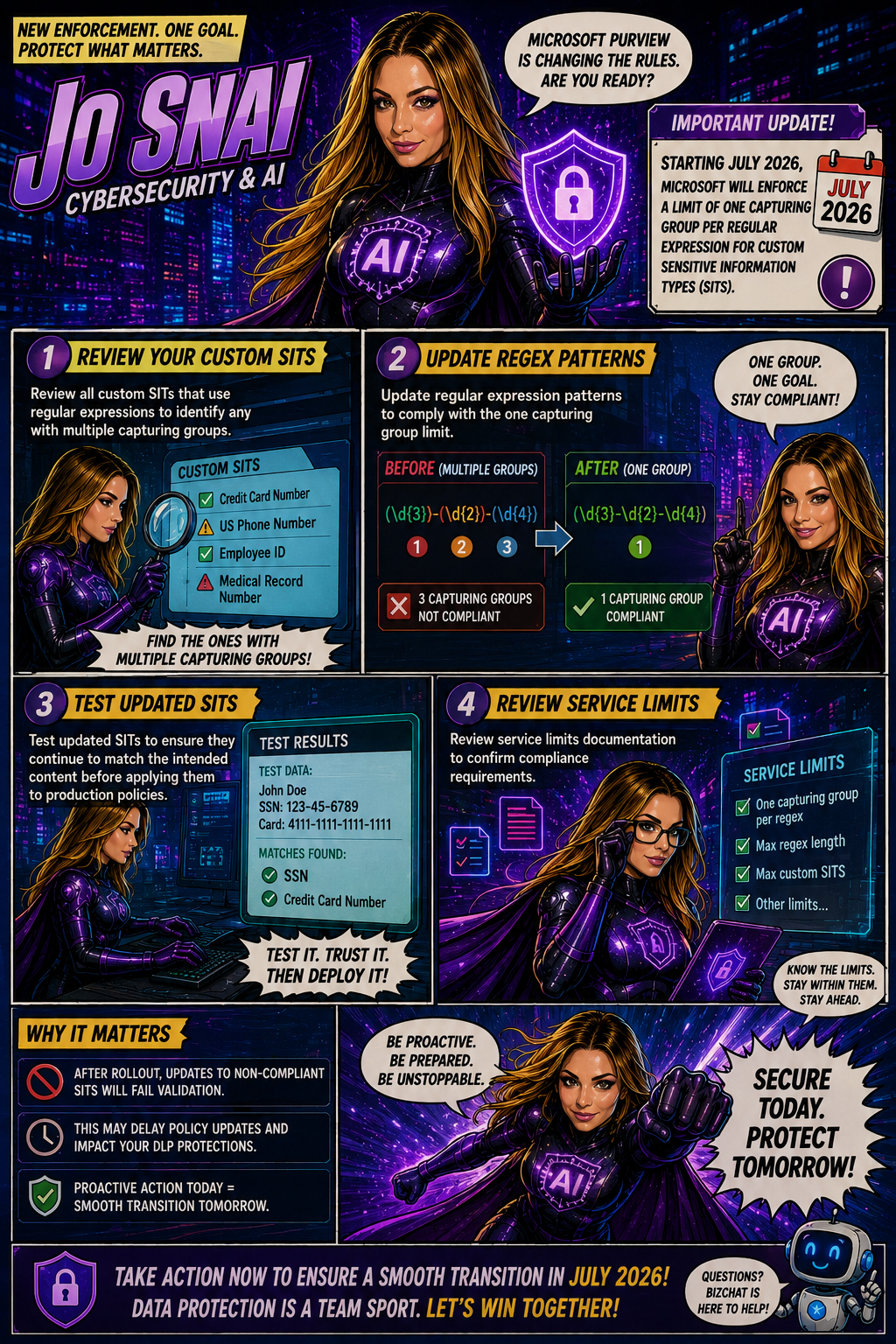
Microsoft is moving forward with enforcing a long-documented rule that allows only one capturing group per regular expression in custom SIT definitions. The goal is to improve the consistency, reliability, and predictability of how sensitive data is identified and classified across Microsoft Purview and Data Loss Prevention (DLP) workloads.

When is this happening?

The rollout is expected to be completed by early July 2026 across all Microsoft cloud environments, including:

  • Worldwide
  • GCC
  • GCC High
  • DoD
Who is affected?

This change primarily impacts:

  • Microsoft Purview administrators
  • Compliance teams managing custom Sensitive Information Types
  • Organizations using custom SITs in DLP, data classification, and compliance solutions

The enforcement applies whether SITs are managed through:

  • The Microsoft Purview portal
  • PowerShell, including:
    • New-DlpSensitiveInformationTypeRulePackage
    • Set-DlpSensitiveInformationTypeRulePackage
What changes?

Once enforcement is in place:

âś… New custom SITs must contain only one capturing group in each regular expression.

❌ Creating a new SIT with multiple capturing groups will be blocked.

❌ Updating an existing SIT that contains multiple capturing groups will fail validation.
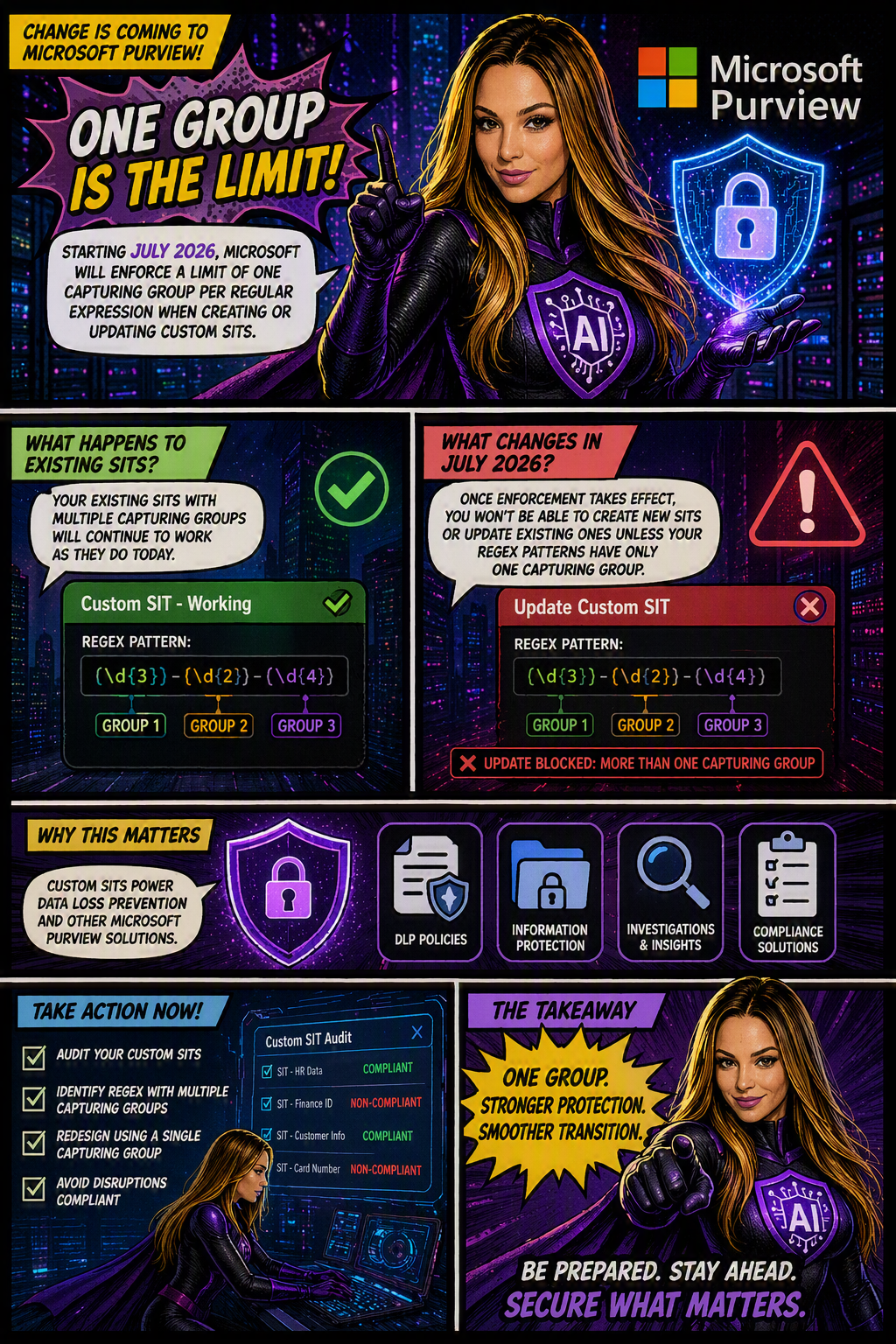
❌ Administrators will not be able to save changes to existing SITs until non-compliant regex patterns are updated.
What about existing SITs?

Existing custom SITs that contain multiple capturing groups will continue to work in their current state. However, they become a potential issue the moment you need to modify, update, or re-save them.

In other words, if an existing SIT contains a regex pattern with multiple capturing groups, you’ll need to redesign that pattern to comply with the one-capturing-group rule before any future changes can be saved.

Many organizations rely on custom SITs to identify sensitive business information and power key compliance capabilities such as:

Why does this matter?
  • Data Loss Prevention (DLP)
  • Data classification
  • Compliance monitoring
  • Information protection policies

If a custom SIT cannot be updated because it fails validation, it could delay policy changes, compliance updates, or new data protection initiatives.

What should you do now?

To avoid surprises, Microsoft Purview administrators should proactively:

  1. Audit existing custom SITs
  2. Identify regex patterns that use multiple capturing groups
  3. Redesign patterns to use a single capturing group
  4. Test and validate updated SITs before future modifications are required

Microsoft Purview Adds Time-Limited Role Assignments to Strengthen Security

Microsoft is enhancing Microsoft Purview with a new capability that allows administrators to assign expiration dates to role group memberships. This update makes it easier to grant temporary administrative access while supporting the principle of least privilege, helping organizations reduce the risk associated with long-term privileged accounts.

With this new feature, administrators can specify how long a user or security group should remain in a Purview role group, choosing a duration anywhere from one day up to two years. Once the assigned period expires, access is automatically removed, helping security and compliance teams maintain tighter control over administrative permissions.

When Will It Be Available?

Microsoft plans to roll out the feature according to the following schedule:

  • Worldwide General Availability: Starting in late July 2026 and expected to complete by late August 2026.
  • GCC, GCC High, and DoD: Starting in late August 2026 and expected to complete by late September 2026.
What Does This Mean for Organizations?

This enhancement primarily benefits:

  • Microsoft Purview administrators
  • Security administrators
  • Compliance teams
  • Organizations managing role-based access through Microsoft Purview

The feature will be available through:

  • Microsoft Purview Compliance Portal
  • Microsoft Purview Role-Based Access Control (RBAC)
Key Benefits

Once the rollout is complete, administrators will be able to:

âś… Assign users or security groups to role groups with a predefined expiration date.

âś… Set assignment durations ranging from 1 day to 2 years.

âś… Apply the capability to both new and existing role assignments.

âś… Reduce the likelihood of forgotten or unnecessary privileged access.

âś… Improve governance, compliance, and security posture with minimal administrative effort.

Importantly, existing role assignments will not be automatically modified, and end-user workflows will remain unchanged.

What Do You Need to Do?

The good news is that no action is required to enable this feature. It will be available by default once deployed, with no additional configuration or policy changes needed.

However, organizations may want to take advantage of the new functionality by:

  • Reviewing privileged access management processes.
  • Using expiration-based assignments for temporary projects, audits, or administrative tasks.
  • Updating internal documentation and operational procedures.
  • Informing Purview administrators about the new capability.

From a compliance perspective, time-limited role assignments help organizations demonstrate stronger control over privileged access.

Many regulatory frameworks and security standards—including ISO 27001, NIST, SOC 2, GDPR accountability requirements, and Zero Trust security principles—expect organizations to follow the principle of least privilege, ensuring users only have access to the resources they need and only for as long as they need it.

🎙️Podcast Episode: Smarter Insider Risk Coverage with Microsoft Purview

🎙️ New podcast episode just dropped!

We’re diving into Smarter Insider Risk Coverage with Microsoft Purview together with Pip & Mara, breaking down what’s new, why it matters, and how it can help organizations stay ahead of insider risks.

If you’re working in security, compliance, or Microsoft 365, this one’s definitely worth a listen 👇

▶️ Watch now on YouTube

Stay tuned…

Podcast Episode: DSI Investigation templates for common data security scenarios

🎙️ New podcast episode just dropped!
DSI Investigation Templates for Common Data Security Scenarios with Pip & Mara
▶️ Watch now on YouTube

Stay tuned…

Microsoft Purview DSPM now includes a new data security agent to strengthen your data protection posture

Microsoft has officially moved Data Security Posture Management (DSPM) in Microsoft Purview from preview to general availability (GA) and that’s a big step forward for organizations looking to strengthen how they protect sensitive data.

At its core, DSPM helps you understand where your data risks really are, giving you better visibility across your Microsoft 365 environment. Instead of piecing things together manually, you get clear insights, risk signals, and practical recommendations to help improve your overall data security posture.

This release is part of Microsoft’s ongoing investment in enterprise-grade security and compliance tools, making it easier to protect data at scale without added complexity.

What’s New

One of the key additions in this GA release is the Data Security Posture Agent, now fully available.

With it, you can:

  • Get a centralized view of data risks across your environment
  • Identify potential gaps in your security posture
  • Access actionable recommendations to improve protection
  • Take direct steps to remediate risks

The transition from preview to GA is seamless—your existing configurations stay as they are, and there’s no need to reconfigure policies or settings.

Rollout Timeline
  • General Availability (Worldwide): Late May 2026 – Late June 2026

The feature will become available based on your organization’s Microsoft Purview deployment timing.

Who Should Pay Attention

This update is especially relevant for:

  • IT admins
  • Security teams
  • Compliance professionals

Basically anyone responsible for managing or protecting data within Microsoft 365 using Microsoft Purview.

What This Means for You

Good news, no action is required to enable this feature.

That said, it’s a great opportunity to take advantage of what DSPM offers. You might want to:

  • Explore the new DSPM capabilities and see how they fit into your security strategy
  • Learn how to set up and use the Data Security Posture Agent
  • Start using DSPM insights to prioritize and reduce data risks
  • Inform your security and compliance teams about the update
  • Update any internal documentation that references Purview DSPM

Microsoft Copilot for Security generally available worldwide on April 1, 2024

Today, Microsoft announce that Microsoft Copilot for Security will be generally available worldwide on April 1, 2024. The industry’s first generative AI solution will help security and IT professionals catch what others miss, move faster, and strengthen team expertise. Copilot is informed by large-scale data and threat intelligence, including more than 78 trillion security signals processed by Microsoft each day, and coupled with large language models to deliver tailored insights and guide next steps. With Copilot, you can protect at the speed and scale of AI and transform your security operations.

Copilot for Security economic study, which shows that experienced security professionals are faster and more accurate when using Copilot, and they overwhelmingly want to continue using Copilot. The gains are truly amazing:

* Experienced security analysts were 22% faster with Copilot.
* They were 7% more accurate across all tasks when using Copilot.
* And, most notably, 97% said they want to use Copilot the next time they do the same task.

This new study focuses on experienced security professionals and expands the randomized controlled trial we published last November, which focused on new-in-career security professionals. Both studies measured the effects on productivity when analysts performed security tasks using Copilot for Security compared to a control group that did not. The combined results of both studies demonstrate that everyone—across all levels of experience and types of expertise—can make gains in security with Copilot. When we put Copilot in the hands of security teams, we can break down barriers to entry and advancement, and improve the work experience for everyone. Copilot enables security for all.

Microsoft Security Exposure Management – Public preview release

Today, March 13, Microsoft announce the public preview release of Microsoft Security Exposure Management. This transformative solution unifies disparate data silos, extending end-to-end visibility to security teams across all assets. By enabling a thorough assessment of security posture and exposure, this solution equips teams to not only grasp their current security landscape but also elevate it to new heights. Microsoft Security Exposure Management serves as a cornerstone for proactive risk management, empowering organizations to adeptly navigate and mitigate threat exposure across their entire attack surface.

Microsoft Security Exposure Management empowers customers to:

  • Build an effective exposure management program with a continuous threat exposure management (CTEM) process.
  • Reduce risk with a clear view of every asset and real-time assessment of potential exposures both inside-out and outside-in.
  • Identify and classify critical assets, ensuring they are protected against a wide variety of threats.
  • Discover and visualize potential adversary intrusion paths, including lateral movement, to proactively identify and stop attacker activity.
  • Communicate exposure risk to business leaders and stakeholders with clear KPIs and actionable insights.
  • Enhance exposure analysis and remediation by integrating with third-party data sources and tools

At launch, we are introducing new capabilities that are foundational to exposure management programs:

  • Attack Surface Management: Provides a comprehensive view of the entire attack surface, allowing the exploration of assets and their relationships.
  • Attack Path Analysis: Assists security teams in visualizing and prioritizing attack paths and risks across environments, enabling focused remediation efforts to reduce exposure and breach likelihood.
  • Unified Exposure Insights: Provides decision-makers with a consolidated, clear view of an organization’s threat exposure, facilitating security teams in addressing critical questions about security posture.

More Information you can find here