Empowering Cybersecurity with Microsoft Purview Data Security Investigations (Preview)


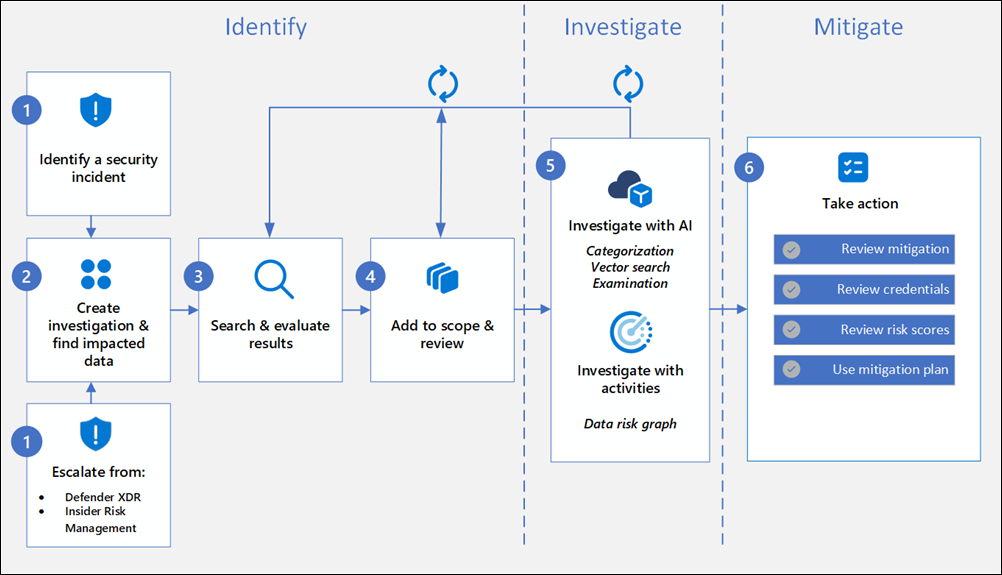
Data Security Investigations (preview) workflow helps you quickly identify, investigate, and take action on data associated with security and data breach incidents. This workflow isn’t a linear process. It includes significant iteration requirements for several of the steps to fine tune searches, evidence gathering, classification, and investigation by using AI and activities.

Analysts can use Data Security Investigations (preview) features in your organization to:

  • Quickly and efficiently search, discover, and identify impacted data.
  • Use deep content AI analysis to discover exact data risks hidden in data.
  • Take action to reduce the impact of data security incidents and quickly mitigate ongoing risks.
  • Collaborate with internal and external stakeholders on investigation details.

Check out the following videos to learn about how Data Security Investigations (preview) can help you respond to data security incidents:

DSI builds on and extends Microsoft Purview’s existing best-of-breed Data Security portfolio. Our information protection, data loss prevention, and insider risk management solutions have provided customers with a strong foundation to protect their crown jewels, their data. Data is at the center of cyberattacks, and now DSI will use AI to re-imagine how customers investigate and mitigate data security incidents, accelerating the process dramatically.  Most organizations we spoke to (77%) believe that AI will accelerate data security detection and response, and 76% think AI will improve the accuracy of data security detection and response strategies. With its cutting edge, generative AI-powered investigative capabilities, DSI will transform and scale how data security admins analyze incident-related data. DSI uncovers key security and sensitive data risks and facilitates secure collaboration between partner teams to mitigate those identified risks. This simplifies previously complex, time-consuming tasks – what once took months, can now be done in a fraction of the time.
Read more:
Get started with Data Security Investigations (preview)
Learn about Data Security Investigations (preview)
Remove-DkimSigningConfig cmdlet now available to tenant admins


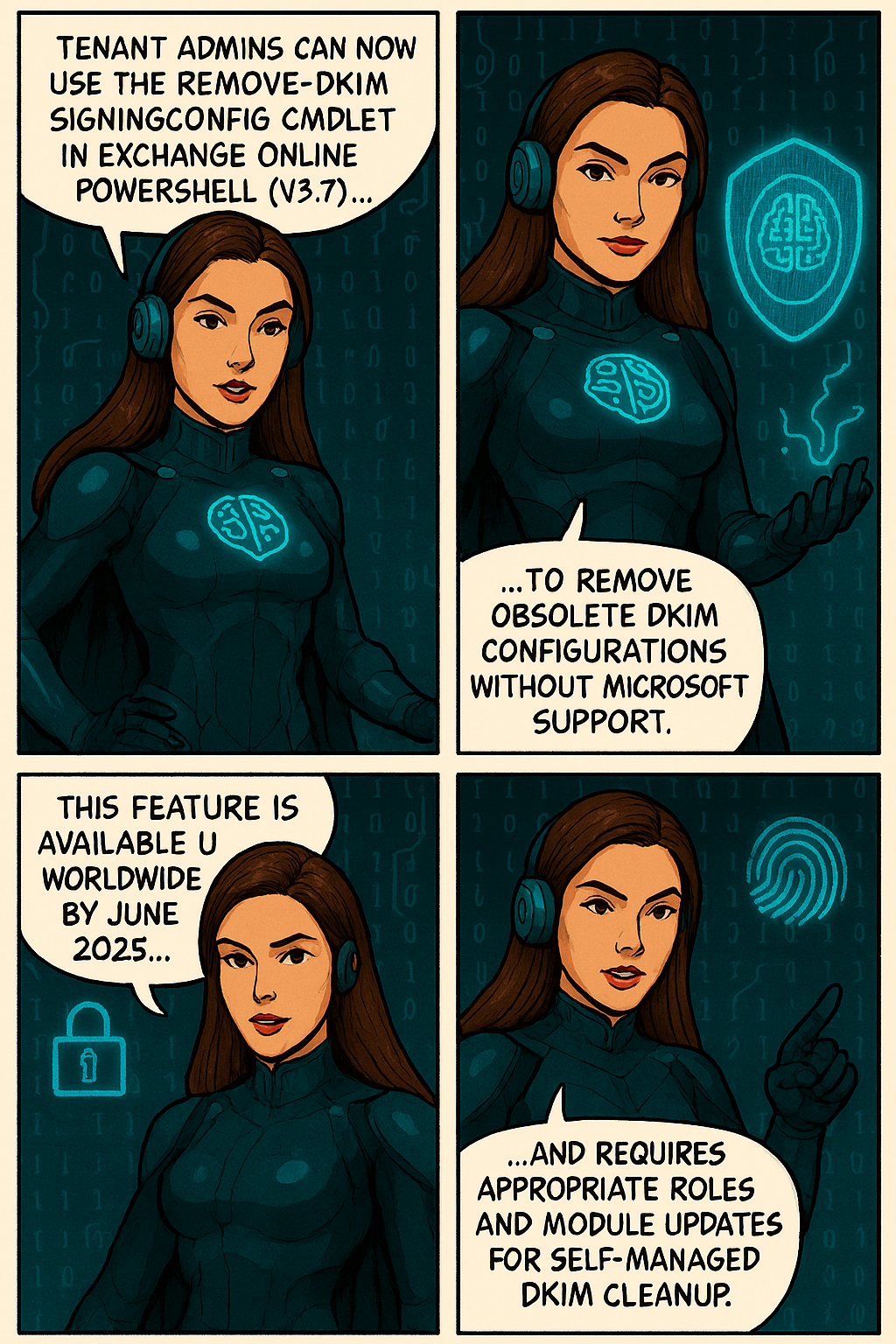
To improve self-service capabilities and reduce support dependency, Microsoft has made the Remove-DkimSigningConfig cmdlet available to tenant administrators. This cmdlet enables admins to remove obsolete DomainKeys Identified Mail (DKIM) signing configurations directly from Exchange Online PowerShell, helping clean up configurations when domains are removed from a tenant.

When this will happen
This feature is already enabled worldwide, including in special clouds.

How this affects your organization

Who is affected: Tenant administrators managing DKIM configurations in Exchange Online with either the Transport Hygiene management role or the Security Administrator role in Entra ID.

What will happen:

  • Admins can now run Remove-DkimSigningConfig directly using Exchange Online PowerShell (requires ExO v3.7 module).
  • No escalation to Microsoft support is needed for DKIM cleanup.
  • Obsolete DKIM configurations for removed domains can be self-managed.
  • The cmdlet is available by default for eligible roles.
  • This cmdlet does not replace any existing tools or processes; it introduces a new capability for tenant admins to manage DKIM cleanup independently.

What you can do to prepare

  • Ensure you have the required role (Transport Hygiene or Security Administrator).
  • Upgrade to Exchange Online PowerShell module v3.7.
  • Use Connect-ExchangeOnline and run Remove-DkimSigningConfig as needed.
  • Update internal documentation for DKIM management procedures.

Learn more: 

Compliance considerations
No compliance considerations identified, review as appropriate for your organization.

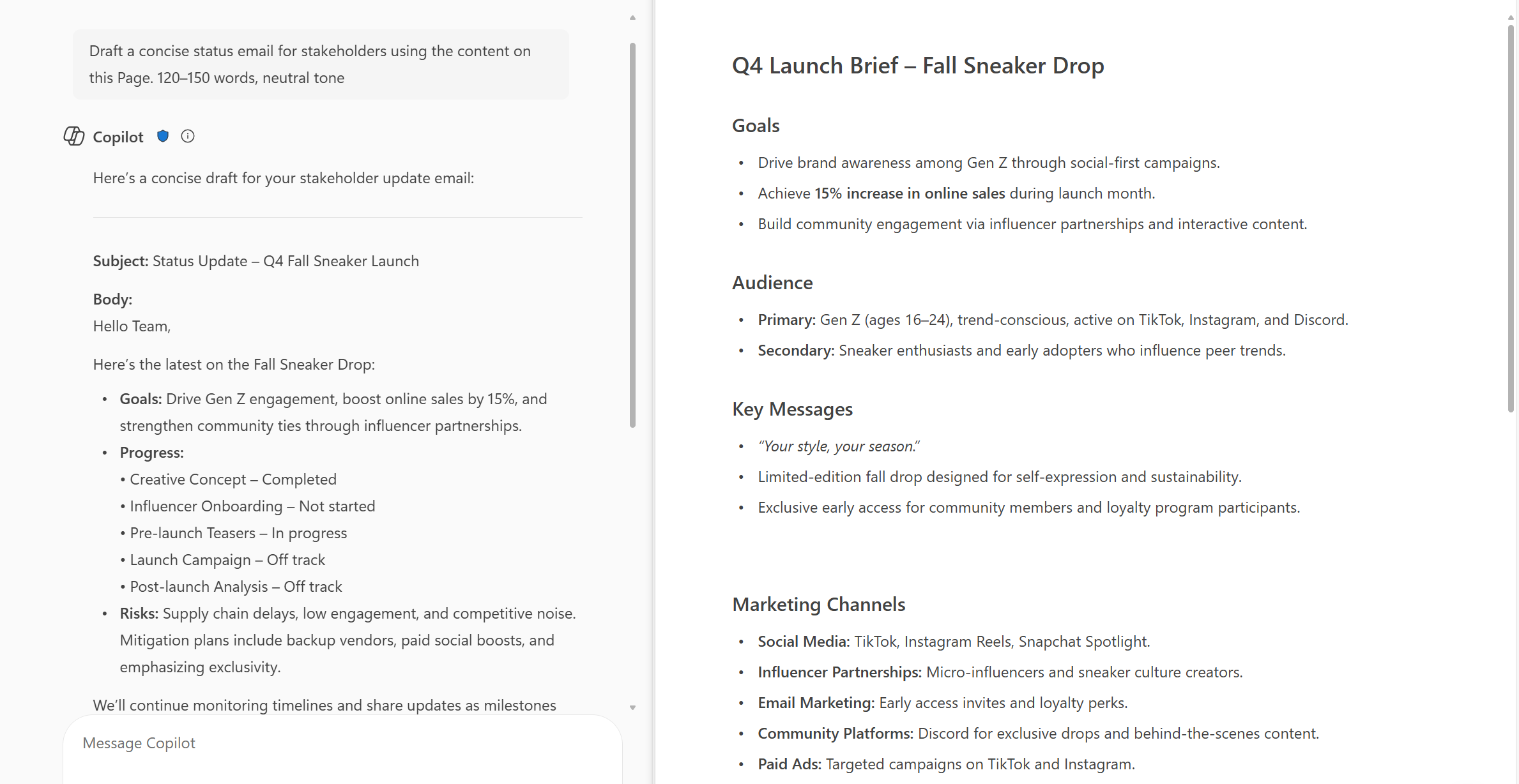
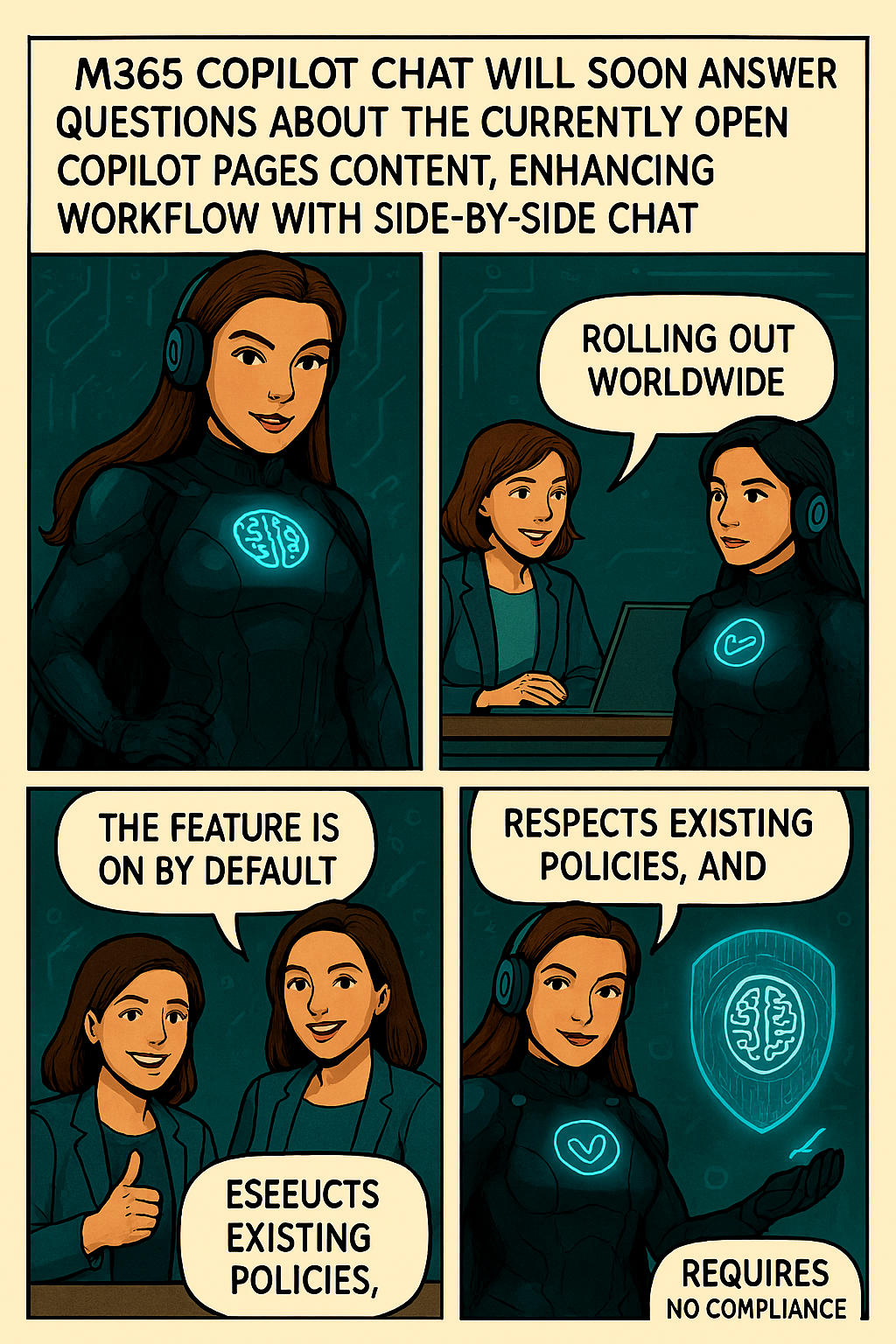
New feature-M365 Copilot Chat can now answer questions about the currently open page


Microsoft introducing a new capability in Copilot Pages that allows Copilot Chat to answer questions based on the contents of the currently open page. This enhancement supports more efficient workflows by enabling users to get contextual answers directly within the side-by-side Chat experience, without needing to switch views or search manually.

When this will happen:
General Availability (Worldwide): We will begin rolling out in early October 2025 and expect to complete by early November 2025.

How this affects your organization:

  • Who is affected: Users with access to Copilot in Microsoft 365 who use Copilot Pages and Copilot Chat in side-by-side mode.
  • What will happen:
    • Users will be able to ask questions in Copilot Chat about the currently open page in Copilot Pages.
  • Copilot will respond using the content of the open page to provide contextual answers.
  • The feature will be ON by default for eligible tenants to configure.
  • Existing admin policies are respected; no policy changes are required.

What you can do to prepare:

  • Communicate this change to helpdesk and support staff.
  • Update internal documentation or training materials that reference Copilot Pages or Chat functionality.
  • Review user guidance to ensure users understand how to use Copilot effectively in side-by-side mode.

Learn more:  Manage Copilot Pages and Copilot Notebooks in your organization | Microsoft Learn

Compliance considerations
No compliance considerations identified, all compliance capabilities will be the same as the Microsoft 365 Copilot Pages experience.

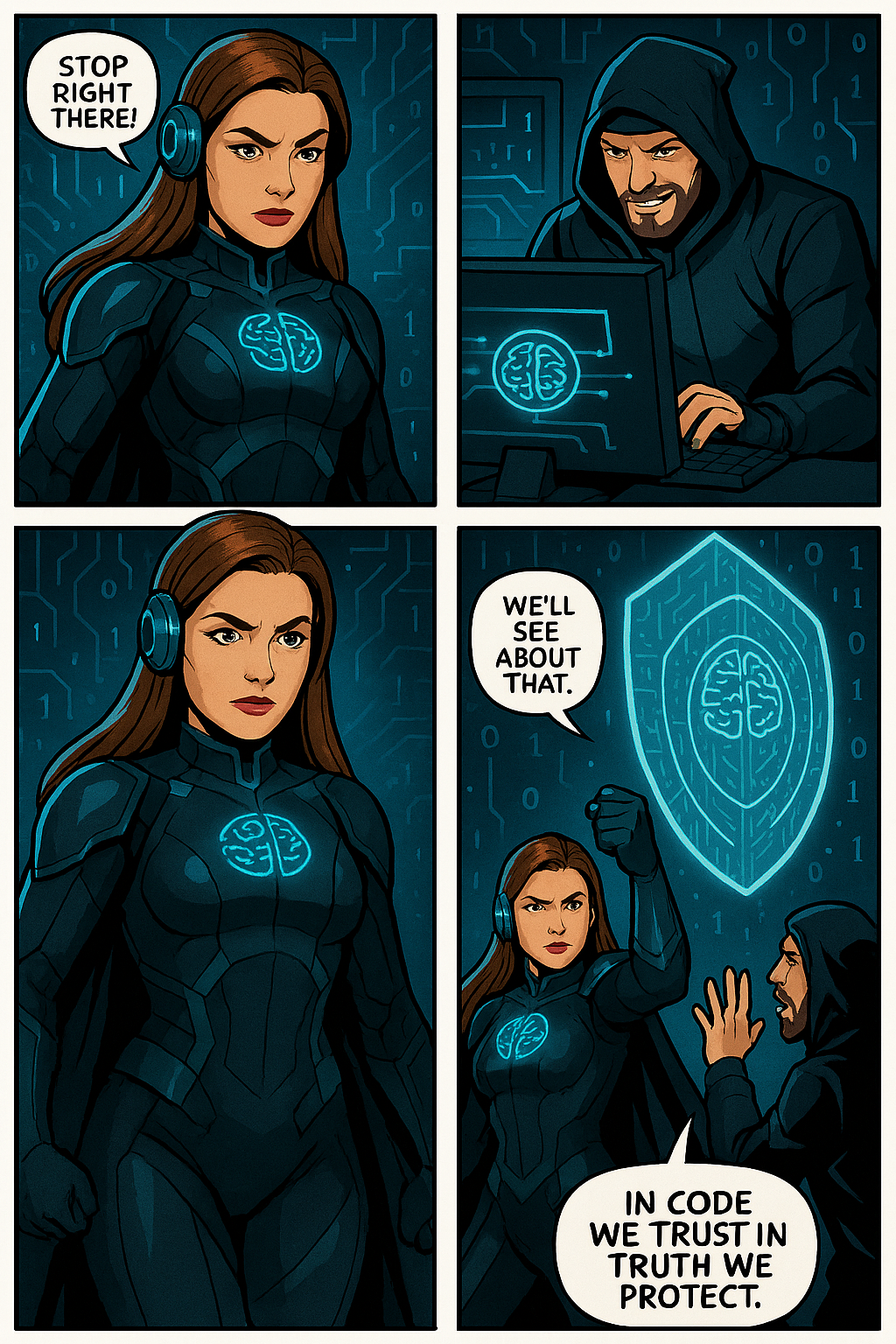
Jo The Ciphermind: A Comic Journey Through Data, Privacy, and Security in Microsoft 365 Copilot


Hello Friday 🎉 !
It’s time to unwind with a great story. Who doesn’t love comics?
I certainly do! So, let’s dive into my comic story and introduce you my character…
My new Tech Comic: Meet Jo Valiant the Guardian of Digital Realms & AI Ethics


🆕 Character
🦸 Name: Jo Valiant
✍ Alias: The Ciphermind
🚨 Role: Guardian of Digital Realms & AI Ethics
🗒️ Catchphrase: “Decode The Chaos.”


In a futuristic digital landscape where data flows like storms and privacy is constantly under threat, emerges Jo The Ciphermind—a guardian clad in encrypted armor and equipped with a mind shielded by advanced privacy protocols. Jo is not just a character but a symbol of resilience and vigilance in the realm of Microsoft 365 Copilot. With glowing blue accents and a brain symbol illuminated on the chest, Jo represents the fusion of human cognition and artificial intelligence. The headphones signify constant connectivity, while the surrounding icons—a padlock, AI chip, shield with a brain, and fingerprint—highlight Jo’s mission to protect data, ensure privacy, and uphold security. This slide introduces Jo as the protagonist of our comic-style journey, setting the stage for an engaging exploration of how Microsoft 365 Copilot integrates these critical elements into its ecosystem.

Balance of Innovation and Integrity
Jo’s journey highlights the balance between advancing AI innovation and upholding responsible data stewardship.

Jo’s Mission
Jo The Ciphermind’s mission transcends individual battles—it’s about empowering users with transparency, control, and trust in Microsoft 365 Copilot.

To be continue…