
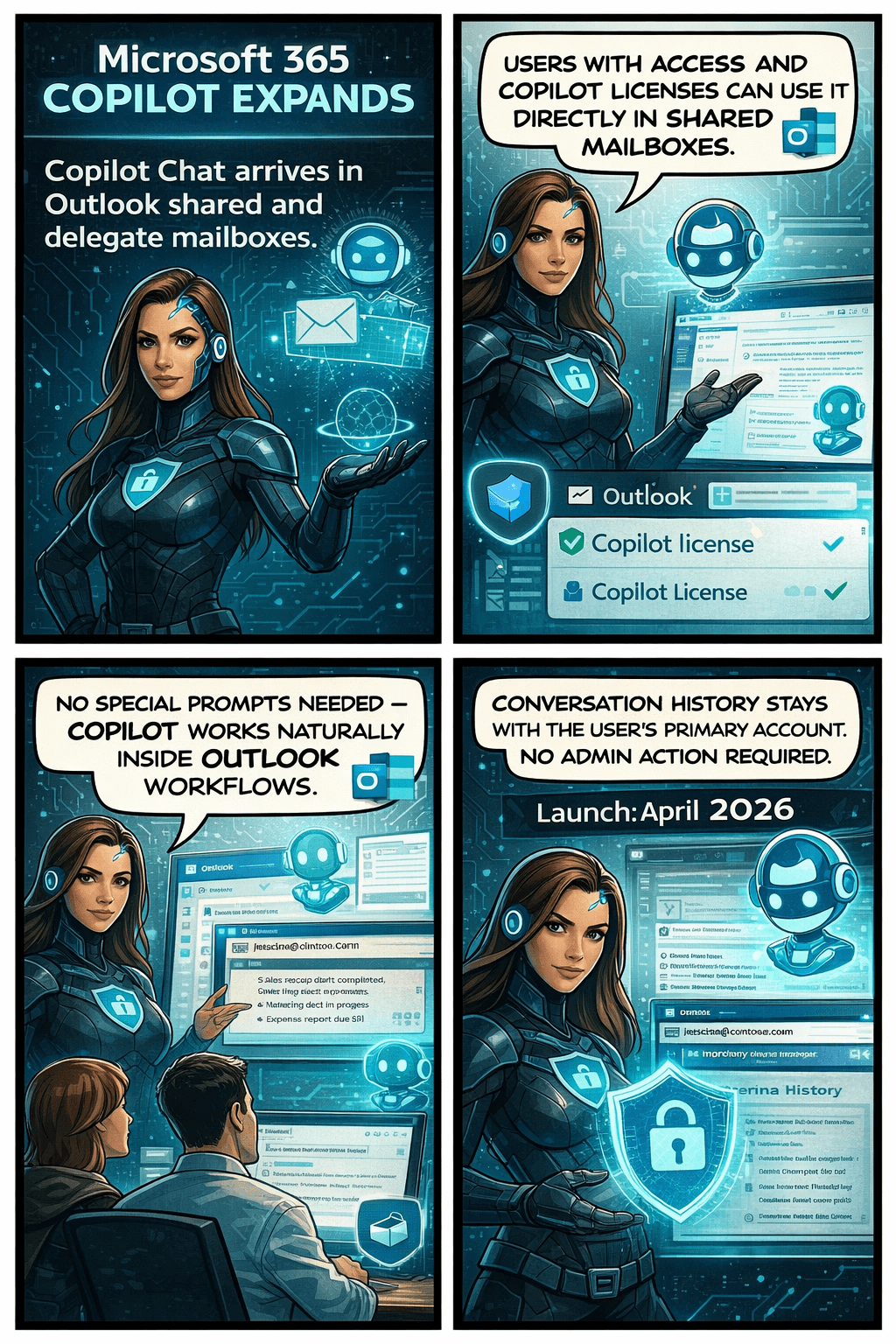
Microsoft is rolling out an exciting update that will make life noticeably easier for anyone who works with shared or delegated inboxes in Outlook. Whether you’re an executive assistant managing a busy calendar, part of an HR or finance team working from a shared mailbox, or supporting customers from a service desk account—Copilot is about to become your new best friend.
Until now, Copilot features like summarizing threads or drafting replies were only available when you were in your own mailbox. But that’s changing. With this update, Copilot will work natively inside the shared or delegated mailboxes you already use every day, bringing AI assistance directly to the place where your work actually happens.
This enhancement is tracked under Microsoft 365 Roadmap ID 554936, and it’s one of the most practical Copilot improvements so far for collaborative teams.
When is this coming?
- Targeted Release: Rolling out from early April 2026 through early May 2026
- General Availability: Rolling out from early May 2026 through early June 2026
In other words—it’s coming soon, and it will reach everyone within the next couple of months.
What’s changing and who benefits?
This update applies to:
- People who work in shared or delegated Outlook mailboxes
- Organizations where users are licensed for Microsoft 365 Copilot
Once enabled, users will be able to:
✔ Use Copilot Chat directly inside shared or delegated mailboxes
You no longer need to switch back to your primary inbox to engage Copilot.
✔ Access features like Summarize, Draft, and other Copilot prompts
These capabilities will now operate on the content of the shared mailbox itself.
✔ Skip awkward prompt wording
No more typing things like “in @domain.com…”.
You can simply ask Copilot naturally, and it understands the context of the mailbox you’re currently in.
✔ Benefit from full support for:
- Full-access shared mailboxes
- Shared folder permissions
- Folder-level access models commonly used by support desks and admin teams
✔ Keep your Copilot history private
Even though multiple people may work in the same shared mailbox, the Copilot conversation history stays tied to your personal account, not the shared mailbox.
No cross-user visibility. No confusion.
What does this mean for your organization?
The good news:
There’s nothing you need to turn on.
This feature will light up automatically for licensed users once rollout reaches your tenant.
Still, it’s worth doing a quick review of:
- Your shared mailbox permission structure
- Folder-level roles (especially for teams with tiered access)
- Training materials or internal FAQs that mention Copilot in Outlook
You may want to update your documentation so users understand they can now use Copilot directly within shared inboxes.
Compliance considerations
