
Microsoft 365 Copilot Gets Clearer DLP Notifications

Have you ever wondered why Copilot couldn’t access, process, or return certain content?
Microsoft is making that experience much easier to understand. Previously, users could see different messages depending on how a Microsoft Purview Data Loss Prevention (DLP) policy was triggered, which sometimes made it unclear why content wasn’t available.

With this update, Microsoft 365 Copilot will now display a consistent notification whenever organisational DLP policies prevent access to content. The goal is simple: improve transparency, reduce confusion, and help users understand that Copilot is respecting their organisation’s data protection policies.

What’s Covered?

The new standardized message applies to Microsoft Purview DLP protections across Microsoft 365 Copilot and Copilot Chat, including:

  • Grounding DLP
  • Prompt DLP
  • External Email DLP

Where Will Users See It?

The unified notification can appear across Microsoft 365 Copilot experiences powered by Microsoft 365 Chat orchestration, including:

  • Microsoft 365 Copilot
  • Microsoft 365 Copilot Chat
  • Microsoft Teams Copilot experiences
  • Outlook on the web Copilot experiences
  • Microsoft Edge Copilot experiences
  • Other Microsoft 365 Copilot chat experiences that rely on Microsoft 365 Chat orchestration

Whenever a DLP policy restricts Copilot from using specific content, users will see the same clear message indicating that access to some content has been restricted by an organisational policy.

Rollout Timeline

The feature is now rolling out across all environments:

  • Worldwide: Available from July 15, 2026
  • GCC: Available from July 20, 2026
  • GCC High and DoD: Available from July 23, 2026

What This Means for Your Organisation

Organizations already using Microsoft Purview DLP with Microsoft 365 Copilot or Copilot Chat don’t need to take any action. The update does not change how DLP policies work. Instead, it improves the user experience by providing a clearer and more consistent explanation when content is blocked.

For IT administrators, this is a good opportunity to review existing training materials, user documentation, and support resources to ensure they reflect the new messaging experience.
Bottom line: the protection remains the same, but the explanation gets better. Users gain more clarity on why content is unavailable, while organisations continue to benefit from the same trusted data protection controls.

Copilot in Outlook Becomes Even Smarter: Shared & Delegate Mailboxes Now Supported

Microsoft is rolling out an exciting update that will make life noticeably easier for anyone who works with shared or delegated inboxes in Outlook. Whether you’re an executive assistant managing a busy calendar, part of an HR or finance team working from a shared mailbox, or supporting customers from a service desk account—Copilot is about to become your new best friend.

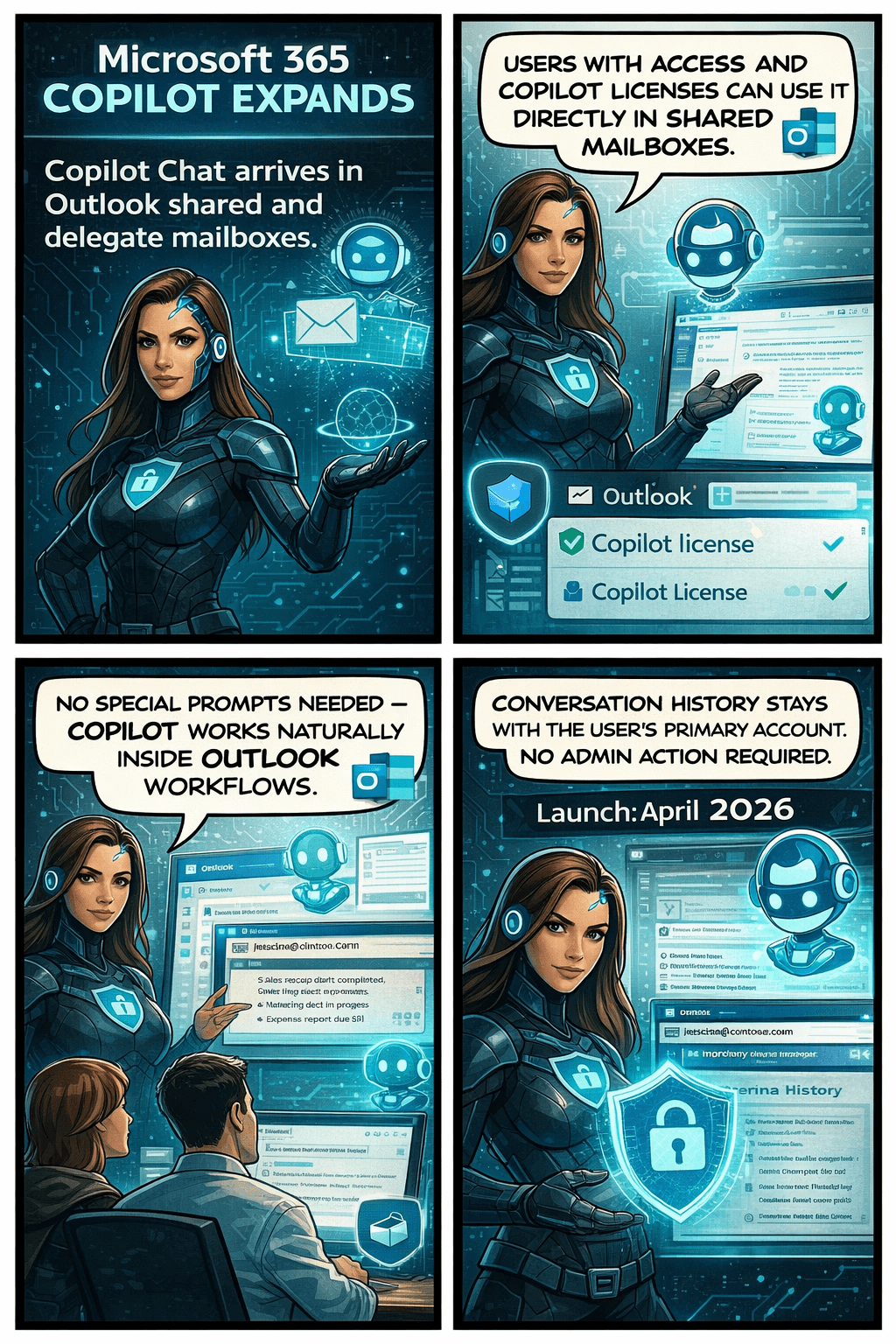
Until now, Copilot features like summarizing threads or drafting replies were only available when you were in your own mailbox. But that’s changing. With this update, Copilot will work natively inside the shared or delegated mailboxes you already use every day, bringing AI assistance directly to the place where your work actually happens.

This enhancement is tracked under Microsoft 365 Roadmap ID 554936, and it’s one of the most practical Copilot improvements so far for collaborative teams.

When is this coming?

  • Targeted Release: Rolling out from early April 2026 through early May 2026
  • General Availability: Rolling out from early May 2026 through early June 2026

In other words—it’s coming soon, and it will reach everyone within the next couple of months.

What’s changing and who benefits?

This update applies to:

  • People who work in shared or delegated Outlook mailboxes
  • Organizations where users are licensed for Microsoft 365 Copilot

Once enabled, users will be able to:

✔ Use Copilot Chat directly inside shared or delegated mailboxes

You no longer need to switch back to your primary inbox to engage Copilot.

✔ Access features like Summarize, Draft, and other Copilot prompts

These capabilities will now operate on the content of the shared mailbox itself.

✔ Skip awkward prompt wording

No more typing things like “in @domain.com…”.
You can simply ask Copilot naturally, and it understands the context of the mailbox you’re currently in.

✔ Benefit from full support for:

  • Full-access shared mailboxes
  • Shared folder permissions
  • Folder-level access models commonly used by support desks and admin teams

✔ Keep your Copilot history private

Even though multiple people may work in the same shared mailbox, the Copilot conversation history stays tied to your personal account, not the shared mailbox.
No cross-user visibility. No confusion.

What does this mean for your organization?

The good news:
There’s nothing you need to turn on.
This feature will light up automatically for licensed users once rollout reaches your tenant.

Still, it’s worth doing a quick review of:

  • Your shared mailbox permission structure
  • Folder-level roles (especially for teams with tiered access)
  • Training materials or internal FAQs that mention Copilot in Outlook

You may want to update your documentation so users understand they can now use Copilot directly within shared inboxes.

Compliance considerations