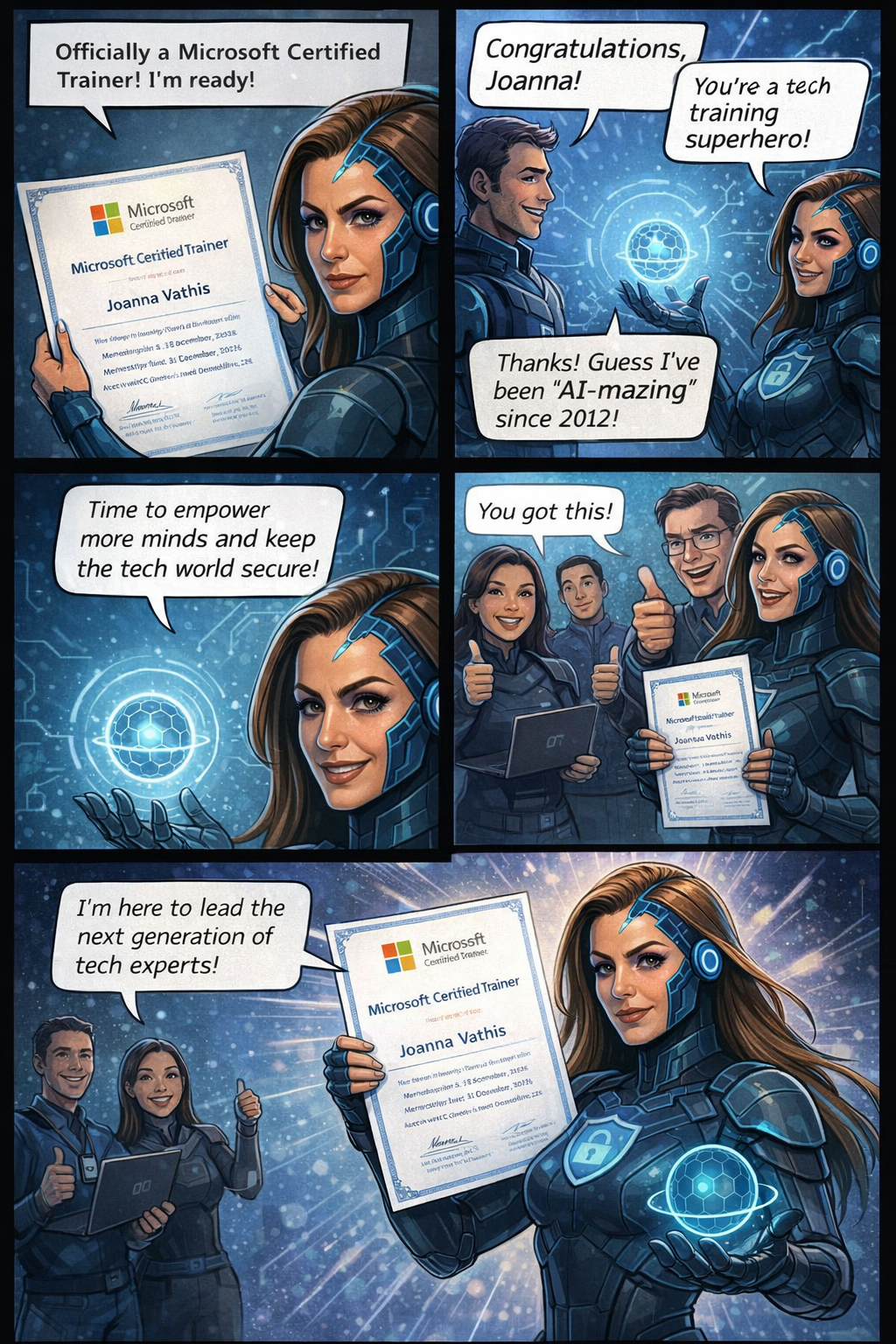
The Cyber Twins: Guardians of the Digital Realm


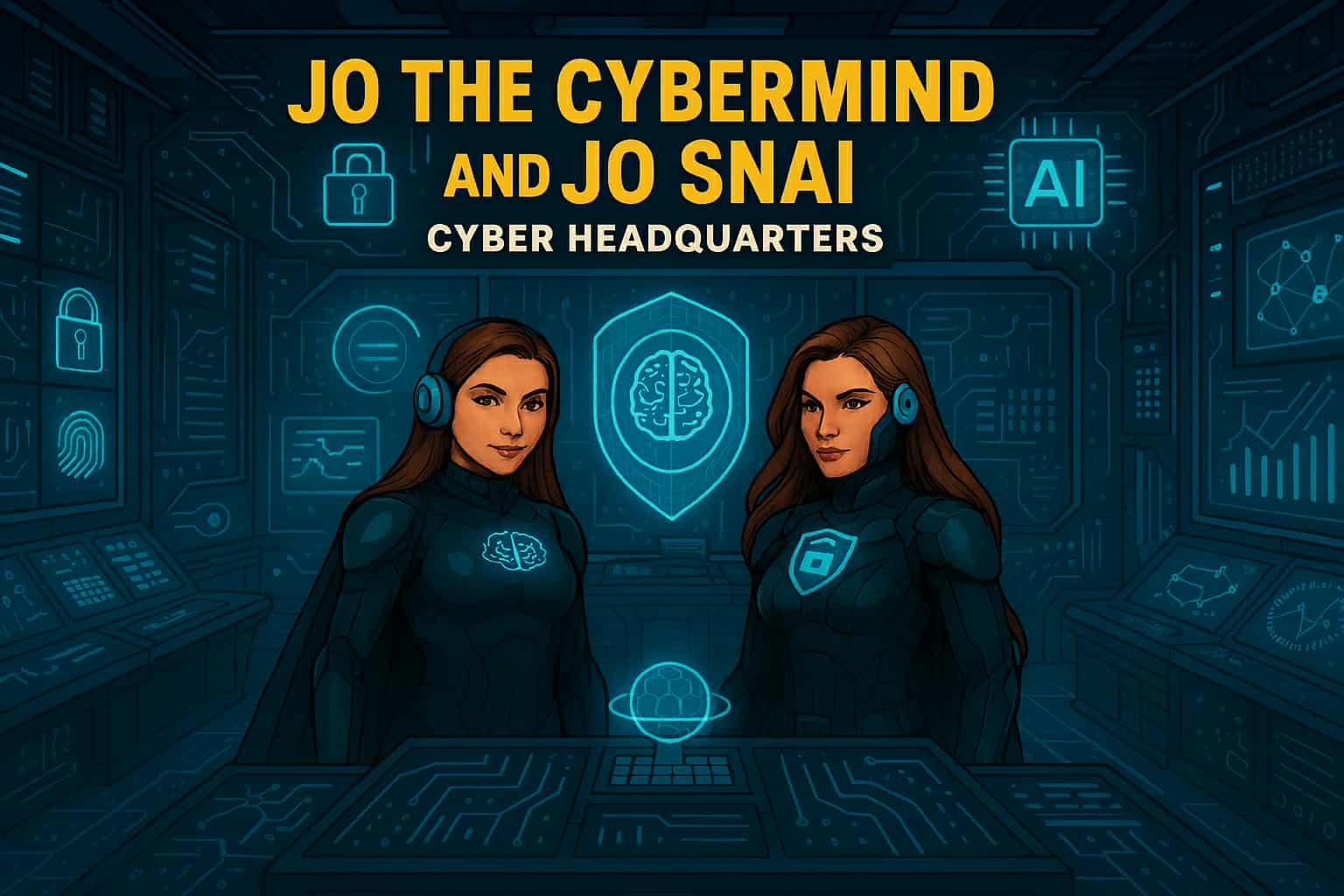
In a world where data flows like rivers and algorithms shape reality, two extraordinary heroes rise to defend the integrity of cyberspace: Jo Cybermind and Jo SNAI. Known collectively as The Cyber Twins, they are the ultimate protectors of the digital frontier, combining the power of Cybersecurity and Artificial Intelligence to keep the virtual world safe.

The Birth of The Cyber Twins

In the early days of the Quantum Net, humanity stood on the brink of a digital collapse. Cybercrime syndicates had evolved beyond firewalls, wielding AI-driven attacks that could dismantle entire infrastructures in seconds. Governments and corporations scrambled for solutions, but every defense fell short.

Amid this chaos, two brilliant minds emerged from the shadows of innovation. One was a pioneer in cognitive security systems, the other a visionary in Security Nebula AI. Their paths crossed during a catastrophic breach—the Nebula Incident—where a rogue superintelligence threatened to seize control of global networks.

Instead of retreating, they fused their expertise into a single mission: to create a new era of defense where human intuition meets machine intelligence. Through relentless research and quantum experimentation, they unlocked extraordinary abilities—transforming themselves into living embodiments of their technologies.

  • Jo Cybermind became the shield of the digital realm, wielding neural firewalls and cognitive encryption to repel any threat.
  • Jo SNAI mastered the art of predictive warfare, commanding AI sentinels and weaving a global cyber mesh to outsmart adversaries before they strike.

Bound by purpose and powered by innovation, they vowed to protect the integrity of cyberspace. From that day forward, they were known as The Cyber Twins—guardians of security and intelligence in a world where every byte counts.

“In a universe of infinite data, only two minds can keep the chaos in check. The Cyber Twins—where security meets intelligence.”

Meet Jo Cybermind

Jo Cybermind is the embodiment of strategic defense and cognitive brilliance. Her superpower lies in Nebula Shielding, a cutting-edge ability that creates impenetrable barriers against cyber threats. With her enhanced brain-computing interface, she can detect anomalies in milliseconds, neutralize ransomware attacks before they spread, and predict vulnerabilities before they even exist.

Her moto: “Decode the Chaos.”

Signature Abilities:

  • Quantum Threat Analysis: Scans billions of data points instantly to identify hidden risks.
  • Adaptive Firewalls: Deploys dynamic shields that evolve with every attack.
  • Cognitive Encryption: Encrypts sensitive data using AI-driven neural patterns, making it virtually unbreakable.

Meet Jo SNAI

Jo SNAI is the visionary architect behind intelligent systems and the unrivaled strategist of predictive algorithms. Her ultimate power, Security Nebula AI, transforms the battlefield of cyberspace into her domain. With this ability, she channels the limitless potential of machine learning to outthink and outmaneuver even the most sophisticated adversaries. Jo SNAI doesn’t just defend—she anticipates, adapts, and evolves.

Her motto:
“Intelligence isn’t just power, it’s protection.”

Signature Abilities

  • AI Sentinels: Deploys autonomous guardians that patrol networks, neutralizing threats before they strike.
  • Behavioral Pattern Mapping: Reads the digital footprints of cybercriminals, predicting their next move with surgical precision.
  • Global Cyber Mesh: Weaves a resilient, interconnected shield across infrastructures, creating a fortress of security in the cloud and beyond.

Together, They Are Unstoppable

When Jo Cybermind and Jo SNAI join forces, they form an unbreakable alliance of logic and learning. Their synergy ensures that every byte of data remains secure, every algorithm stays ethical, and every user can trust the digital world. They are not just heroes—they are the future of cybersecurity and AI.

“In a universe of infinite data, only two minds can keep the chaos in check. The Cyber Twins—where security meets intelligence. When chaos ruled the code, two minds rewrote destiny.”

➡️⏳🔜 Stay tuned. To be continue …

🚀 What an amazing session yesterday!


🙌 A huge thank you to everyone who joined our live event: Securing Productivity with Microsoft 365 Copilot! 💻✨

It was such a pleasure to connect with so many of you, share ideas, and dive deep into how we can boost productivity while keeping security front and center. 🔐💡

Your questions and engagement made the discussion truly insightful and interactive. This is exactly what makes these sessions so valuable—learning together and exchanging perspectives!

🎥 Missed the session? No worries!

We’ve got you covered. You can catch the full recording here 👇

✨ Grab a coffee ☕, sit back, and enjoy the insights—we hope you find some great takeaways to apply in your organization.

💬 I’d love to hear from you:

👉 How are you planning to use Microsoft 365 Copilot securely in your organization?

👉 What challenges or opportunities do you see when combining AI and security?

Drop your thoughts below! 👇💭 Let’s keep the conversation going and learn from each other.

#Microsoft365 #Copilot #Security #Productivity #AI #ModernWorkplace #Innovation #FutureOfWork #CyberSecurity #DigitalTransformation

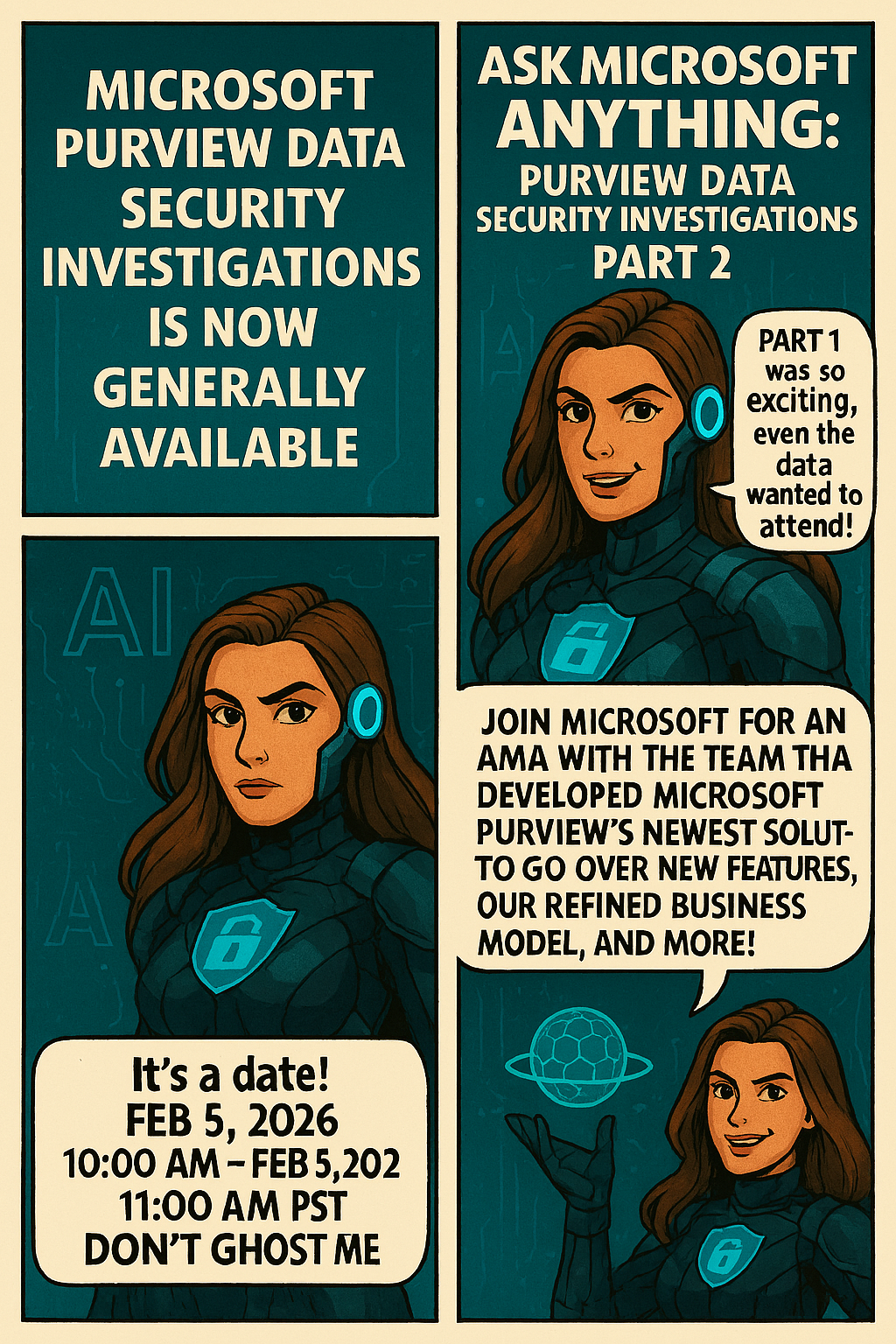
Empowering Cybersecurity with Microsoft Purview Data Security Investigations (Preview)


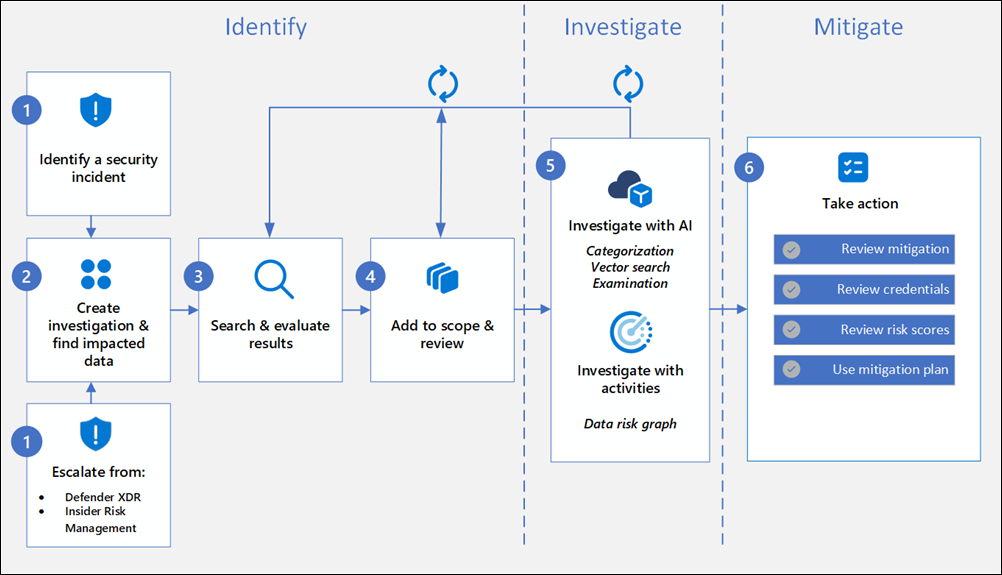
Data Security Investigations (preview) workflow helps you quickly identify, investigate, and take action on data associated with security and data breach incidents. This workflow isn’t a linear process. It includes significant iteration requirements for several of the steps to fine tune searches, evidence gathering, classification, and investigation by using AI and activities.

Analysts can use Data Security Investigations (preview) features in your organization to:

  • Quickly and efficiently search, discover, and identify impacted data.
  • Use deep content AI analysis to discover exact data risks hidden in data.
  • Take action to reduce the impact of data security incidents and quickly mitigate ongoing risks.
  • Collaborate with internal and external stakeholders on investigation details.

Check out the following videos to learn about how Data Security Investigations (preview) can help you respond to data security incidents:

DSI builds on and extends Microsoft Purview’s existing best-of-breed Data Security portfolio. Our information protection, data loss prevention, and insider risk management solutions have provided customers with a strong foundation to protect their crown jewels, their data. Data is at the center of cyberattacks, and now DSI will use AI to re-imagine how customers investigate and mitigate data security incidents, accelerating the process dramatically.  Most organizations we spoke to (77%) believe that AI will accelerate data security detection and response, and 76% think AI will improve the accuracy of data security detection and response strategies. With its cutting edge, generative AI-powered investigative capabilities, DSI will transform and scale how data security admins analyze incident-related data. DSI uncovers key security and sensitive data risks and facilitates secure collaboration between partner teams to mitigate those identified risks. This simplifies previously complex, time-consuming tasks – what once took months, can now be done in a fraction of the time.

Read more:
Get started with Data Security Investigations (preview)
Learn about Data Security Investigations (preview)

New feature-M365 Copilot Chat can now answer questions about the currently open page


Microsoft introducing a new capability in Copilot Pages that allows Copilot Chat to answer questions based on the contents of the currently open page. This enhancement supports more efficient workflows by enabling users to get contextual answers directly within the side-by-side Chat experience, without needing to switch views or search manually.

When this will happen:
General Availability (Worldwide): We will begin rolling out in early October 2025 and expect to complete by early November 2025.

How this affects your organization:

  • Who is affected: Users with access to Copilot in Microsoft 365 who use Copilot Pages and Copilot Chat in side-by-side mode.
  • What will happen:
    • Users will be able to ask questions in Copilot Chat about the currently open page in Copilot Pages.
  • Copilot will respond using the content of the open page to provide contextual answers.
  • The feature will be ON by default for eligible tenants to configure.
  • Existing admin policies are respected; no policy changes are required.

What you can do to prepare:

  • Communicate this change to helpdesk and support staff.
  • Update internal documentation or training materials that reference Copilot Pages or Chat functionality.
  • Review user guidance to ensure users understand how to use Copilot effectively in side-by-side mode.

Learn more:  Manage Copilot Pages and Copilot Notebooks in your organization | Microsoft Learn

Compliance considerations
No compliance considerations identified, all compliance capabilities will be the same as the Microsoft 365 Copilot Pages experience.

Jo The Ciphermind: A Comic Journey Through Data, Privacy, and Security in Microsoft 365 Copilot


Hello Friday 🎉 !
It’s time to unwind with a great story. Who doesn’t love comics?
I certainly do! So, let’s dive into my comic story and introduce you my character…
My new Tech Comic: Meet Jo Valiant the Guardian of Digital Realms & AI Ethics


🆕 Character
🦸 Name: Jo Valiant
✍ Alias: The Ciphermind
🚨 Role: Guardian of Digital Realms & AI Ethics
🗒️ Catchphrase: “Decode The Chaos.”


In a futuristic digital landscape where data flows like storms and privacy is constantly under threat, emerges Jo The Ciphermind—a guardian clad in encrypted armor and equipped with a mind shielded by advanced privacy protocols. Jo is not just a character but a symbol of resilience and vigilance in the realm of Microsoft 365 Copilot. With glowing blue accents and a brain symbol illuminated on the chest, Jo represents the fusion of human cognition and artificial intelligence. The headphones signify constant connectivity, while the surrounding icons—a padlock, AI chip, shield with a brain, and fingerprint—highlight Jo’s mission to protect data, ensure privacy, and uphold security. This slide introduces Jo as the protagonist of our comic-style journey, setting the stage for an engaging exploration of how Microsoft 365 Copilot integrates these critical elements into its ecosystem.

Balance of Innovation and Integrity
Jo’s journey highlights the balance between advancing AI innovation and upholding responsible data stewardship.

Jo’s Mission
Jo The Ciphermind’s mission transcends individual battles—it’s about empowering users with transparency, control, and trust in Microsoft 365 Copilot.

To be continue…

Microsoft Teams: Copilot in Teams can analyze content shared on-screen during a meeting (Roadmap ID 325873)


Microsoft Copilot will be able to answer questions based on content shared onscreen during a Teams meeting.

Microsoft: “Copilot will be able to understand slides, documents, spreadsheets, and websites, or anything else shared onscreen. Users will be able to ask simple recall questions, such as “Show me the content that was shared on the screen” or more specific questions like “what was the Sales target number” if it was shared on a previous slide. Users will also be able to combine screen-share with transcript and chat data to ask, “Show me all the slides and the feedback on each slide,” or “Rewrite the paragraph based on the comments from the audience”.”

Microsoft Update at August 2025

After further review, we are not able to continue rolling this out at this time. We apologize for any inconvenience. Now, Copilot in Teams can analyze content shared on-screen during a meeting when recording is enabled. This, along with meeting transcript and meeting chat, enables users to ask Copilot to summarize or find specific information from screen-shared content (e.g., ‘Which products had the highest sales?’), consolidate insights across both the conversation and presentation (e.g., ‘What was the feedback per slide?’), and draft new content based on the entire meeting (e.g., ‘Rewrite the paragraph shared on the screen incorporating the feedback from the chat’). This works for any content shared while sharing your desktop screen (including but not limited to documents, slides, spreadsheets, and websites, irrespective of platform or app). Support for PowerPoint Live and Whiteboard in Teams will be available at a later date.

Expected Release: August 2026

MAJOR UPDATE: Upcoming Changes for M365 Copilot Chat with Link Safety


Microsoft announce some important updates to M365 Copilot Chat that will enhance security and user experience, following: 

  1. Integration with SafeLinks:
    • M365 Copilot Chat will integrate with SafeLinks in Defender for Office 365 to provide time-of-click URL protection for the hyperlinks included in its chat responses. 
    • This change applies to users with Microsoft Defender for Office 365 Plan 1 or Plan 2 service plans. No policy configuration is needed within the SafeLinks policy.
    • Within Microsoft Defender for Office 365 Security Center, URL protection report will show the relevant summary and trend views for threats detected and actions taken on URL clicks.
  2. Native Time-of-Click URL Reputation Check:
    • For users without SafeLinks protection (which is available as part of Microsoft Defender for Office 365), M365 Copilot Chat will natively enable time-of-click URL reputation check for the hyperlinks returned in its chat responses. 
  3. Hyperlink Redaction Changes:
    • M365 Copilot Chat will no longer redact hyperlinks in its chat responses if they are found in the grounding data used to generate the responses.

When this will happen:

General Availability (Worldwide): We will begin rolling out in late March 2025 and expect to complete by late May 2025.

Rollout will start on desktop and web and will complete with mobile versions. We plan to extend these updates to Copilot Chat experiences in Office apps in the future.

How this will affect your organization:

These updates are designed to enhance the security of the links included in M365 Copilot Chat response, ensuring that users are protected from malicious URLs.

What you need to do to prepare:

You may consider updating your training and documentation as appropriate to ensure users are aware of the change in behavior with hyperlinks in M365 Copilot Chat.

Microsoft introduce scareware blocker! Now available in preview in Microsoft Edge


The Scareware Blocker is a New feature in Microsoft Edge designed to protect users from tech support scams, often referred to as scareware. These scams use aggressive web pages to trick users into thinking their system is infected with malware, pressuring them to call fake tech support numbers. Scareware blockers use a machine learning model to recognize the tell-tale signs of scareware scams and put users back in control of their computer.

Here’s how it works:

  • Machine Learning: It uses a machine learning model to detect and block scareware sites.
  • User Control: When a suspicious site is detected, Edge blocks it and shows a warning message, giving users the option to close the page or proceed if they believe it’s safe

“Scareware” scams are a particularly convincing type of tech support scam. They use aggressive web pages to convince victims into thinking their system is infected with malware, pressure them to call a fake tech support number, and try to gain access to the computer. Last year, Hollywood even made a blockbuster action movie with scareware scammers as the villains.

To enable Scareware Blocker in Microsoft Edge:

  1. Open Edge and click on the three-dot menu in the toolbar.
  2. Select Settings.
  1. Navigate to Privacy, search, and services.
  2. Find the Scareware Blocker option and toggle it on

When scareware blocker suspects a page is a scam, Edge will put users back in control by exiting full screen mode, stopping aggressive audio playback, warning the user, and showing a thumbnail of the page they were just viewing:

Scareware blocker fights tech scams – Video Tutorial

Security for Microsoft 365 Copilot


Microsoft 365 Copilot is a sophisticated processing and orchestration engine that provides AI-powered productivity capabilities by coordinating the following components:

  • Large language models (LLMs)
  • Content in Microsoft Graph, such as emails, chats, and documents that you have permission to access.
  • The Microsoft 365 productivity apps that you use every day, such as Word and PowerPoint.

How does Microsoft 365 Copilot use your proprietary organizational data?

Microsoft 365 Copilot provides value by connecting LLMs to your organizational data. Microsoft 365 Copilot accesses content and context through Microsoft Graph. It can generate responses anchored in your organizational data, such as user documents, emails, calendar, chats, meetings, and contacts. Microsoft 365 Copilot combines this content with the user’s working context, such as the meeting a user is in now, the email exchanges the user had on a topic, or the chat conversations the user had last week. Microsoft 365 Copilot uses this combination of content and context to help provide accurate, relevant, and contextual responses.

Microsoft 365 Copilot only surfaces organizational data to which individual users have at least view permissions. It’s important that you’re using the permission models available in Microsoft 365 services, such as SharePoint, to help ensure the right users or groups have the right access to the right content within your organization. This includes permissions you give to users outside your organization through inter-tenant collaboration solutions, such as shared channels in Microsoft Teams.

When you enter prompts using Microsoft 365 Copilot, the information contained within your prompts, the data they retrieve, and the generated responses remain within the Microsoft 365 service boundary, in keeping with our current privacy, security, and compliance commitments. Microsoft 365 Copilot uses Azure OpenAI services for processing, not OpenAI’s publicly available services. Azure OpenAI doesn’t cache customer content and Copilot modified prompts for Microsoft 365 Copilot.

Data stored about user interactions with Microsoft 365 Copilot

When a user interacts with Microsoft 365 Copilot (using apps such as Word, PowerPoint, Excel, OneNote, Loop, or Whiteboard), we store data about these interactions. The stored data includes the user’s prompt and Copilot’s response, including citations to any information used to ground Copilot’s response. We refer to the user’s prompt and Copilot’s response to that prompt as the “content of interactions” and the record of those interactions is the user’s Copilot activity history. For example, this stored data provides users with Copilot activity history in Microsoft 365 Copilot Chat (previously named Business Chat) and meetings in Microsoft Teams. This data is processed and stored in alignment with contractual commitments with your organization’s other content in Microsoft 365. The data is encrypted while it’s stored and isn’t used to train foundation LLMs, including those used by Microsoft 365 Copilot.

To view and manage this stored data, admins can use Content search or Microsoft Purview. Admins can also use Microsoft Purview to set retention policies for the data related to chat interactions with Copilot. For Microsoft Teams chats with Copilot, admins can also use Microsoft Teams Export APIs to view the stored data.

Deleting the history of user interactions with Microsoft 365 Copilot

Your users can delete their Copilot activity history, which includes their prompts and the responses Copilot returns, by going to the My Account portal. More information, see Delete your Microsoft 365 Copilot activity history.

Microsoft 365 Copilot and the EU Data Boundary

Microsoft 365 Copilot calls to the LLM are routed to the closest data centers in the region, but also can call into other regions where capacity is available during high utilization periods.

For European Union (EU) users, we have additional safeguards to comply with the EU Data Boundary. EU traffic stays within the EU Data Boundary while worldwide traffic can be sent to the EU and other countries or regions for LLM processing. The EU Data Boundary is a geographically defined boundary within which Microsoft has committed to store and process Customer Data and personal data for our Microsoft enterprise online services, including Azure, Dynamics 365, Power Platform, and Microsoft 365, subject to limited circumstances where Customer Data and personal data will continue to be transferred outside the EU Data Boundary.

How does Microsoft 365 Copilot protect organizational data?

The permissions model within your Microsoft 365 tenant can help ensure that data won’t unintentionally leak between users, groups, and tenants. Microsoft 365 Copilot presents only data that each individual can access using the same underlying controls for data access used in other Microsoft 365 services. Semantic Index honors the user identity-based access boundary so that the grounding process only accesses content that the current user is authorized to access.

Copilot works together with your Microsoft Purview sensitivity labels and encryption to provide an extra layer of protection. The following diagram provides a visual representation of how Copilot honors your information protection controls using sensitivity labels and encryption.

Copilot will only work with your M365 tenant data and won’t be able to access other companies’ data. Plus, your data doesn’t train the AI for other companies to leverage..

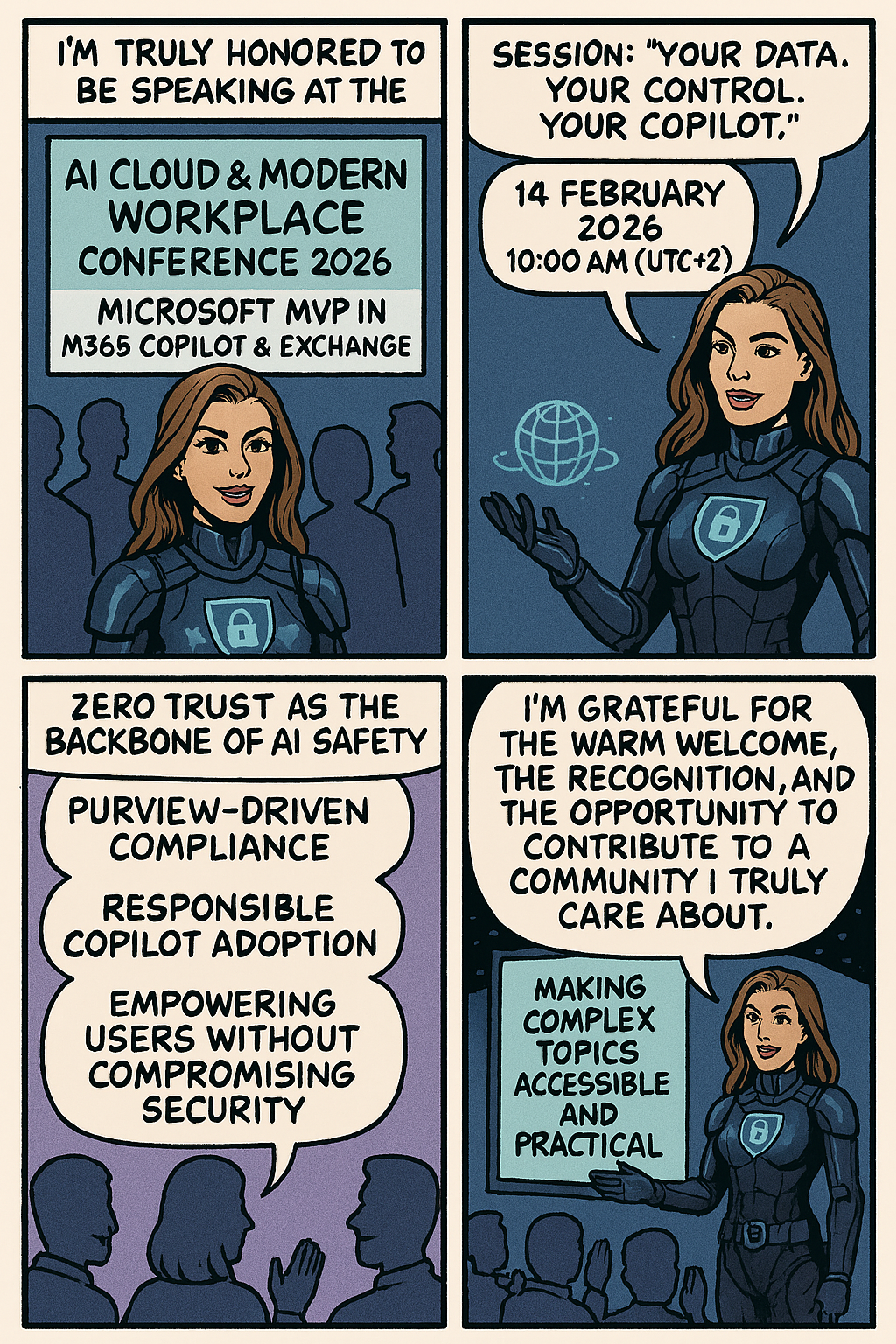
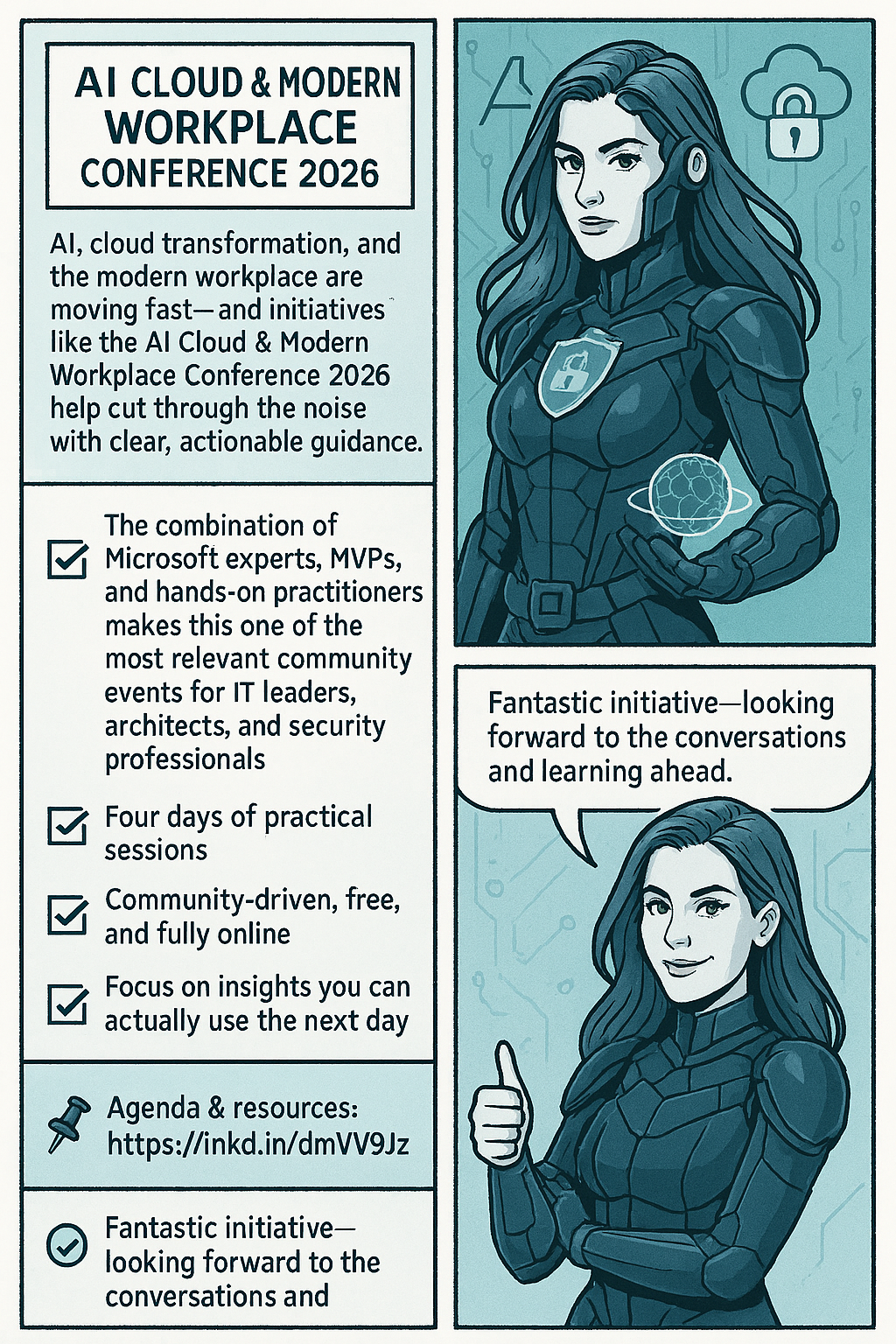
Event: Διημερίδα Ψηφιακής Εξέλιξης in Corfu, taking place on February 7-8! @silicon_corfu


🔝I am excited to announce that I will be speaking at the “Διημερίδα Ψηφιακής Εξέλιξης in Corfu, taking place on February 7-8! @silicon_corfu

📆Title: Get started with Microsoft 365 Copilot in Excel
📝Description: I’m excited to share some insights about the amazing features of Microsoft 365 Copilot in Excel. This innovative tool is designed to help you work more efficiently with your data by providing intelligent suggestions and insights.

With Copilot in Excel, you can do much more with your data. It generates formula column suggestions, shows insights in charts and PivotTables, and highlights interesting data, making it easier for you to uncover valuable information.

In our upcoming presentation, we will explore these features in detail and see how they can enhance our productivity:

📍Formulas: Writing, explaining, and asking questions
📍More formula use cases
📍Working with text
📍Visualize: Charts and Color
📍Ask questions about Excel
📍Demo

🚀 I look forward to seeing you there! Don’t miss the opportunity to participate in this important event and enrich your knowledge of the latest Microsoft technologies. Register now for free and join us for discussions and learning!

Registration 👉 https://lnkd.in/dQ25Jz4y!