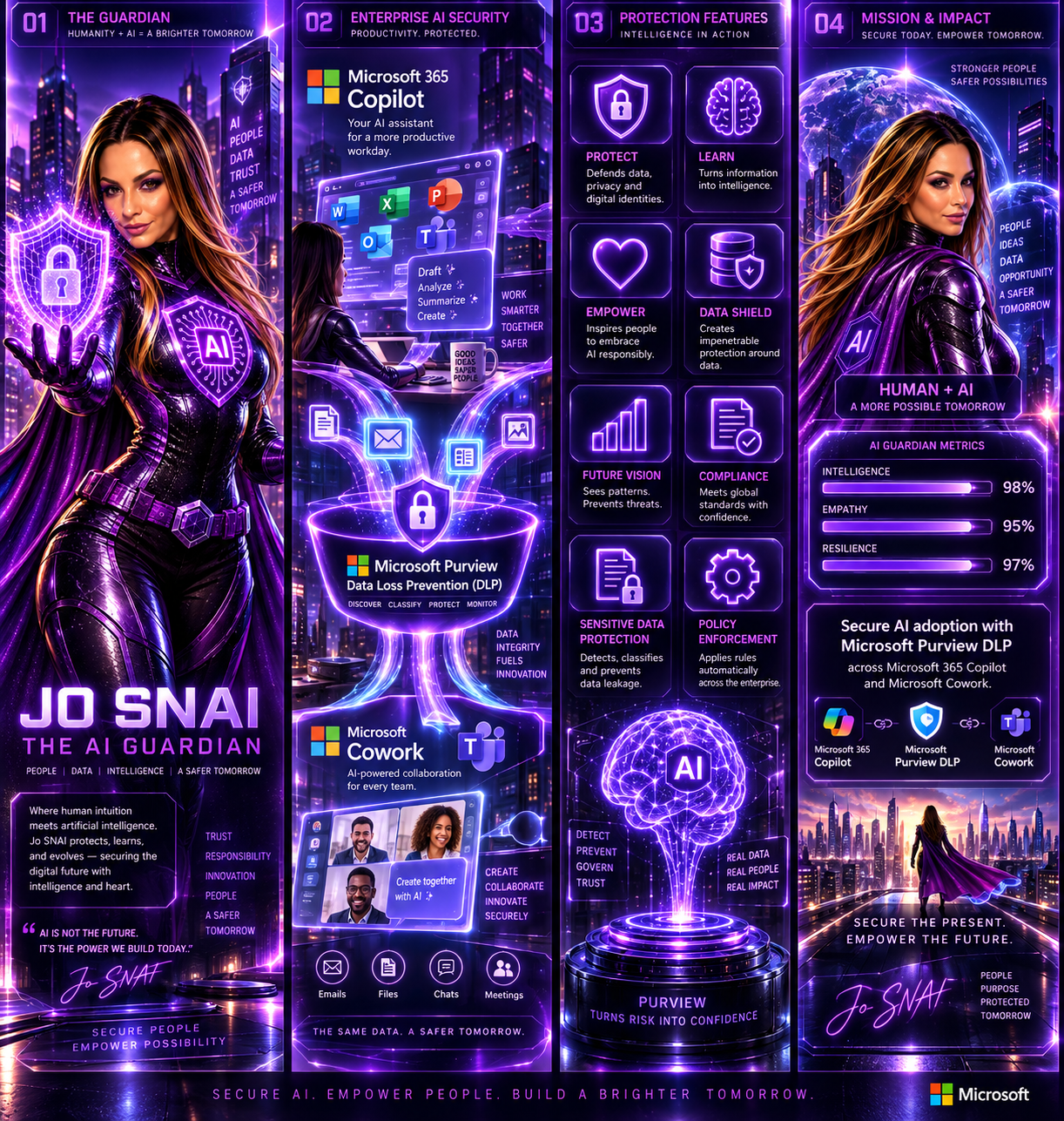
As organizations continue to embrace AI-powered productivity tools, maintaining strong data protection and compliance controls remains a top priority. To support the secure adoption of Microsoft Cowork, Microsoft is extending Microsoft Purview Data Loss Prevention (DLP) capabilities to this new AI experience, ensuring organizations can apply consistent data protection policies across both Microsoft 365 Copilot and Microsoft Cowork. This update helps organizations reduce the risk of sensitive information exposure while enabling employees to take advantage of AI-driven productivity tools with confidence.
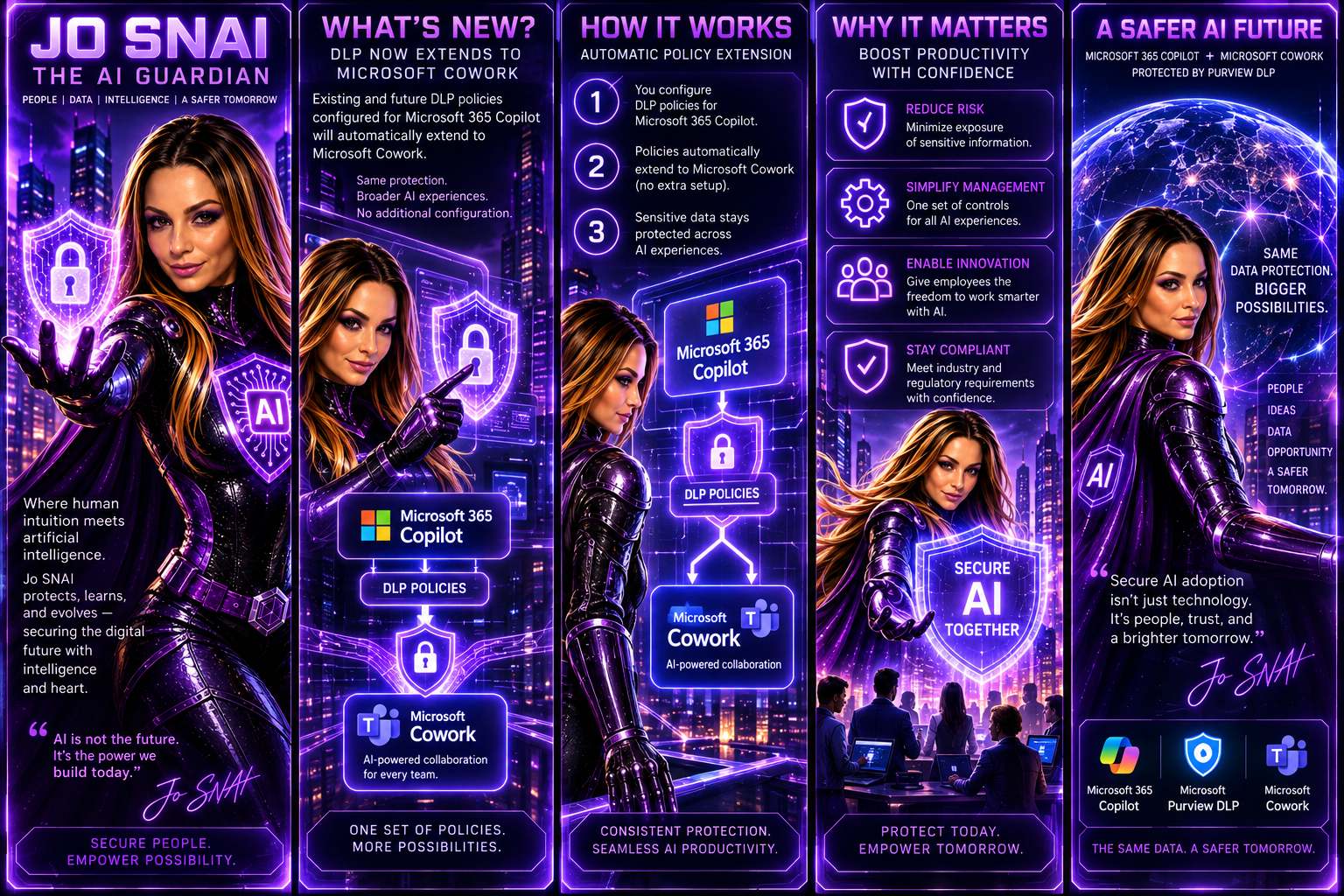
What’s New?
With this enhancement, existing and future DLP policies configured for Microsoft 365 Copilot will automatically extend to Microsoft Cowork. This means administrators can manage AI-related data protection through a single set of policies and controls without additional configuration.
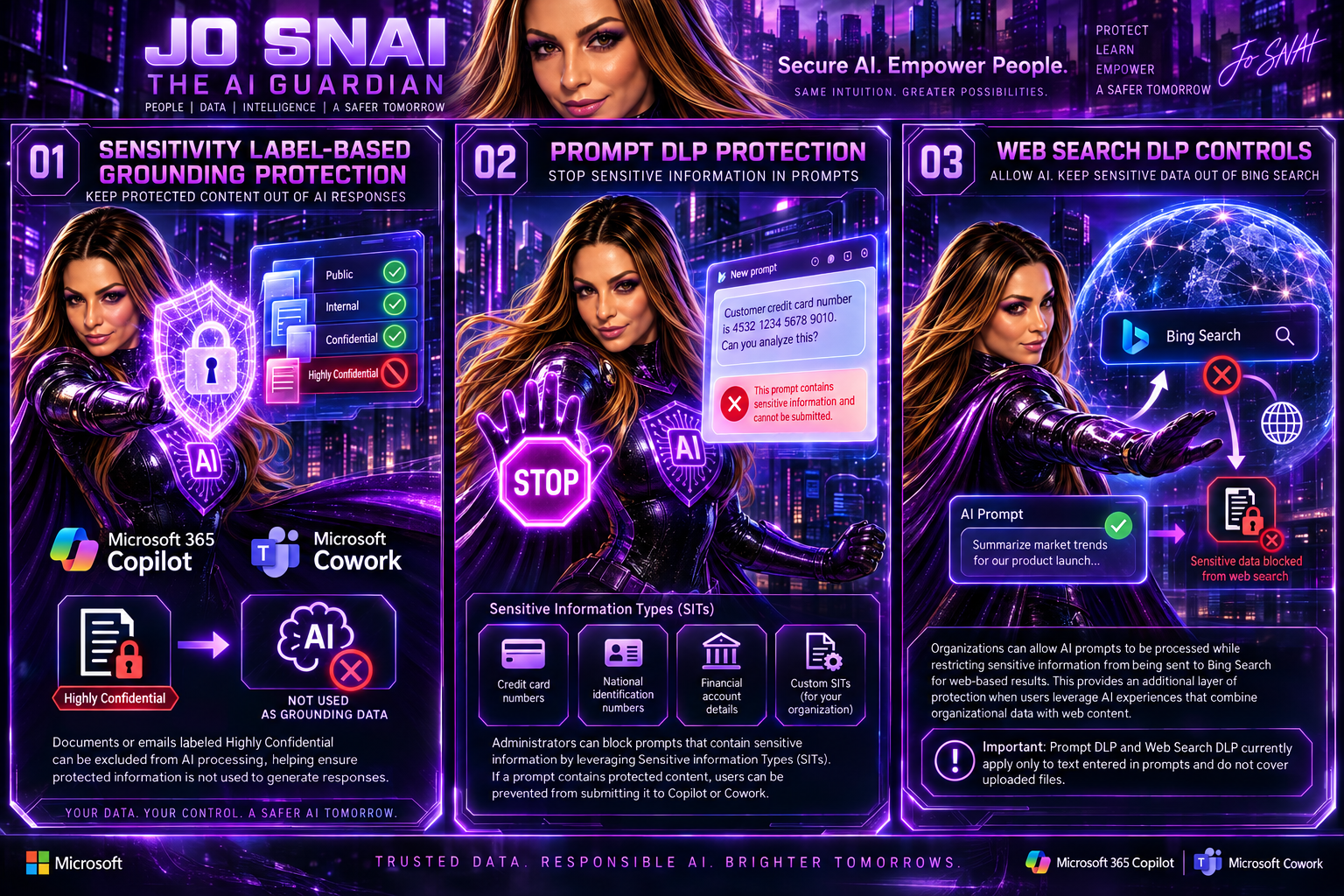
The following DLP capabilities will be supported:
1. Sensitivity Label-Based Grounding Protection
Organizations can prevent Microsoft Copilot and Microsoft Cowork from using specific content as grounding data when generating responses.
For example, documents or emails labeled Highly Confidential can be excluded from AI processing, helping ensure protected information is not used to generate responses.
2. Prompt DLP Protection
Administrators can block prompts that contain sensitive information by leveraging Sensitive Information Types (SITs).
Examples include:
- Credit card numbers
- National identification numbers
- Financial account details
- Custom Sensitive Information Types created by the organization
If a prompt contains protected content, users can be prevented from submitting it to Copilot or Cowork.
3. Web Search DLP Controls
Organizations can allow AI prompts to be processed while restricting sensitive information from being sent to Bing Search for web-based results.
This provides an additional layer of protection when users leverage AI experiences that combine organizational data with web content.
Important: Prompt DLP and Web Search DLP currently apply only to text entered in prompts and do not cover uploaded files.
What This Means for Organizations
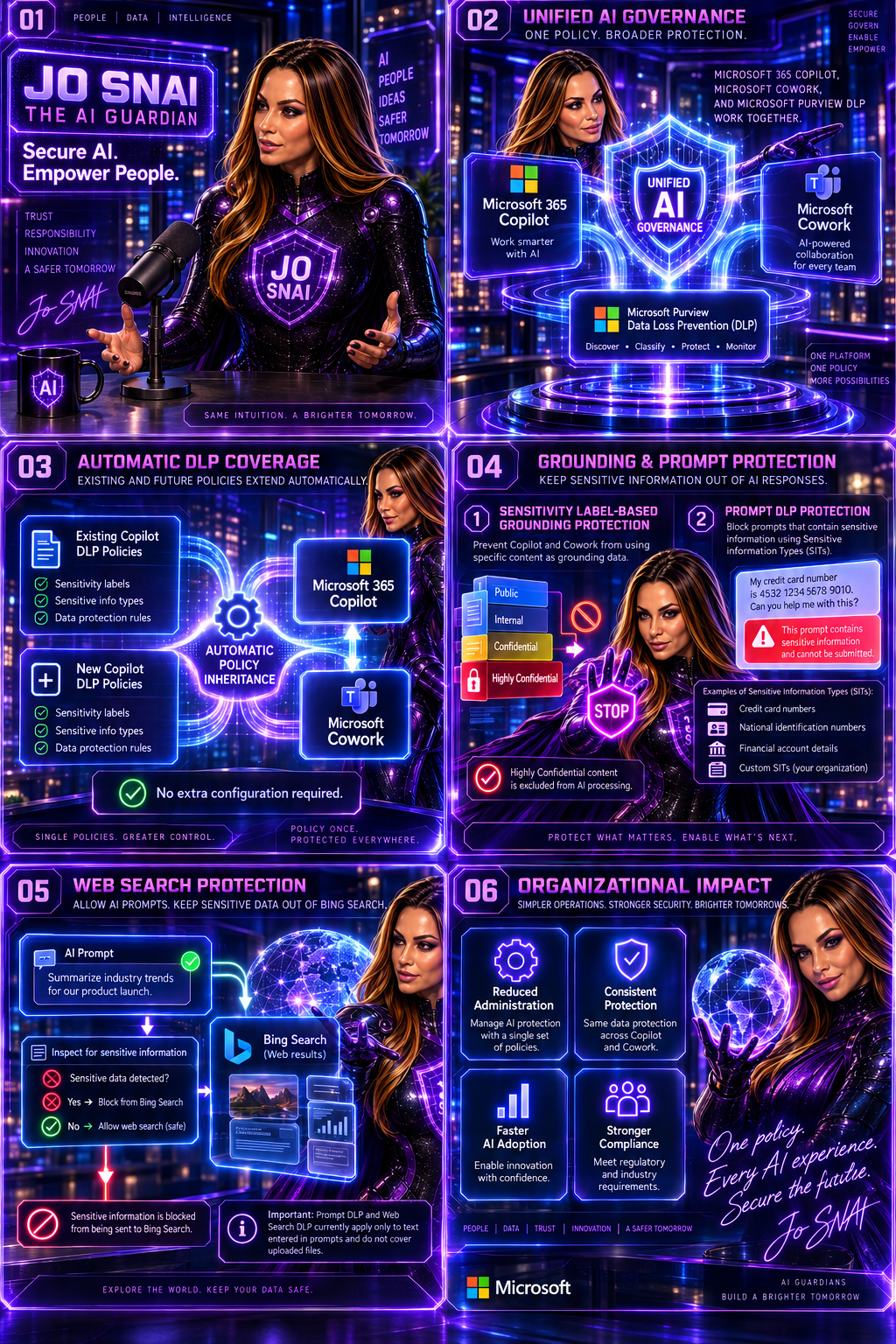
The update simplifies AI governance by automatically extending protection to Microsoft Cowork.
Key changes include:
- Existing DLP policies targeting Microsoft Copilot will automatically apply to Microsoft Cowork.
- New DLP policies created for Microsoft Copilot will include Microsoft Cowork by default.
- Sensitivity labels can be used to prevent protected content from being used as grounding data.
- Sensitive Information Types can be used to block prompts or restrict sensitive information from being sent for web searches.
- No separate setup or configuration is required.
For organizations already using Microsoft Purview DLP, this significantly reduces the effort required to secure emerging AI workloads.
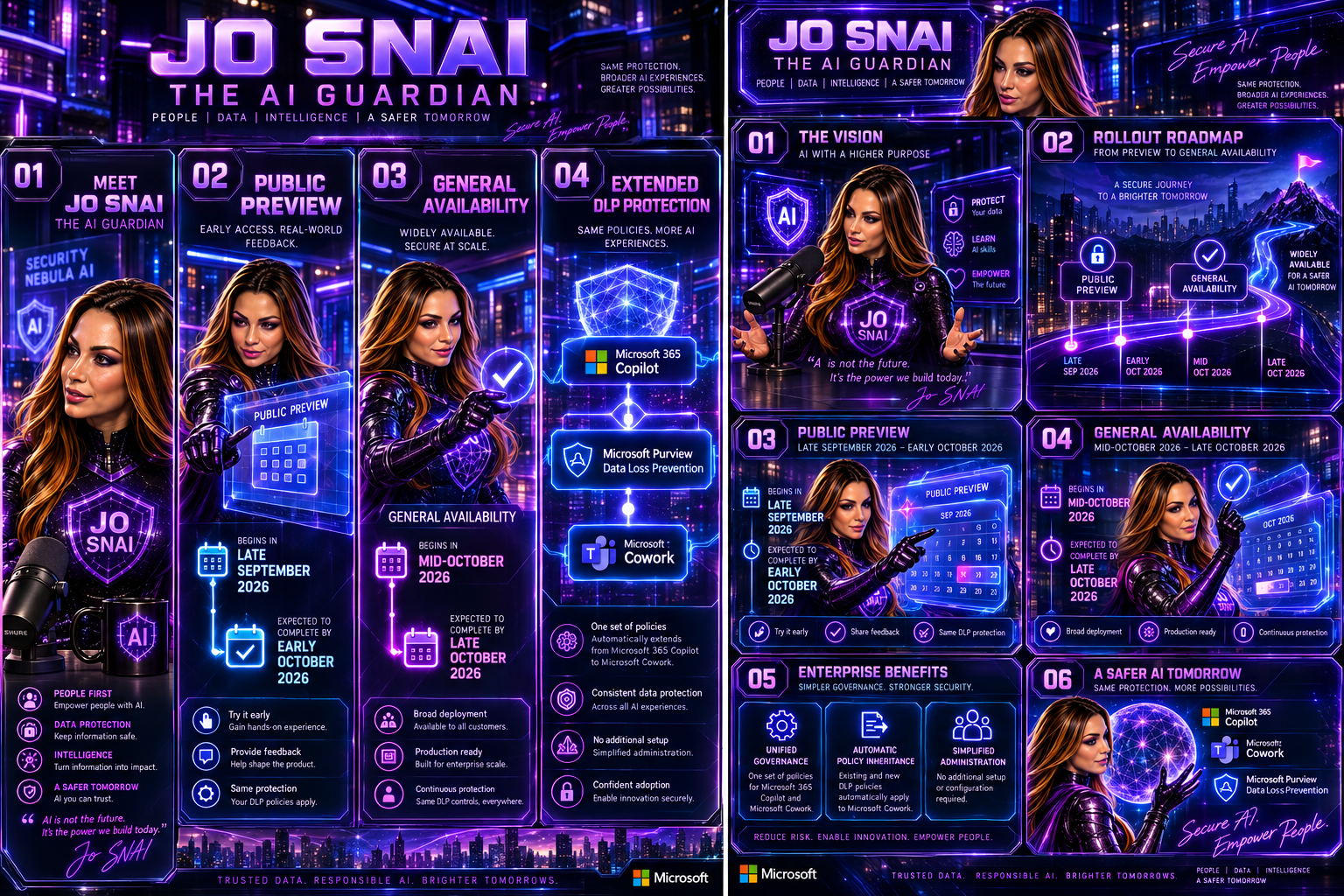
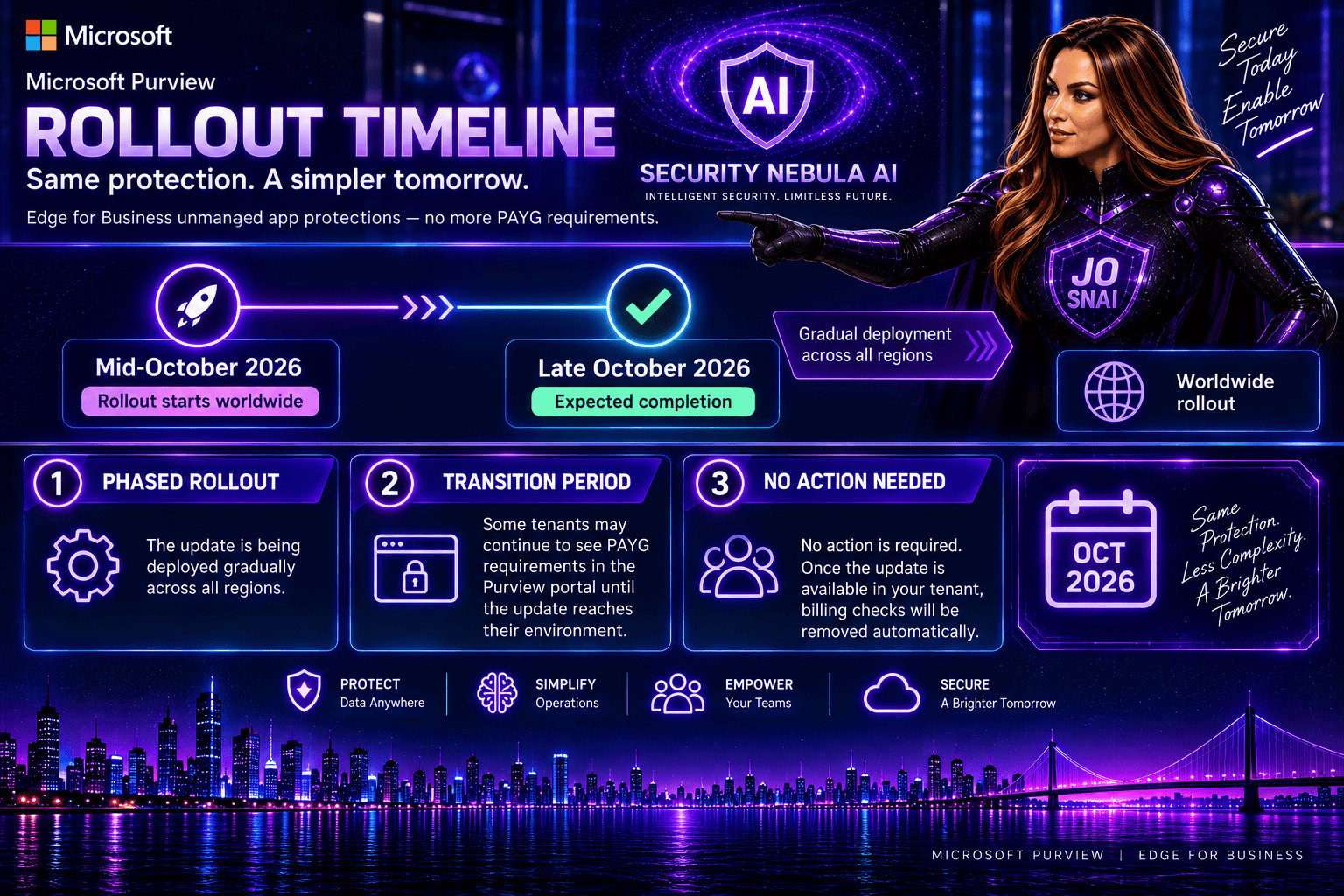
Rollout Timeline
Public Preview
- Begins in late September 2026
- Expected to complete by early October 2026
General Availability
- Begins in mid-October 2026
- Expected to complete by late October 2026
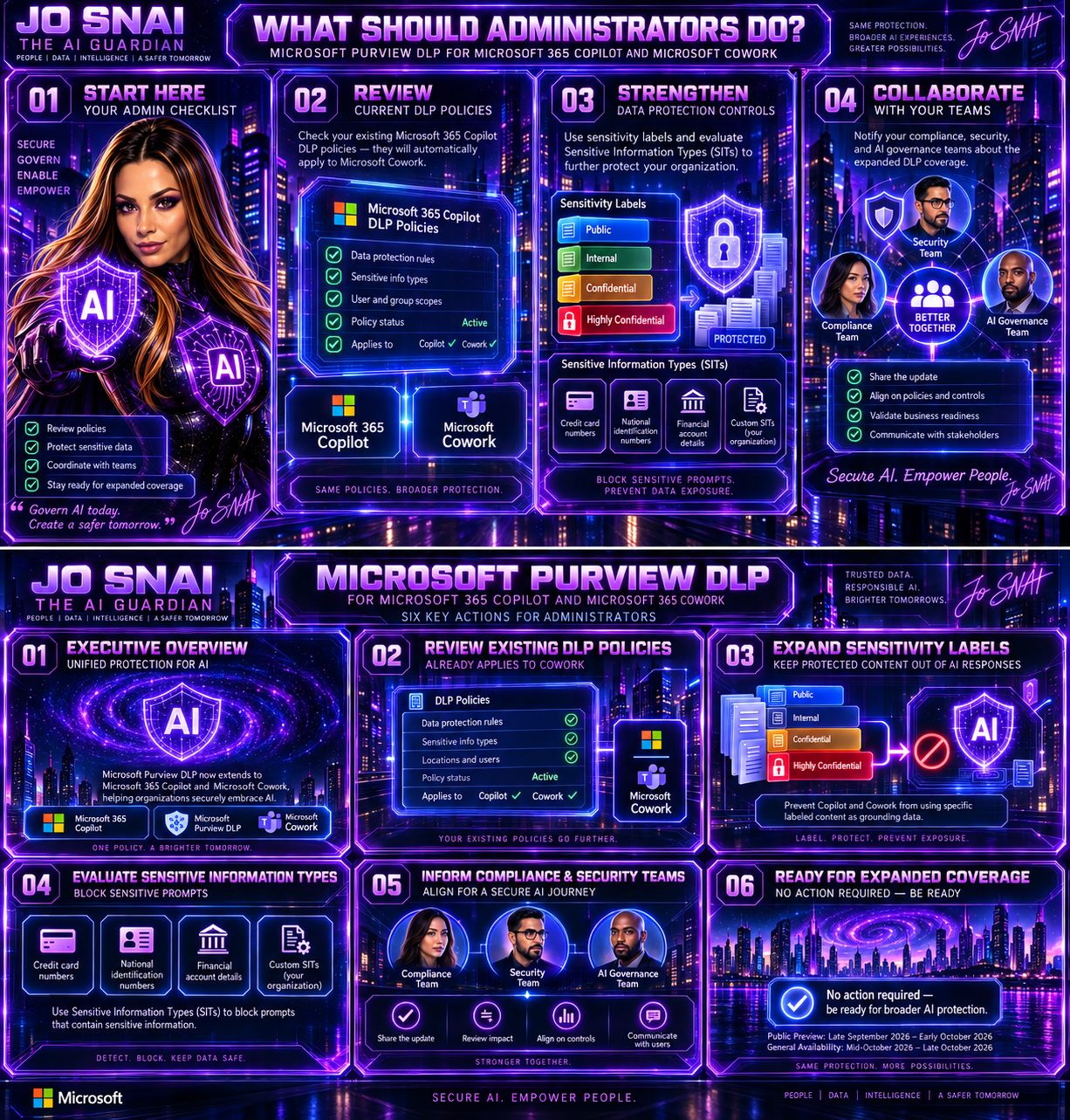
What Should Administrators Do?
While no action is required to receive the update, Microsoft recommends that administrators:
- Review current DLP policies targeting Microsoft 365 Copilot.
- Assess whether additional sensitivity labels should be protected.
- Evaluate existing and custom Sensitive Information Types.
- Inform compliance, security, and AI governance teams about the expanded coverage.
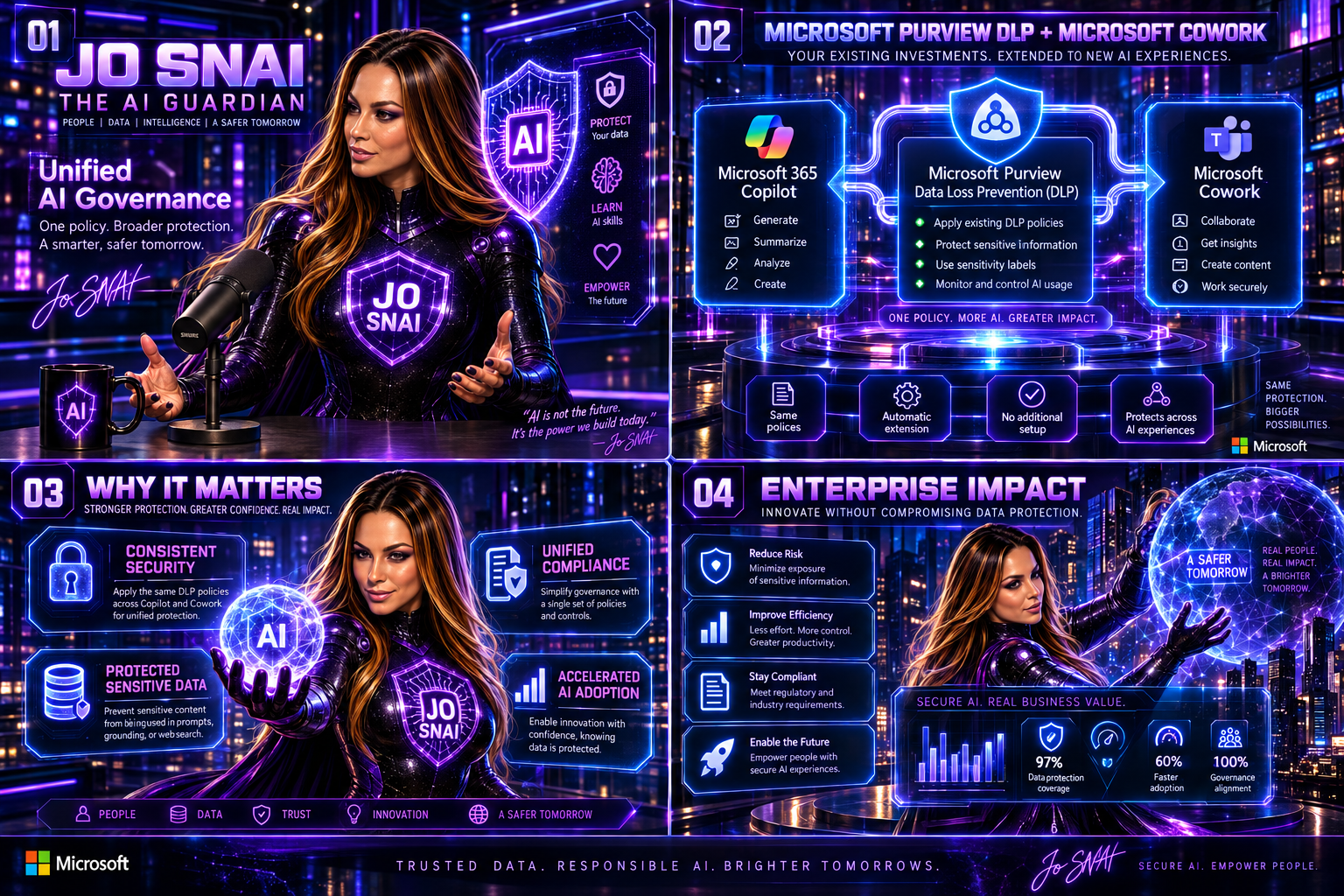
Why This Matters
As AI becomes increasingly integrated into daily business operations, organizations need confidence that their existing compliance and security investments extend to new AI services. By bringing Microsoft Cowork under the protection of Microsoft Purview DLP, Microsoft is delivering a more unified approach to AI governance, helping organizations maintain control over sensitive data while accelerating AI adoption across the enterprise.
The result is a consistent security and compliance experience across Microsoft’s AI ecosystem, allowing businesses to innovate without compromising on data protection.
🎧 Tune in for all the details!
🎥 Watch now and discover how to secure AI without slowing innovation.