
Updated February 13, 2026: The roll-out timeline has been updated!!
Microsoft 365 Office for the web will support applying sensitivity labels with user-defined permissions in Word, Excel, and PowerPoint starting mid-March 2026. This aligns with desktop app permissions dialogs, requires no admin changes, and enhances document access control without compliance impacts.
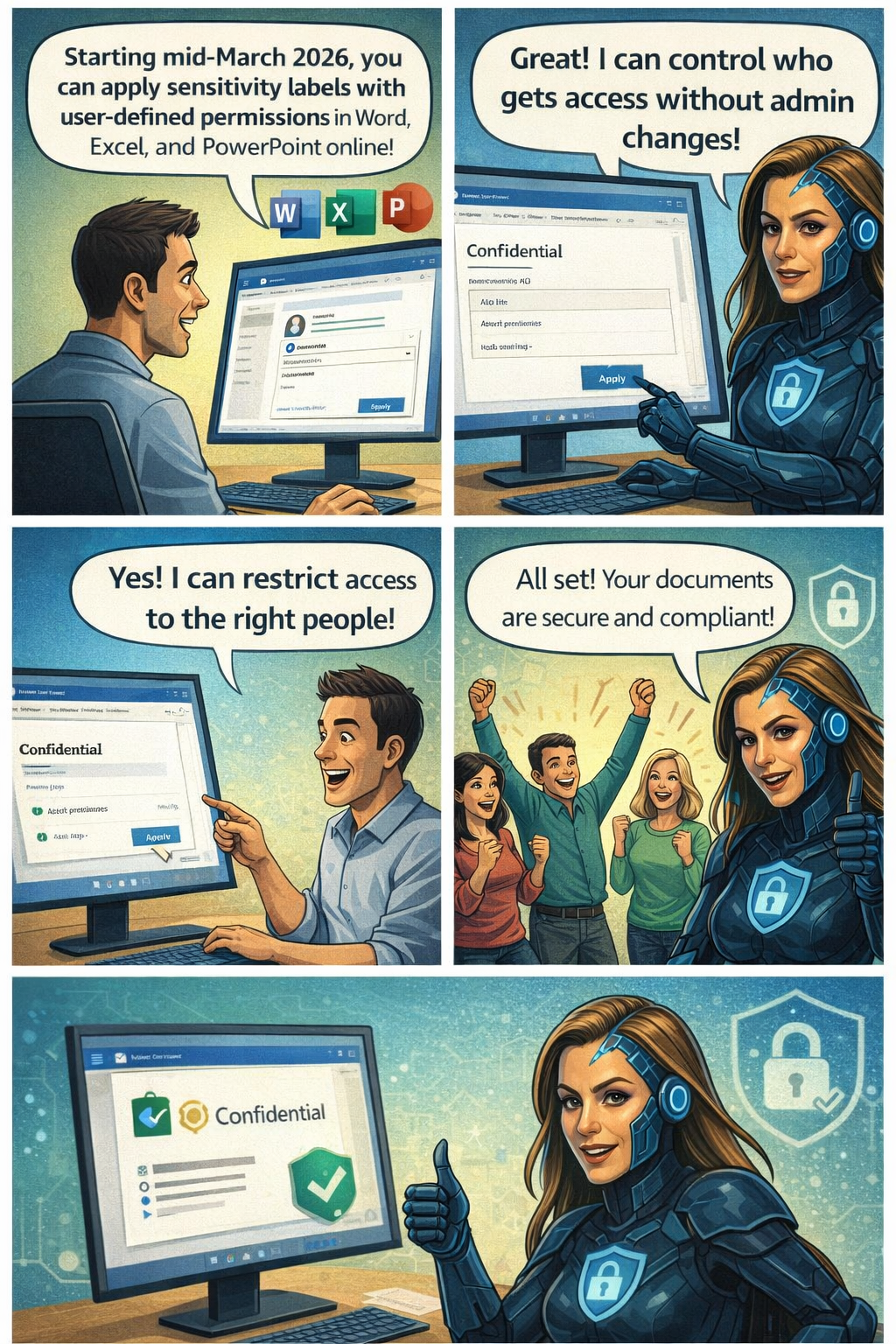
Office for the web now supports sensitivity labels with user‑defined permissions
Microsoft 365 Office for the web (Word, Excel, and PowerPoint) now includes the ability to apply sensitivity labels with user‑defined permissions, giving organizations greater flexibility and control over document access directly in the browser. This update aligns the web experience with the modern permissions dialog available in the desktop apps.
Roadmap ID: 468888
Rollout timeline
General Availability
- Worldwide & GCC:
Rollout begins mid‑March 2026 (previously mid‑February) and is expected to complete by early April 2026 (previously early March). - GCCH & DoD:
Rollout begins mid‑March 2026 (previously mid‑February) and is expected to complete by early May 2026 (previously early April).
Who is affected
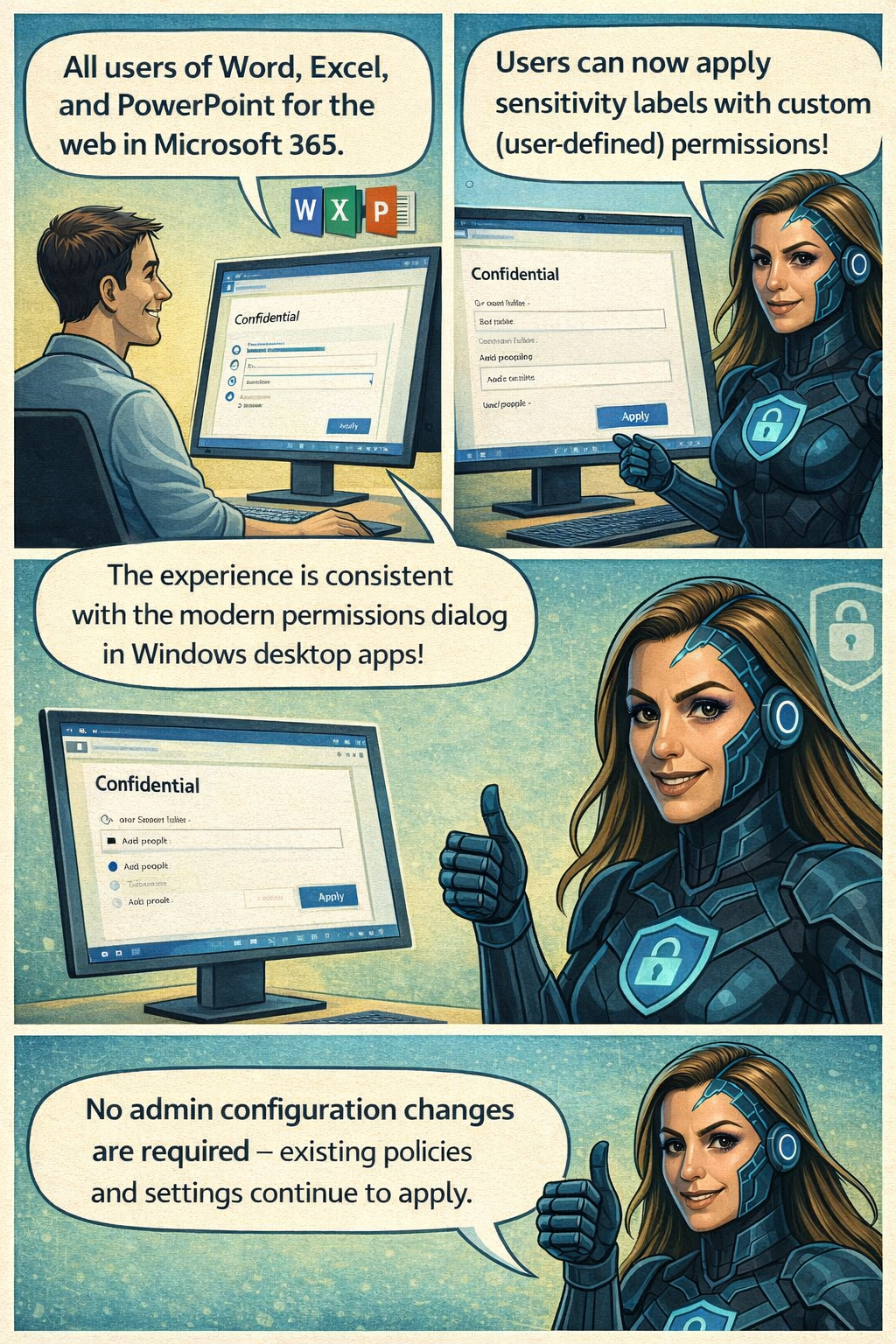
Compliance considerations
No new compliance impacts have been identified. Organisations may review the change as needed.

 Catastrophic Failure