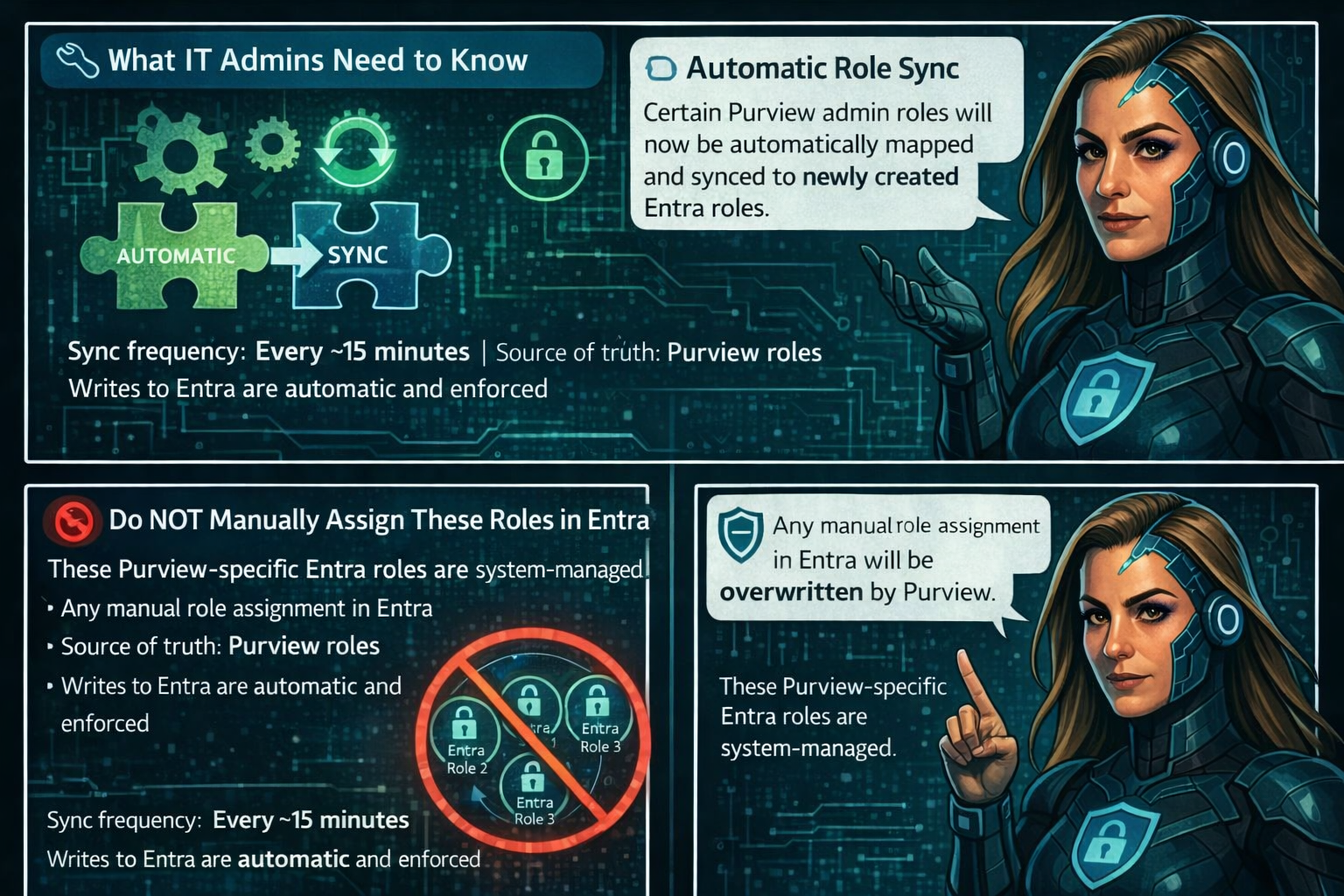
Microsoft Office for the web: Apply sensitivity labels with user-defined permissions


Updated February 13, 2026: The roll-out timeline has been updated!!

Microsoft 365 Office for the web will support applying sensitivity labels with user-defined permissions in Word, Excel, and PowerPoint starting mid-March 2026. This aligns with desktop app permissions dialogs, requires no admin changes, and enhances document access control without compliance impacts.
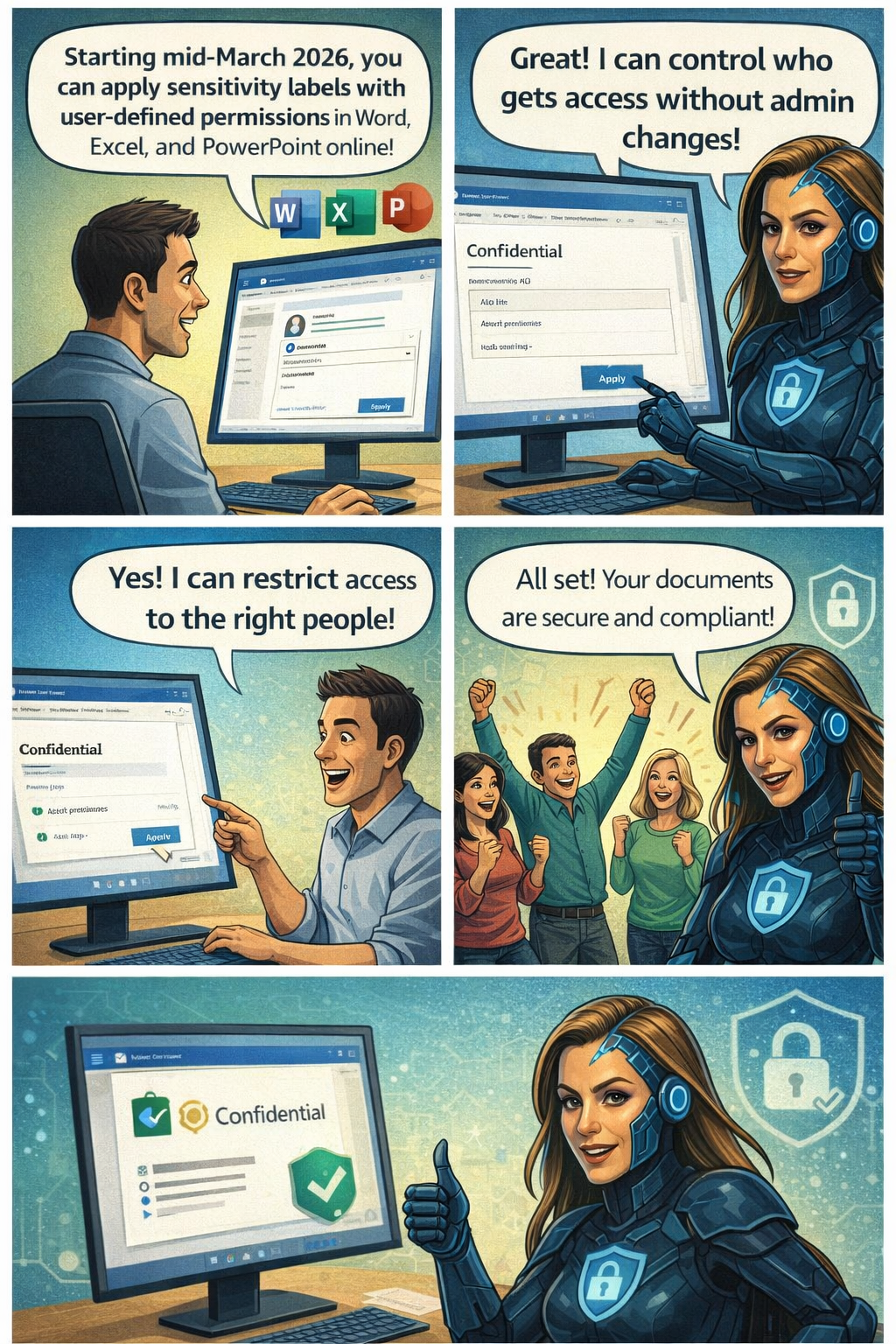
Office for the web now supports sensitivity labels with user‑defined permissions

Microsoft 365 Office for the web (Word, Excel, and PowerPoint) now includes the ability to apply sensitivity labels with user‑defined permissions, giving organizations greater flexibility and control over document access directly in the browser. This update aligns the web experience with the modern permissions dialog available in the desktop apps.

Roadmap ID: 468888

Rollout timeline

General Availability

  • Worldwide & GCC:
    Rollout begins mid‑March 2026 (previously mid‑February) and is expected to complete by early April 2026 (previously early March).
  • GCCH & DoD:
    Rollout begins mid‑March 2026 (previously mid‑February) and is expected to complete by early May 2026 (previously early April).

Who is affected
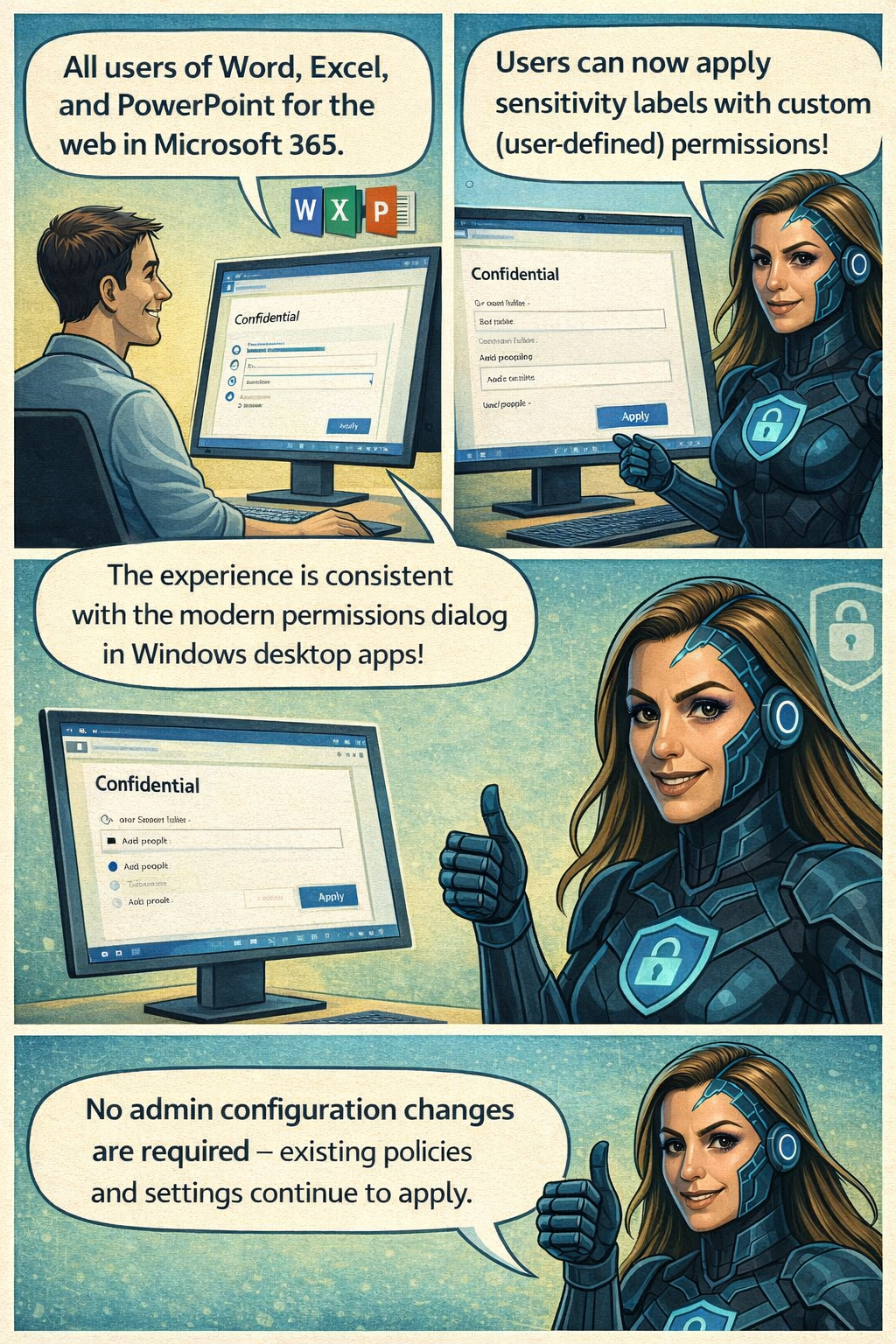
Compliance considerations

No new compliance impacts have been identified. Organisations may review the change as needed.
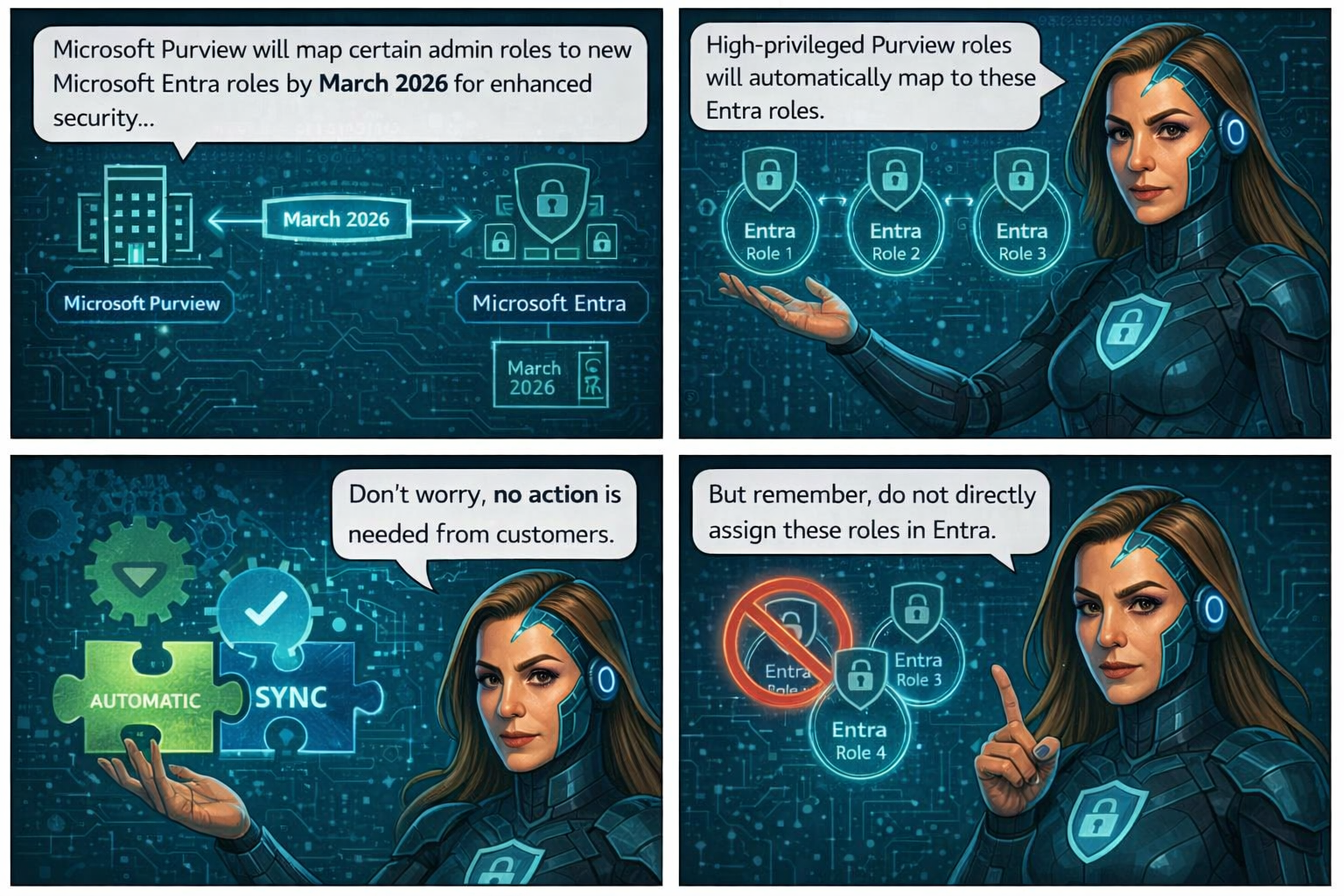
🚀 Strengthening Security in Microsoft Purview & Microsoft 365: Important Update Coming Soon


To further enhance the security and integrity of how Microsoft Purview interacts with Microsoft 365 services—such as Exchange, SharePoint, OneDrive, and Teams—Microsoft is modernizing how role management works within Purview.

Beginning mid‑February through late March 2026, Microsoft Purview will automatically map certain high‑privileged Purview admin roles to three newly created Microsoft Entra roles. This alignment strengthens identity and permission boundaries and ensures that all high‑impact actions (like search or export) are performed only by users with validated permissions in Entra.

📅 Rollout Timeline

General Availability (Worldwide)
Begins: Mid‑February 2026
Complete: Late March 2026

The best part? No customer action is required.

Role assignments will synchronize automatically from Purview to Entra within minutes, ensuring that permissions flow securely and consistently across Microsoft 365.

📝 How to Prepare

  • No action is required—synchronization is fully automated.
  • Be aware that new Purview‑specific Entra roles may appear in audit logs.
  • Avoid assigning these roles directly in Entra.
  • Review your internal documentation and update governance workflows if needed.
  • For deeper technical detail, refer to Microsoft Purview documentation.

🏢 Impact on Your Environment

✔ Who Is Affected

Organizations with admins assigned to high‑privileged Purview roles.

✔ What You’ll See

  • New Purview‑specific Entra roles appearing in audit logs
  • Auto‑generated Entra role assignments, managed solely by Purview
  • No disruption to existing workflows or permissions

✔ What You Need To Do

  • No action required
  • DO NOT manually assign these roles in Entra
  • Update documentation or internal governance policies if referencing these roles
  • Inform your security/compliance teams about the new audit log entries

Compliance & Security Notes

  • No new compliance concerns identified
  • Mapping ensures consistent identity + permission enforcement across M365
  • Supports least‑privileged access by validating roles in both Purview and Entra