Removing pay-as-you-go requirements for Edge for Business DLP unmanaged app protections

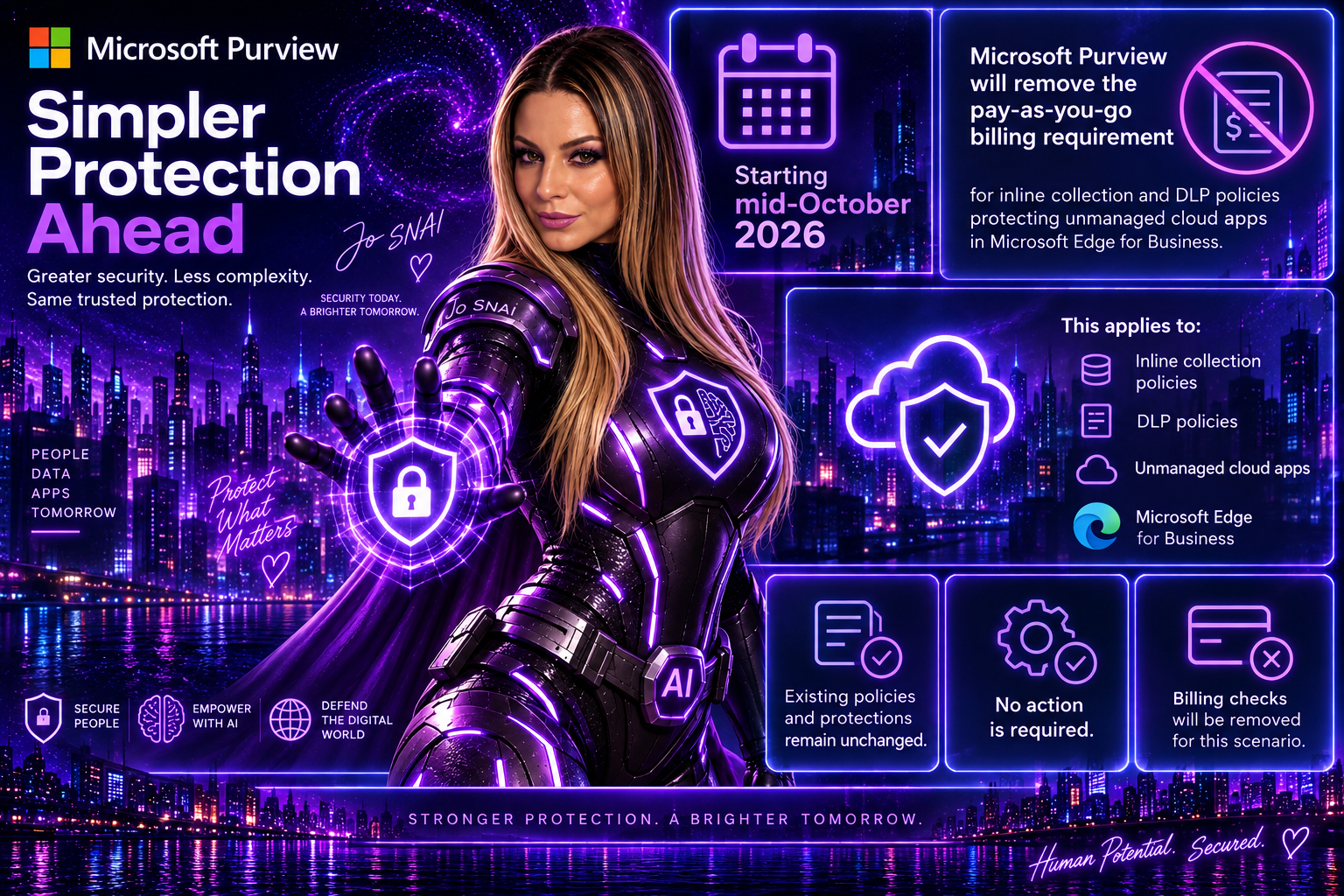
Good news for Microsoft Purview administrators. Microsoft is removing the pay-as-you-go (PAYG) billing requirement for Data Loss Prevention (DLP) and collection policies that protect unmanaged cloud app interactions in Microsoft Edge for Business. This change, rolling out starting in mid-October 2026, simplifies deployment and management by eliminating the need to connect an Azure subscription specifically for this Edge for Business protection scenario.
 

What’s Changing?

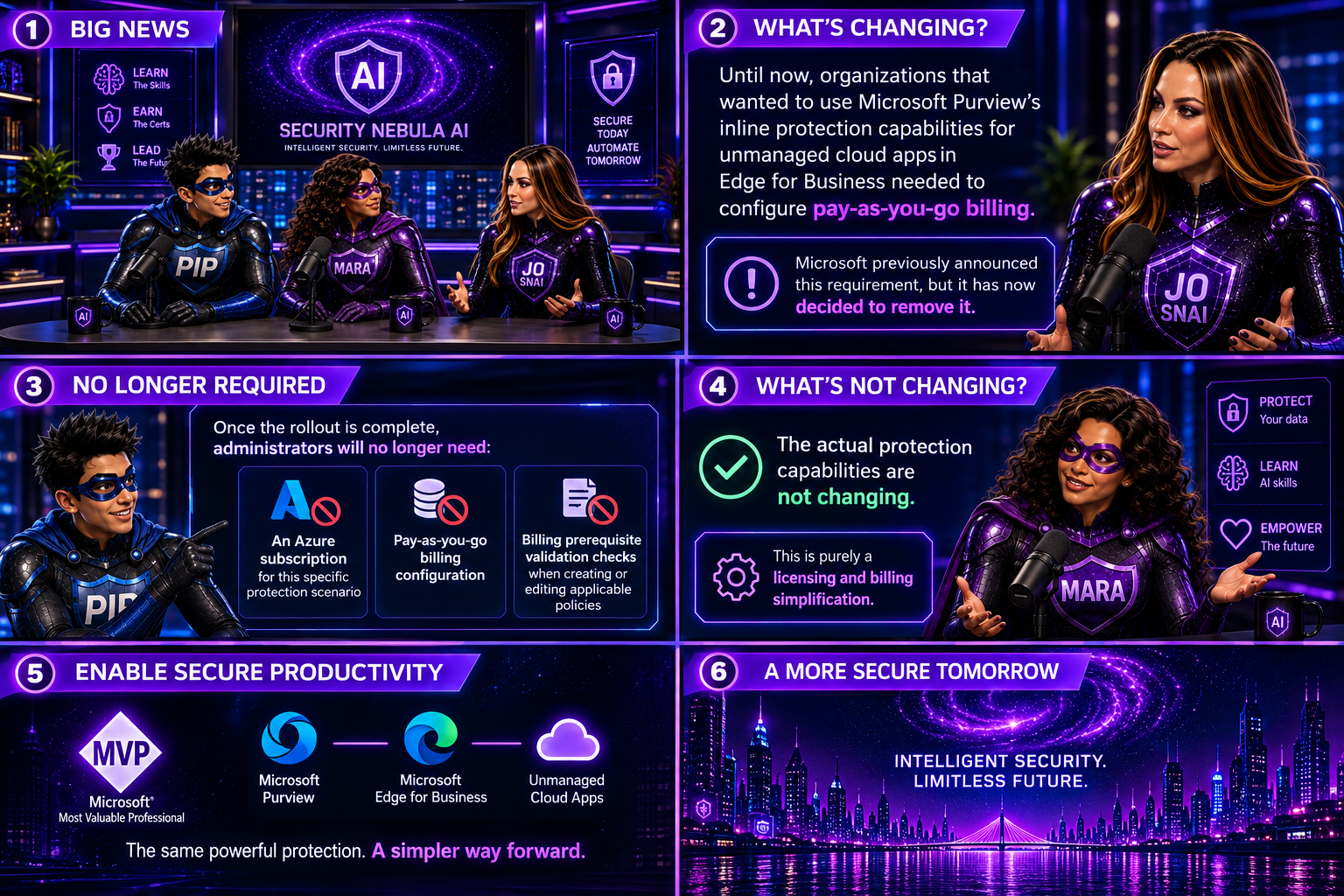
Until now, organizations that wanted to use Microsoft Purview’s inline protection capabilities for unmanaged cloud apps in Edge for Business needed to configure pay-as-you-go billing. Microsoft previously announced this requirement, but it has now decided to remove it.

Once the rollout is complete, administrators will no longer need:

  • An Azure subscription for this specific protection scenario
  • Pay-as-you-go billing configuration
  • Billing prerequisite validation checks when creating or editing applicable policies

The actual protection capabilities are not changing. This is purely a licensing and billing simplification.
 

What Stays the Same?

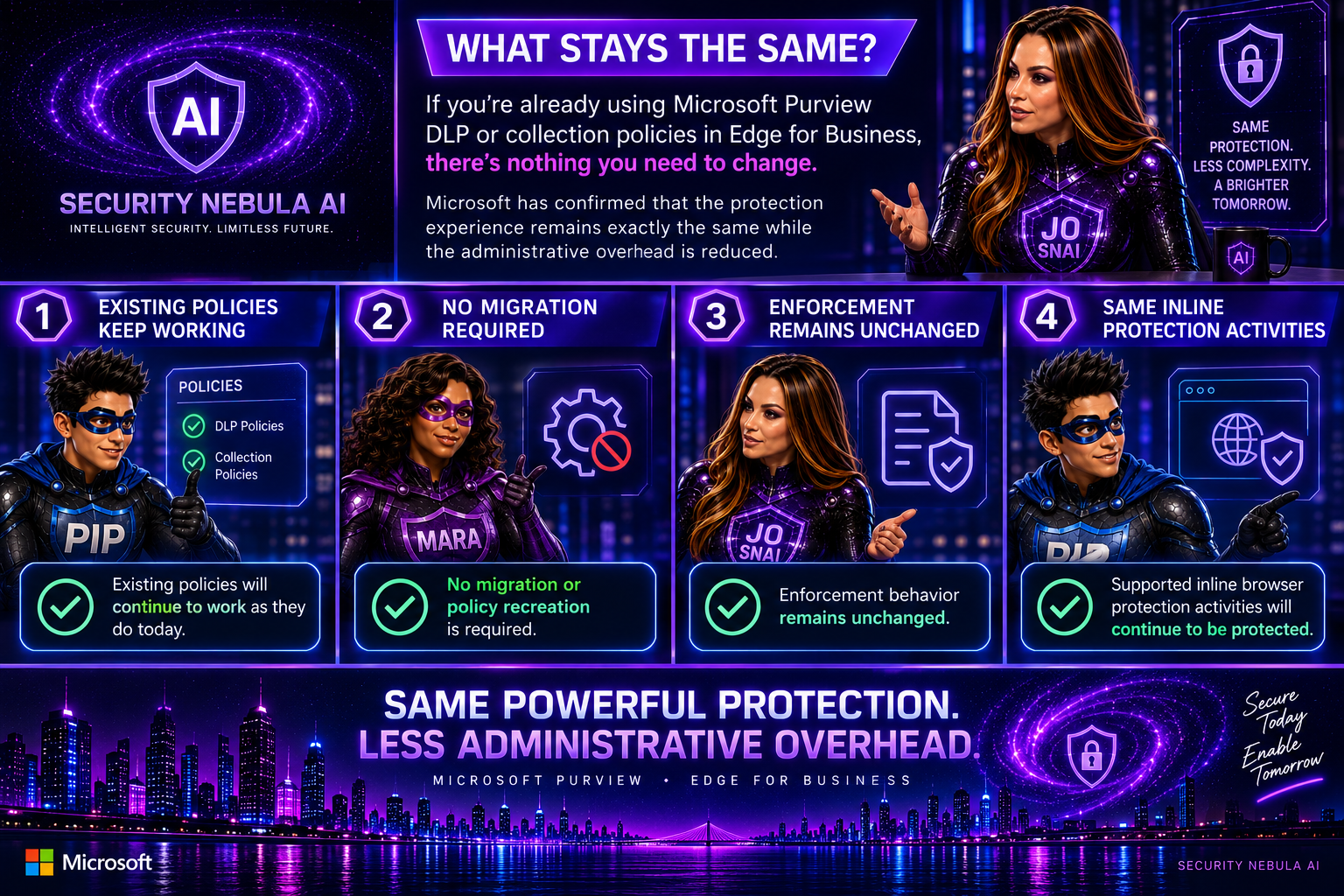
If you’re already using Purview DLP or collection policies in Edge for Business, there’s nothing you need to change.

Microsoft has confirmed that:

  • Existing policies will continue to work as they do today
  • No migration or policy recreation is required
  • Enforcement behavior remains unchanged
  • Supported inline browser protection activities will continue to be protected

In other words, the protection experience remains exactly the same while the administrative overhead is reduced.
 

Billing Impact

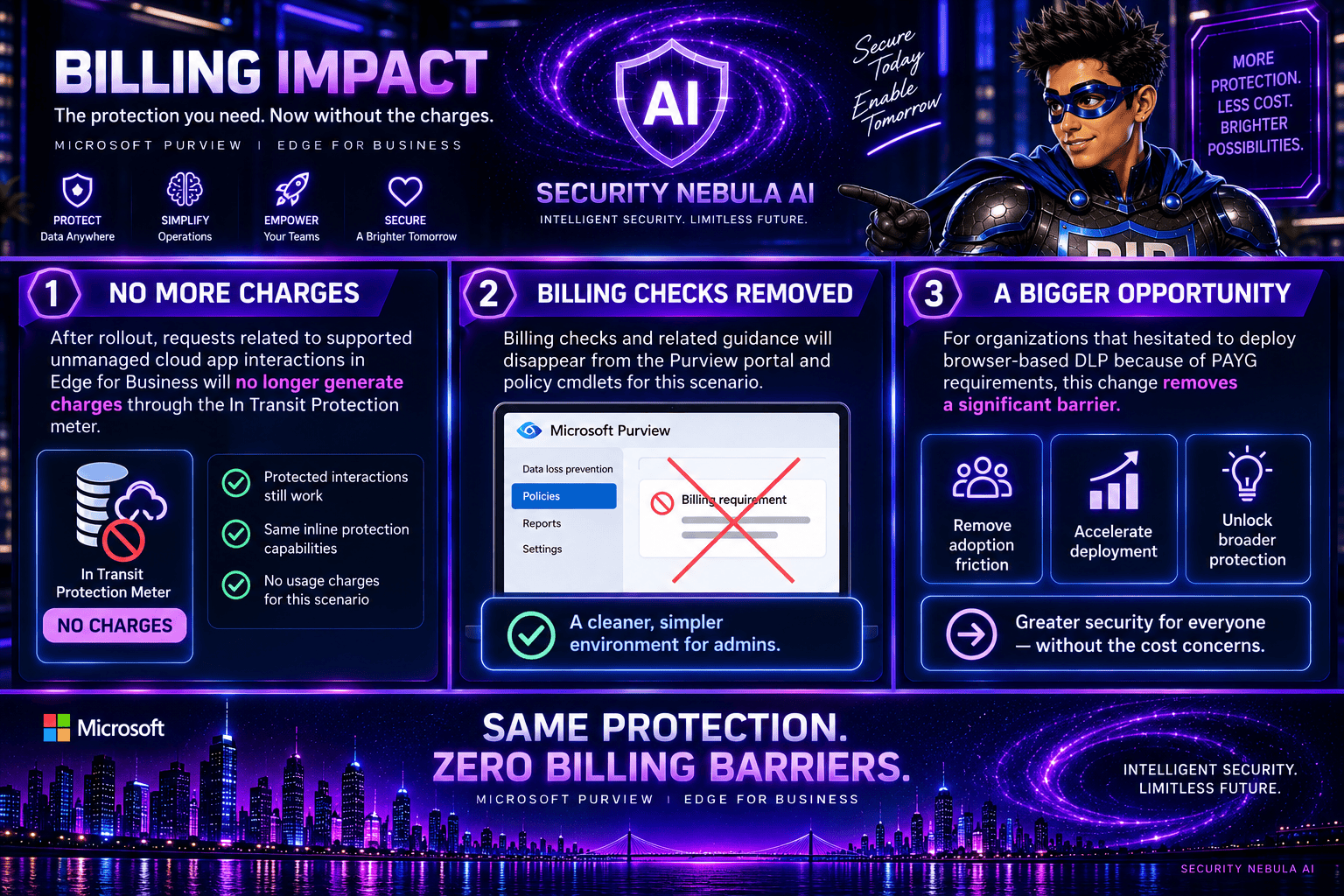
One of the biggest benefits of this update is the removal of charges associated with these protected interactions.

After rollout:

  • Requests related to supported unmanaged cloud app interactions in Edge for Business will no longer generate charges through the In Transit Protection meter.
  • Billing checks and related guidance will disappear from the Purview portal and policy cmdlets for this scenario.

For organizations that hesitated to deploy browser-based DLP because of PAYG requirements, this change removes a significant barrier.
 

Important: This Doesn’t Apply to Everything

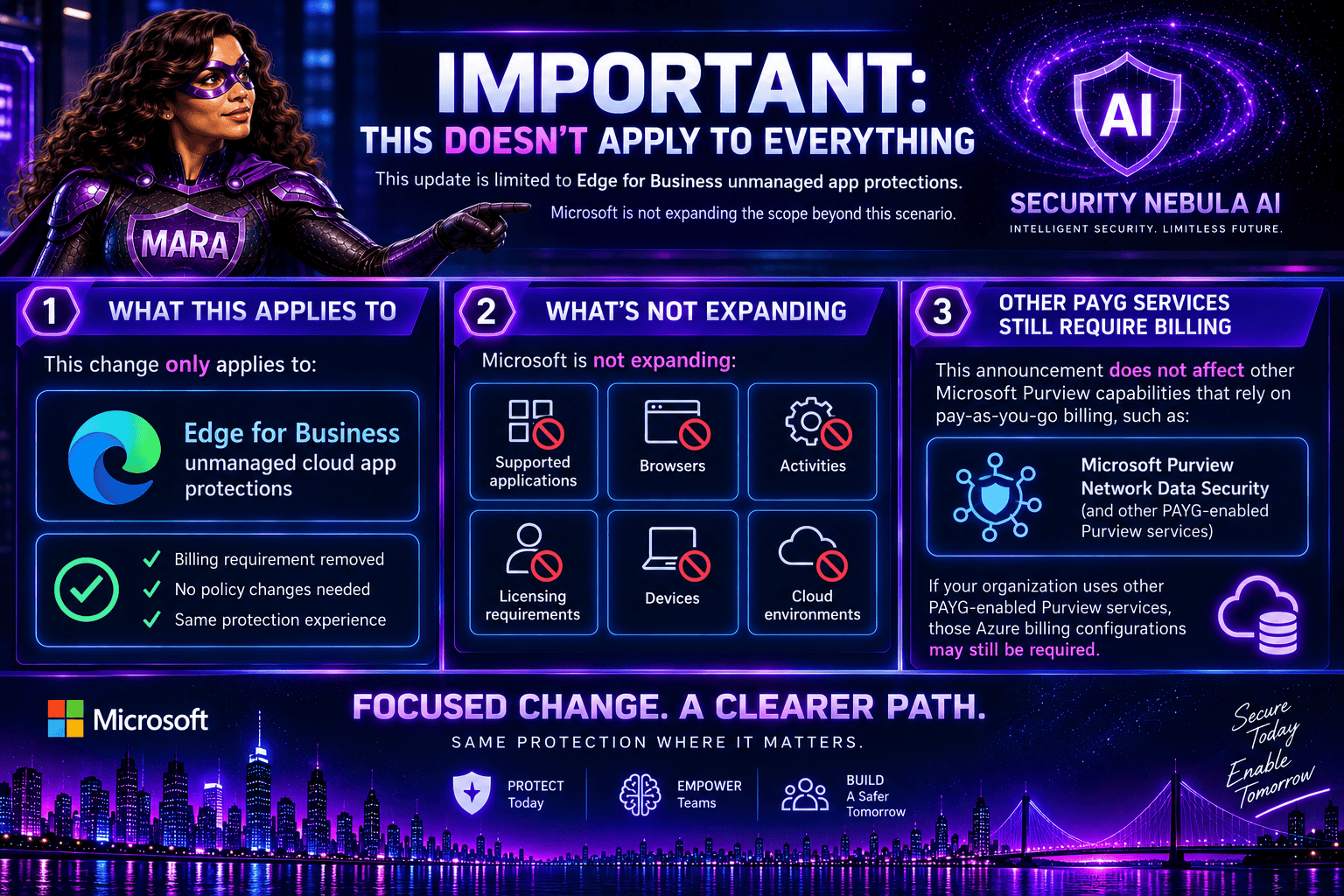
It’s worth noting that this update is limited to Edge for Business unmanaged app protections.

Microsoft is not expanding:

  • Supported applications
  • Browsers
  • Activities
  • Licensing requirements
  • Devices
  • Cloud environments

Additionally, other Microsoft Purview capabilities that rely on pay-as-you-go billing, such as Microsoft Purview Network Data Security, are not affected by this announcement. If your organization uses other PAYG-enabled Purview services, those Azure billing configurations may still be required.
 

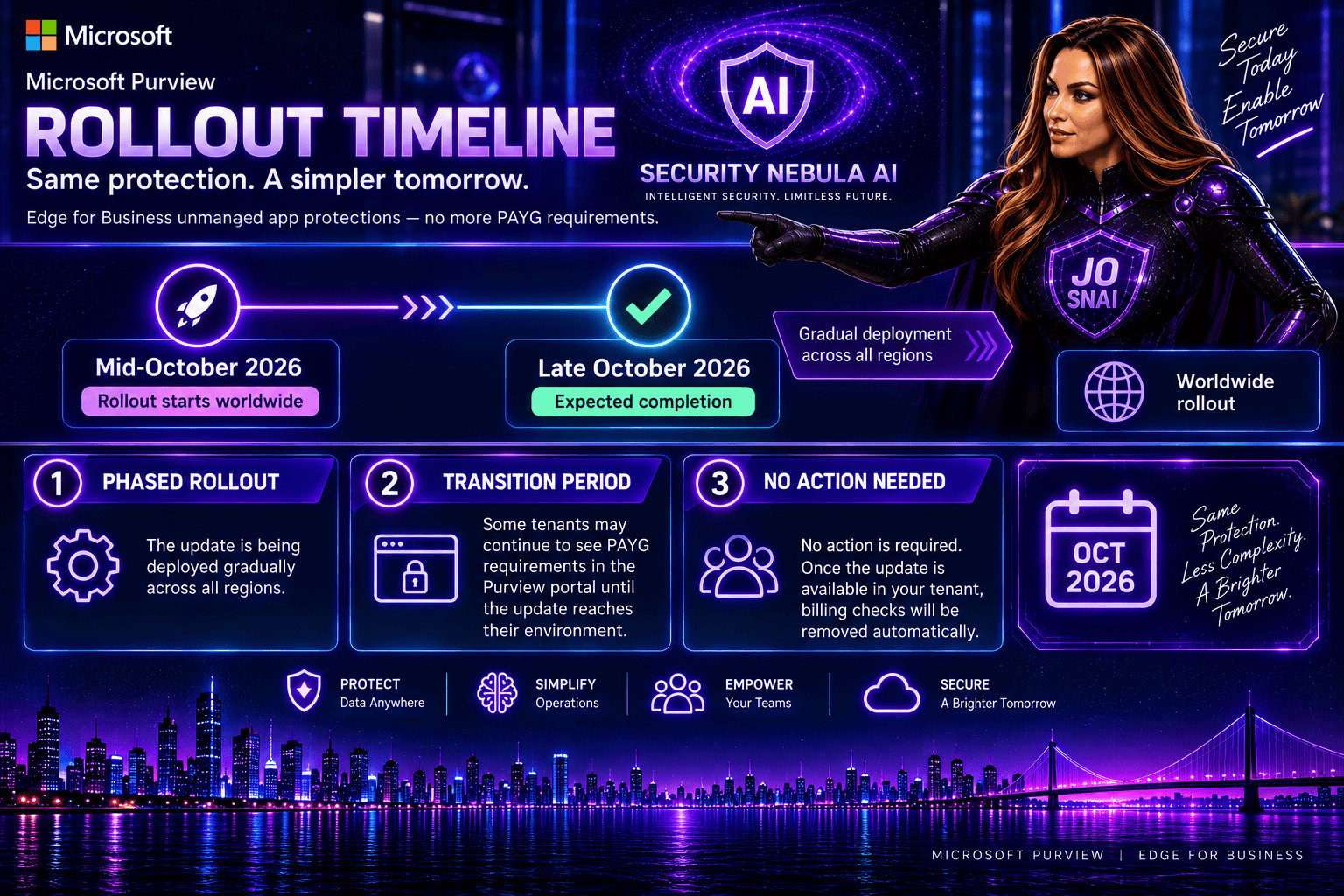
Rollout Timeline

The update is scheduled to roll out worldwide:

  • Start: Mid-October 2026
  • Expected completion: Late October 2026

Because the deployment is gradual, some tenants may continue to see PAYG requirements in the Purview portal until the update reaches their environment.
 

What Should Administrators Do?

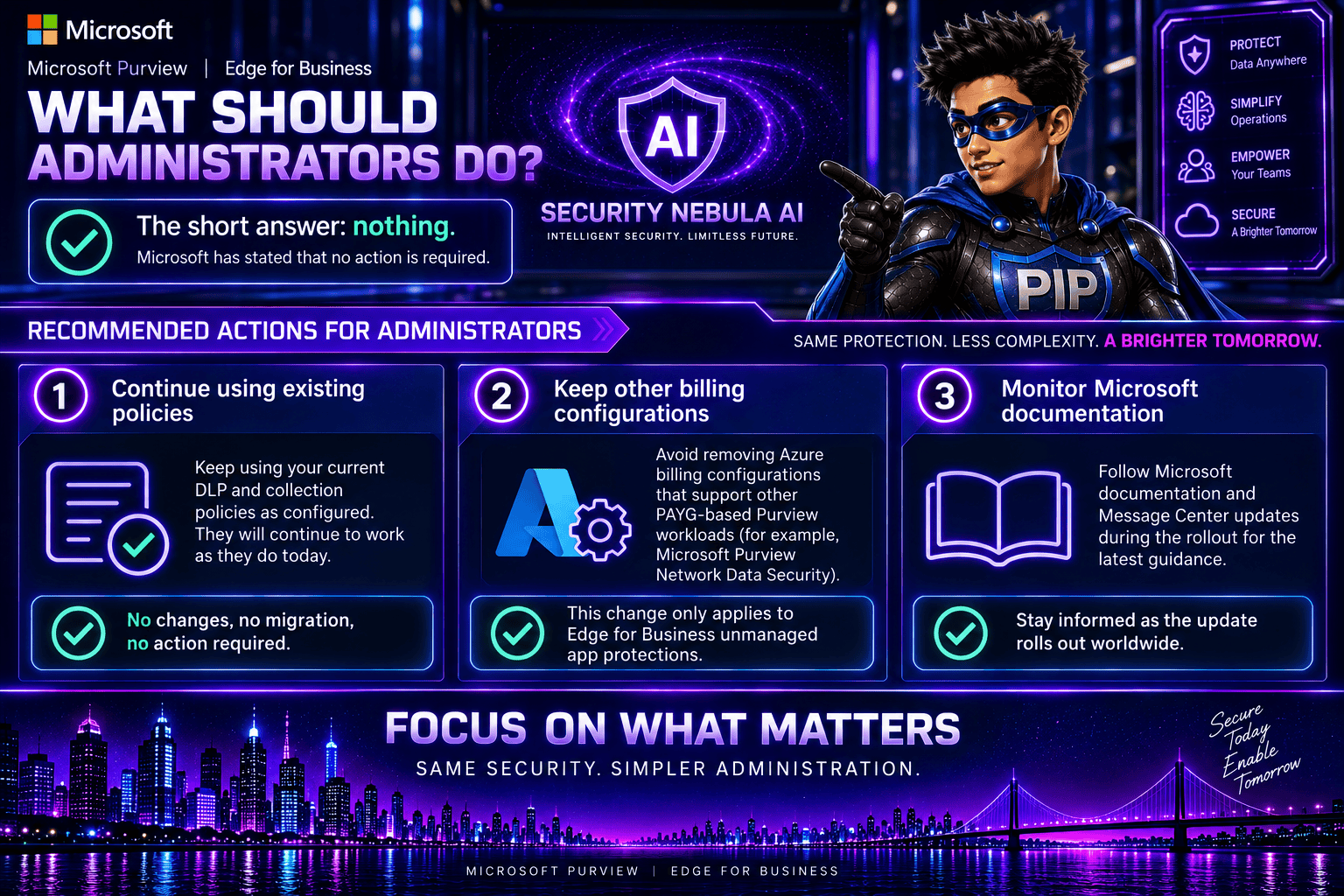
The short answer: nothing.

Microsoft has stated that no action is required.

However, I recommend administrators:

  1. Continue using existing DLP and collection policies as configured.
  2. Avoid removing Azure billing configurations that support other PAYG-based Purview workloads.
  3. Monitor Microsoft documentation during the rollout for updated guidance.
 

This is a welcome change that makes Microsoft Purview easier to adopt and manage. Security teams can continue protecting sensitive data flowing to unmanaged cloud applications through Edge for Business without having to worry about additional billing configuration or consumption-based charges for this use case.

While the underlying DLP capabilities remain unchanged, reducing administrative complexity is always a step in the right direction. For organizations looking to strengthen browser-based data protection, this removes one more obstacle and makes deployment a little more straightforward.
 

MS-102 vs. AB-650: More Than a New Certification. A New Era for Microsoft 365 Administrators

When I first saw that Microsoft plans to retire MS-102: Microsoft 365 Administrator and introduce AB-650: Administering Microsoft 365 and AI Services, my immediate reaction wasn’t, “Oh, another certification update.”

Instead, I found myself thinking:  “This is a reflection of how our roles are changing.”

For years, Microsoft 365 administrators have focused on identities, security, compliance, endpoints, licensing, and tenant management. Those responsibilities aren’t going away. But something new is being added to the mix: AI administration.

And that’s exactly what makes the transition from MS-102 to AB-650 so interesting.


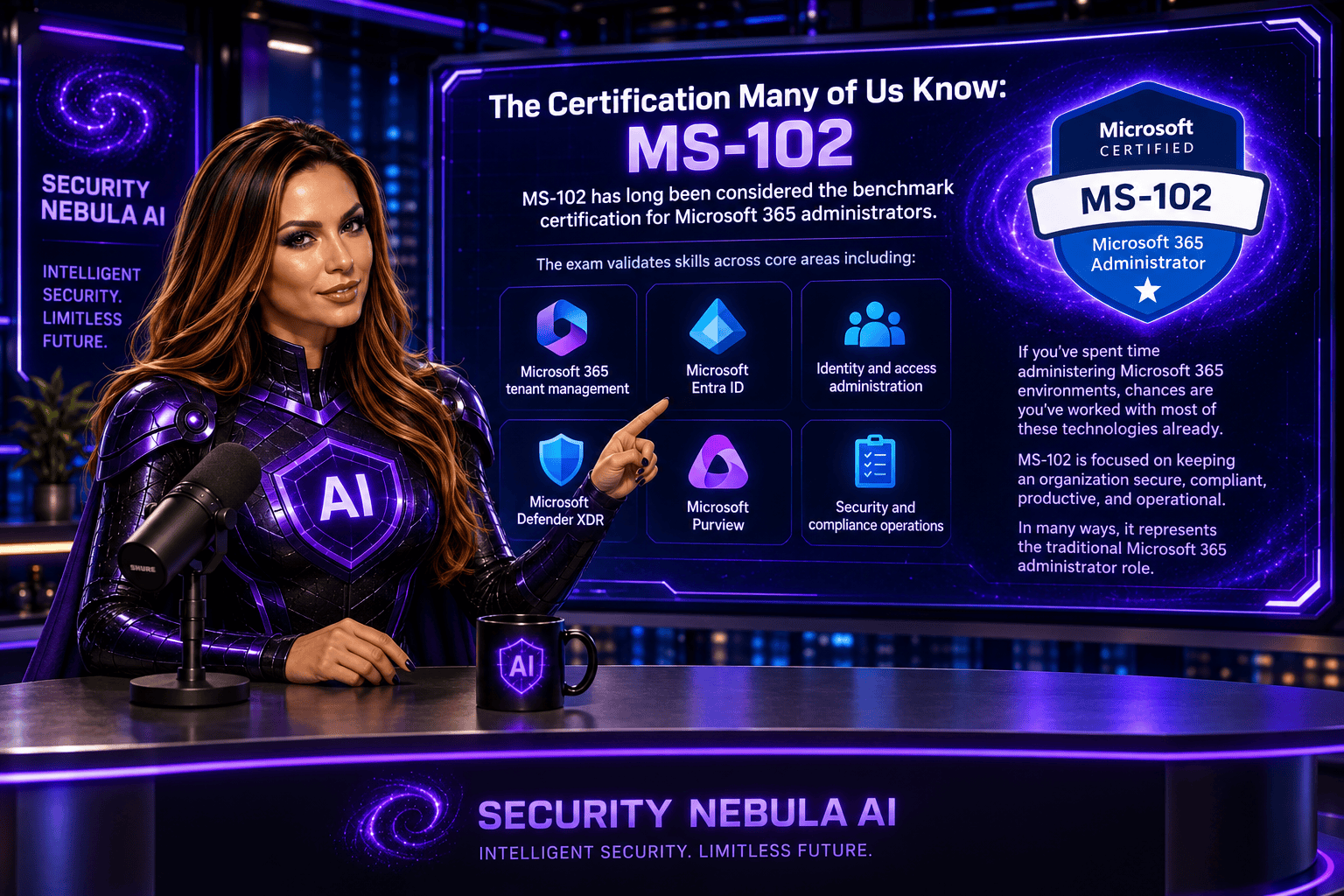
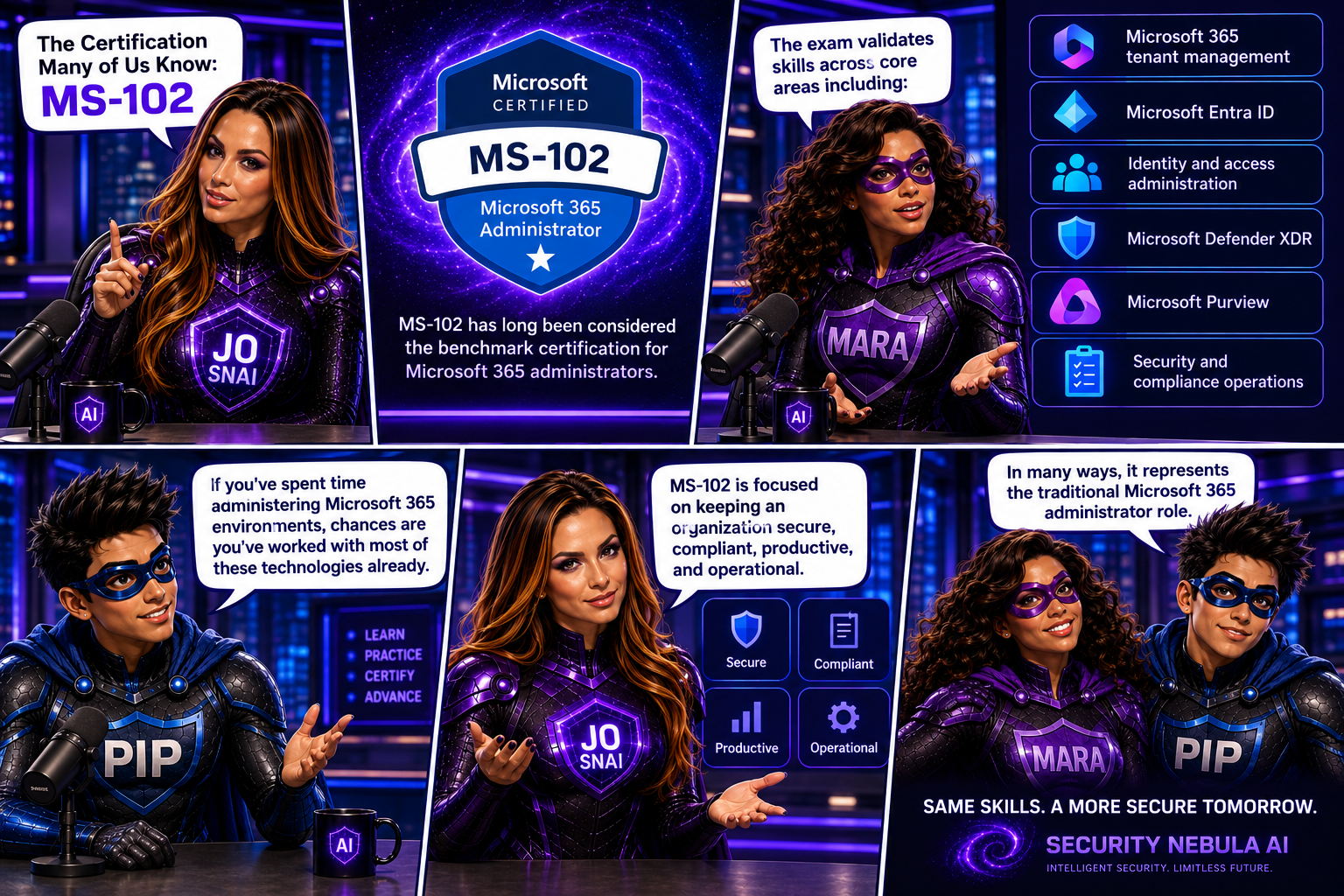
The Certification Many of Us Know: MS-102

MS-102 has long been considered the benchmark certification for Microsoft 365 administrators.

The exam validates skills across core areas including:

  • Microsoft 365 tenant management
  • Microsoft Entra ID
  • Identity and access administration
  • Microsoft Defender XDR
  • Microsoft Purview
  • Security and compliance operations

If you’ve spent time administering Microsoft 365 environments, chances are you’ve worked with most of these technologies already.

MS-102 is focused on keeping an organization secure, compliant, productive, and operational.

In many ways, it represents the traditional Microsoft 365 administrator role.

Why Microsoft Is Moving On

Technology never stands still.

Over the last two years, we’ve witnessed something that has fundamentally changed the workplace: the rapid adoption of AI.

Organizations are no longer asking whether they will use AI.

They’re asking:

  • How do we deploy it?
  • How do we govern it?
  • How do we secure it?
  • How do we control access to organizational data?
  • How do we manage AI agents?

These questions weren’t part of a traditional Microsoft 365 administrator’s responsibilities a few years ago.

Today, they are becoming part of everyday conversations.

Enter AB-650

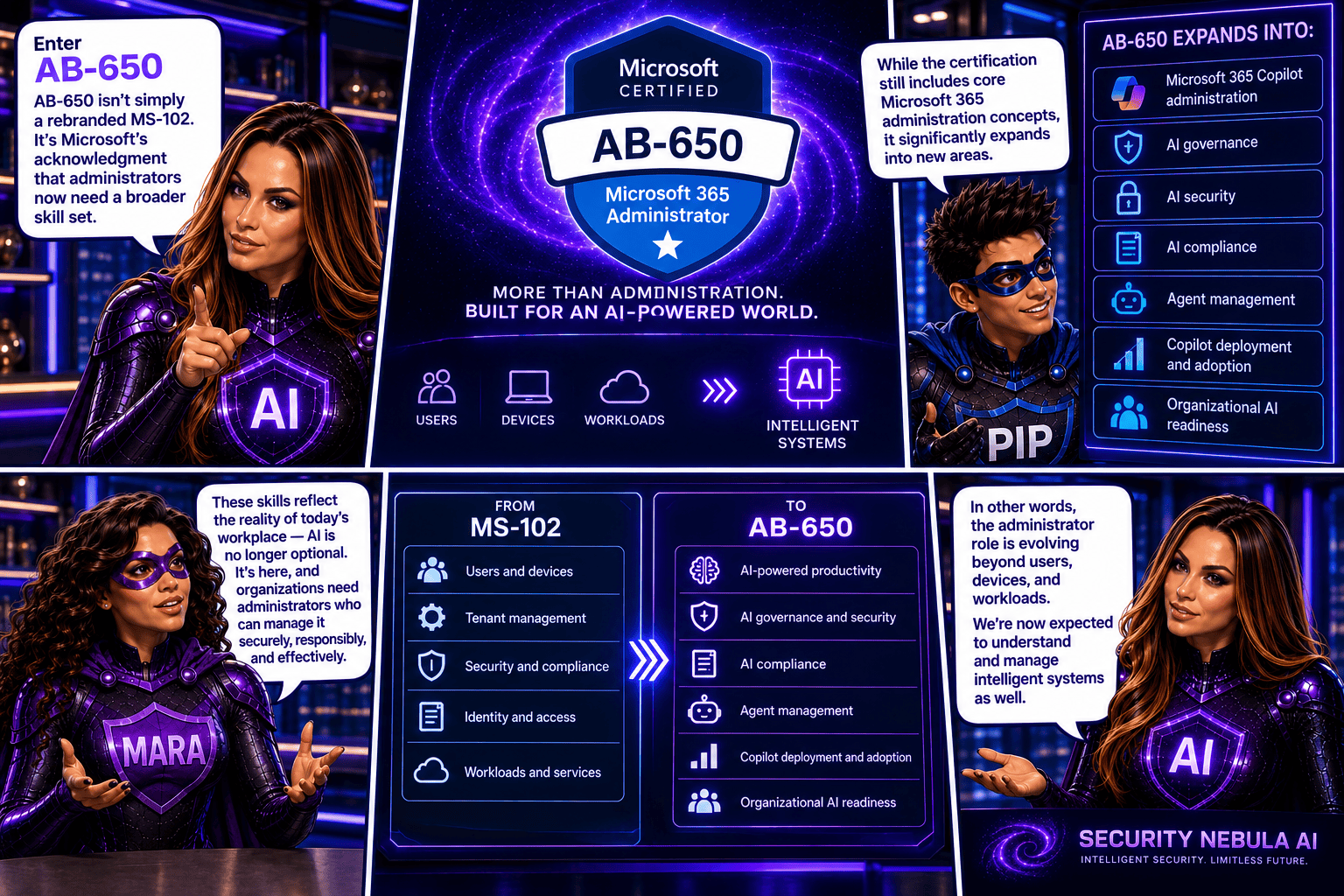
AB-650 isn’t simply a rebranded MS-102.

It’s Microsoft’s acknowledgment that administrators now need a broader skill set.

While the certification still includes core Microsoft 365 administration concepts, it significantly expands into areas such as:

  • Microsoft 365 Copilot administration
  • AI governance
  • AI security
  • AI compliance
  • Agent management
  • Copilot deployment and adoption
  • Organizational AI readiness

In other words, the administrator role is evolving beyond users, devices, and workloads.

We’re now expected to understand and manage intelligent systems as well.


The Biggest Difference

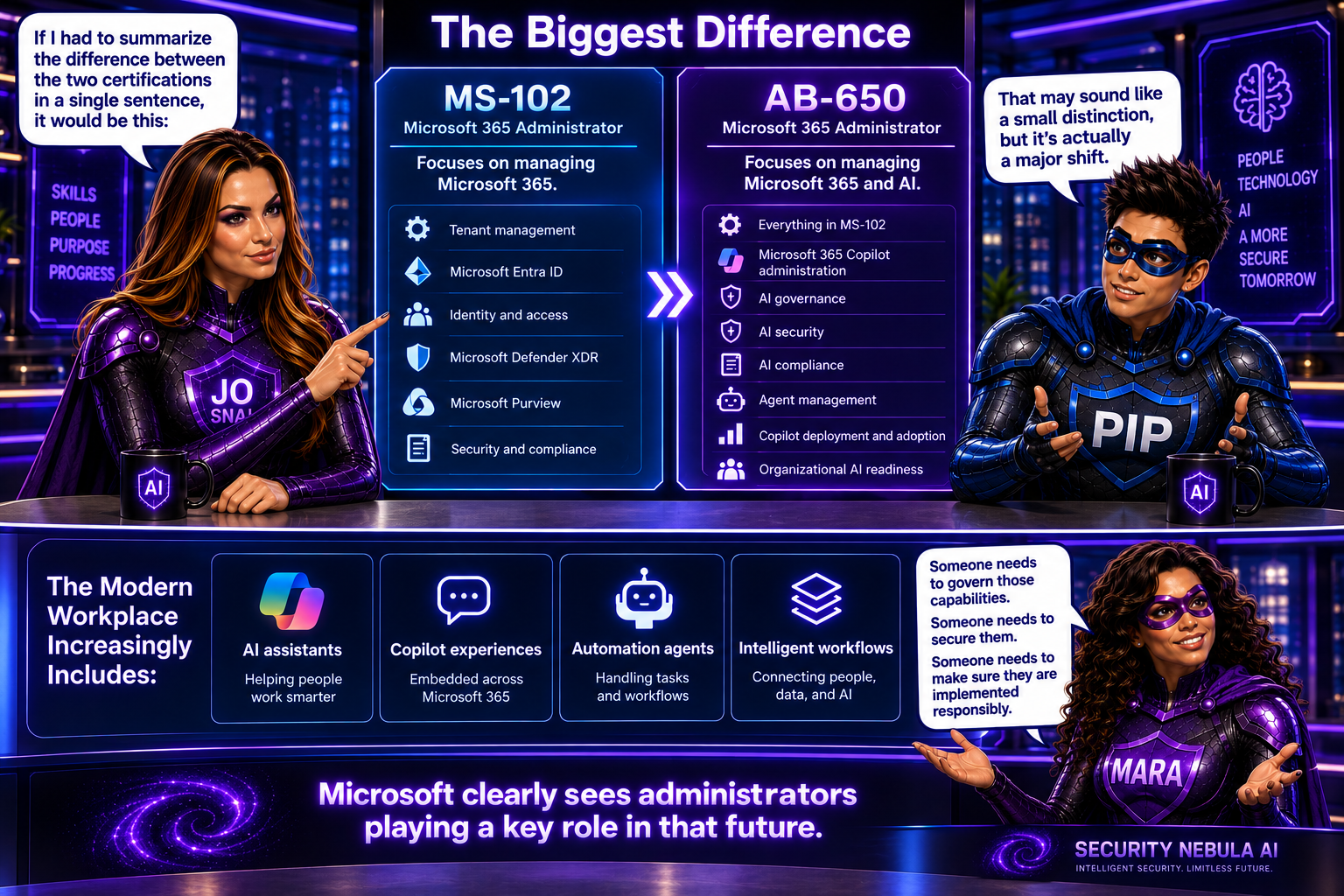
If I had to summarize the difference between the two certifications in a single sentence, it would be this:

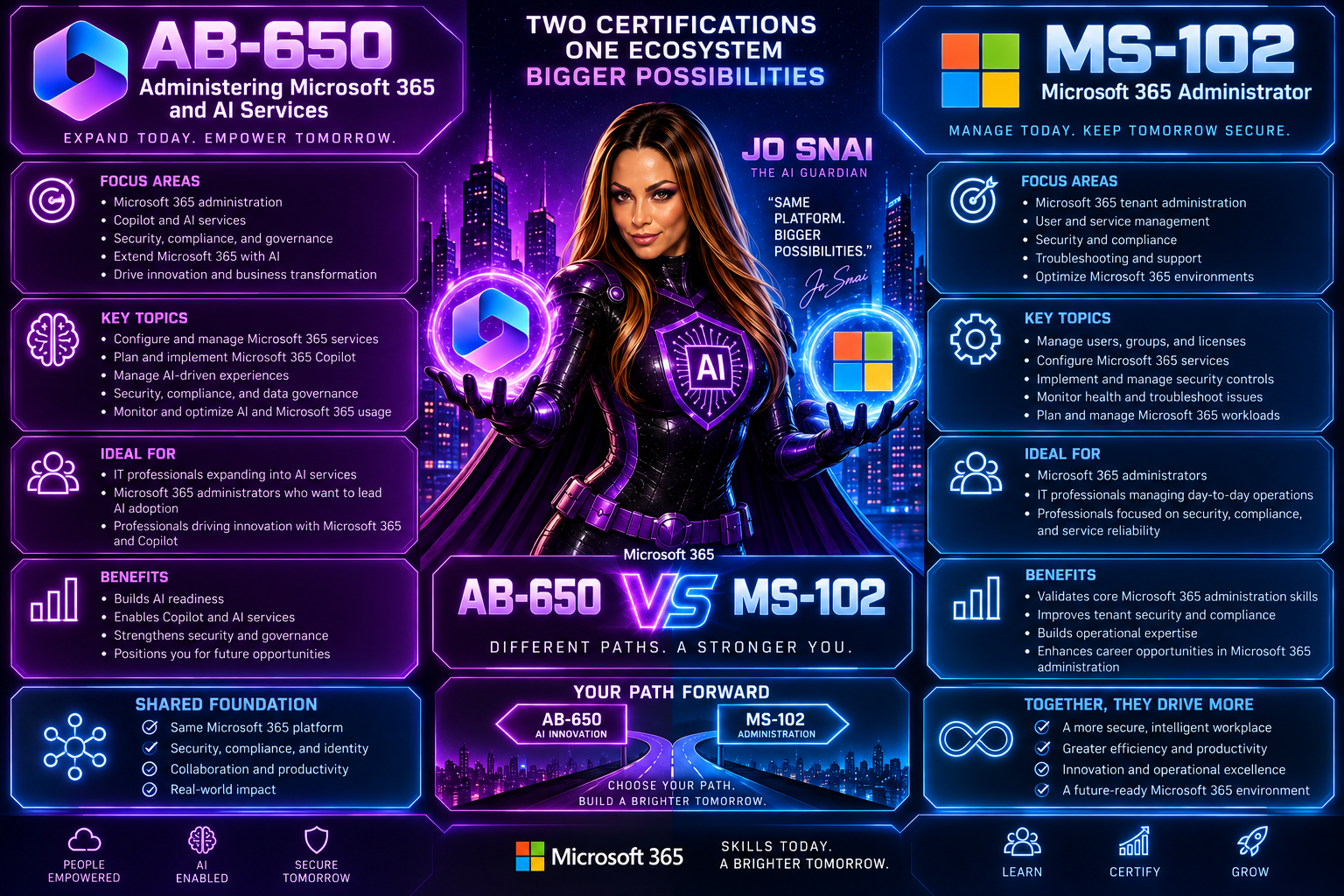
MS-102 focuses on managing Microsoft 365. AB-650 focuses on managing Microsoft 365 and AI.

That may sound like a small distinction, but it’s actually a major shift.

The modern workplace increasingly includes:

  • AI assistants
  • Copilot experiences
  • Automation agents
  • Intelligent workflows

Someone needs to govern those capabilities.

Someone needs to secure them.

Someone needs to make sure they are implemented responsibly.

Microsoft clearly sees administrators playing a key role in that future.

Should You Still Take MS-102?

Honestly, I think the answer depends on where you are in your journey.

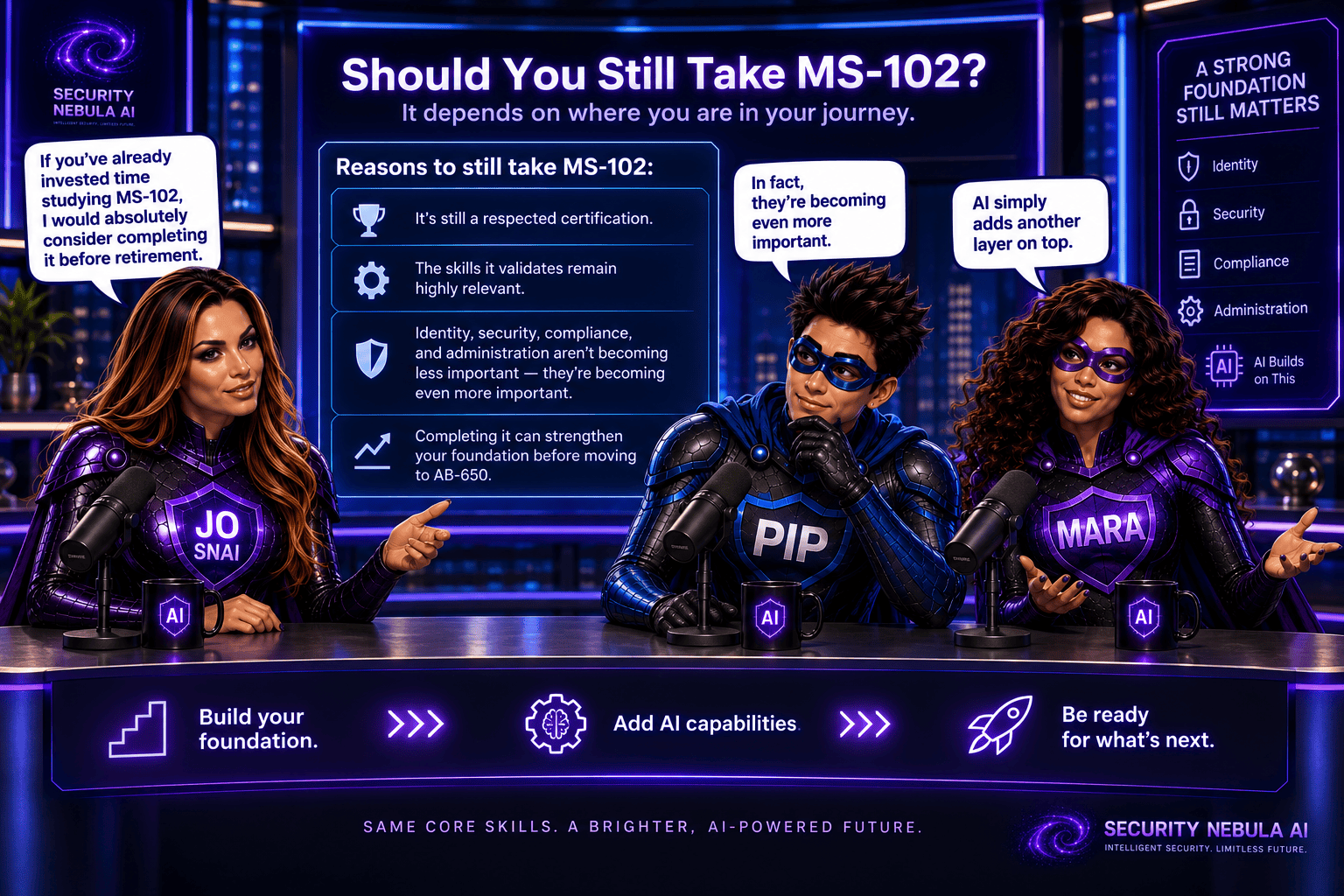
If you’ve already invested time studying MS-102, I would absolutely consider completing it before retirement.

It’s still a respected certification, and the skills it validates remain highly relevant.

Identity, security, compliance, and administration aren’t becoming less important because AI arrived.

In fact, they’re becoming even more important.

AI simply adds another layer on top.

Who Should Consider AB-650?

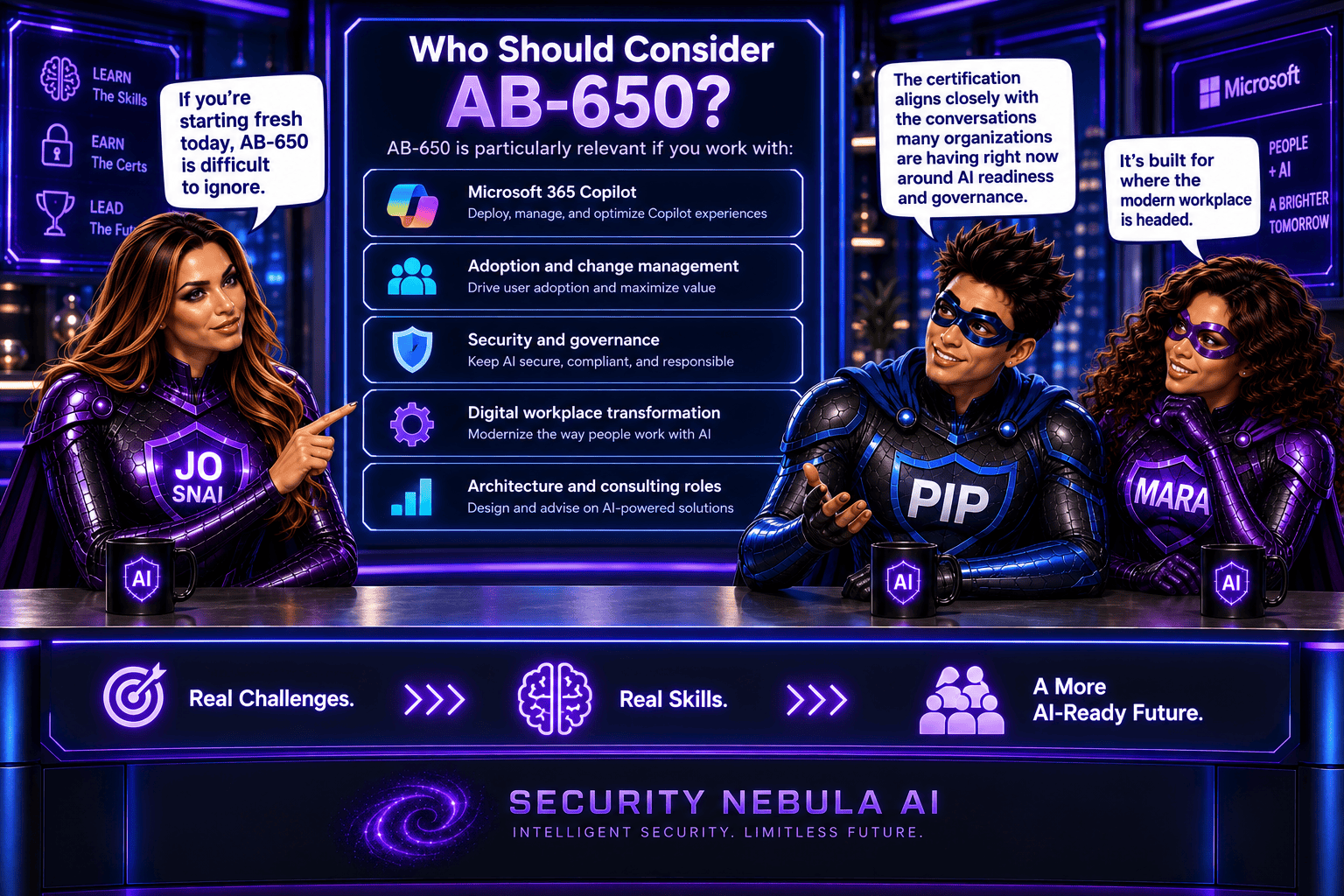
If you’re starting fresh today, AB-650 is difficult to ignore.

It’s particularly relevant if you work with:

  • Microsoft 365 Copilot
  • Adoption and change management
  • Security and governance
  • Digital workplace transformation
  • Architecture and consulting roles

The certification aligns closely with the conversations many organizations are having right now around AI readiness and governance.

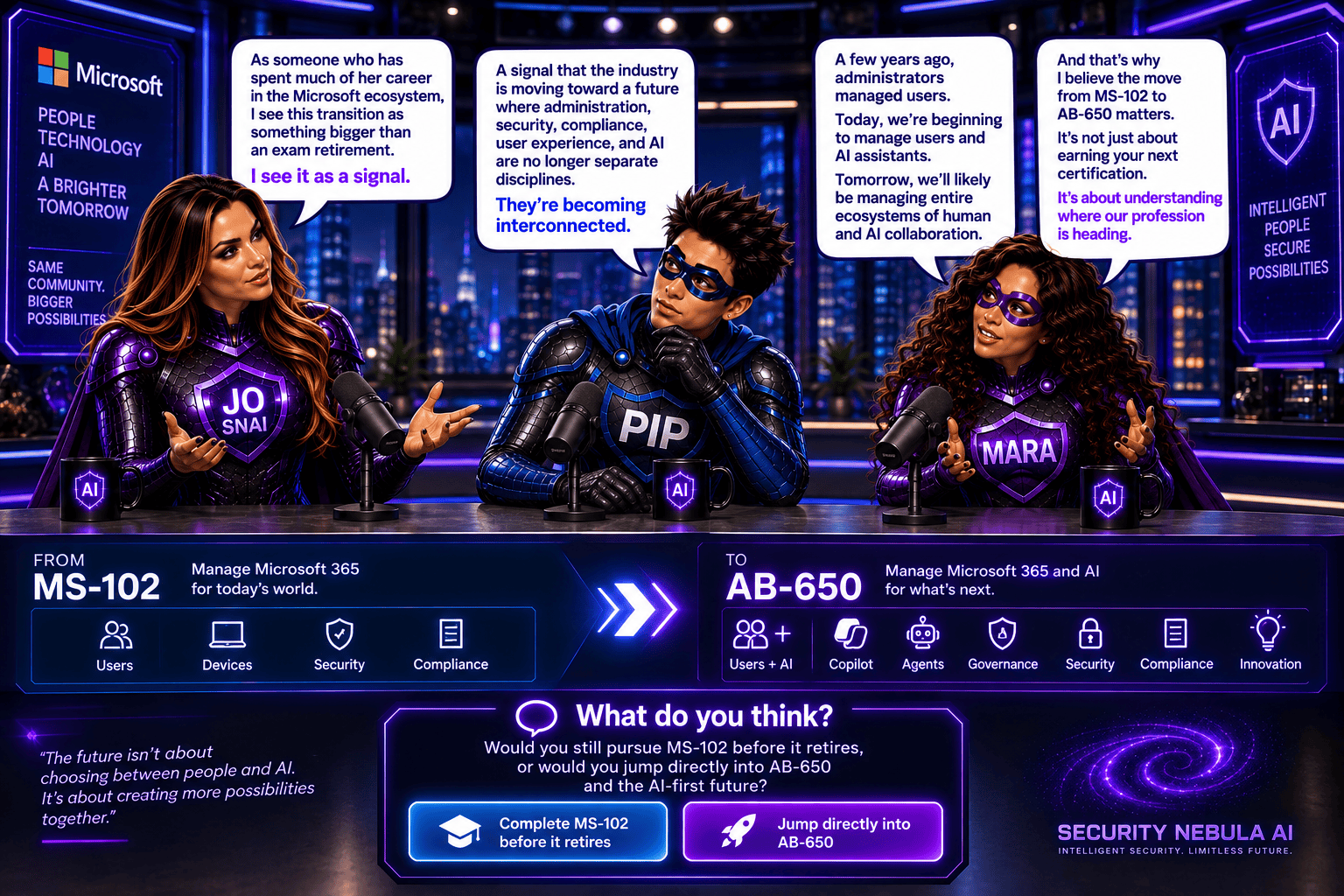
As someone who has spent much of her career in the Microsoft ecosystem, I see this transition as something bigger than an exam retirement.

I see it as a signal.

A signal that the industry is moving toward a future where administration, security, compliance, user experience, and AI are no longer separate disciplines.

They’re becoming interconnected.

A few years ago, administrators managed users.

Today, we’re beginning to manage users and AI assistants.

Tomorrow, we’ll likely be managing entire ecosystems of human and AI collaboration.

And that’s why I believe the move from MS-102 to AB-650 matters.

It’s not just about earning your next certification.

It’s about understanding where our profession is heading.

What do you think? Would you still pursue MS-102 before it retires, or would you jump directly into AB-650 and the AI-first future?

Microsoft Purview DLP: Instances Policy Location Retiring in January 2027

Microsoft has announced the retirement of the Instances policy location in Microsoft Purview Data Loss Prevention (DLP), with the change taking effect on January 6, 2027.

Today, organizations using the Instances location rely on the Microsoft Defender for Cloud Apps file policy infrastructure to enforce DLP and auto-labeling policies across supported third-party applications. To simplify policy management and provide a more consistent compliance experience, Microsoft is moving away from this approach and introducing dedicated application-specific policy locations directly within Microsoft Purview.

Supported applications include:

  • Google Workspace
  • Box
  • Dropbox
  • Salesforce
  • ServiceNow
  • AWS
  • Cisco Webex
What’s Changing?

Instead of creating policies under a generic Instances location, administrators will use dedicated locations for each supported application.

For example:

Current LocationNew Location
Instances (Google Workspace)Google Workspace
Instances (Box)Box
Instances (Dropbox)Dropbox
Instances (Salesforce)Salesforce
Instances (ServiceNow)ServiceNow
Instances (AWS)AWS
Instances (Cisco Webex)Cisco Webex

This change aligns non-Microsoft application protection more closely with the broader Microsoft Purview compliance framework.

Microsoft is introducing these new application locations ahead of the retirement date to allow organizations time to migrate.

Key dates:

  • Dedicated application locations will be rolled out before retirement.
  • January 6, 2027: Instances policy location officially retires.
  • Retirement rollout begins in early January 2027 and is expected to complete by mid-January 2027.
What Happens After January 6, 2027?

Once the retirement takes place:

  • New policies can no longer be created using the Instances location.
  • Existing policies configured with the Instances location will no longer be supported.
  • Organizations should use the new dedicated application locations for all future DLP and auto-labeling policies.
  • Policies that continue to rely on the retired Instances location may no longer be enforced as expected.

If your organization currently uses the Instances location, Microsoft strongly recommends recreating those policies in the new application-specific locations before the retirement deadline.

Recommended Next Steps

To avoid any disruption to DLP enforcement, organizations should begin preparing well before the 2027 deadline.

1. Review Existing Policies

Identify any DLP or auto-labeling policies currently configured through the Instances location.

2. Identify Affected Applications

Determine which non-Microsoft platforms are involved and map them to their new dedicated policy locations.

3. Recreate Policies

Build equivalent policies using the new application-specific locations within Microsoft Purview.

4. Test and Validate

Before retiring legacy policies, verify that policy enforcement, labeling, and user experiences behave as expected.

5. Update Documentation

Review operational procedures, internal documentation, and administrator guidance to reflect the new management model.

6. Notify Stakeholders

Make sure compliance, security, and support teams are aware of the upcoming change and migration timeline.

While the retirement is still several months away, organizations using third-party cloud platforms for collaboration and data storage should start planning their migration strategy now. Moving to dedicated application locations will ensure continued DLP and auto-labeling protection while providing a more streamlined and unified compliance experience within Microsoft Purview.

The bottom line: If you’re using the Instances location today, plan your migration before January 6, 2027. If you’re not, you can safely continue using Microsoft Purview as normal and take advantage of the new dedicated application locations as they become available.

Microsoft Purview Adds Time-Limited Role Assignments to Strengthen Security

Microsoft is enhancing Microsoft Purview with a new capability that allows administrators to assign expiration dates to role group memberships. This update makes it easier to grant temporary administrative access while supporting the principle of least privilege, helping organizations reduce the risk associated with long-term privileged accounts.

With this new feature, administrators can specify how long a user or security group should remain in a Purview role group, choosing a duration anywhere from one day up to two years. Once the assigned period expires, access is automatically removed, helping security and compliance teams maintain tighter control over administrative permissions.

When Will It Be Available?

Microsoft plans to roll out the feature according to the following schedule:

  • Worldwide General Availability: Starting in late July 2026 and expected to complete by late August 2026.
  • GCC, GCC High, and DoD: Starting in late August 2026 and expected to complete by late September 2026.
What Does This Mean for Organizations?

This enhancement primarily benefits:

  • Microsoft Purview administrators
  • Security administrators
  • Compliance teams
  • Organizations managing role-based access through Microsoft Purview

The feature will be available through:

  • Microsoft Purview Compliance Portal
  • Microsoft Purview Role-Based Access Control (RBAC)
Key Benefits

Once the rollout is complete, administrators will be able to:

âś… Assign users or security groups to role groups with a predefined expiration date.

âś… Set assignment durations ranging from 1 day to 2 years.

âś… Apply the capability to both new and existing role assignments.

âś… Reduce the likelihood of forgotten or unnecessary privileged access.

âś… Improve governance, compliance, and security posture with minimal administrative effort.

Importantly, existing role assignments will not be automatically modified, and end-user workflows will remain unchanged.

What Do You Need to Do?

The good news is that no action is required to enable this feature. It will be available by default once deployed, with no additional configuration or policy changes needed.

However, organizations may want to take advantage of the new functionality by:

  • Reviewing privileged access management processes.
  • Using expiration-based assignments for temporary projects, audits, or administrative tasks.
  • Updating internal documentation and operational procedures.
  • Informing Purview administrators about the new capability.

From a compliance perspective, time-limited role assignments help organizations demonstrate stronger control over privileged access.

Many regulatory frameworks and security standards—including ISO 27001, NIST, SOC 2, GDPR accountability requirements, and Zero Trust security principles—expect organizations to follow the principle of least privilege, ensuring users only have access to the resources they need and only for as long as they need it.

(Updated) Microsoft 365 Copilot: Graph APIs for agent and app management

Microsoft is rolling out two new Microsoft Graph APIs that make it much easier for administrators to discover, monitor, and manage Copilot agents and apps across their organization.

Instead of relying on manual checks through the admin UI, these new APIs allow admins to programmatically access a complete inventory of agents and apps. This opens the door to richer reporting, automation, and seamless integration with existing tools and workflows.

This update is tracked under Microsoft 365 Roadmap ID 502875.

When is this happening?
  • Frontier (Preview): Available now
  • General Availability (Worldwide):
    Deployment will start in mid‑April 2026 (previously end of March) and is expected to complete by early May 2026 (previously end of February).
How does this affect your organization?
Who is impacted?

This change is relevant for admins who manage Copilot agents and apps within Microsoft 365 environments.

What’s changing?

Microsoft is introducing new Graph API endpoints that provide visibility into all agents and apps in your tenant:

  • Retrieve all agents and apps GET graph.microsoft.com/copilot/admin/catalog/packages Returns a full inventory of Microsoft, External, Shared, and Custom agents and apps.
  • Retrieve details for a specific agent or app GET graph.microsoft.com/copilot/admin/catalog/packages/{id} Returns detailed metadata, including properties and manifest information.

These endpoints enable:

  • Automated reporting
  • Easier integrations with internal tools
  • Better visibility into what’s deployed across your organization
What’s not changing?
  • There are no changes to existing admin UI workflows
  • There are no changes to current policies
  • No additional licenses are required — the APIs are available with an existing Microsoft 365 license

🚀 Strengthening Security in Microsoft Purview & Microsoft 365: Important Update Coming Soon

To further enhance the security and integrity of how Microsoft Purview interacts with Microsoft 365 services—such as Exchange, SharePoint, OneDrive, and Teams—Microsoft is modernizing how role management works within Purview.

Beginning mid‑February through late March 2026, Microsoft Purview will automatically map certain high‑privileged Purview admin roles to three newly created Microsoft Entra roles. This alignment strengthens identity and permission boundaries and ensures that all high‑impact actions (like search or export) are performed only by users with validated permissions in Entra.

đź“… Rollout Timeline

General Availability (Worldwide)
⏳ Begins: Mid‑February 2026
⏳ Complete: Late March 2026

The best part? No customer action is required.

Role assignments will synchronize automatically from Purview to Entra within minutes, ensuring that permissions flow securely and consistently across Microsoft 365.

📝 How to Prepare

  • No action is required—synchronization is fully automated.
  • Be aware that new Purview‑specific Entra roles may appear in audit logs.
  • Avoid assigning these roles directly in Entra.
  • Review your internal documentation and update governance workflows if needed.
  • For deeper technical detail, refer to Microsoft Purview documentation.

🏢 Impact on Your Environment

âś” Who Is Affected

Organizations with admins assigned to high‑privileged Purview roles.

✔ What You’ll See

  • New Purview‑specific Entra roles appearing in audit logs
  • Auto‑generated Entra role assignments, managed solely by Purview
  • No disruption to existing workflows or permissions

âś” What You Need To Do

  • No action required
  • DO NOT manually assign these roles in Entra
  • Update documentation or internal governance policies if referencing these roles
  • Inform your security/compliance teams about the new audit log entries

Compliance & Security Notes

  • No new compliance concerns identified
  • Mapping ensures consistent identity + permission enforcement across M365
  • Supports least‑privileged access by validating roles in both Purview and Entra