
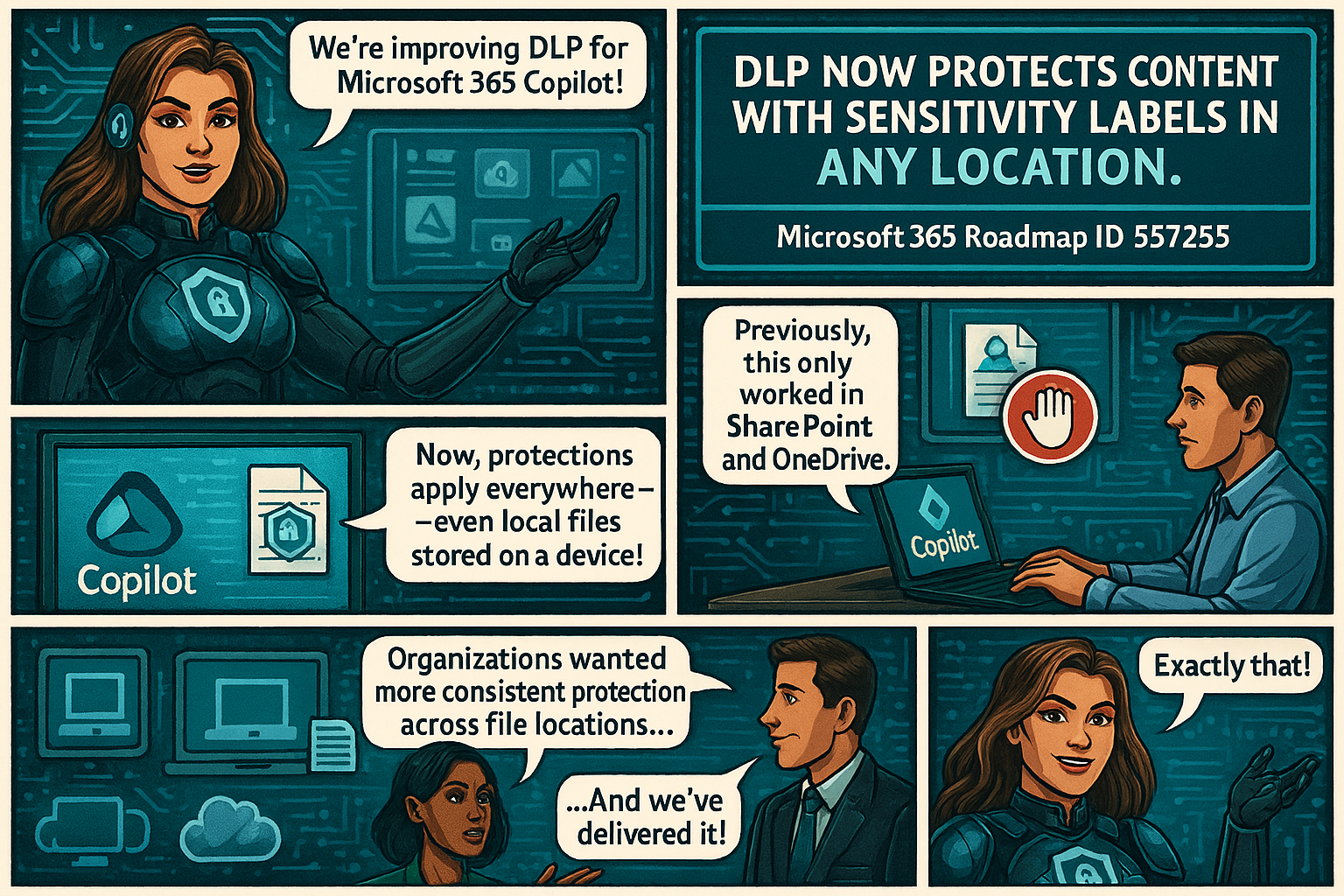
Microsoft is improving how Microsoft Purview Data Loss Prevention (DLP) protects content used by Microsoft 365 Copilot. Until now, DLP rules that block Copilot from processing sensitivity‑labeled content only worked when files lived in SharePoint or OneDrive.
With this update, those same protections will work everywhere, including local files stored on a user’s device. Organizations have asked for more consistent protection across all file locations, and this update delivers exactly that.
This change is associated with Microsoft 365 Roadmap ID 557255.
When it’s coming
General Availability (Worldwide + GCC)
Rollout: Late March 2026 → Late April 2026
Who this impacts
- Organizations using Microsoft Purview DLP to limit what Copilot can access
- Admins who manage Purview DLP rules
- Users working with Copilot in Word, Excel, or PowerPoint
What’s changing
DLP rules that block Copilot from processing certain sensitivity-labeled files will now apply to:
- SharePoint
- OneDrive for Business
- Local device storage
- Any other file location Office apps can open
So if a DLP policy says “Copilot cannot process Confidential files,” then Copilot will not process those files anywhere, including when they’re opened directly from the desktop.
Key notes:
- Existing DLP rules continue to work as they do today—no reconfiguration needed.
- The feature turns on automatically for tenants already using relevant DLP policies.
- Users will experience consistent protection when using Copilot across Word, Excel, and PowerPoint.
How it works (technical detail)
This update doesn’t change what Copilot can do—it changes how Office apps share sensitivity label information with AugLoop (the Copilot orchestration layer).


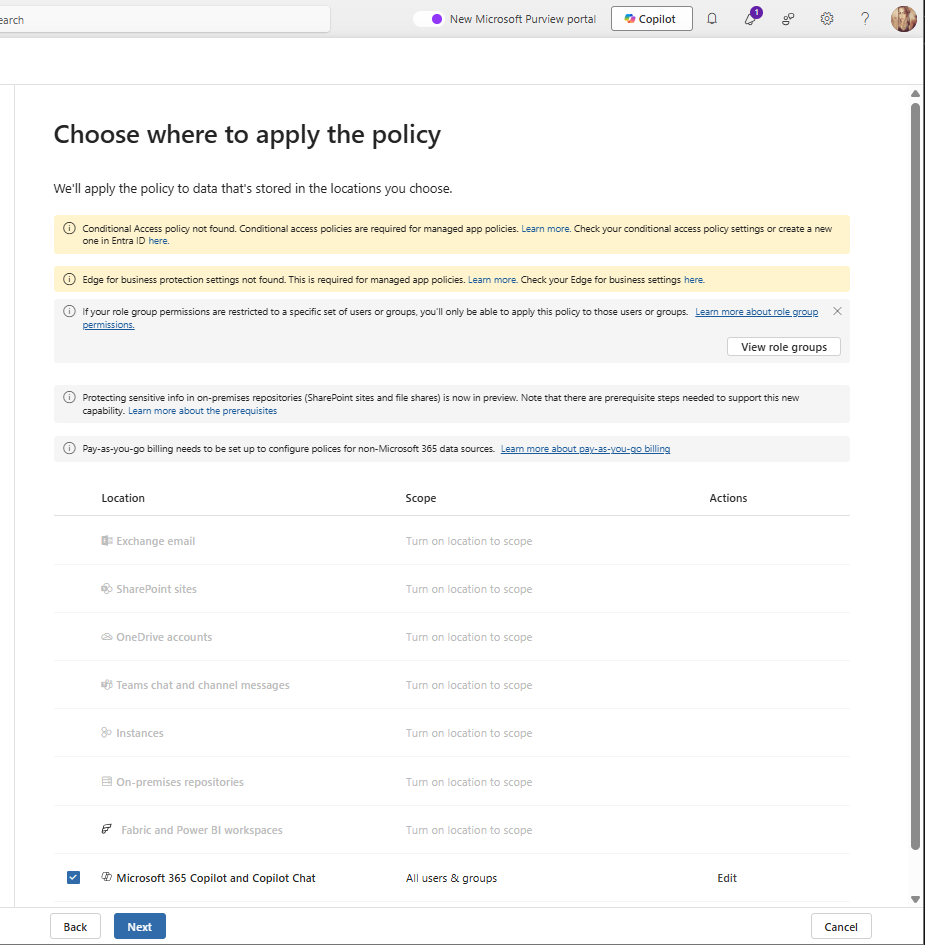
Today:
AugLoop reads file labels through Microsoft Graph
This only works for SharePoint or OneDrive files
After the update:
- Office apps will pass the sensitivity label directly to AugLoop
- This means DLP rules can finally apply to local and other non-cloud storage files too
This results in uniform, predictable DLP enforcement across all file locations.





 Catastrophic Failure