Microsoft Office for the web: Apply sensitivity labels with user-defined permissions


Updated February 13, 2026: The roll-out timeline has been updated!!

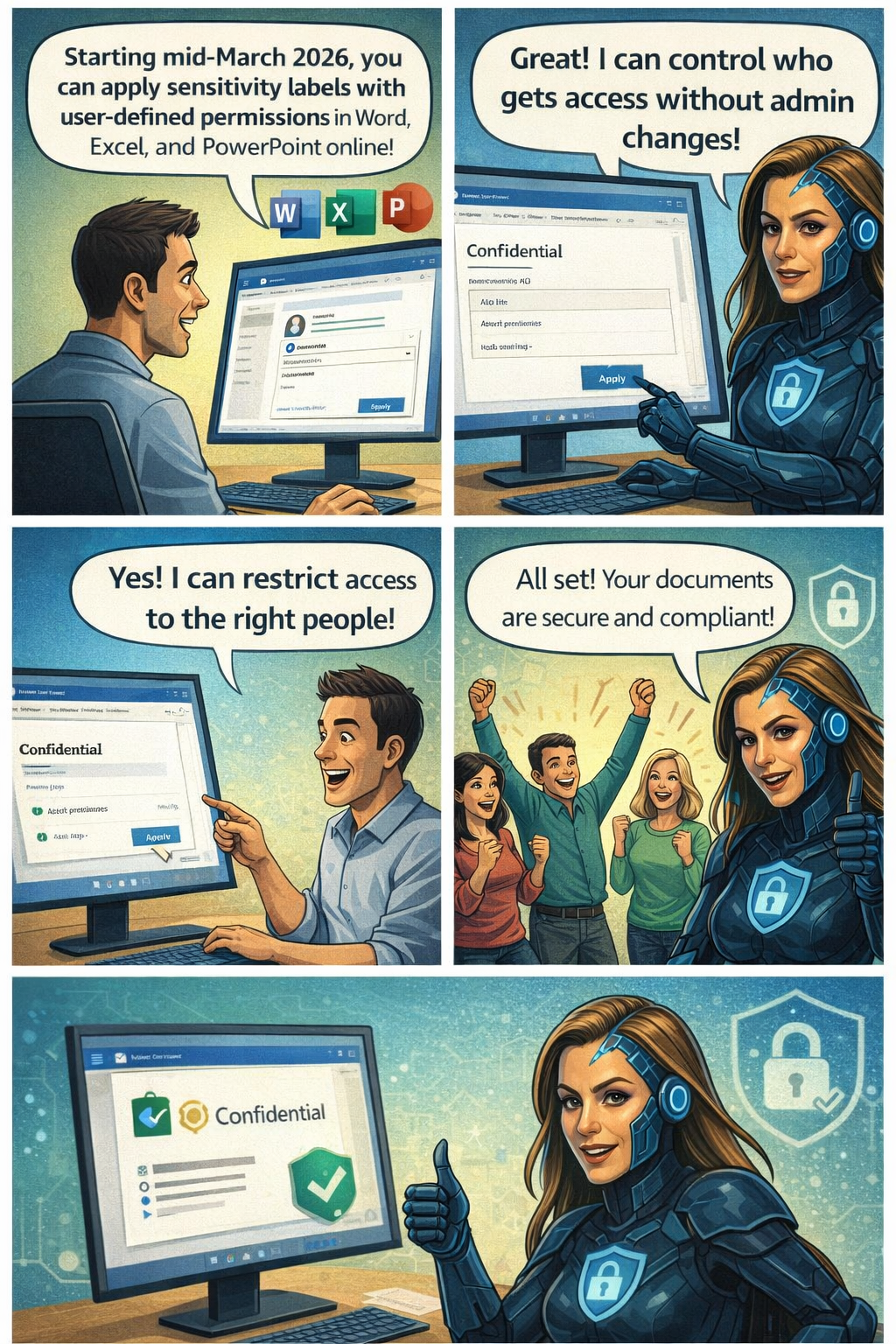
Microsoft 365 Office for the web will support applying sensitivity labels with user-defined permissions in Word, Excel, and PowerPoint starting mid-March 2026. This aligns with desktop app permissions dialogs, requires no admin changes, and enhances document access control without compliance impacts.
Office for the web now supports sensitivity labels with user‑defined permissions

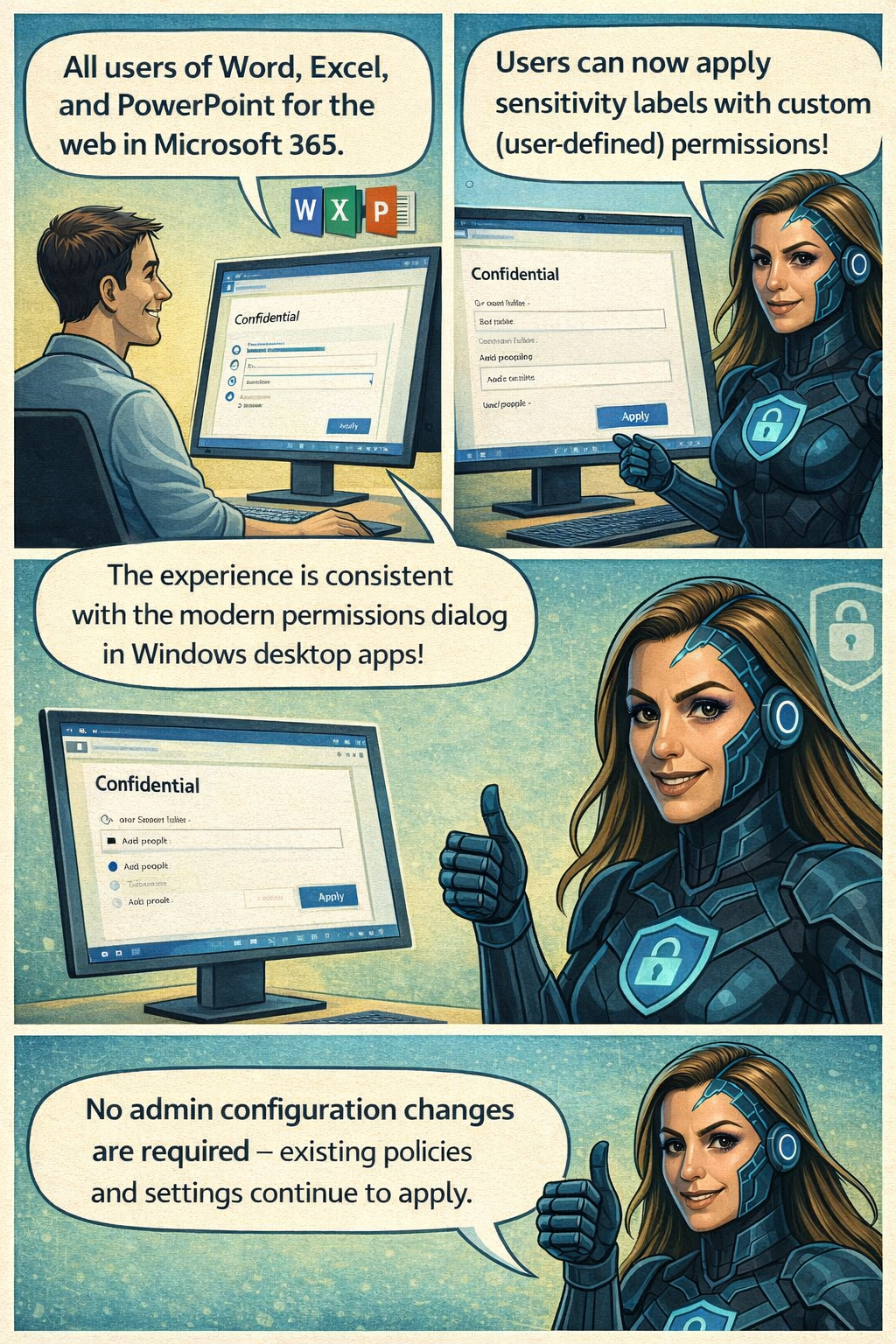
Microsoft 365 Office for the web (Word, Excel, and PowerPoint) now includes the ability to apply sensitivity labels with user‑defined permissions, giving organizations greater flexibility and control over document access directly in the browser. This update aligns the web experience with the modern permissions dialog available in the desktop apps.

Roadmap ID: 468888

Rollout timeline

General Availability

  • Worldwide & GCC:
    Rollout begins mid‑March 2026 (previously mid‑February) and is expected to complete by early April 2026 (previously early March).
  • GCCH & DoD:
    Rollout begins mid‑March 2026 (previously mid‑February) and is expected to complete by early May 2026 (previously early April).

Who is affected
Compliance considerations

No new compliance impacts have been identified. Organisations may review the change as needed.
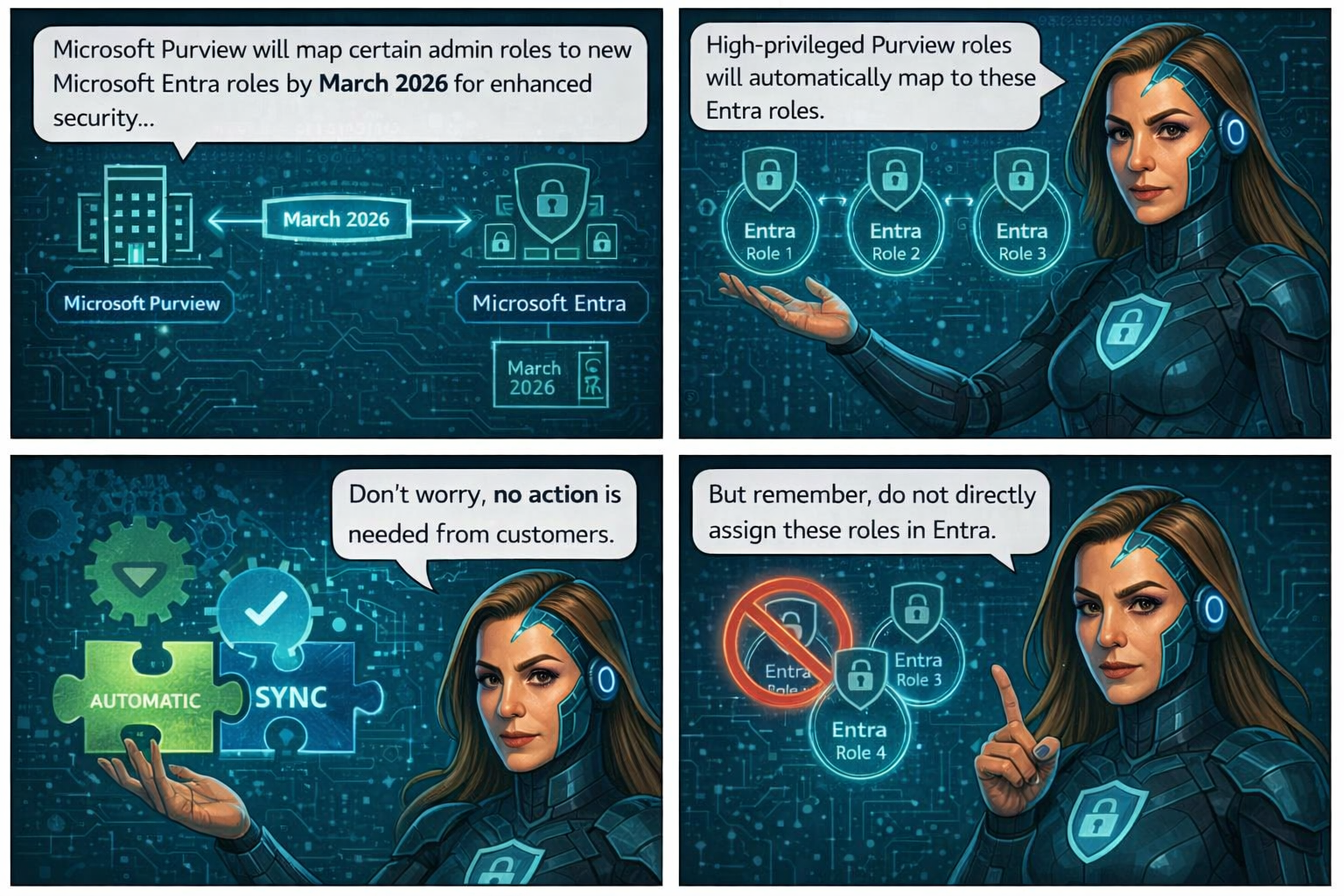
🚀 Strengthening Security in Microsoft Purview & Microsoft 365: Important Update Coming Soon


To further enhance the security and integrity of how Microsoft Purview interacts with Microsoft 365 services—such as Exchange, SharePoint, OneDrive, and Teams—Microsoft is modernizing how role management works within Purview.

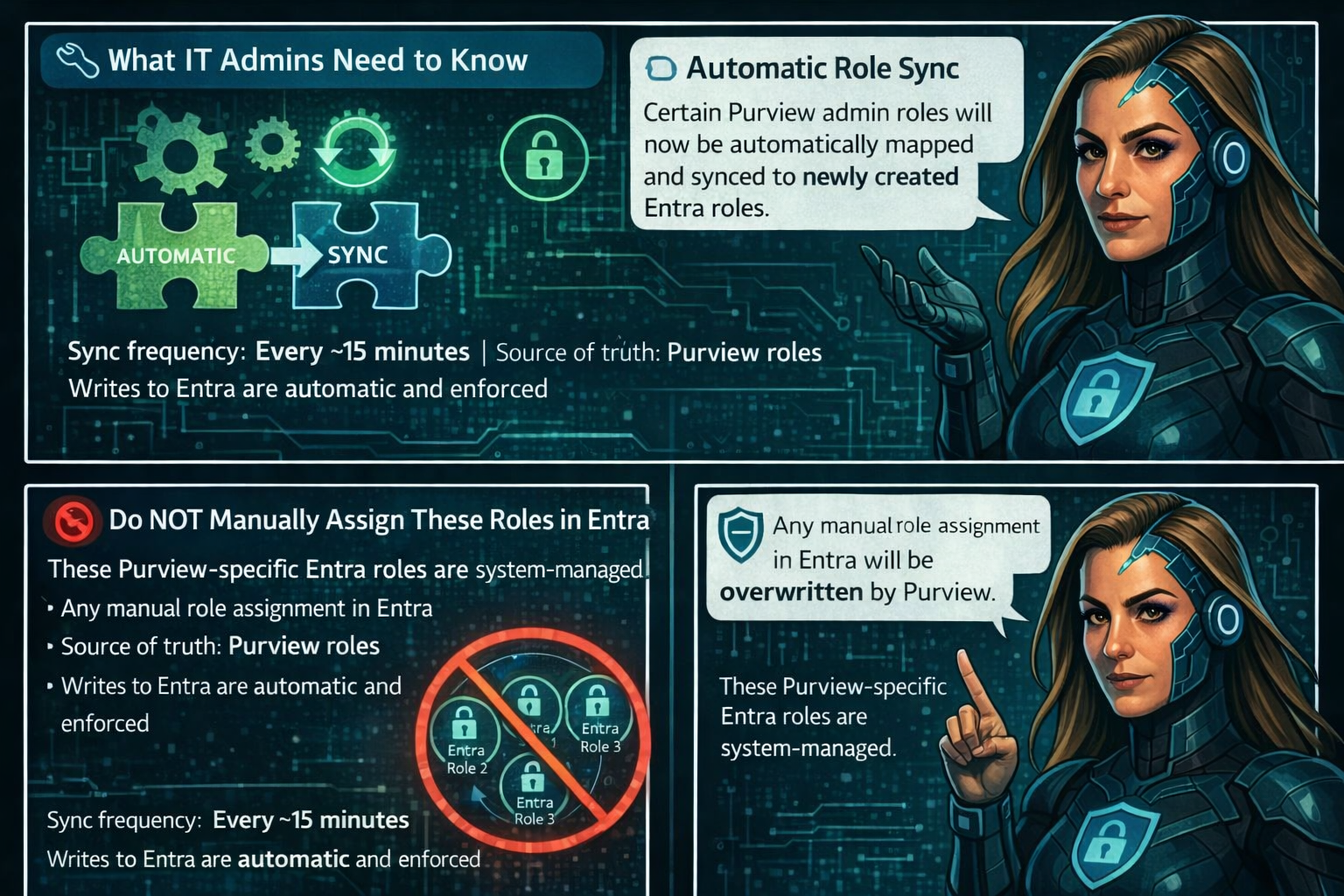
Beginning mid‑February through late March 2026, Microsoft Purview will automatically map certain high‑privileged Purview admin roles to three newly created Microsoft Entra roles. This alignment strengthens identity and permission boundaries and ensures that all high‑impact actions (like search or export) are performed only by users with validated permissions in Entra.

📅 Rollout Timeline

General Availability (Worldwide)
Begins: Mid‑February 2026
Complete: Late March 2026

The best part? No customer action is required.

Role assignments will synchronize automatically from Purview to Entra within minutes, ensuring that permissions flow securely and consistently across Microsoft 365.

📝 How to Prepare

  • No action is required—synchronization is fully automated.
  • Be aware that new Purview‑specific Entra roles may appear in audit logs.
  • Avoid assigning these roles directly in Entra.
  • Review your internal documentation and update governance workflows if needed.
  • For deeper technical detail, refer to Microsoft Purview documentation.

🏢 Impact on Your Environment

✔ Who Is Affected

Organizations with admins assigned to high‑privileged Purview roles.

✔ What You’ll See

  • New Purview‑specific Entra roles appearing in audit logs
  • Auto‑generated Entra role assignments, managed solely by Purview
  • No disruption to existing workflows or permissions

✔ What You Need To Do

  • No action required
  • DO NOT manually assign these roles in Entra
  • Update documentation or internal governance policies if referencing these roles
  • Inform your security/compliance teams about the new audit log entries

Compliance & Security Notes

  • No new compliance concerns identified
  • Mapping ensures consistent identity + permission enforcement across M365
  • Supports least‑privileged access by validating roles in both Purview and Entra

🚨 Now Generally Available: Microsoft Purview Data Security Investigations 🚨


Microsoft Purview Data Security Investigations is officially GA, and to mark the moment, Microsoft is hosting an Ask Microsoft Anything (AMA) – Part 2 with the team behind the solution.

This session will dive into:

  • 🔍 New capabilities in Data Security Investigations
  • 🧠 How investigations are evolving to meet modern insider risk and data misuse challenges
  • 💼 A walkthrough of the refined business model
  • 💬 Live Q&A with the product experts who built it

📅 Date: February 5, 2026
Time: 10:00 – 11:00 AM PST

If you’re working with Microsoft Purview, Insider Risk, Data Loss Prevention, or security investigations, this is one you don’t want to miss.

👉 Save your spot and bring your questions

🤖 Microsoft Purview Data Security Investigations is now generally available

Empowering Cybersecurity with Microsoft Purview Data Security Investigations (Preview)


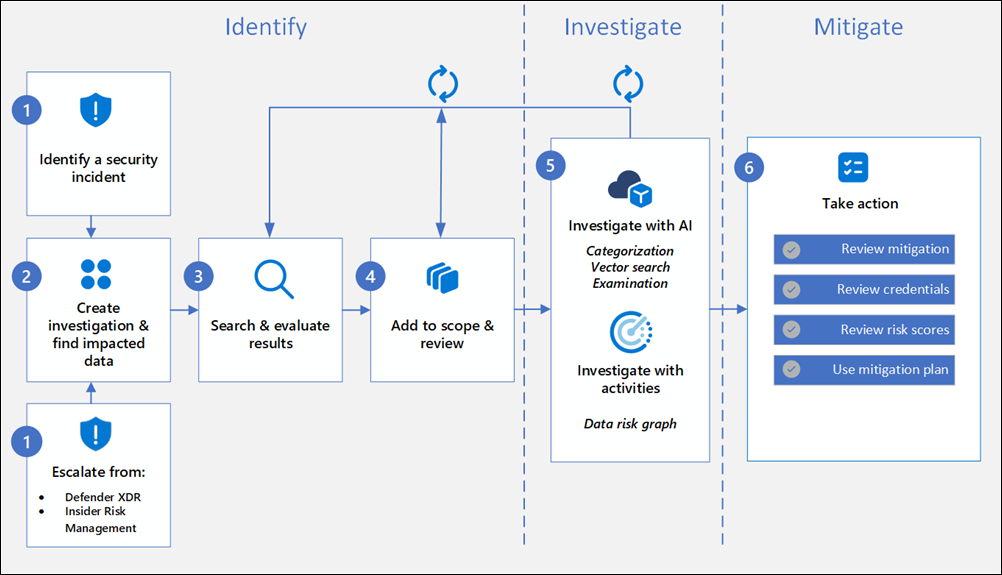
Data Security Investigations (preview) workflow helps you quickly identify, investigate, and take action on data associated with security and data breach incidents. This workflow isn’t a linear process. It includes significant iteration requirements for several of the steps to fine tune searches, evidence gathering, classification, and investigation by using AI and activities.

Analysts can use Data Security Investigations (preview) features in your organization to:

  • Quickly and efficiently search, discover, and identify impacted data.
  • Use deep content AI analysis to discover exact data risks hidden in data.
  • Take action to reduce the impact of data security incidents and quickly mitigate ongoing risks.
  • Collaborate with internal and external stakeholders on investigation details.

Check out the following videos to learn about how Data Security Investigations (preview) can help you respond to data security incidents:

DSI builds on and extends Microsoft Purview’s existing best-of-breed Data Security portfolio. Our information protection, data loss prevention, and insider risk management solutions have provided customers with a strong foundation to protect their crown jewels, their data. Data is at the center of cyberattacks, and now DSI will use AI to re-imagine how customers investigate and mitigate data security incidents, accelerating the process dramatically.  Most organizations we spoke to (77%) believe that AI will accelerate data security detection and response, and 76% think AI will improve the accuracy of data security detection and response strategies. With its cutting edge, generative AI-powered investigative capabilities, DSI will transform and scale how data security admins analyze incident-related data. DSI uncovers key security and sensitive data risks and facilitates secure collaboration between partner teams to mitigate those identified risks. This simplifies previously complex, time-consuming tasks – what once took months, can now be done in a fraction of the time.

Read more:
Get started with Data Security Investigations (preview)
Learn about Data Security Investigations (preview)

Set an expiration date for email encrypted by Microsoft Purview


When you apply your company brand to customize the look of your organization’s email messages, you can also specify an expiration for these email messages. With Microsoft Purview Advanced Message Encryption, you can create multiple templates for encrypted emails that originate from your organization. Using a template, you can control how long recipients have access to mail sent by your users.

When an end user receives mail that has an expiration date set, the user sees the expiration date in the wrapper email. If a user tries to open an expired mail, an error appears in the OME portal.

You can only set expiration dates for emails to external recipients.

With Microsoft Purview Advanced Message Encryption, anytime you apply custom branding, Microsoft 365 applies the wrapper to email that fits the mail flow rule to which you apply the template. You can only use expiration if you use custom branding.

  • Microsoft 365 E5 subscription
  • Compliance Administrator Permissions

How to create a custom branding template to force mail expiration by using PowerShell

  1. Using a work or school account that has sufficient permissions in your organization, such as Compliance Administrator, start a Windows PowerShell session and connect to Exchange Online. For instructions, see Connect to Exchange Online PowerShell.
  2. Run the New-OMEConfiguration cmdlet

Where:

  • Identity is the name of the custom template.
  • ExternalMailExpiryInDays identifies the number of days that recipients can keep mail before it expires. You can use any value between 1–730 days.

More information about Microsoft Purview Advanced Message Encryption