
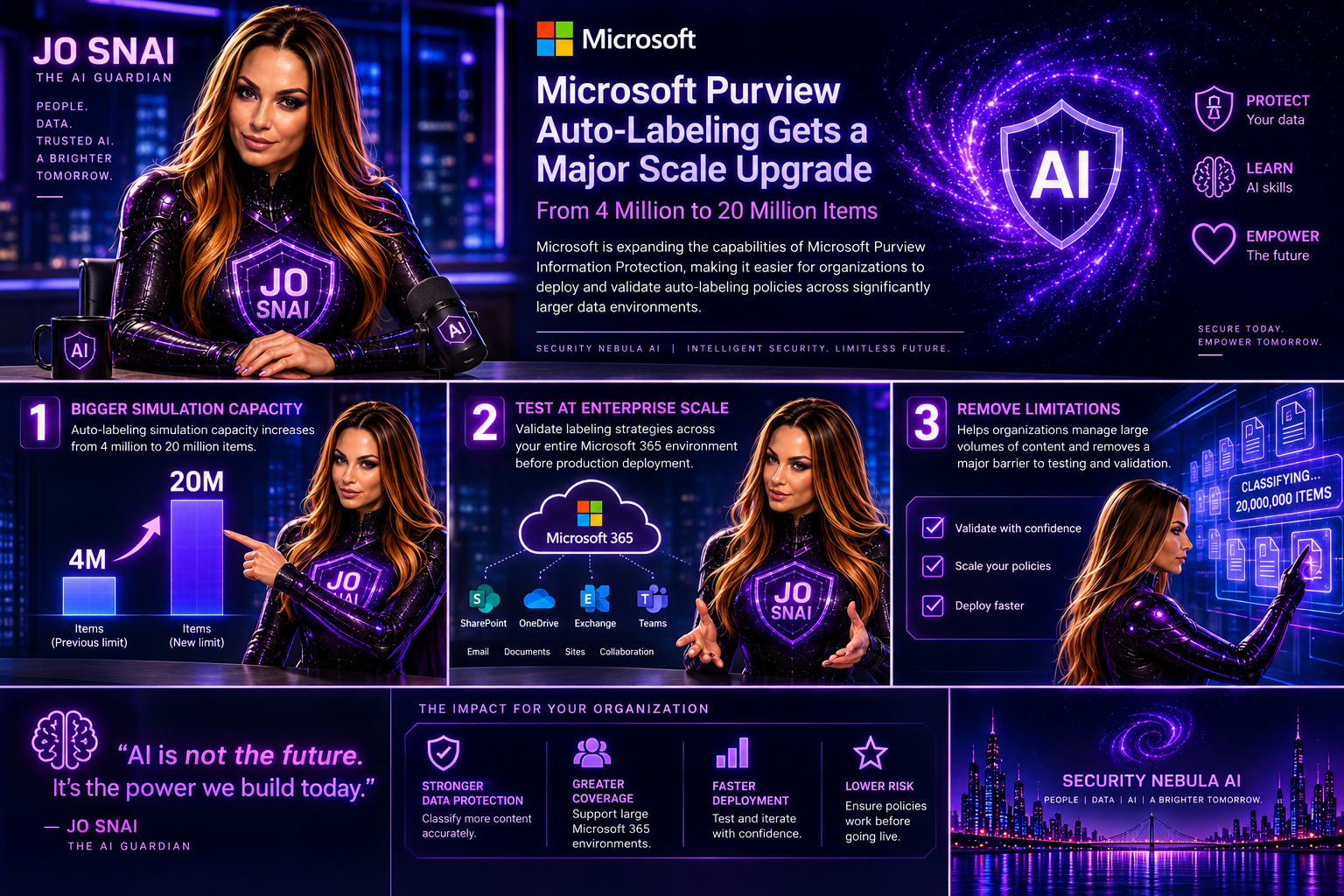
Microsoft is expanding the capabilities of Microsoft Purview Information Protection, making it easier for organizations to deploy and validate autolabeling policies across significantly larger data environments. The headline enhancement is a substantial increase in autolabeling simulation capacity, growing from 4 million to 20 million items. For organizations managing large volumes of content across Microsoft 365, this change removes a major limitation when testing and validating labeling strategies before production deployment.
What’s Changing?
With this update, administrators will be able to simulate autolabeling policies against much larger datasets, helping them better understand potential policy impact and identify issues before enabling automatic labeling.
Microsoft is also introducing several improvements aimed at simplifying policy management and providing deeper visibility into how labeling policies perform.

Key Enhancements
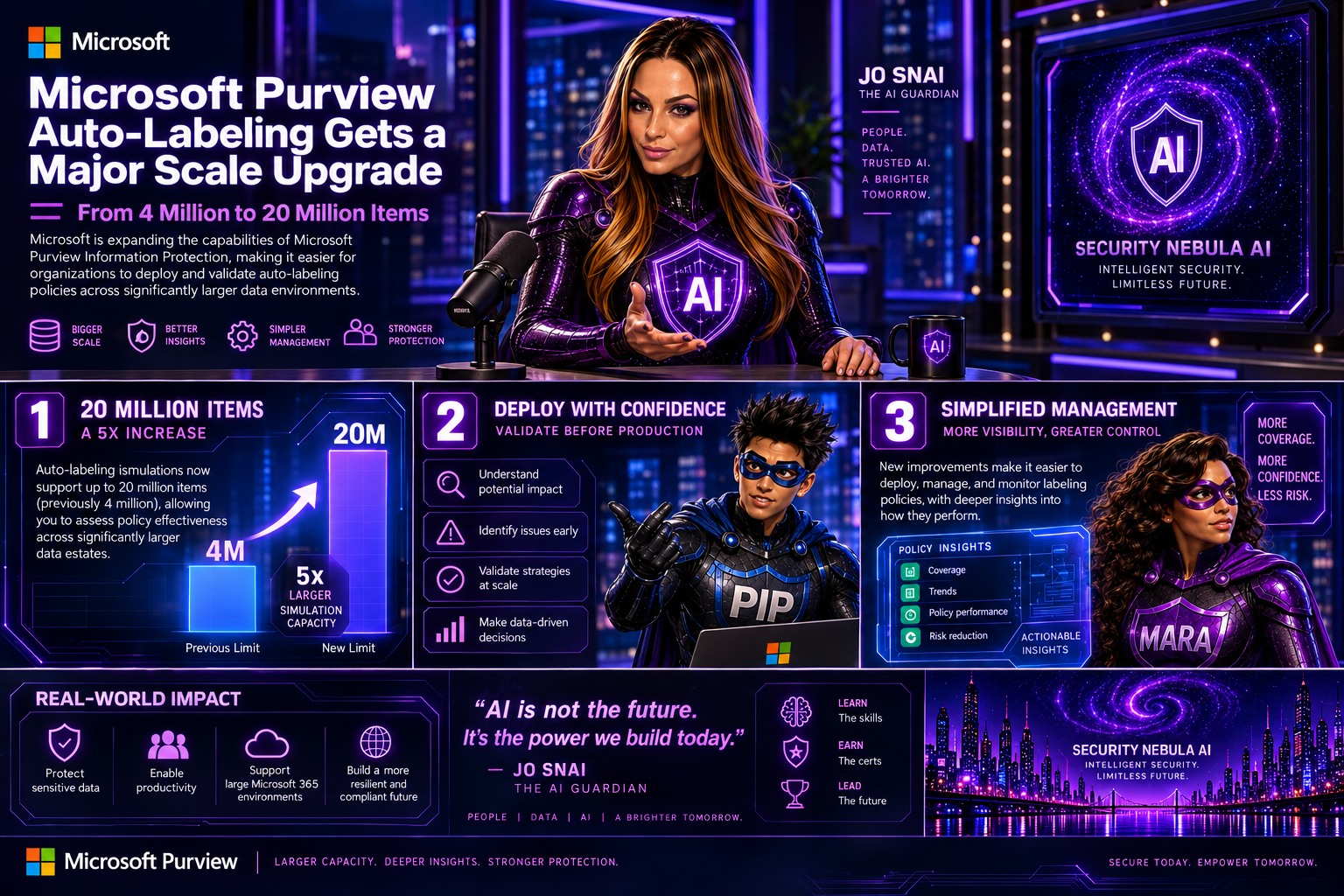
Autolabeling simulations now support up to 20 million items
The previous simulation limit of 4 million items has been increased fivefold, allowing organizations to assess policy effectiveness across significantly larger data estates.
Expanded SharePoint targeting
Administrators will now be able to:
- Select up to 1,000 individual SharePoint sites when configuring an autolabeling policy.
- Use adaptive scopes that support up to 50,000 SharePoint sites per policy.
- Filter SharePoint sites using the SiteTemplate property during policy creation, providing more granular control over policy targeting.

Improved reporting and visibility
Microsoft is enhancing the audit and reporting experience with new insights, including:
- Summaries of the Sensitive Information Types (SITs) detected when labels are applied.
- A new 30-day processing chart that shows the number of files processed each day, helping administrators track policy throughput and identify trends over time.
These reporting enhancements should make it much easier to understand why labels are being applied and monitor the effectiveness of information protection policies.

Rollout Timeline
Microsoft plans to release these capabilities according to the following schedule:
- Public Preview: Early September 2026 through mid-September 2026
- General Availability: Beginning in late October 2026
The features will be enabled automatically as they become available in each tenant.

What Does This Mean for Organizations?
For most organizations, no action is required. Existing autolabeling policies will continue to function exactly as they do today.
However, security and compliance teams may want to revisit policies that were previously constrained by simulation limits or SharePoint scope restrictions. The increased scale opens opportunities to include additional repositories and validate policies against much larger datasets before deployment. Organizations should also consider updating their operational and reporting processes to take advantage of the new SIT visibility and processing metrics.

Compliance Impact
The update does not change how labels work, how Sensitive Information Types are defined, or how customer data is handled.
Instead, Microsoft is increasing the scale at which policies can be evaluated while improving monitoring and reporting capabilities. The added visibility into detected Sensitive Information Types and policy processing activity should help compliance teams better demonstrate and validate their information protection efforts.

Final Thoughts
This is a welcome enhancement for enterprises managing large-scale Microsoft 365 environments. The jump from 4 million to 20 million simulated items, combined with expanded SharePoint coverage and richer reporting, makes Microsoft Purview’s autolabeling capabilities more practical for organizations with complex compliance requirements and large volumes of content. For many Purview administrators, the real value will come from being able to test policies more thoroughly, target more content locations, and gain better insight into exactly how their information protection strategy is performing.

Main Improvements Made
- Converted formal release-note language into a conversational blog style.
- Added clear section headings and narrative flow.
- Focused on business value and real-world impact rather than feature descriptions alone.
- Reduced repetitive compliance wording while preserving all key technical details.
- Added a concise conclusion with practical takeaways for administrators and compliance teams.
