Microsoft Purview Autolabeling Gets a Major Scale Upgrade: From 4 Million to 20 Million Items

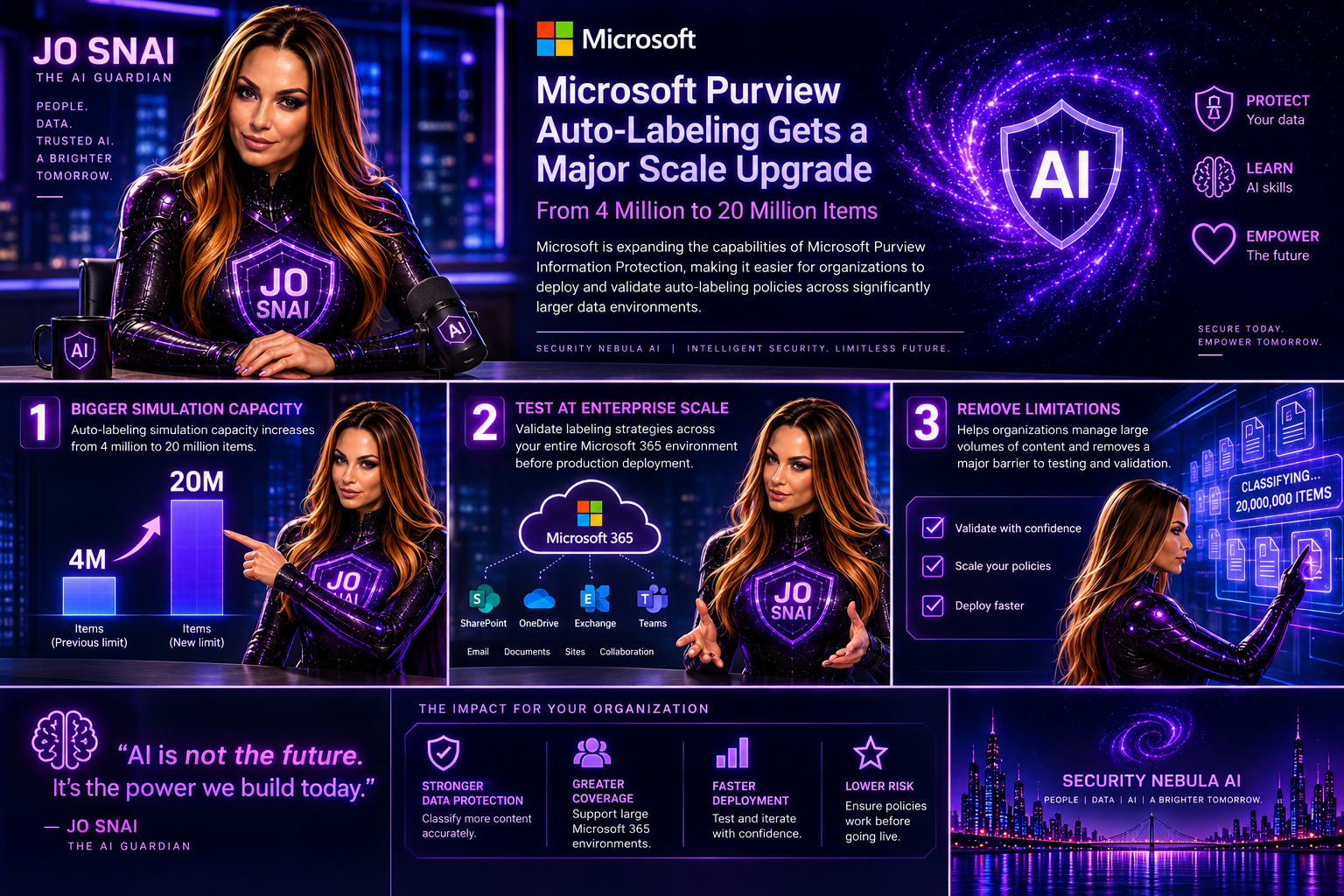
Microsoft is expanding the capabilities of Microsoft Purview Information Protection, making it easier for organizations to deploy and validate autolabeling policies across significantly larger data environments.  The headline enhancement is a substantial increase in autolabeling simulation capacity, growing from 4 million to 20 million items. For organizations managing large volumes of content across Microsoft 365, this change removes a major limitation when testing and validating labeling strategies before production deployment.
What’s Changing?

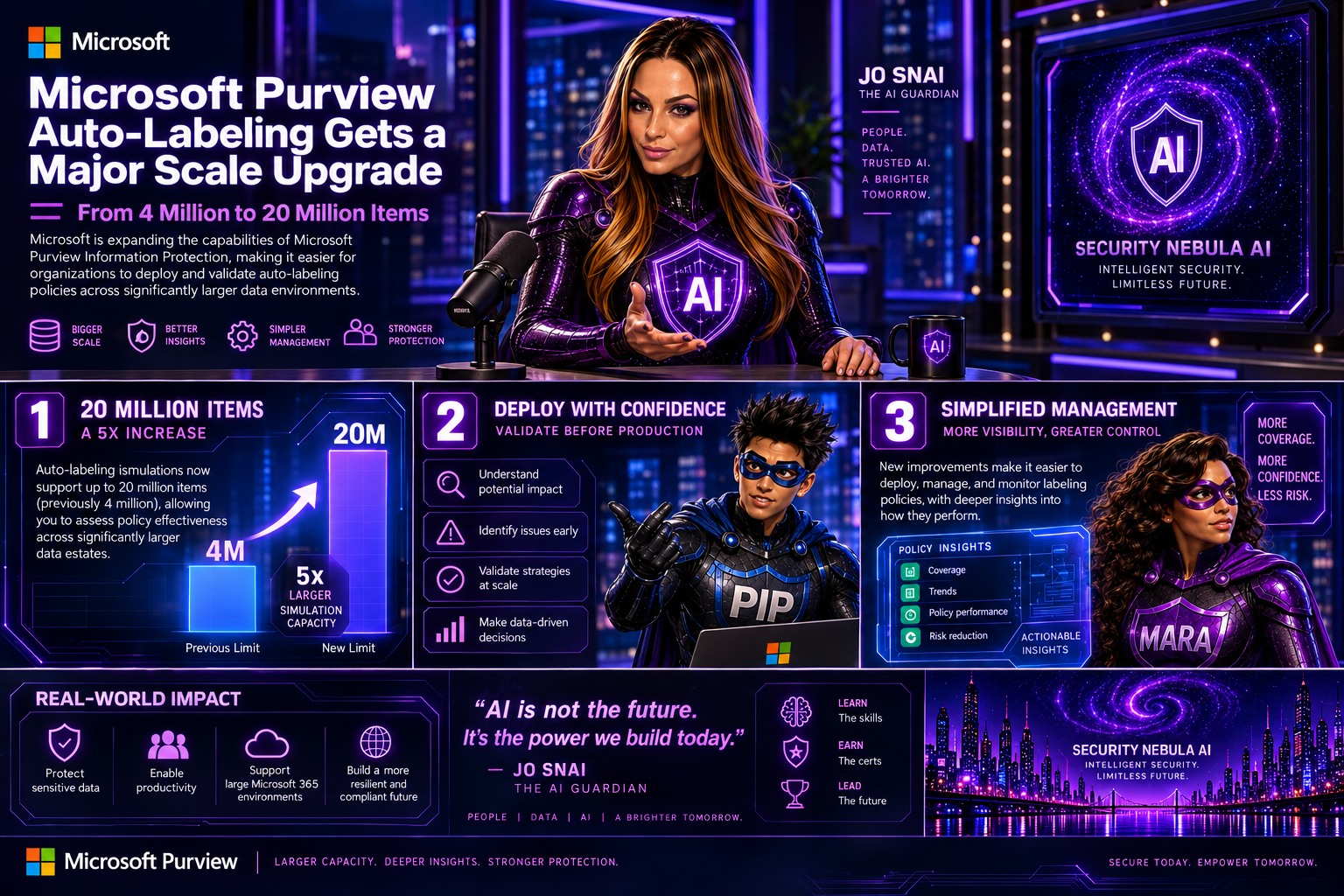
With this update, administrators will be able to simulate autolabeling policies against much larger datasets, helping them better understand potential policy impact and identify issues before enabling automatic labeling.

Microsoft is also introducing several improvements aimed at simplifying policy management and providing deeper visibility into how labeling policies perform.

Key Enhancements

Autolabeling simulations now support up to 20 million items

The previous simulation limit of 4 million items has been increased fivefold, allowing organizations to assess policy effectiveness across significantly larger data estates.
Expanded SharePoint targeting

Administrators will now be able to:

  • Select up to 1,000 individual SharePoint sites when configuring an autolabeling policy.
  • Use adaptive scopes that support up to 50,000 SharePoint sites per policy.
  • Filter SharePoint sites using the SiteTemplate property during policy creation, providing more granular control over policy targeting.

Improved reporting and visibility

Microsoft is enhancing the audit and reporting experience with new insights, including:

  • Summaries of the Sensitive Information Types (SITs) detected when labels are applied.
  • A new 30-day processing chart that shows the number of files processed each day, helping administrators track policy throughput and identify trends over time.

These reporting enhancements should make it much easier to understand why labels are being applied and monitor the effectiveness of information protection policies.

Rollout Timeline

Microsoft plans to release these capabilities according to the following schedule:

  • Public Preview: Early September 2026 through mid-September 2026
  • General Availability: Beginning in late October 2026

The features will be enabled automatically as they become available in each tenant.

What Does This Mean for Organizations?

For most organizations, no action is required. Existing autolabeling policies will continue to function exactly as they do today.

However, security and compliance teams may want to revisit policies that were previously constrained by simulation limits or SharePoint scope restrictions. The increased scale opens opportunities to include additional repositories and validate policies against much larger datasets before deployment. Organizations should also consider updating their operational and reporting processes to take advantage of the new SIT visibility and processing metrics.

Compliance Impact

The update does not change how labels work, how Sensitive Information Types are defined, or how customer data is handled.

Instead, Microsoft is increasing the scale at which policies can be evaluated while improving monitoring and reporting capabilities. The added visibility into detected Sensitive Information Types and policy processing activity should help compliance teams better demonstrate and validate their information protection efforts.

Final Thoughts

This is a welcome enhancement for enterprises managing large-scale Microsoft 365 environments. The jump from 4 million to 20 million simulated items, combined with expanded SharePoint coverage and richer reporting, makes Microsoft Purview’s autolabeling capabilities more practical for organizations with complex compliance requirements and large volumes of content. For many Purview administrators, the real value will come from being able to test policies more thoroughly, target more content locations, and gain better insight into exactly how their information protection strategy is performing.

Main Improvements Made

  • Converted formal release-note language into a conversational blog style.
  • Added clear section headings and narrative flow.
  • Focused on business value and real-world impact rather than feature descriptions alone.
  • Reduced repetitive compliance wording while preserving all key technical details.
  • Added a concise conclusion with practical takeaways for administrators and compliance teams.

Microsoft Purview Expands DLP and AutoLabeling to Third-Party Apps

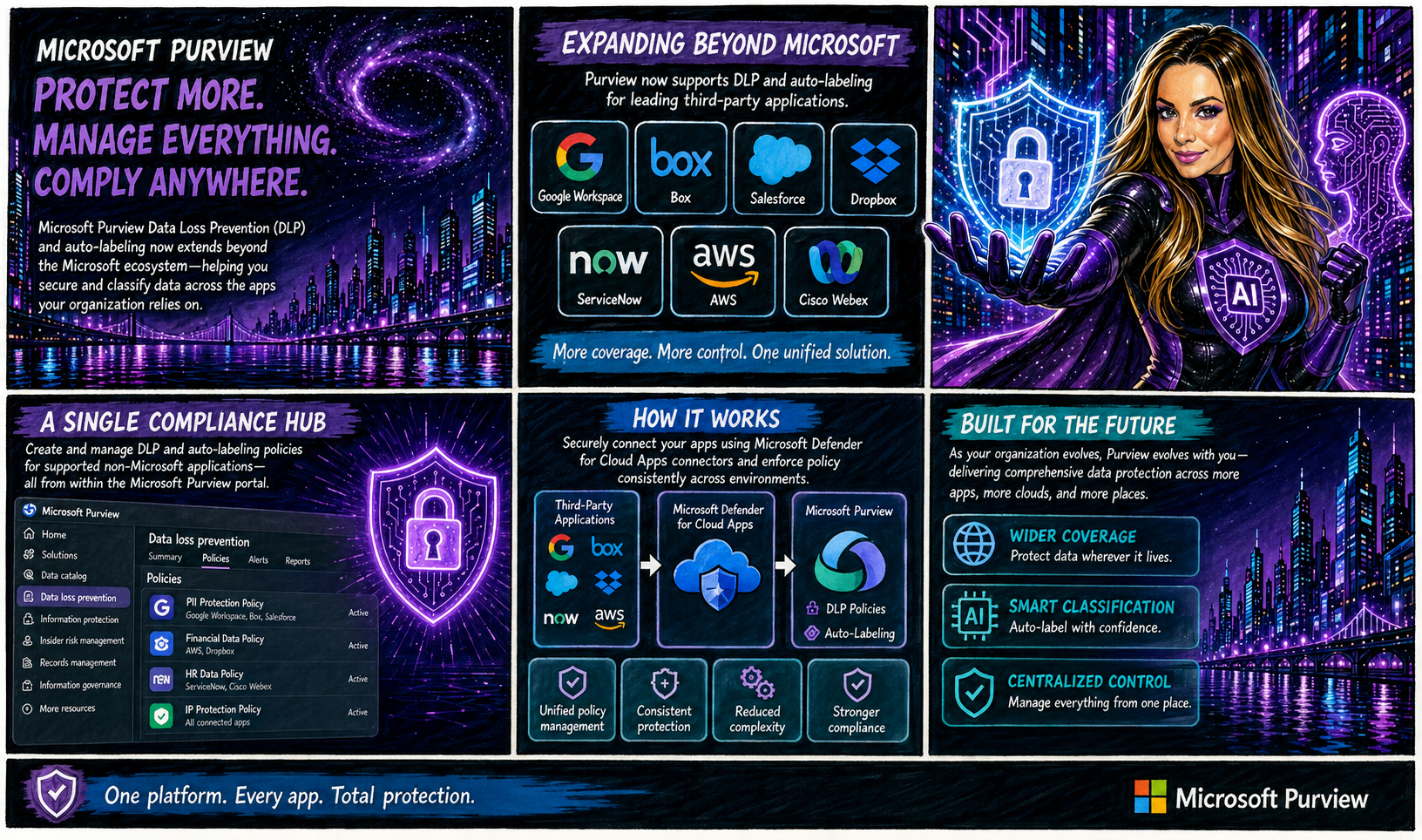
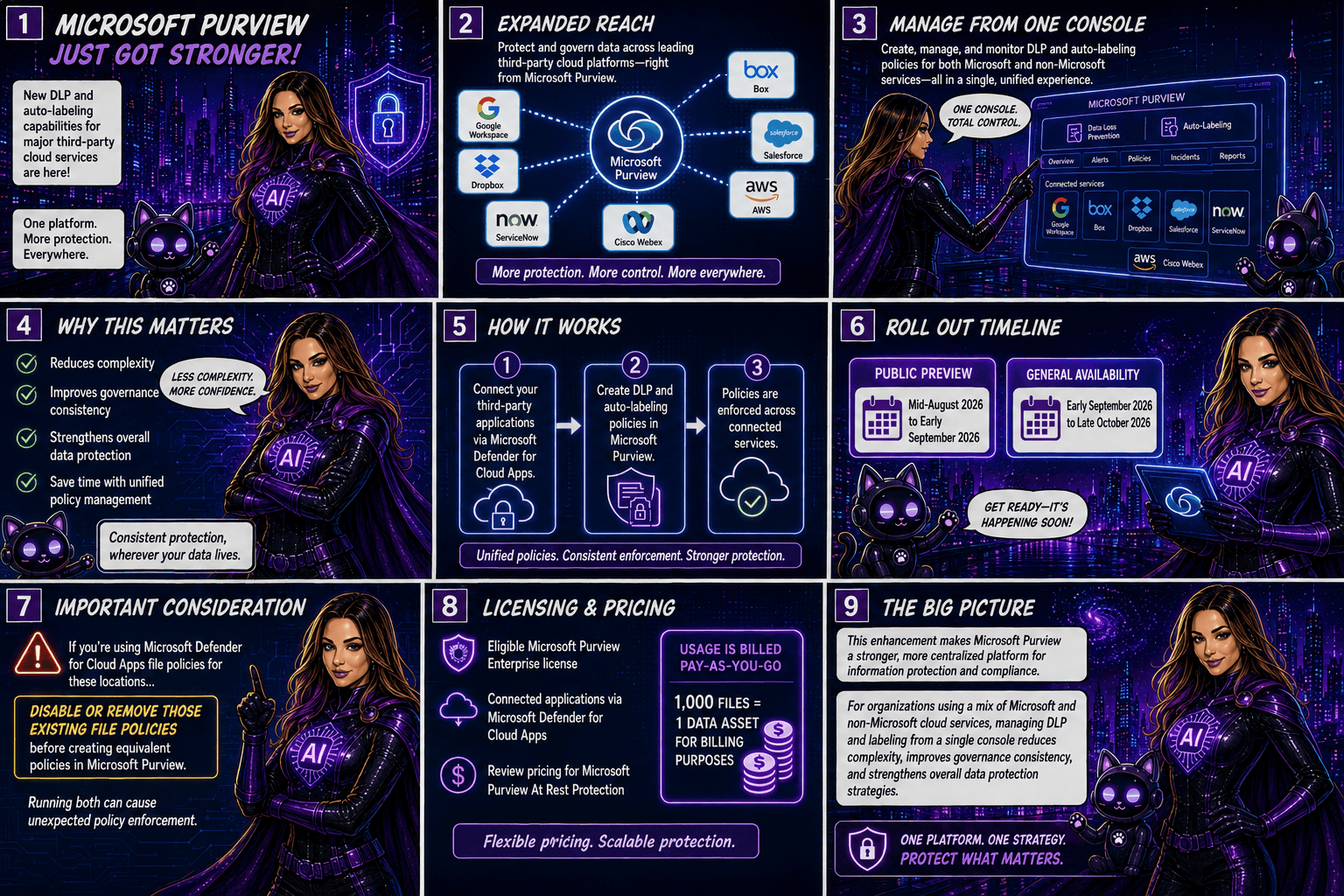
Microsoft is taking another major step toward unified data protection by extending Microsoft Purview Data Loss Prevention (DLP) and autolabeling capabilities beyond the Microsoft ecosystem. Organisations will soon be able to protect and classify data stored in popular third-party applications such as Google Workspace, Box, Salesforce, Dropbox, ServiceNow, AWS, and Cisco Webex, all from within Microsoft Purview.

A Single Compliance Hub for More Applications

Traditionally, organisations managing data across multiple cloud platforms had to rely on separate security and compliance controls for each application. With this update, Microsoft Purview becomes a more centralised compliance solution by allowing administrators to create and manage DLP and autolabeling policies for supported non-Microsoft applications directly from the Purview portal.

The integration is made possible through Microsoft Defender for Cloud Apps connectors, which securely connect these third-party services to Microsoft Purview.

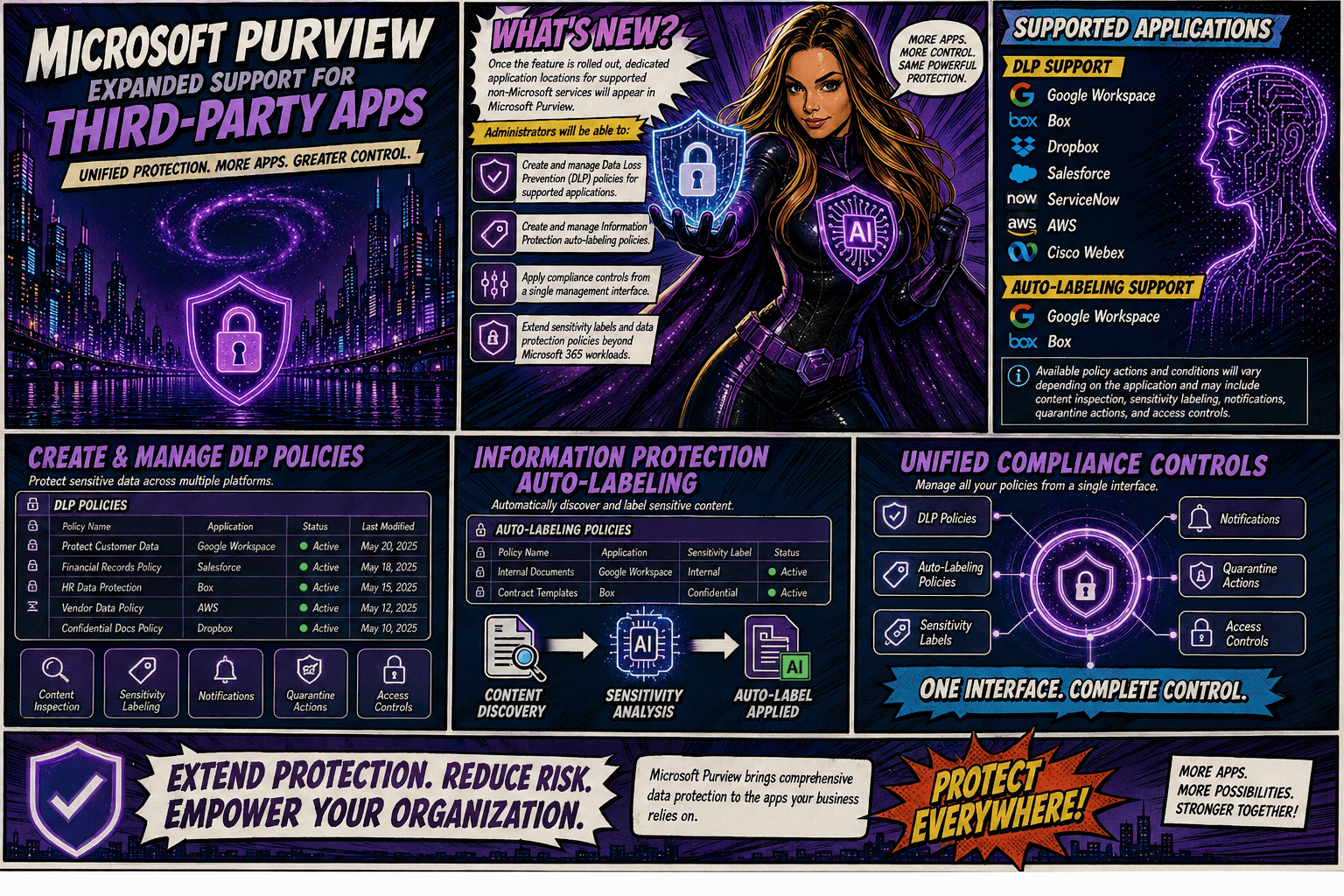
Once the feature is rolled out, dedicated application locations for supported non-Microsoft services will appear in Microsoft Purview. Administrators will be able to:

  • Create and manage Data Loss Prevention (DLP) policies for supported applications.
  • Create and manage Information Protection autolabeling policies.
  • Apply compliance controls from a single management interface.
  • Extend sensitivity labels and data protection policies beyond Microsoft 365 workloads.

Supported Applications

DLP Support

Microsoft Purview DLP will support the following applications:

  • Google Workspace
  • Box
  • Dropbox
  • Salesforce
  • ServiceNow
  • AWS
  • Cisco Webex

AutoLabeling Support

Autolabeling will initially be available for:

  • Google Workspace
  • Box

Available policy actions and conditions will vary depending on the application and may include content inspection, sensitivity labelling, notifications, quarantine actions, and access controls.

Rollout Timeline

Microsoft plans to release the feature according to the following schedule:

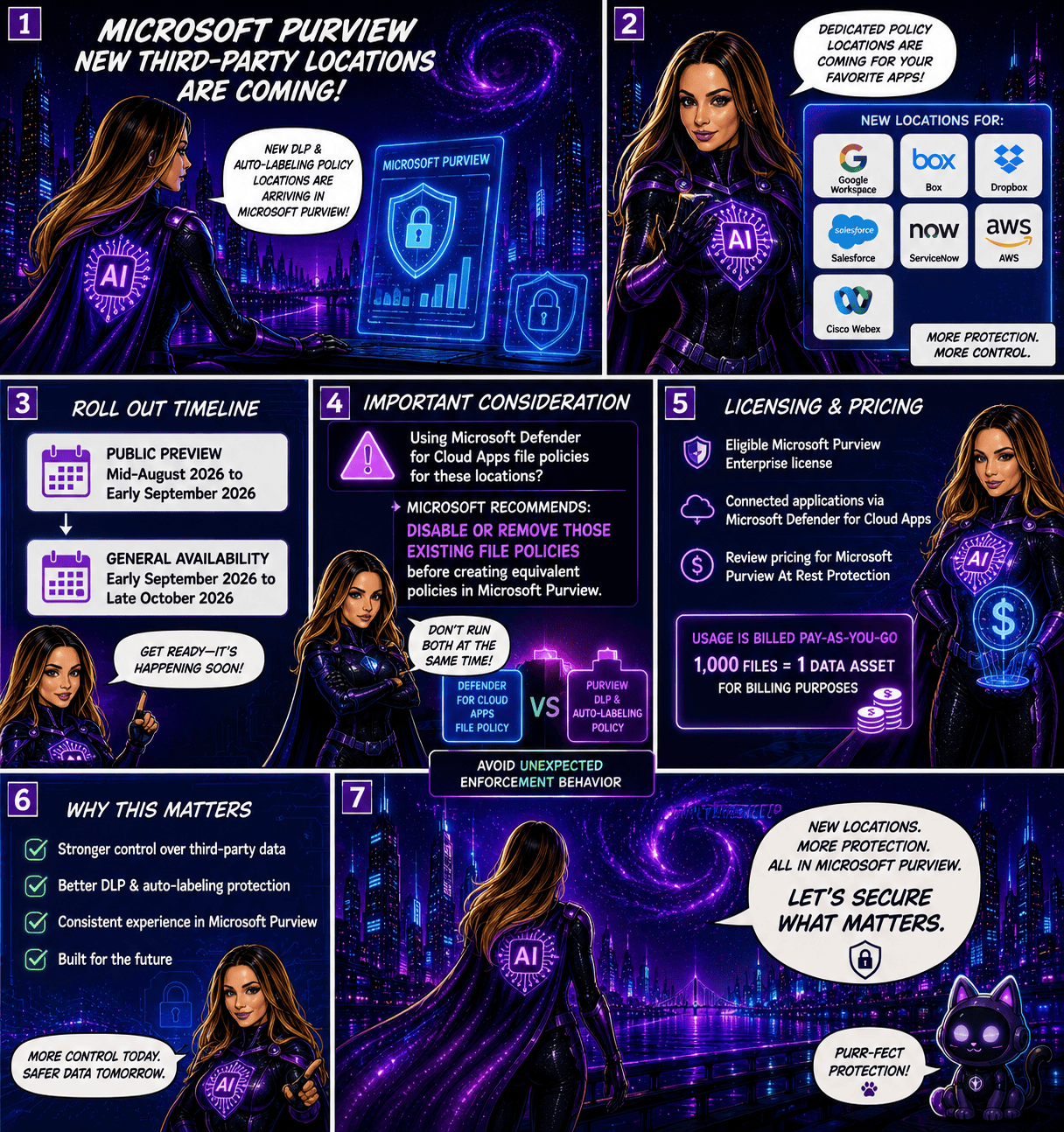
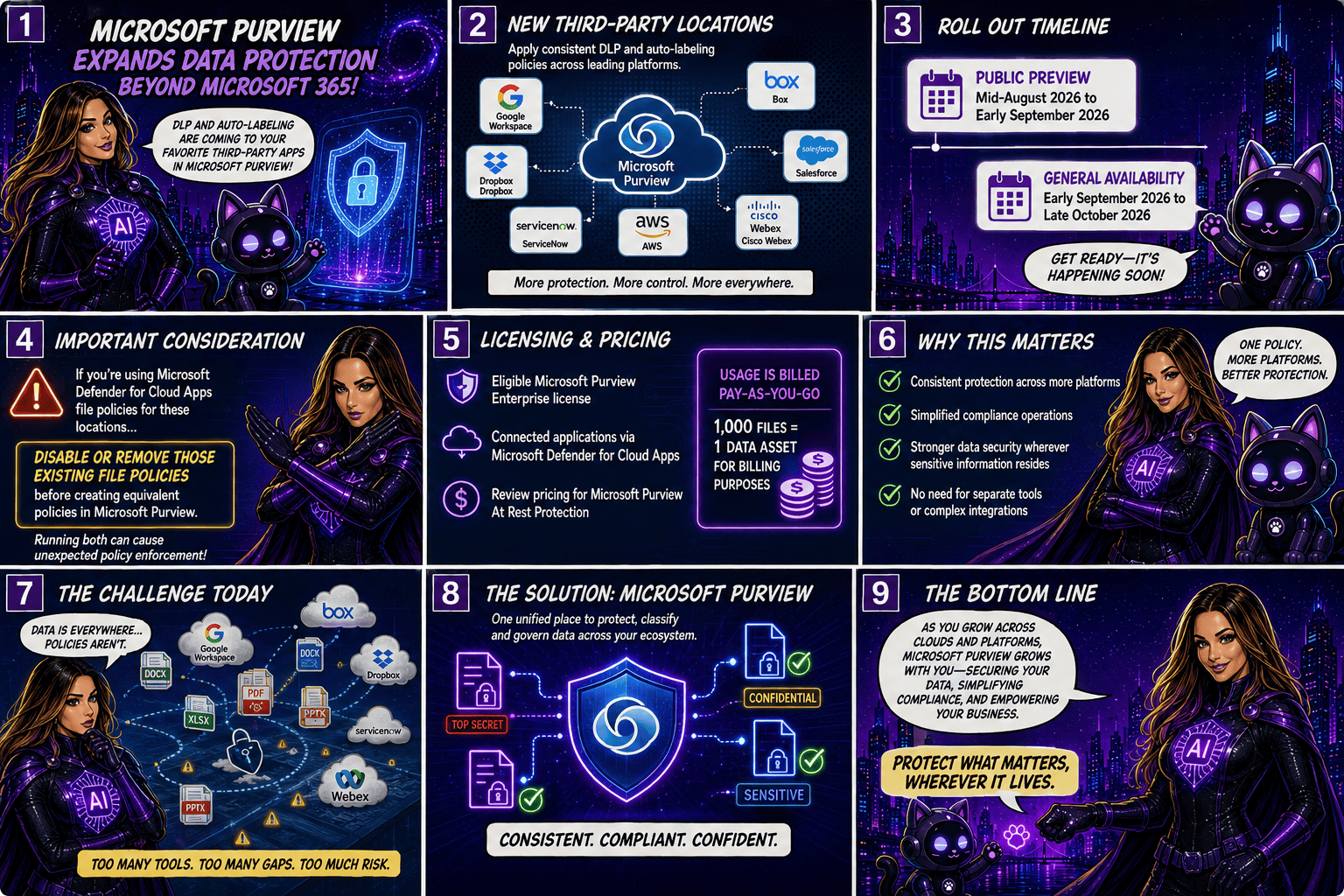
  • Public Preview: Mid-August 2026 to early September 2026
  • General Availability: Early September 2026 through late October 2026

Important Considerations

Organisations currently using Microsoft Defender for Cloud Apps file policies for the same third-party locations should take note: Microsoft recommends disabling or removing those existing file policies before creating equivalent policies in Microsoft Purview. Running both simultaneously could result in unexpected policy enforcement behaviour.

Licensing and Pricing

To use these new capabilities, organisations will need:

  • An eligible Microsoft Purview Enterprise license
  • Connected applications via Microsoft Defender for Cloud Apps

Additionally, customers should review the pricing implications associated with Microsoft Purview At Rest Protection. Usage is billed on a pay-as-you-go basis, with 1,000 files counted as one data asset for billing purposes.

Why This Matters

As organisations continue adopting multi-cloud and multi-platform environments, data often resides well beyond Microsoft 365. This update allows security and compliance teams to apply consistent protection, classification, and governance policies across a broader range of business-critical applications without requiring separate management tools.

By bringing DLP and autolabeling capabilities to leading third-party services, Microsoft is helping organisation simplify compliance operations while strengthening data security wherever sensitive information resides.

This enhancement significantly expands Microsoft Purview’s reach, making it a stronger centralised platform for information protection and compliance. For organisations using a mix of Microsoft and non-Microsoft cloud services, the ability to manage DLP and labeling policies from a single console could reduce complexity, improve governance consistency, and strengthen overall data protection strategies.

🎧 Tune in for all the details!
🎥 Watch the full episode ➡️ here

Microsoft Purview DLP: Instances Policy Location Retiring in January 2027

Microsoft has announced the retirement of the Instances policy location in Microsoft Purview Data Loss Prevention (DLP), with the change taking effect on January 6, 2027.

Today, organizations using the Instances location rely on the Microsoft Defender for Cloud Apps file policy infrastructure to enforce DLP and auto-labeling policies across supported third-party applications. To simplify policy management and provide a more consistent compliance experience, Microsoft is moving away from this approach and introducing dedicated application-specific policy locations directly within Microsoft Purview.

Supported applications include:

  • Google Workspace
  • Box
  • Dropbox
  • Salesforce
  • ServiceNow
  • AWS
  • Cisco Webex
What’s Changing?

Instead of creating policies under a generic Instances location, administrators will use dedicated locations for each supported application.

For example:

Current LocationNew Location
Instances (Google Workspace)Google Workspace
Instances (Box)Box
Instances (Dropbox)Dropbox
Instances (Salesforce)Salesforce
Instances (ServiceNow)ServiceNow
Instances (AWS)AWS
Instances (Cisco Webex)Cisco Webex

This change aligns non-Microsoft application protection more closely with the broader Microsoft Purview compliance framework.

Microsoft is introducing these new application locations ahead of the retirement date to allow organizations time to migrate.

Key dates:

  • Dedicated application locations will be rolled out before retirement.
  • January 6, 2027: Instances policy location officially retires.
  • Retirement rollout begins in early January 2027 and is expected to complete by mid-January 2027.
What Happens After January 6, 2027?

Once the retirement takes place:

  • New policies can no longer be created using the Instances location.
  • Existing policies configured with the Instances location will no longer be supported.
  • Organizations should use the new dedicated application locations for all future DLP and auto-labeling policies.
  • Policies that continue to rely on the retired Instances location may no longer be enforced as expected.

If your organization currently uses the Instances location, Microsoft strongly recommends recreating those policies in the new application-specific locations before the retirement deadline.

Recommended Next Steps

To avoid any disruption to DLP enforcement, organizations should begin preparing well before the 2027 deadline.

1. Review Existing Policies

Identify any DLP or auto-labeling policies currently configured through the Instances location.

2. Identify Affected Applications

Determine which non-Microsoft platforms are involved and map them to their new dedicated policy locations.

3. Recreate Policies

Build equivalent policies using the new application-specific locations within Microsoft Purview.

4. Test and Validate

Before retiring legacy policies, verify that policy enforcement, labeling, and user experiences behave as expected.

5. Update Documentation

Review operational procedures, internal documentation, and administrator guidance to reflect the new management model.

6. Notify Stakeholders

Make sure compliance, security, and support teams are aware of the upcoming change and migration timeline.

While the retirement is still several months away, organizations using third-party cloud platforms for collaboration and data storage should start planning their migration strategy now. Moving to dedicated application locations will ensure continued DLP and auto-labeling protection while providing a more streamlined and unified compliance experience within Microsoft Purview.

The bottom line: If you’re using the Instances location today, plan your migration before January 6, 2027. If you’re not, you can safely continue using Microsoft Purview as normal and take advantage of the new dedicated application locations as they become available.

Microsoft Purview Information Protection: Override Manually Applied Labels and Remove Labels Using Auto‑Labeling

Microsoft Purview is rolling out a great new capability for SharePoint and OneDrive: automatic actions for sensitivity labels.

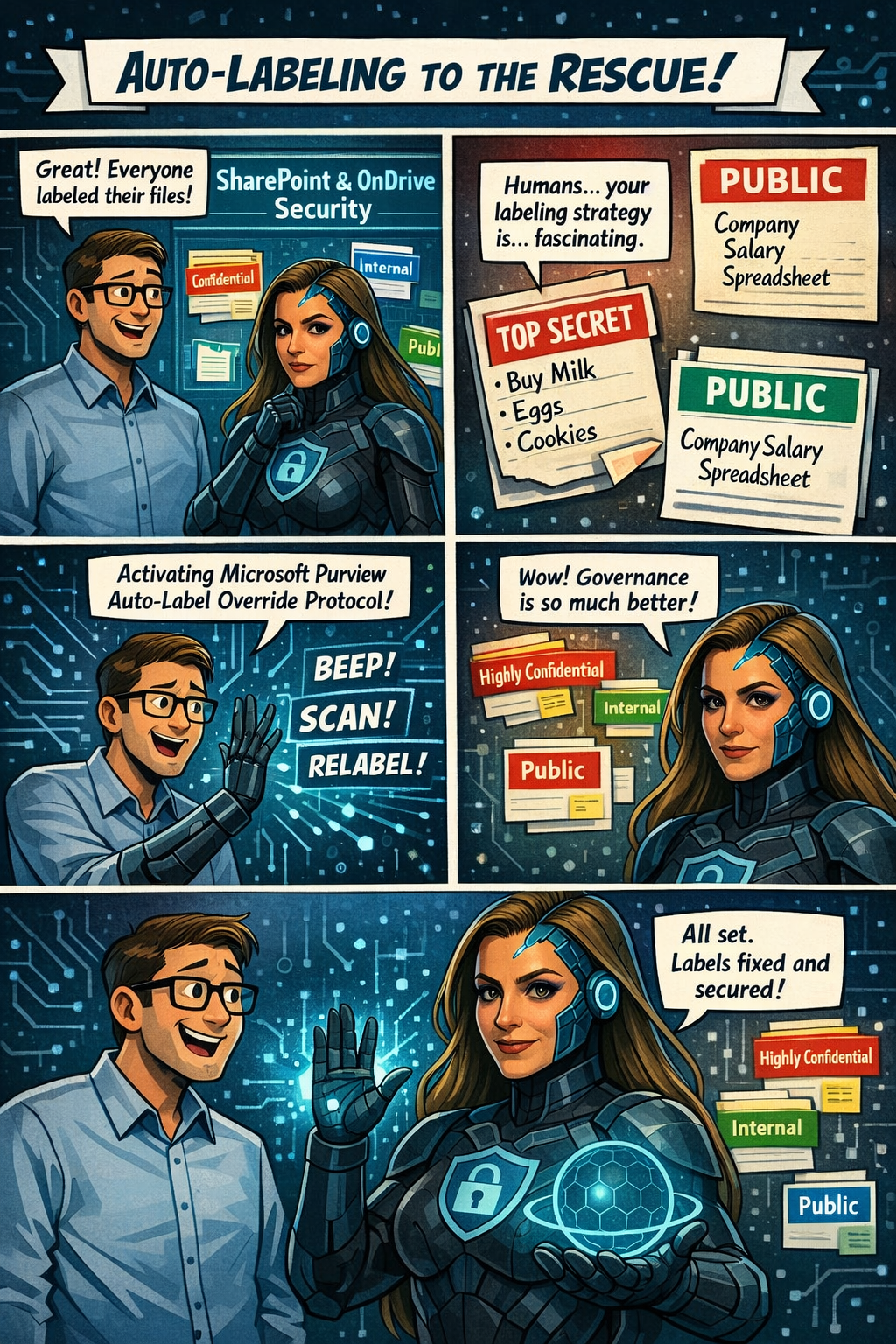
Until now, if someone manually applied the wrong label to a file, admins had limited options—especially when large volumes of content were involved. With this update, Purview can now automatically override or remove manually applied sensitivity labels when they don’t match your organization’s policies.

In simple terms:
Your data stays correctly classified, even when humans make mistakes.

Rollout begins mid‑April 2026, and the feature will be off by default, giving administrators full control over when and how they want to enable it. It’s another step toward stronger, more accurate data governance across Microsoft 365.

Microsoft Purview is getting a meaningful upgrade as part of its ongoing integration with Microsoft Defender for Cloud Apps. The latest improvement brings new auto‑labeling actions to SharePoint and OneDrive, giving organizations more control over how sensitive information is classified across their environment.

What’s new?
Admins can now automatically override sensitivity labels that were applied manually or remove labels entirely when a file no longer meets the criteria for that classification. This means large volumes of content can stay properly labeled—even as information changes—without relying on users to update labels themselves.

This update appears under Microsoft 365 Roadmap ID 558342.

📅 Rollout Timeline

  • General Availability (Worldwide): Starting mid‑April 2026
  • Completion expected by mid‑April 2026

A fast rollout for a very impactful capability.

Who will be impacted

This update mainly affects:

  • Microsoft 365 admins managing Purview Information Protection
  • Organizations using auto‑labeling policies for SharePoint or OneDrive

What’s changing

Admins will now see new actions inside the auto‑labeling configuration panel in the Purview portal.

Auto‑labeling policies can now:

Override existing sensitivity labels

Even if a user applied the label manually, Purview can replace it if the file meets a different policy condition.

Remove a specific sensitivity label

If a file no longer qualifies for a certain label, Purview can automatically strip it from the document.

Applies to files at rest

These changes affect existing content already stored in:

  • SharePoint Online
  • OneDrive for Business

Admin-controlled

Nothing changes until an admin enables these new actions.
By default, the feature is off.

Compliance Considerations

AreaWhat It Means
Does this change how customer data is processed?Yes—files in SharePoint and OneDrive may now have labels automatically overridden or removed based on rules you configure.
Does this modify Information Protection capabilities?Yes—it expands auto‑labeling to include overriding manual labels and removing specific labels.
Does this affect monitoring or compliance evidence?Yes—it improves consistency and auditability because label changes follow formal Purview policies.
Is there an admin control?Absolutely. Admins must explicitly configure these new actions in Purview. Nothing changes automatically.