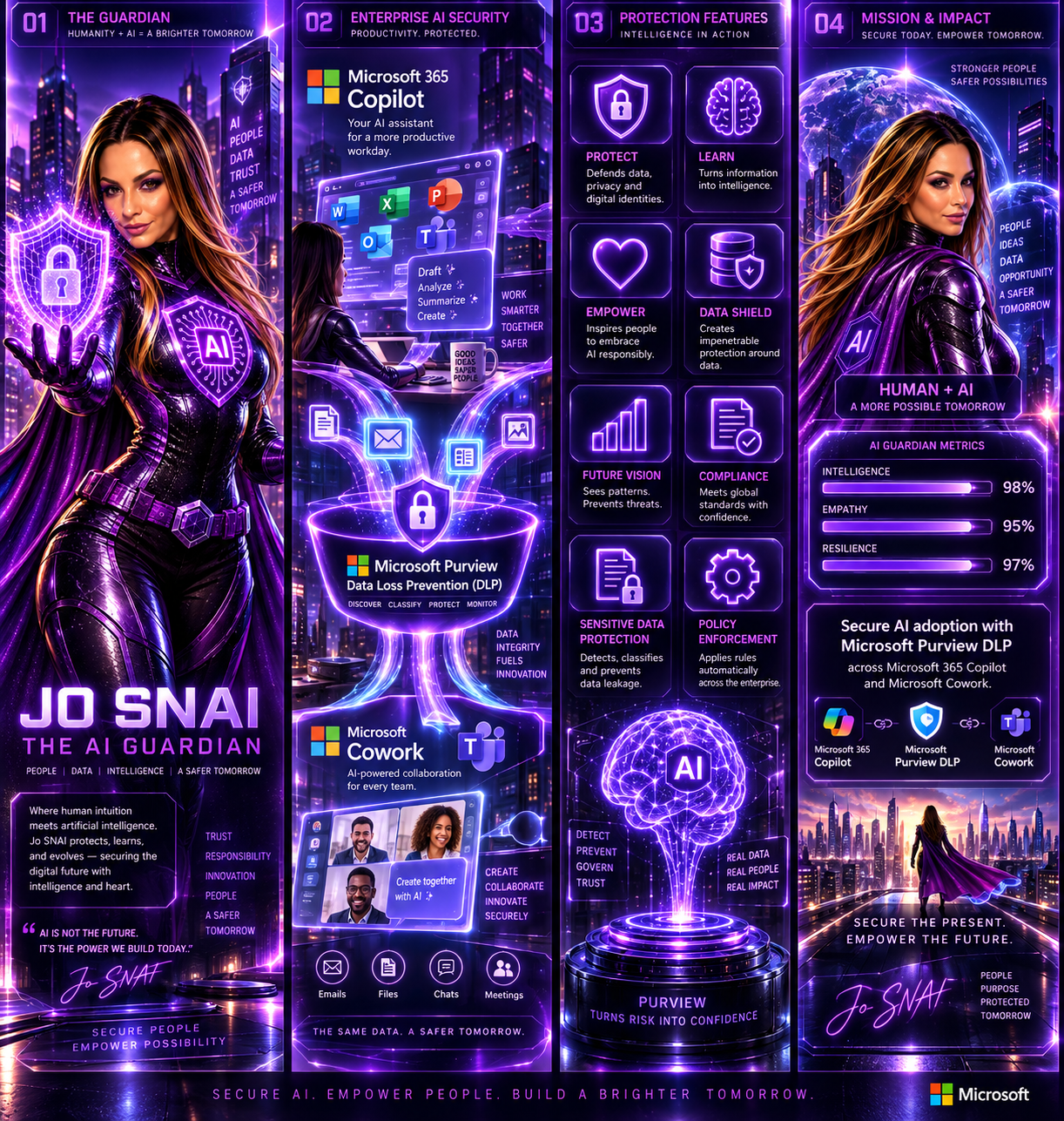
Microsoft Purview DLP Expands to Microsoft Cowork

As organizations continue to embrace AI-powered productivity tools, maintaining strong data protection and compliance controls remains a top priority. To support the secure adoption of Microsoft Cowork, Microsoft is extending Microsoft Purview Data Loss Prevention (DLP) capabilities to this new AI experience, ensuring organizations can apply consistent data protection policies across both Microsoft 365 Copilot and Microsoft Cowork. This update helps organizations reduce the risk of sensitive information exposure while enabling employees to take advantage of AI-driven productivity tools with confidence.
 

What’s New?

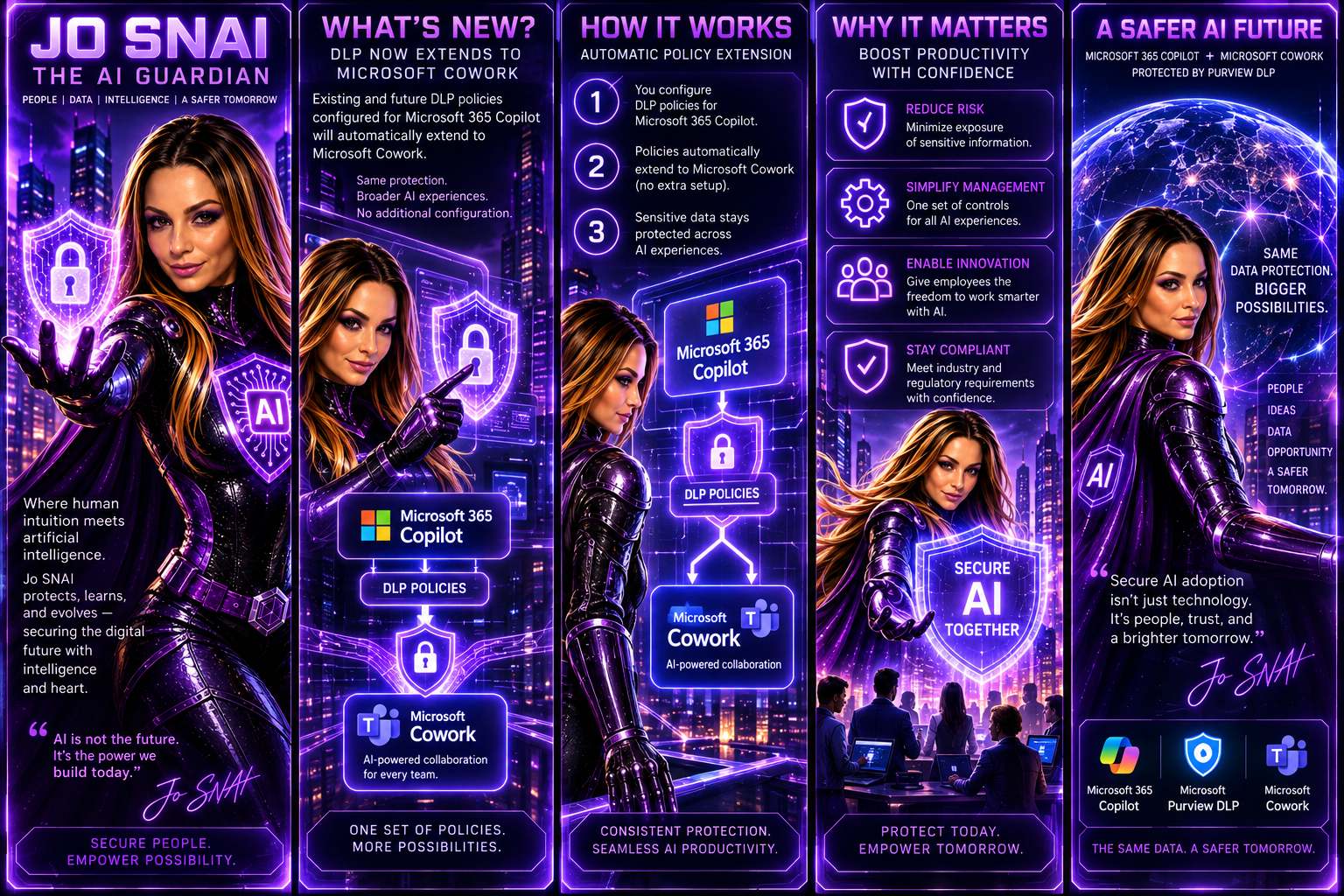
With this enhancement, existing and future DLP policies configured for Microsoft 365 Copilot will automatically extend to Microsoft Cowork. This means administrators can manage AI-related data protection through a single set of policies and controls without additional configuration.
 

The following DLP capabilities will be supported:


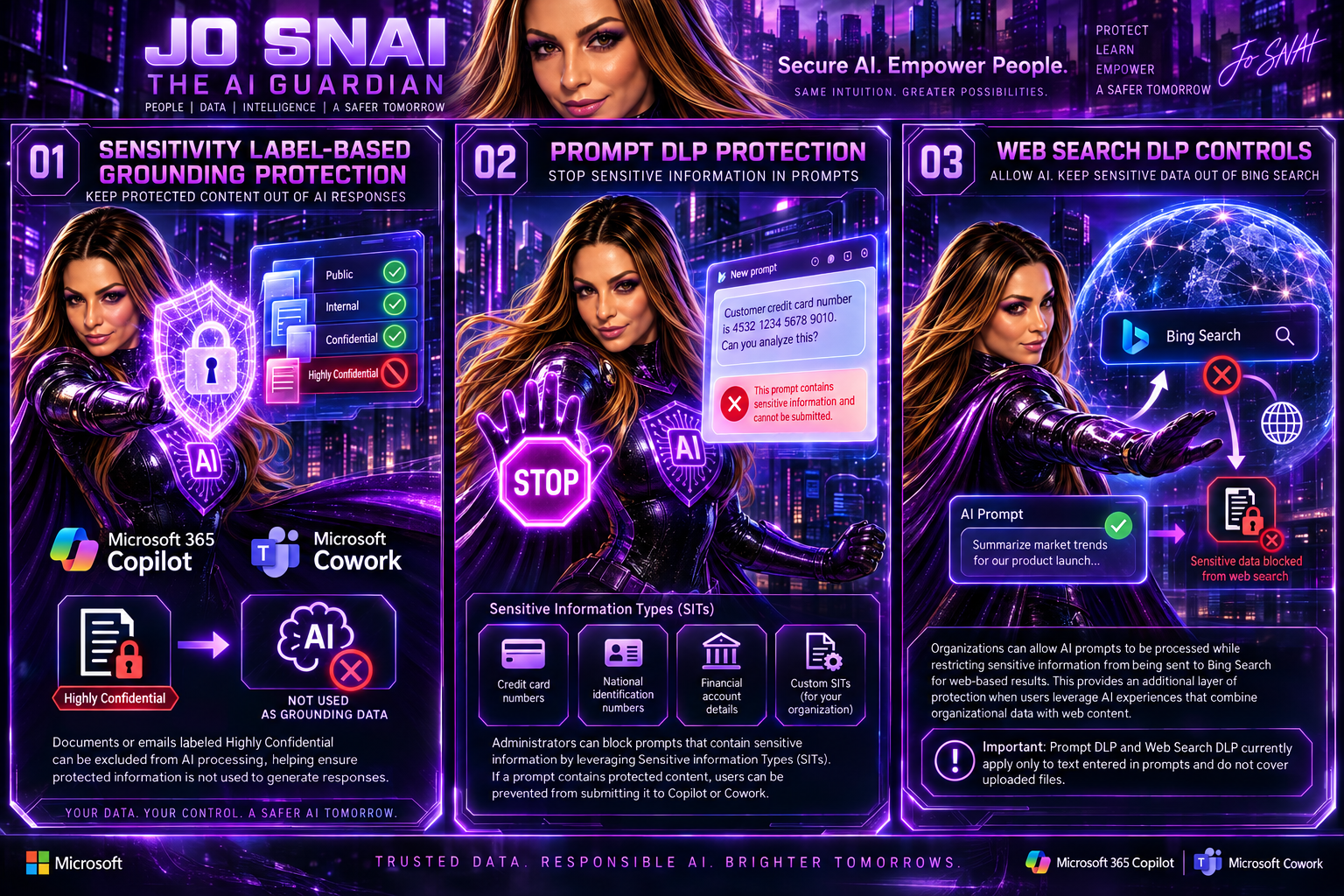
1. Sensitivity Label-Based Grounding Protection

Organizations can prevent Microsoft Copilot and Microsoft Cowork from using specific content as grounding data when generating responses.

For example, documents or emails labeled Highly Confidential can be excluded from AI processing, helping ensure protected information is not used to generate responses.

2. Prompt DLP Protection

Administrators can block prompts that contain sensitive information by leveraging Sensitive Information Types (SITs).

Examples include:

  • Credit card numbers
  • National identification numbers
  • Financial account details
  • Custom Sensitive Information Types created by the organization

If a prompt contains protected content, users can be prevented from submitting it to Copilot or Cowork.

3. Web Search DLP Controls

Organizations can allow AI prompts to be processed while restricting sensitive information from being sent to Bing Search for web-based results.

This provides an additional layer of protection when users leverage AI experiences that combine organizational data with web content.

Important: Prompt DLP and Web Search DLP currently apply only to text entered in prompts and do not cover uploaded files.
 

What This Means for Organizations

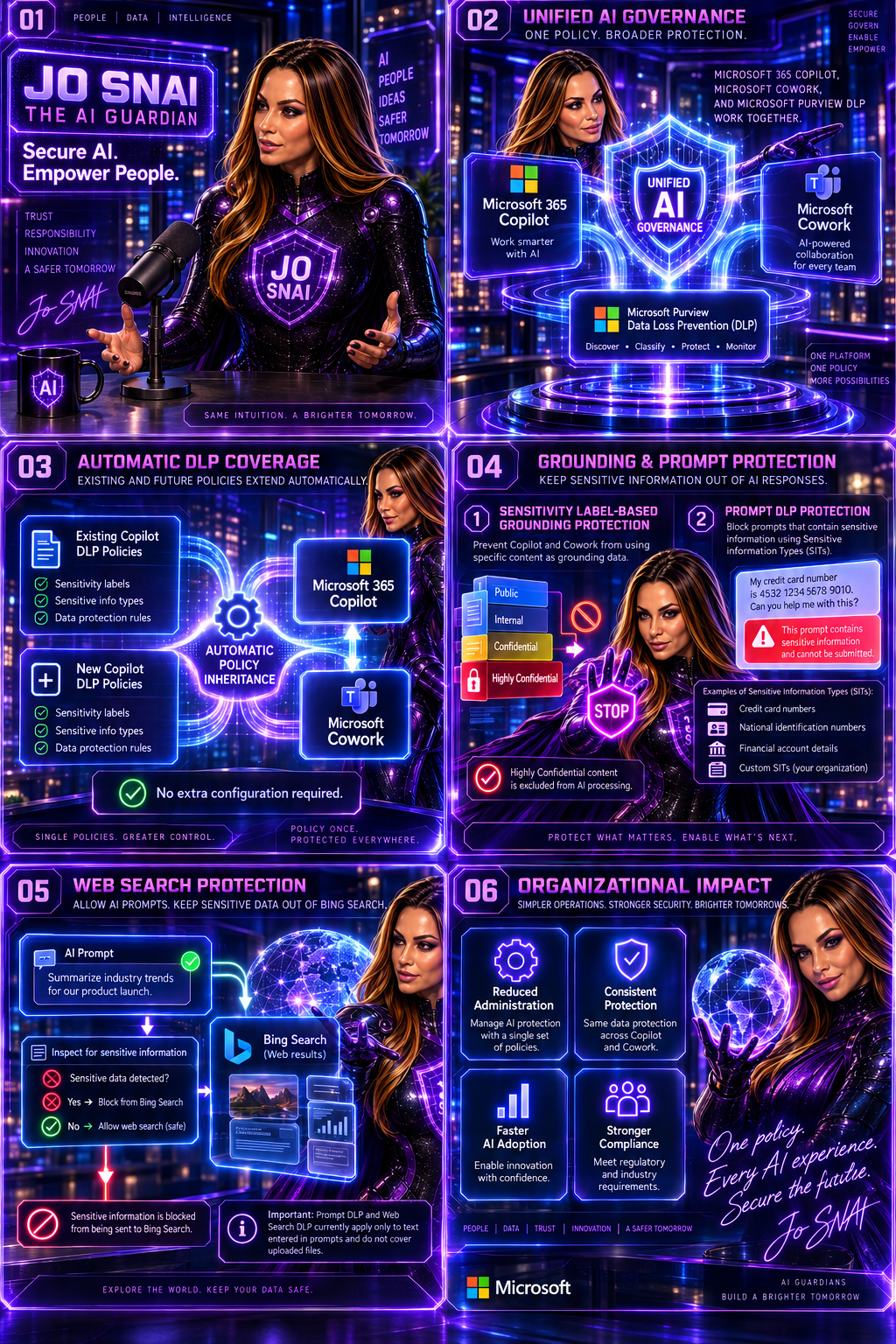
The update simplifies AI governance by automatically extending protection to Microsoft Cowork.

Key changes include:

  • Existing DLP policies targeting Microsoft Copilot will automatically apply to Microsoft Cowork.
  • New DLP policies created for Microsoft Copilot will include Microsoft Cowork by default.
  • Sensitivity labels can be used to prevent protected content from being used as grounding data.
  • Sensitive Information Types can be used to block prompts or restrict sensitive information from being sent for web searches.
  • No separate setup or configuration is required.

For organizations already using Microsoft Purview DLP, this significantly reduces the effort required to secure emerging AI workloads.
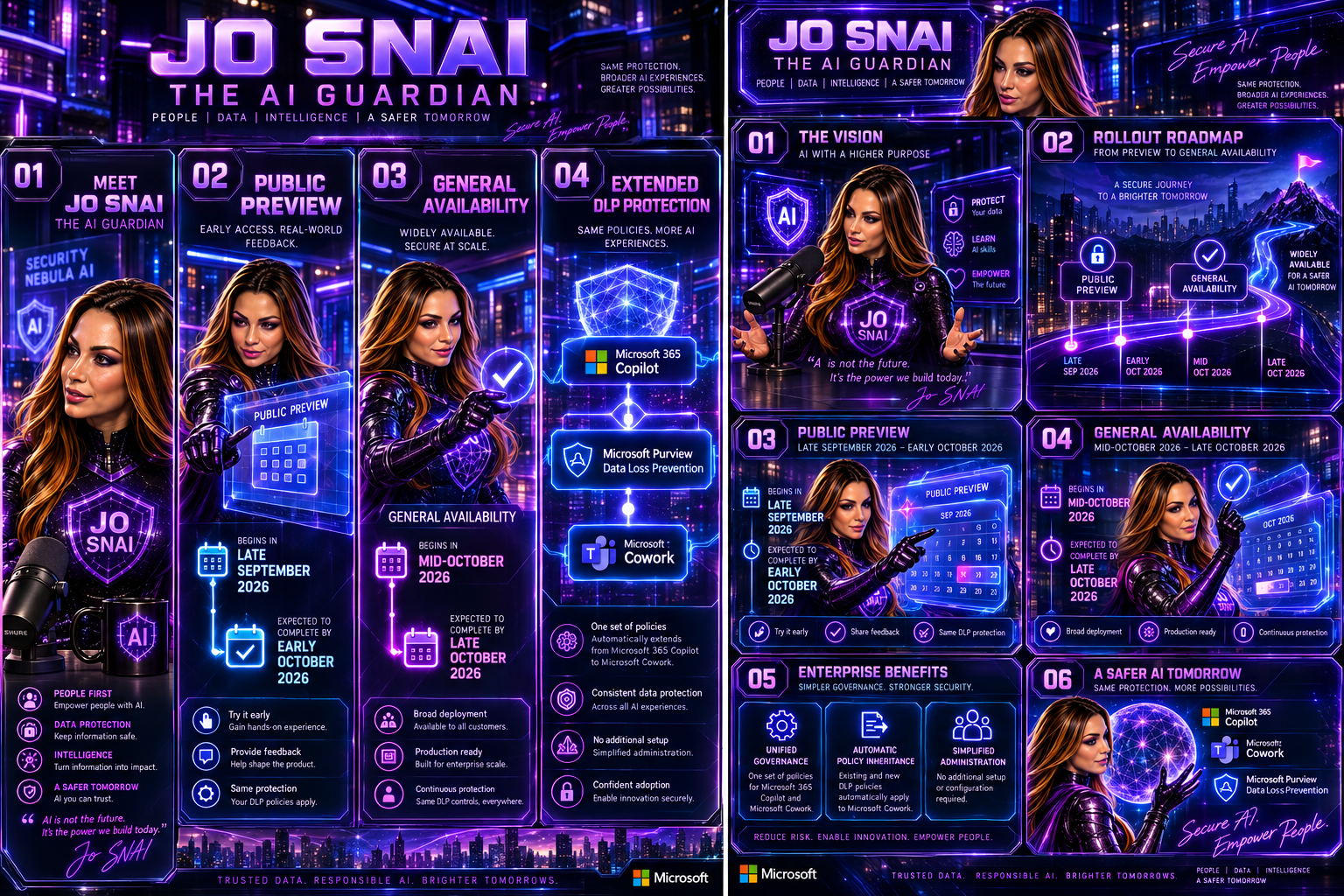


Rollout Timeline

Public Preview

  • Begins in late September 2026
  • Expected to complete by early October 2026


General Availability

  • Begins in mid-October 2026
  • Expected to complete by late October 2026
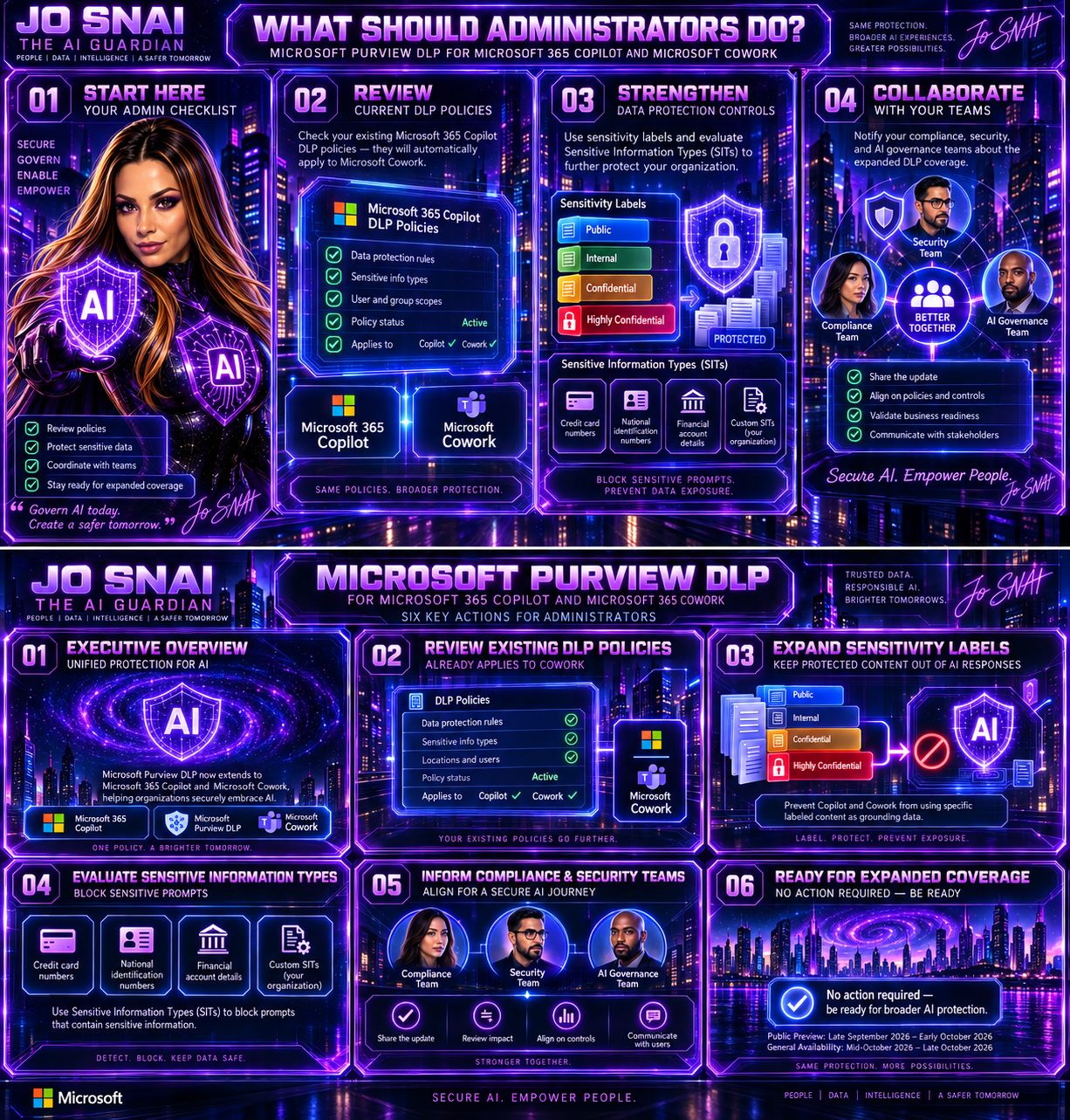
 

What Should Administrators Do?

While no action is required to receive the update, Microsoft recommends that administrators:

  • Review current DLP policies targeting Microsoft 365 Copilot.
  • Assess whether additional sensitivity labels should be protected.
  • Evaluate existing and custom Sensitive Information Types.
  • Inform compliance, security, and AI governance teams about the expanded coverage.
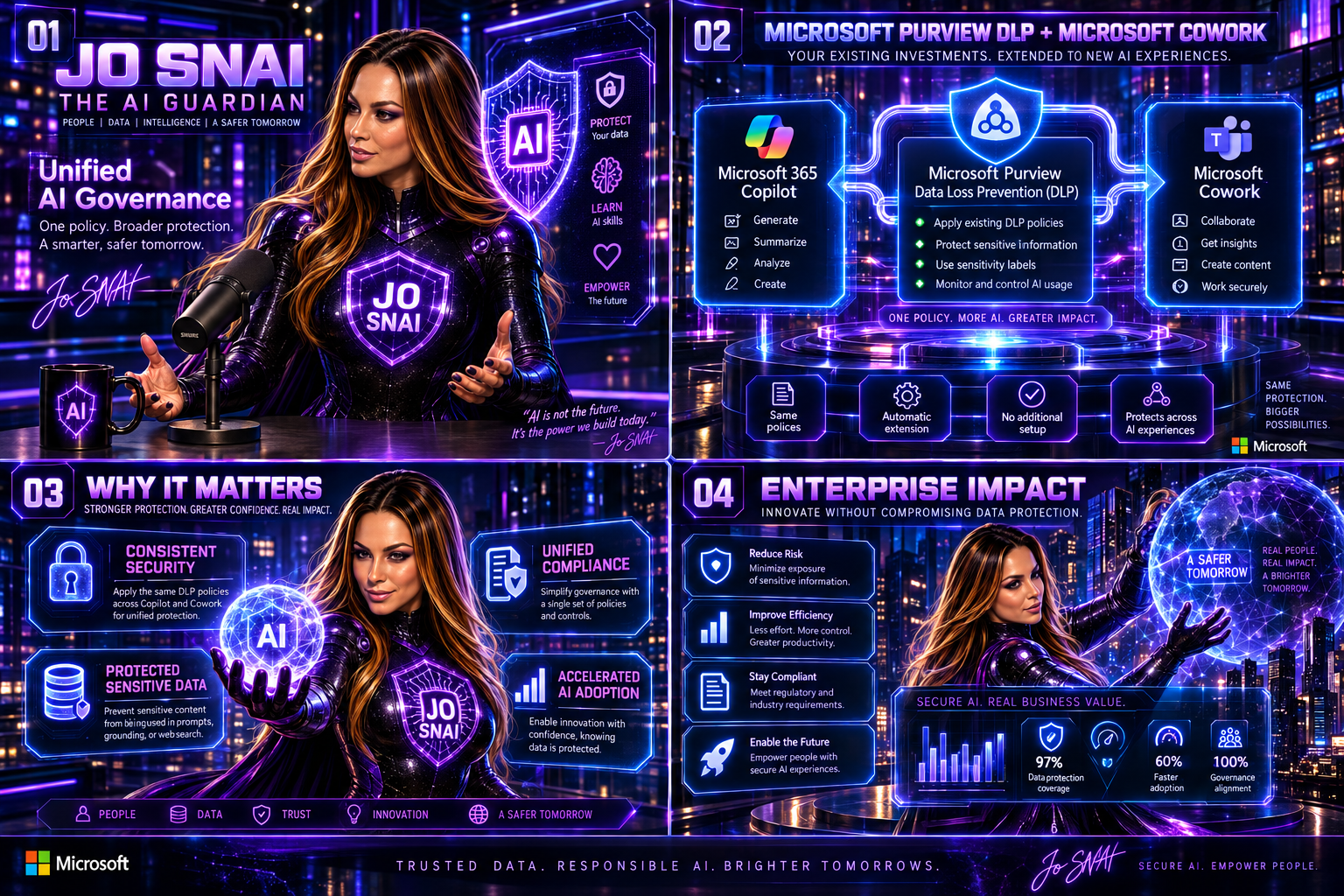
Why This Matters

As AI becomes increasingly integrated into daily business operations, organizations need confidence that their existing compliance and security investments extend to new AI services. By bringing Microsoft Cowork under the protection of Microsoft Purview DLP, Microsoft is delivering a more unified approach to AI governance, helping organizations maintain control over sensitive data while accelerating AI adoption across the enterprise.

The result is a consistent security and compliance experience across Microsoft’s AI ecosystem, allowing businesses to innovate without compromising on data protection.


🎧 Tune in for all the details!
🎥 Watch now and discover how to secure AI without slowing innovation.
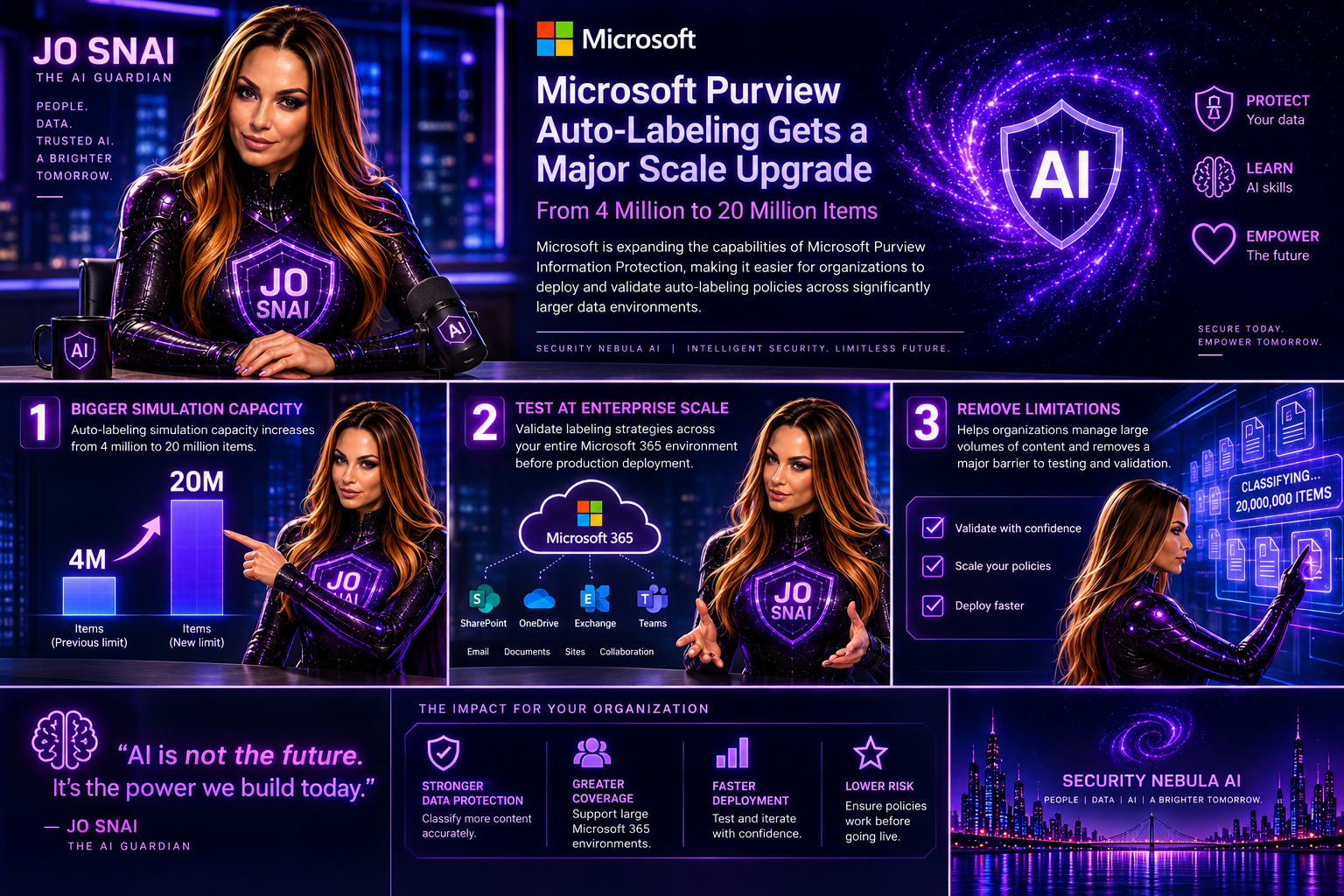
 

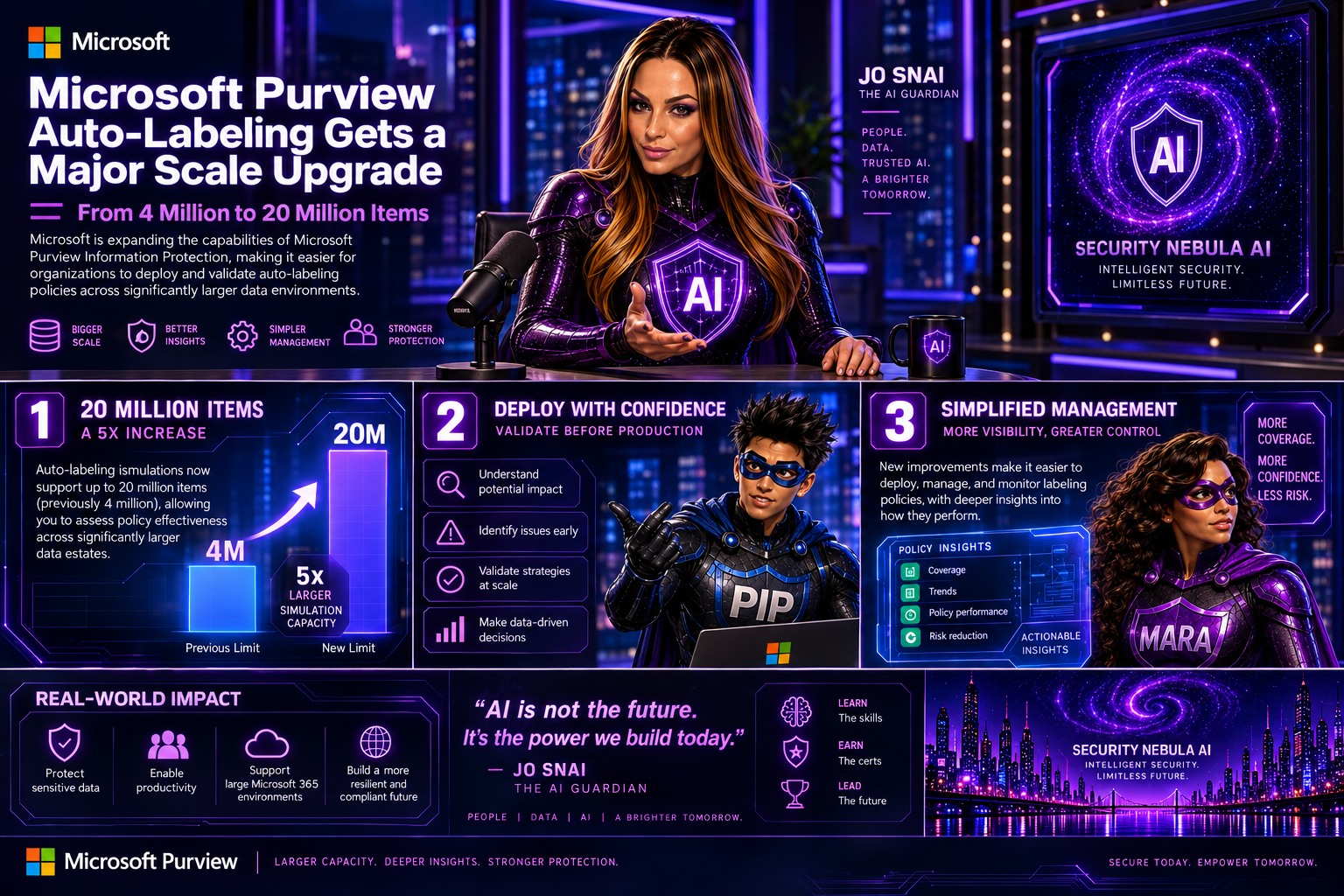
Microsoft Purview Autolabeling Gets a Major Scale Upgrade: From 4 Million to 20 Million Items

Microsoft is expanding the capabilities of Microsoft Purview Information Protection, making it easier for organizations to deploy and validate autolabeling policies across significantly larger data environments.  The headline enhancement is a substantial increase in autolabeling simulation capacity, growing from 4 million to 20 million items. For organizations managing large volumes of content across Microsoft 365, this change removes a major limitation when testing and validating labeling strategies before production deployment.

What’s Changing?

With this update, administrators will be able to simulate autolabeling policies against much larger datasets, helping them better understand potential policy impact and identify issues before enabling automatic labeling.

Microsoft is also introducing several improvements aimed at simplifying policy management and providing deeper visibility into how labeling policies perform.

Key Enhancements

Autolabeling simulations now support up to 20 million items

The previous simulation limit of 4 million items has been increased fivefold, allowing organizations to assess policy effectiveness across significantly larger data estates.

Expanded SharePoint targeting

Administrators will now be able to:

  • Select up to 1,000 individual SharePoint sites when configuring an autolabeling policy.
  • Use adaptive scopes that support up to 50,000 SharePoint sites per policy.
  • Filter SharePoint sites using the SiteTemplate property during policy creation, providing more granular control over policy targeting.

Improved reporting and visibility

Microsoft is enhancing the audit and reporting experience with new insights, including:

  • Summaries of the Sensitive Information Types (SITs) detected when labels are applied.
  • A new 30-day processing chart that shows the number of files processed each day, helping administrators track policy throughput and identify trends over time.

These reporting enhancements should make it much easier to understand why labels are being applied and monitor the effectiveness of information protection policies.

Rollout Timeline

Microsoft plans to release these capabilities according to the following schedule:

  • Public Preview: Early September 2026 through mid-September 2026
  • General Availability: Beginning in late October 2026

The features will be enabled automatically as they become available in each tenant.

What Does This Mean for Organizations?

For most organizations, no action is required. Existing autolabeling policies will continue to function exactly as they do today.

However, security and compliance teams may want to revisit policies that were previously constrained by simulation limits or SharePoint scope restrictions. The increased scale opens opportunities to include additional repositories and validate policies against much larger datasets before deployment. Organizations should also consider updating their operational and reporting processes to take advantage of the new SIT visibility and processing metrics.

Compliance Impact

The update does not change how labels work, how Sensitive Information Types are defined, or how customer data is handled.

Instead, Microsoft is increasing the scale at which policies can be evaluated while improving monitoring and reporting capabilities. The added visibility into detected Sensitive Information Types and policy processing activity should help compliance teams better demonstrate and validate their information protection efforts.

Final Thoughts

This is a welcome enhancement for enterprises managing large-scale Microsoft 365 environments. The jump from 4 million to 20 million simulated items, combined with expanded SharePoint coverage and richer reporting, makes Microsoft Purview’s autolabeling capabilities more practical for organizations with complex compliance requirements and large volumes of content. For many Purview administrators, the real value will come from being able to test policies more thoroughly, target more content locations, and gain better insight into exactly how their information protection strategy is performing.

Main Improvements Made

  • Converted formal release-note language into a conversational blog style.
  • Added clear section headings and narrative flow.
  • Focused on business value and real-world impact rather than feature descriptions alone.
  • Reduced repetitive compliance wording while preserving all key technical details.
  • Added a concise conclusion with practical takeaways for administrators and compliance teams.

Microsoft Purview Tightens Rules for Custom Sensitive Information Types

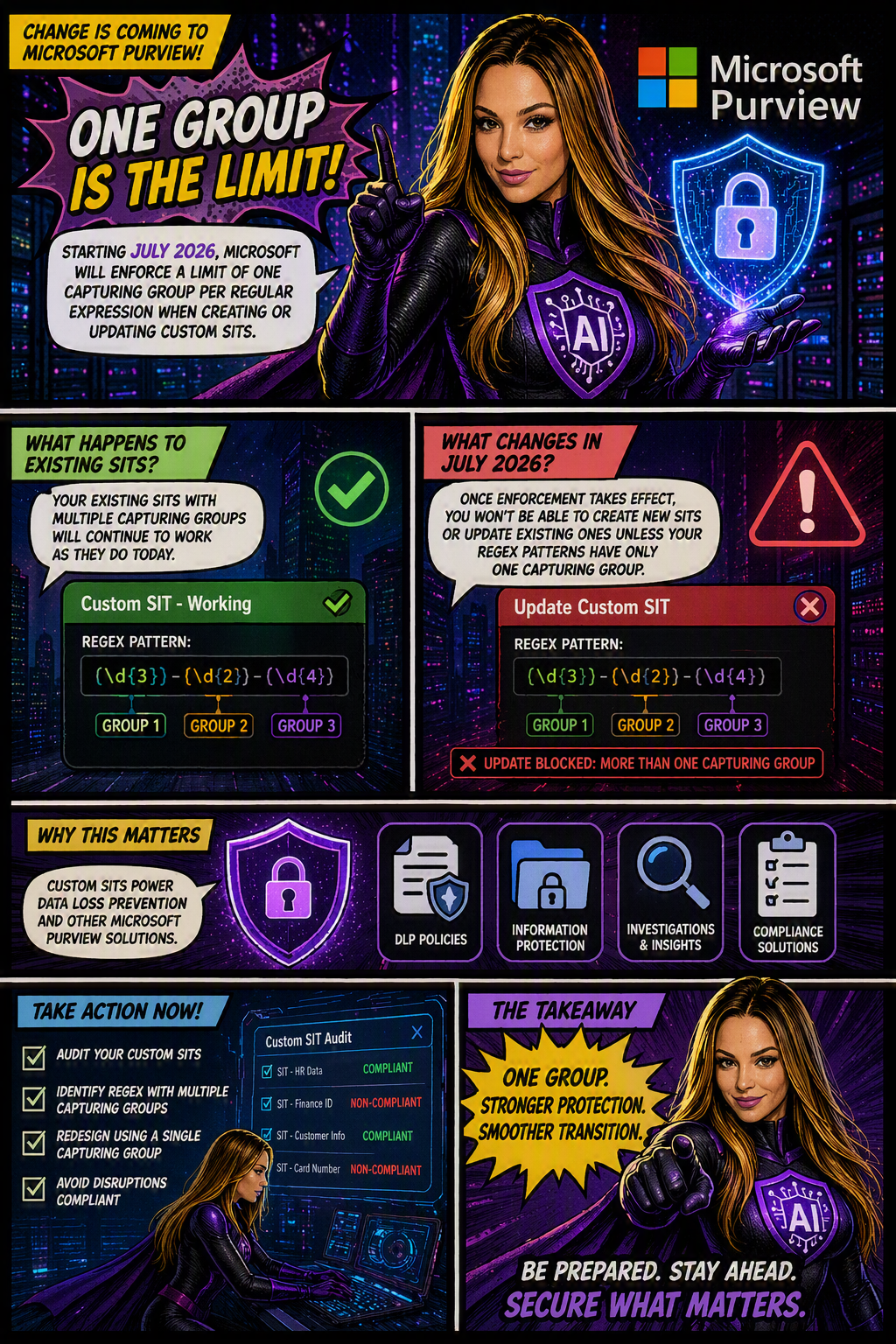
Organizations using Microsoft Purview custom Sensitive Information Types (SITs) should be aware of an upcoming change that may require updates to existing regex patterns.

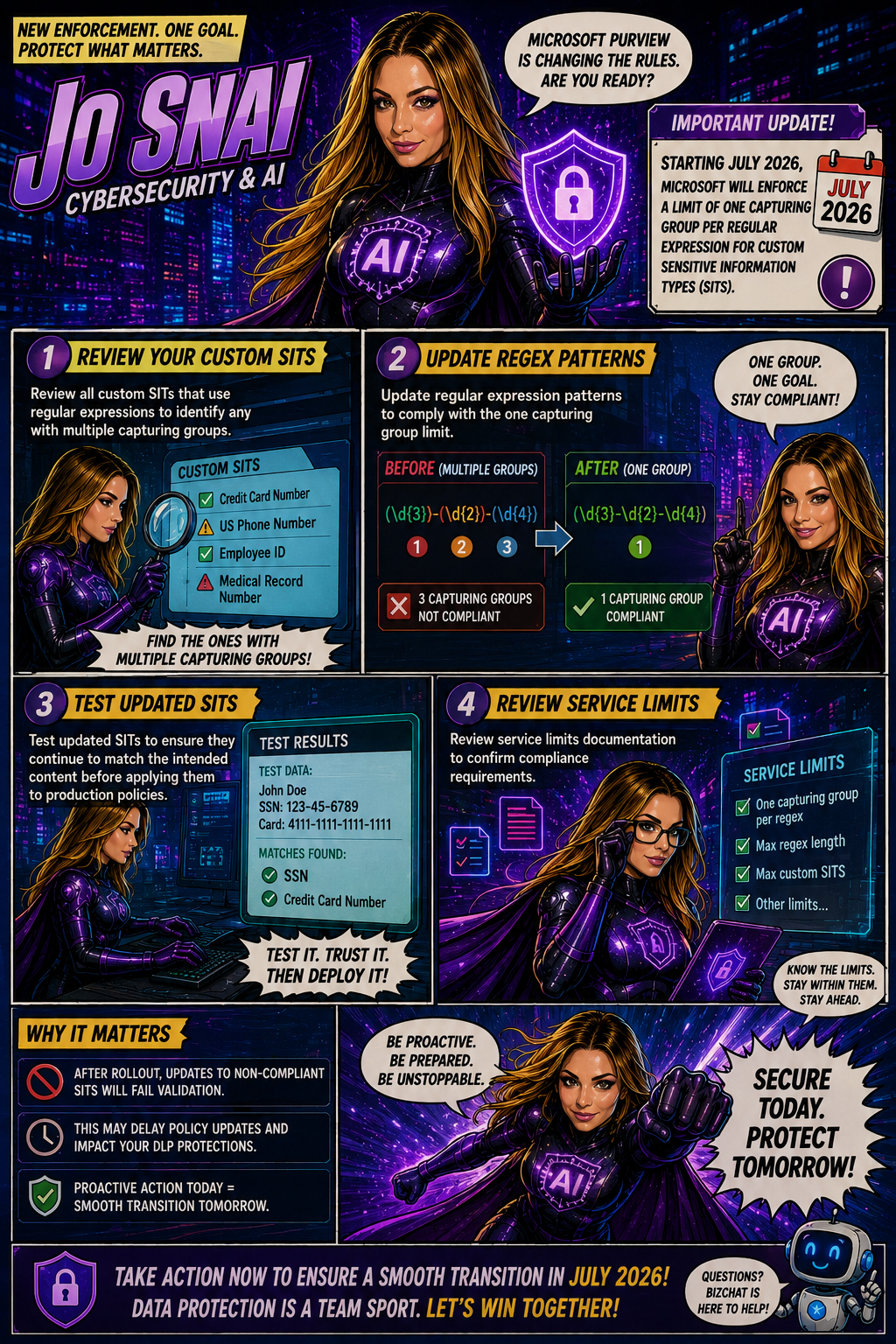
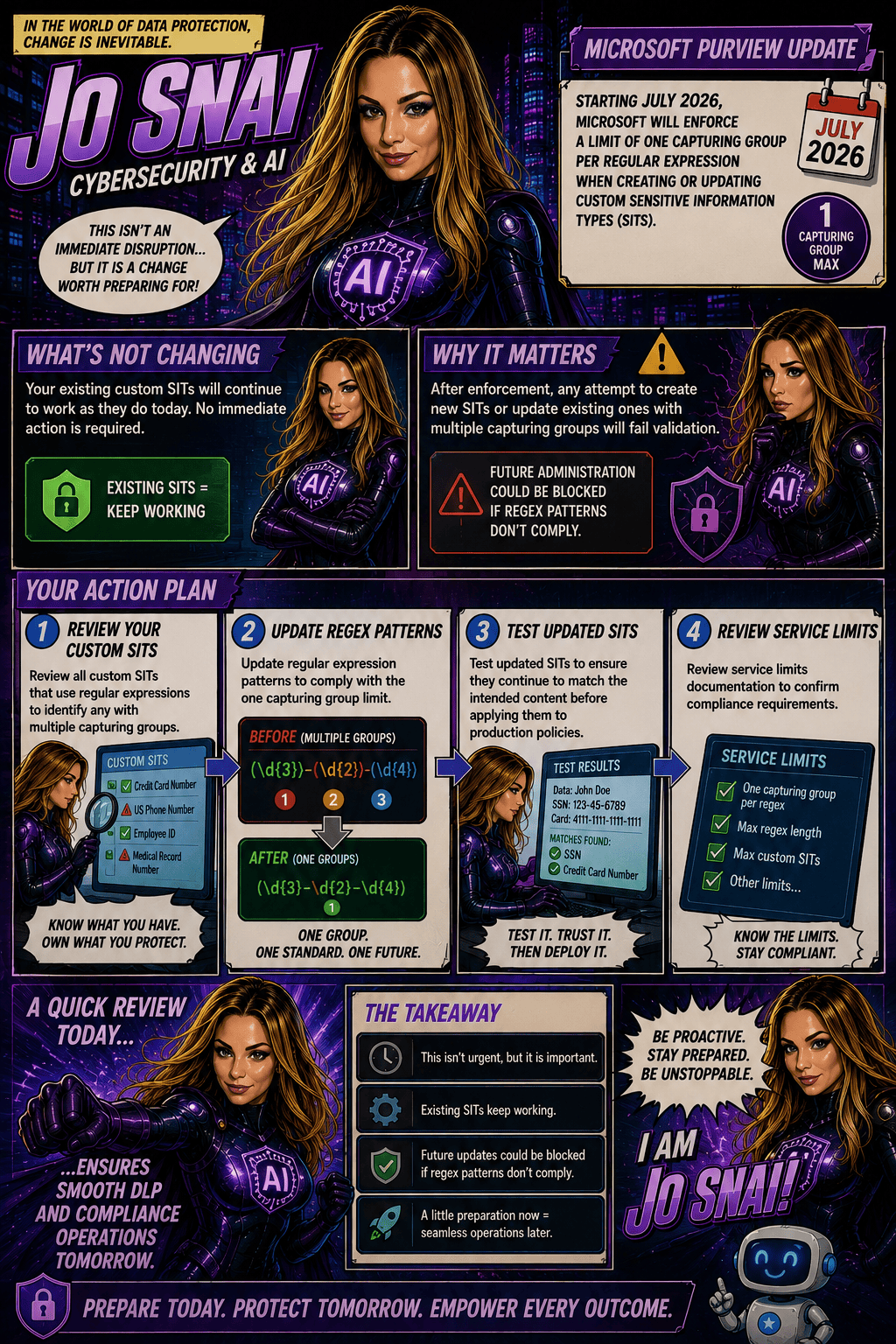
Microsoft is moving forward with enforcing a long-documented rule that allows only one capturing group per regular expression in custom SIT definitions. The goal is to improve the consistency, reliability, and predictability of how sensitive data is identified and classified across Microsoft Purview and Data Loss Prevention (DLP) workloads.

When is this happening?

The rollout is expected to be completed by early July 2026 across all Microsoft cloud environments, including:

  • Worldwide
  • GCC
  • GCC High
  • DoD
Who is affected?

This change primarily impacts:

  • Microsoft Purview administrators
  • Compliance teams managing custom Sensitive Information Types
  • Organizations using custom SITs in DLP, data classification, and compliance solutions

The enforcement applies whether SITs are managed through:

  • The Microsoft Purview portal
  • PowerShell, including:
    • New-DlpSensitiveInformationTypeRulePackage
    • Set-DlpSensitiveInformationTypeRulePackage
What changes?

Once enforcement is in place:

✅ New custom SITs must contain only one capturing group in each regular expression.

❌ Creating a new SIT with multiple capturing groups will be blocked.

❌ Updating an existing SIT that contains multiple capturing groups will fail validation.

❌ Administrators will not be able to save changes to existing SITs until non-compliant regex patterns are updated.

What about existing SITs?

Existing custom SITs that contain multiple capturing groups will continue to work in their current state. However, they become a potential issue the moment you need to modify, update, or re-save them.

In other words, if an existing SIT contains a regex pattern with multiple capturing groups, you’ll need to redesign that pattern to comply with the one-capturing-group rule before any future changes can be saved.

Many organizations rely on custom SITs to identify sensitive business information and power key compliance capabilities such as:

Why does this matter?
  • Data Loss Prevention (DLP)
  • Data classification
  • Compliance monitoring
  • Information protection policies

If a custom SIT cannot be updated because it fails validation, it could delay policy changes, compliance updates, or new data protection initiatives.

What should you do now?

To avoid surprises, Microsoft Purview administrators should proactively:

  1. Audit existing custom SITs
  2. Identify regex patterns that use multiple capturing groups
  3. Redesign patterns to use a single capturing group
  4. Test and validate updated SITs before future modifications are required