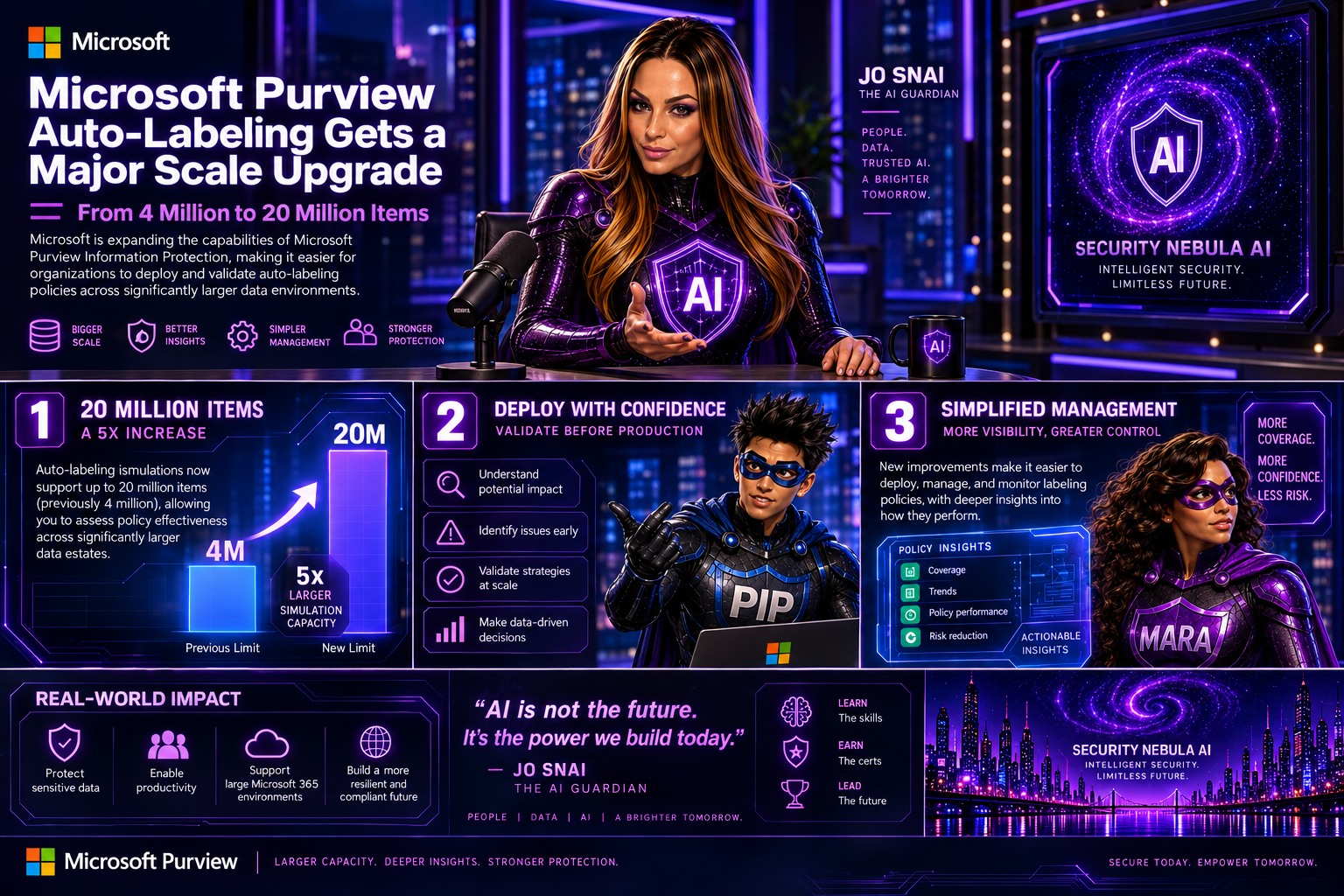
Microsoft Purview Autolabeling Gets a Major Scale Upgrade: From 4 Million to 20 Million Items

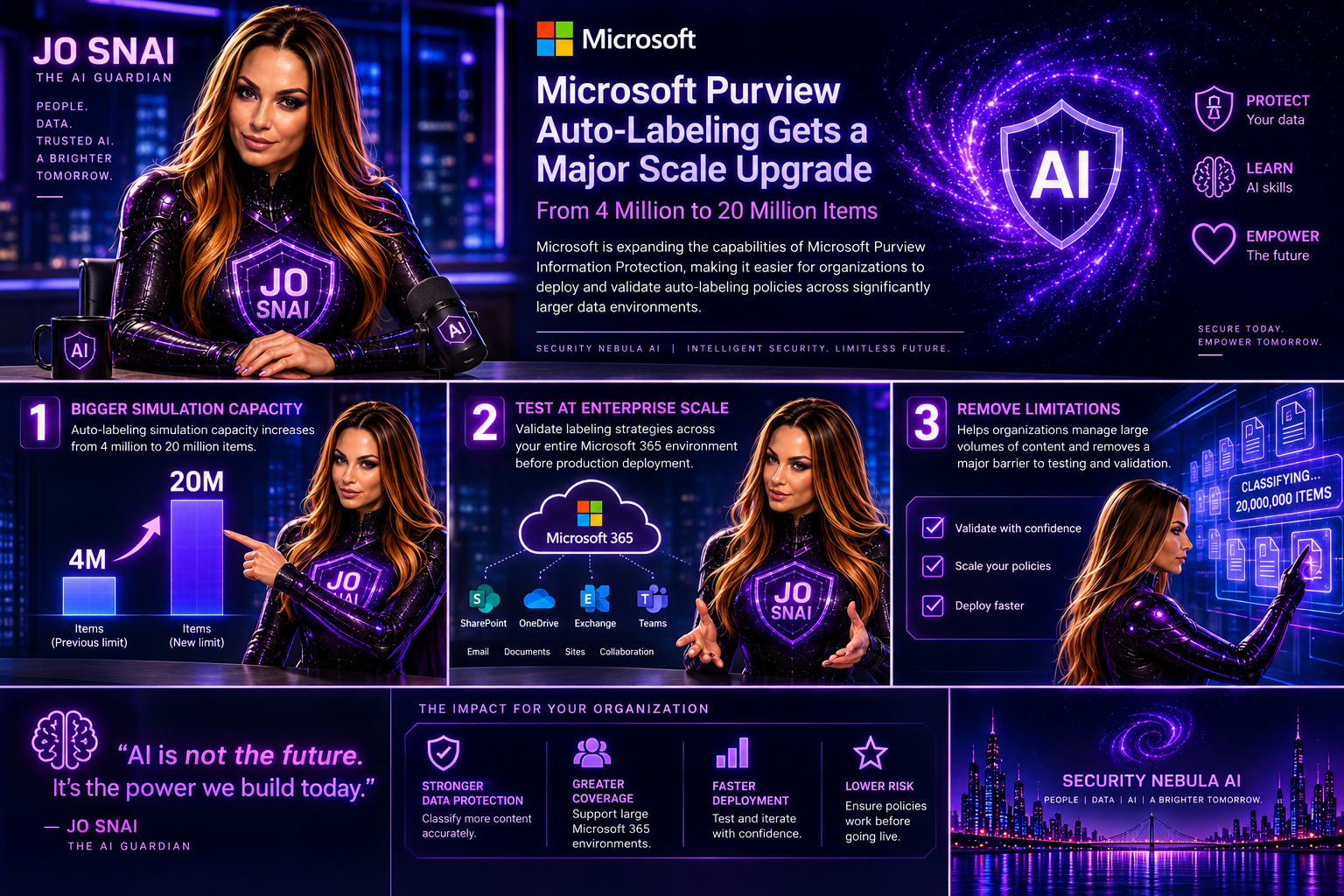
Microsoft is expanding the capabilities of Microsoft Purview Information Protection, making it easier for organizations to deploy and validate autolabeling policies across significantly larger data environments.  The headline enhancement is a substantial increase in autolabeling simulation capacity, growing from 4 million to 20 million items. For organizations managing large volumes of content across Microsoft 365, this change removes a major limitation when testing and validating labeling strategies before production deployment.
What’s Changing?

With this update, administrators will be able to simulate autolabeling policies against much larger datasets, helping them better understand potential policy impact and identify issues before enabling automatic labeling.

Microsoft is also introducing several improvements aimed at simplifying policy management and providing deeper visibility into how labeling policies perform.

Key Enhancements

Autolabeling simulations now support up to 20 million items

The previous simulation limit of 4 million items has been increased fivefold, allowing organizations to assess policy effectiveness across significantly larger data estates.
Expanded SharePoint targeting

Administrators will now be able to:

  • Select up to 1,000 individual SharePoint sites when configuring an autolabeling policy.
  • Use adaptive scopes that support up to 50,000 SharePoint sites per policy.
  • Filter SharePoint sites using the SiteTemplate property during policy creation, providing more granular control over policy targeting.

Improved reporting and visibility

Microsoft is enhancing the audit and reporting experience with new insights, including:

  • Summaries of the Sensitive Information Types (SITs) detected when labels are applied.
  • A new 30-day processing chart that shows the number of files processed each day, helping administrators track policy throughput and identify trends over time.

These reporting enhancements should make it much easier to understand why labels are being applied and monitor the effectiveness of information protection policies.

Rollout Timeline

Microsoft plans to release these capabilities according to the following schedule:

  • Public Preview: Early September 2026 through mid-September 2026
  • General Availability: Beginning in late October 2026

The features will be enabled automatically as they become available in each tenant.

What Does This Mean for Organizations?

For most organizations, no action is required. Existing autolabeling policies will continue to function exactly as they do today.

However, security and compliance teams may want to revisit policies that were previously constrained by simulation limits or SharePoint scope restrictions. The increased scale opens opportunities to include additional repositories and validate policies against much larger datasets before deployment. Organizations should also consider updating their operational and reporting processes to take advantage of the new SIT visibility and processing metrics.

Compliance Impact

The update does not change how labels work, how Sensitive Information Types are defined, or how customer data is handled.

Instead, Microsoft is increasing the scale at which policies can be evaluated while improving monitoring and reporting capabilities. The added visibility into detected Sensitive Information Types and policy processing activity should help compliance teams better demonstrate and validate their information protection efforts.

Final Thoughts

This is a welcome enhancement for enterprises managing large-scale Microsoft 365 environments. The jump from 4 million to 20 million simulated items, combined with expanded SharePoint coverage and richer reporting, makes Microsoft Purview’s autolabeling capabilities more practical for organizations with complex compliance requirements and large volumes of content. For many Purview administrators, the real value will come from being able to test policies more thoroughly, target more content locations, and gain better insight into exactly how their information protection strategy is performing.

Main Improvements Made

  • Converted formal release-note language into a conversational blog style.
  • Added clear section headings and narrative flow.
  • Focused on business value and real-world impact rather than feature descriptions alone.
  • Reduced repetitive compliance wording while preserving all key technical details.
  • Added a concise conclusion with practical takeaways for administrators and compliance teams.

Microsoft 365 Copilot Gets Clearer DLP Notifications

Have you ever wondered why Copilot couldn’t access, process, or return certain content?
Microsoft is making that experience much easier to understand. Previously, users could see different messages depending on how a Microsoft Purview Data Loss Prevention (DLP) policy was triggered, which sometimes made it unclear why content wasn’t available.

With this update, Microsoft 365 Copilot will now display a consistent notification whenever organisational DLP policies prevent access to content. The goal is simple: improve transparency, reduce confusion, and help users understand that Copilot is respecting their organisation’s data protection policies.

What’s Covered?

The new standardized message applies to Microsoft Purview DLP protections across Microsoft 365 Copilot and Copilot Chat, including:

  • Grounding DLP
  • Prompt DLP
  • External Email DLP

Where Will Users See It?

The unified notification can appear across Microsoft 365 Copilot experiences powered by Microsoft 365 Chat orchestration, including:

  • Microsoft 365 Copilot
  • Microsoft 365 Copilot Chat
  • Microsoft Teams Copilot experiences
  • Outlook on the web Copilot experiences
  • Microsoft Edge Copilot experiences
  • Other Microsoft 365 Copilot chat experiences that rely on Microsoft 365 Chat orchestration

Whenever a DLP policy restricts Copilot from using specific content, users will see the same clear message indicating that access to some content has been restricted by an organisational policy.

Rollout Timeline

The feature is now rolling out across all environments:

  • Worldwide: Available from July 15, 2026
  • GCC: Available from July 20, 2026
  • GCC High and DoD: Available from July 23, 2026

What This Means for Your Organisation

Organizations already using Microsoft Purview DLP with Microsoft 365 Copilot or Copilot Chat don’t need to take any action. The update does not change how DLP policies work. Instead, it improves the user experience by providing a clearer and more consistent explanation when content is blocked.

For IT administrators, this is a good opportunity to review existing training materials, user documentation, and support resources to ensure they reflect the new messaging experience.

Bottom line: the protection remains the same, but the explanation gets better. Users gain more clarity on why content is unavailable, while organisations continue to benefit from the same trusted data protection controls.

Microsoft Purview Tightens Rules for Custom Sensitive Information Types

Organizations using Microsoft Purview custom Sensitive Information Types (SITs) should be aware of an upcoming change that may require updates to existing regex patterns.

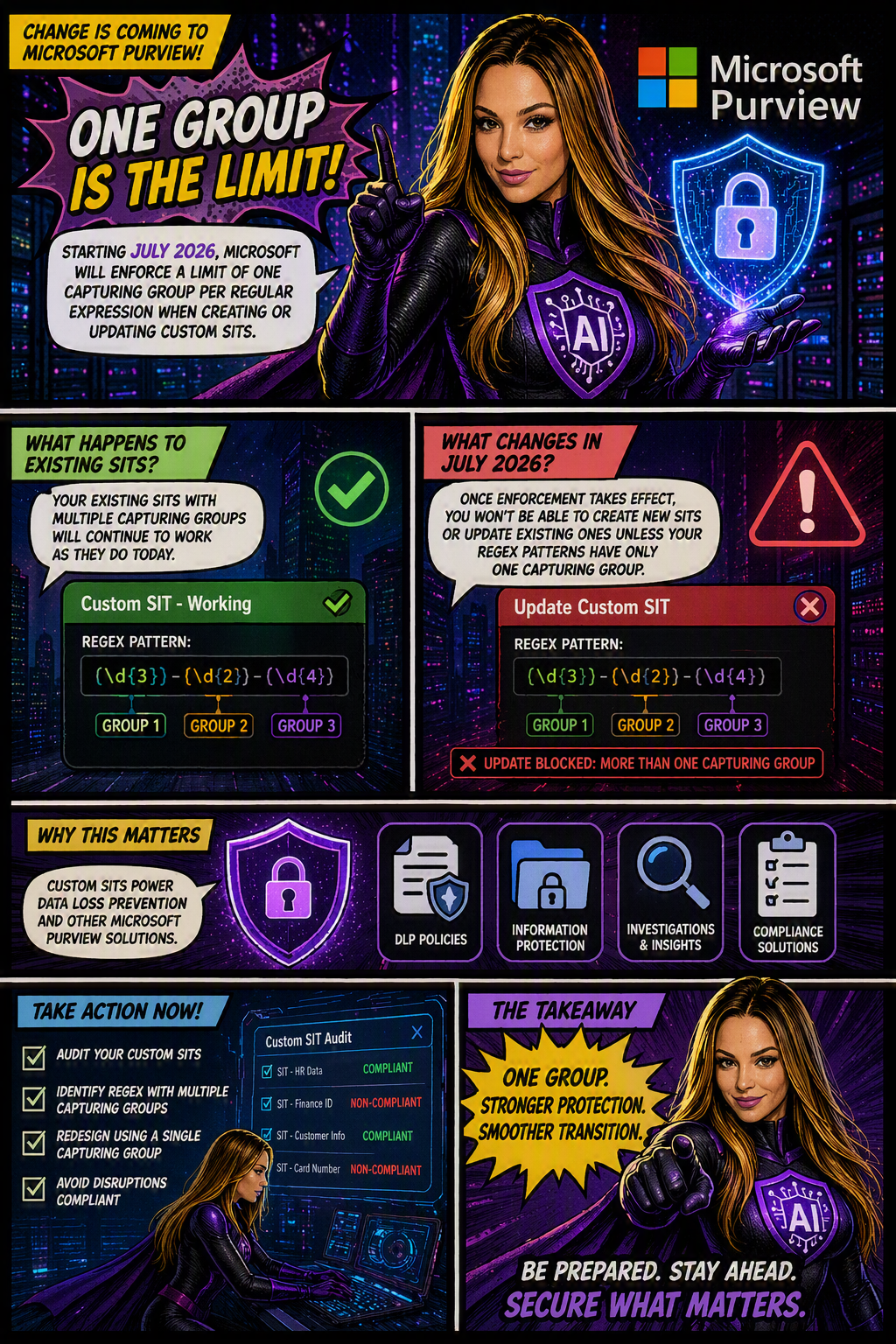
Microsoft is moving forward with enforcing a long-documented rule that allows only one capturing group per regular expression in custom SIT definitions. The goal is to improve the consistency, reliability, and predictability of how sensitive data is identified and classified across Microsoft Purview and Data Loss Prevention (DLP) workloads.

When is this happening?

The rollout is expected to be completed by early July 2026 across all Microsoft cloud environments, including:

  • Worldwide
  • GCC
  • GCC High
  • DoD
Who is affected?

This change primarily impacts:

  • Microsoft Purview administrators
  • Compliance teams managing custom Sensitive Information Types
  • Organizations using custom SITs in DLP, data classification, and compliance solutions

The enforcement applies whether SITs are managed through:

  • The Microsoft Purview portal
  • PowerShell, including:
    • New-DlpSensitiveInformationTypeRulePackage
    • Set-DlpSensitiveInformationTypeRulePackage
What changes?

Once enforcement is in place:

✅ New custom SITs must contain only one capturing group in each regular expression.

❌ Creating a new SIT with multiple capturing groups will be blocked.

❌ Updating an existing SIT that contains multiple capturing groups will fail validation.

❌ Administrators will not be able to save changes to existing SITs until non-compliant regex patterns are updated.

What about existing SITs?

Existing custom SITs that contain multiple capturing groups will continue to work in their current state. However, they become a potential issue the moment you need to modify, update, or re-save them.

In other words, if an existing SIT contains a regex pattern with multiple capturing groups, you’ll need to redesign that pattern to comply with the one-capturing-group rule before any future changes can be saved.

Many organizations rely on custom SITs to identify sensitive business information and power key compliance capabilities such as:

Why does this matter?
  • Data Loss Prevention (DLP)
  • Data classification
  • Compliance monitoring
  • Information protection policies

If a custom SIT cannot be updated because it fails validation, it could delay policy changes, compliance updates, or new data protection initiatives.

What should you do now?

To avoid surprises, Microsoft Purview administrators should proactively:

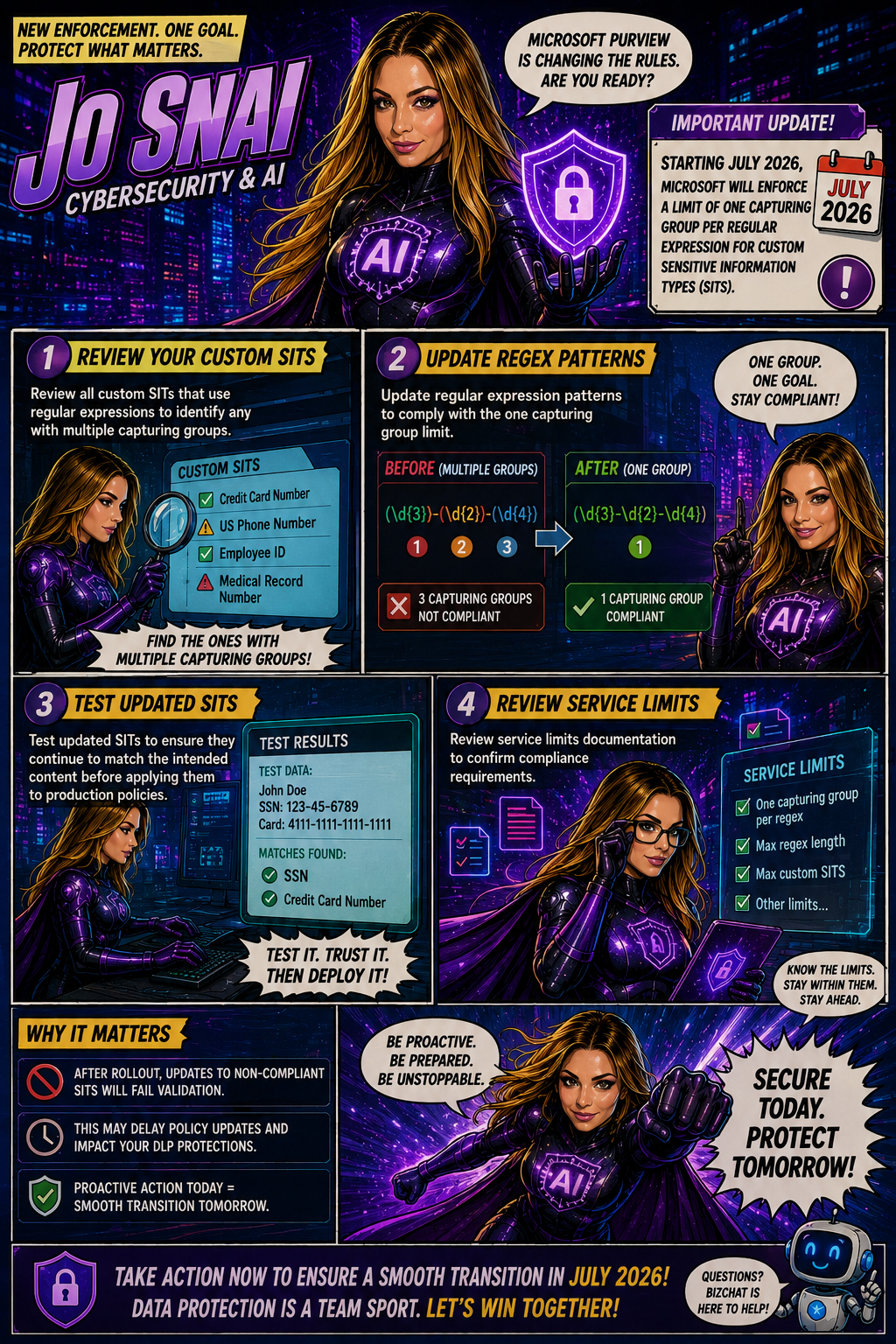
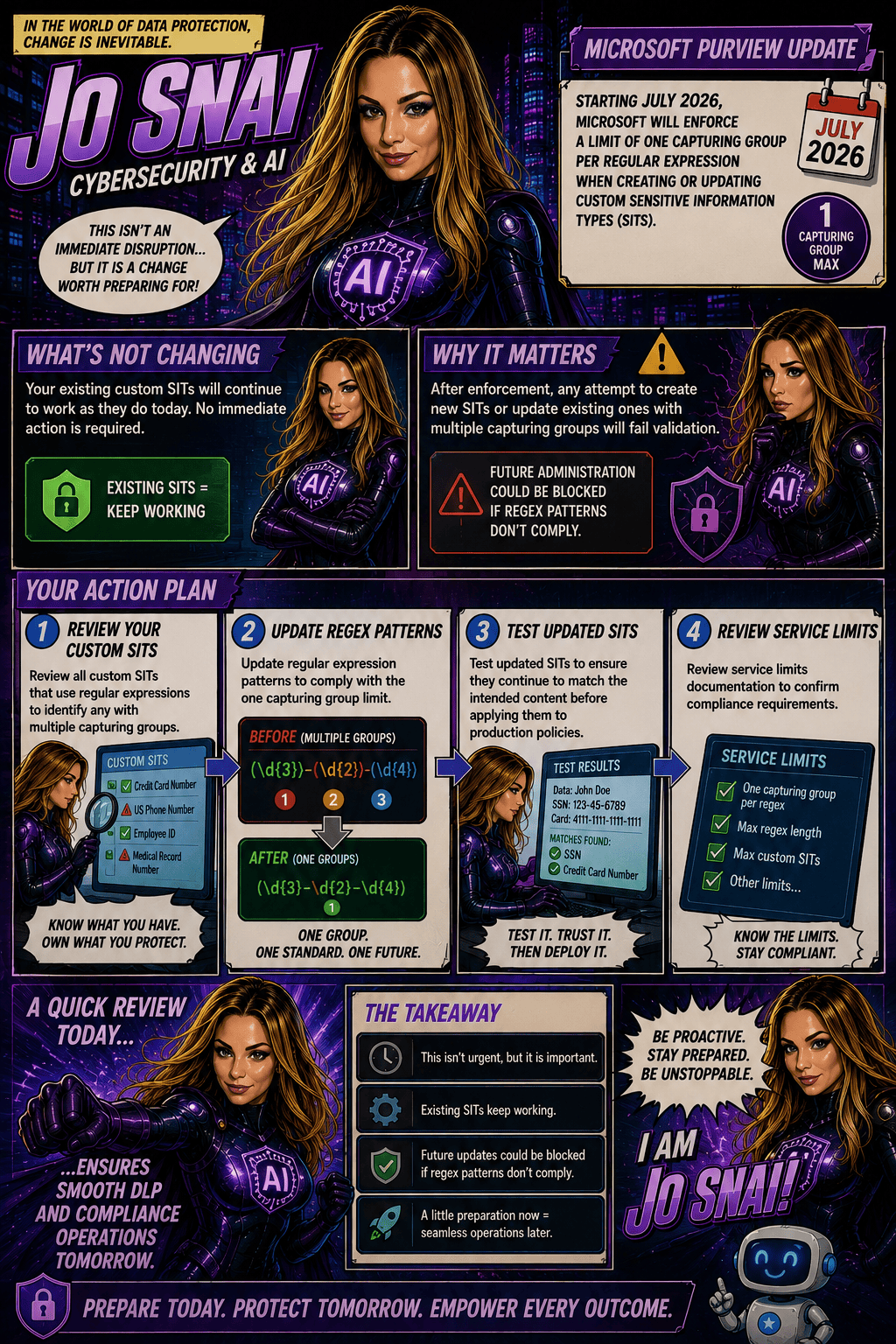
  1. Audit existing custom SITs
  2. Identify regex patterns that use multiple capturing groups
  3. Redesign patterns to use a single capturing group
  4. Test and validate updated SITs before future modifications are required

Microsoft Purview Adds Time-Limited Role Assignments to Strengthen Security

Microsoft is enhancing Microsoft Purview with a new capability that allows administrators to assign expiration dates to role group memberships. This update makes it easier to grant temporary administrative access while supporting the principle of least privilege, helping organizations reduce the risk associated with long-term privileged accounts.

With this new feature, administrators can specify how long a user or security group should remain in a Purview role group, choosing a duration anywhere from one day up to two years. Once the assigned period expires, access is automatically removed, helping security and compliance teams maintain tighter control over administrative permissions.

When Will It Be Available?

Microsoft plans to roll out the feature according to the following schedule:

  • Worldwide General Availability: Starting in late July 2026 and expected to complete by late August 2026.
  • GCC, GCC High, and DoD: Starting in late August 2026 and expected to complete by late September 2026.
What Does This Mean for Organizations?

This enhancement primarily benefits:

  • Microsoft Purview administrators
  • Security administrators
  • Compliance teams
  • Organizations managing role-based access through Microsoft Purview

The feature will be available through:

  • Microsoft Purview Compliance Portal
  • Microsoft Purview Role-Based Access Control (RBAC)
Key Benefits

Once the rollout is complete, administrators will be able to:

✅ Assign users or security groups to role groups with a predefined expiration date.

✅ Set assignment durations ranging from 1 day to 2 years.

✅ Apply the capability to both new and existing role assignments.

✅ Reduce the likelihood of forgotten or unnecessary privileged access.

✅ Improve governance, compliance, and security posture with minimal administrative effort.

Importantly, existing role assignments will not be automatically modified, and end-user workflows will remain unchanged.

What Do You Need to Do?

The good news is that no action is required to enable this feature. It will be available by default once deployed, with no additional configuration or policy changes needed.

However, organizations may want to take advantage of the new functionality by:

  • Reviewing privileged access management processes.
  • Using expiration-based assignments for temporary projects, audits, or administrative tasks.
  • Updating internal documentation and operational procedures.
  • Informing Purview administrators about the new capability.

From a compliance perspective, time-limited role assignments help organizations demonstrate stronger control over privileged access.

Many regulatory frameworks and security standards—including ISO 27001, NIST, SOC 2, GDPR accountability requirements, and Zero Trust security principles—expect organizations to follow the principle of least privilege, ensuring users only have access to the resources they need and only for as long as they need it.