When I first saw that Microsoft plans to retire MS-102: Microsoft 365 Administrator and introduce AB-650: Administering Microsoft 365 and AI Services, my immediate reaction wasn’t, “Oh, another certification update.”
Instead, I found myself thinking: “This is a reflection of how our roles are changing.”
For years, Microsoft 365 administrators have focused on identities, security, compliance, endpoints, licensing, and tenant management. Those responsibilities aren’t going away. But something new is being added to the mix: AI administration.
And that’s exactly what makes the transition from MS-102 to AB-650 so interesting.
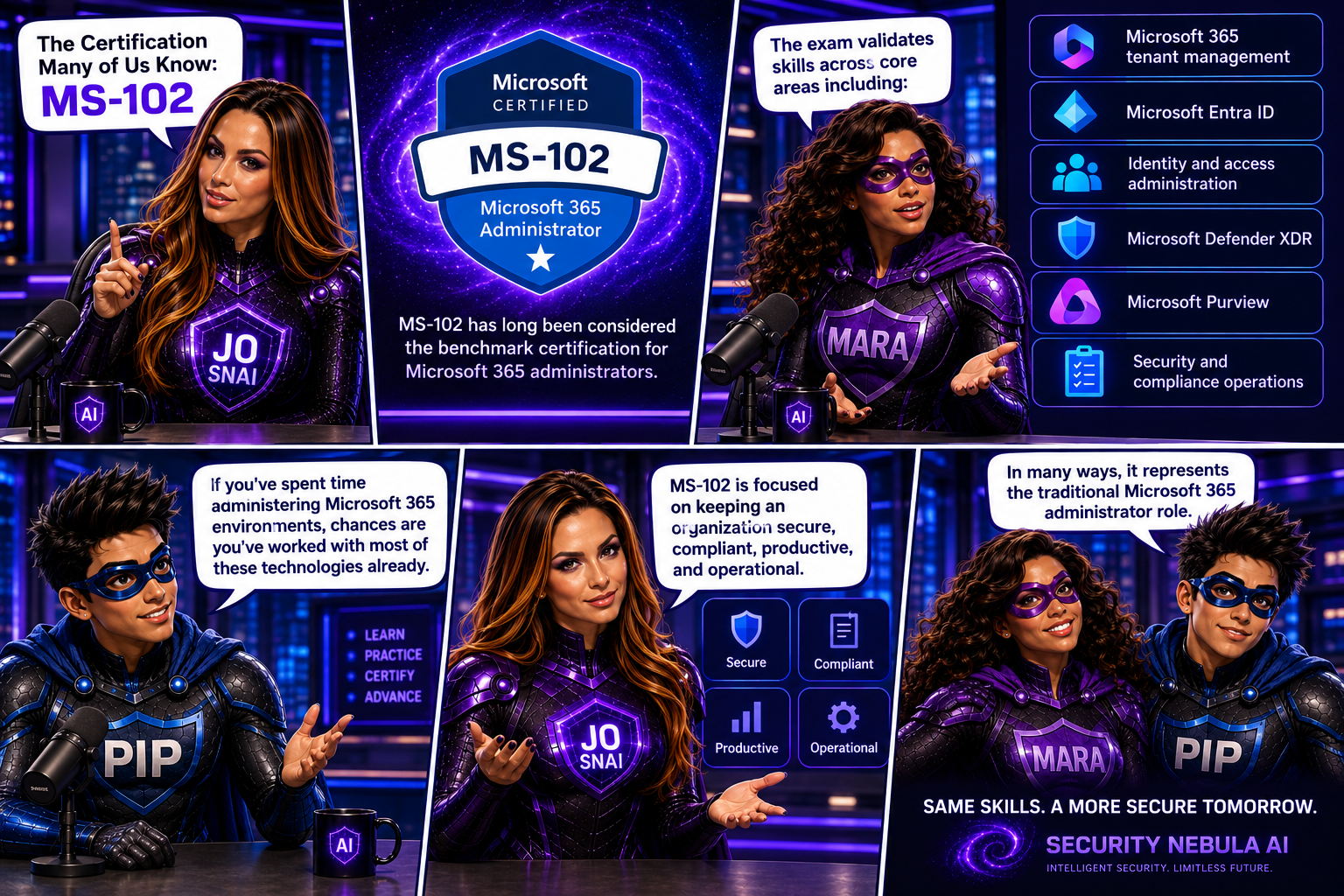
The Certification Many of Us Know: MS-102
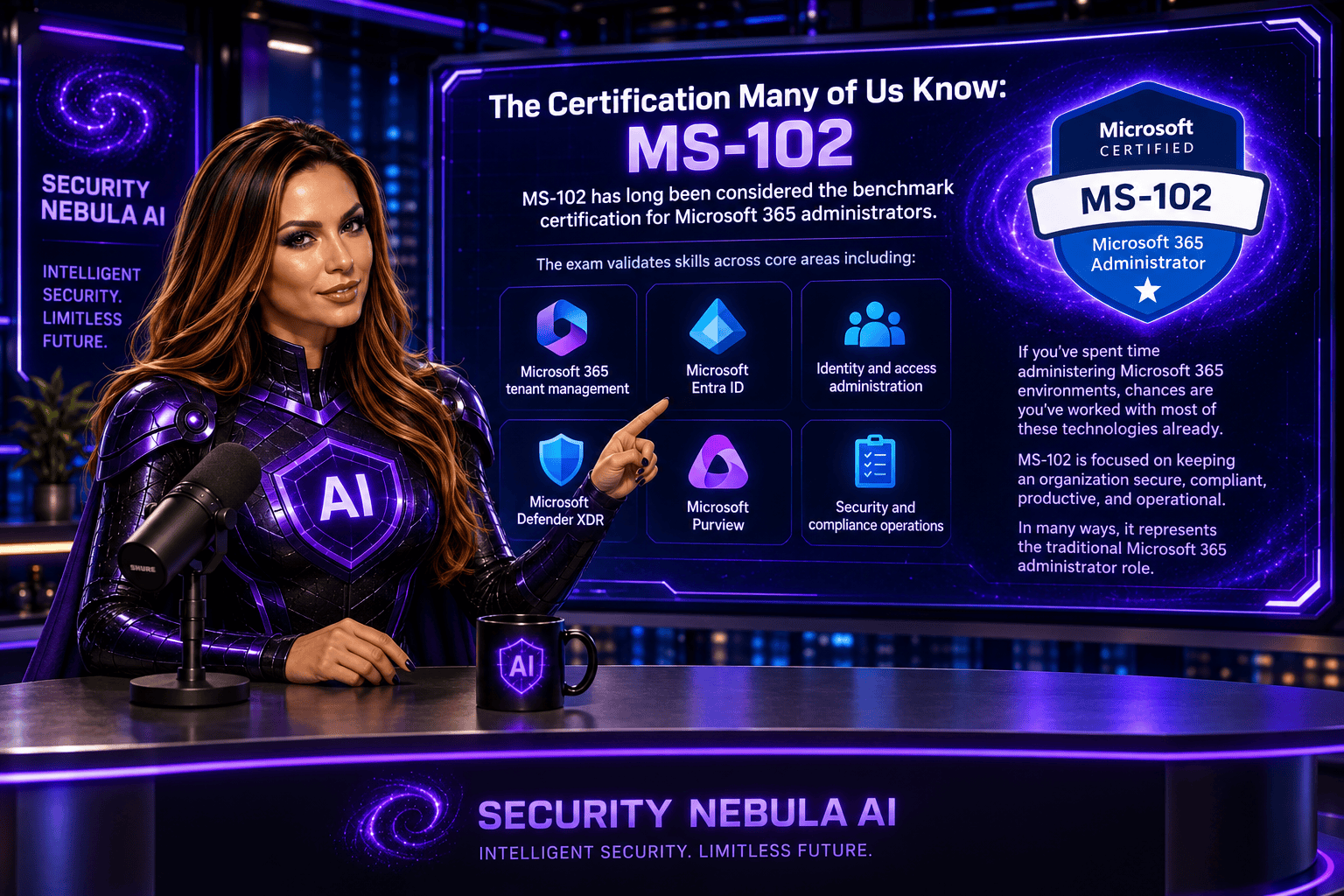
MS-102 has long been considered the benchmark certification for Microsoft 365 administrators.
The exam validates skills across core areas including:
- Microsoft 365 tenant management
- Microsoft Entra ID
- Identity and access administration
- Microsoft Defender XDR
- Microsoft Purview
- Security and compliance operations
If you’ve spent time administering Microsoft 365 environments, chances are you’ve worked with most of these technologies already.
MS-102 is focused on keeping an organization secure, compliant, productive, and operational.
In many ways, it represents the traditional Microsoft 365 administrator role.
Why Microsoft Is Moving On
Technology never stands still.
Over the last two years, we’ve witnessed something that has fundamentally changed the workplace: the rapid adoption of AI.
Organizations are no longer asking whether they will use AI.
They’re asking:
- How do we deploy it?
- How do we govern it?
- How do we secure it?
- How do we control access to organizational data?
- How do we manage AI agents?
These questions weren’t part of a traditional Microsoft 365 administrator’s responsibilities a few years ago.
Today, they are becoming part of everyday conversations.

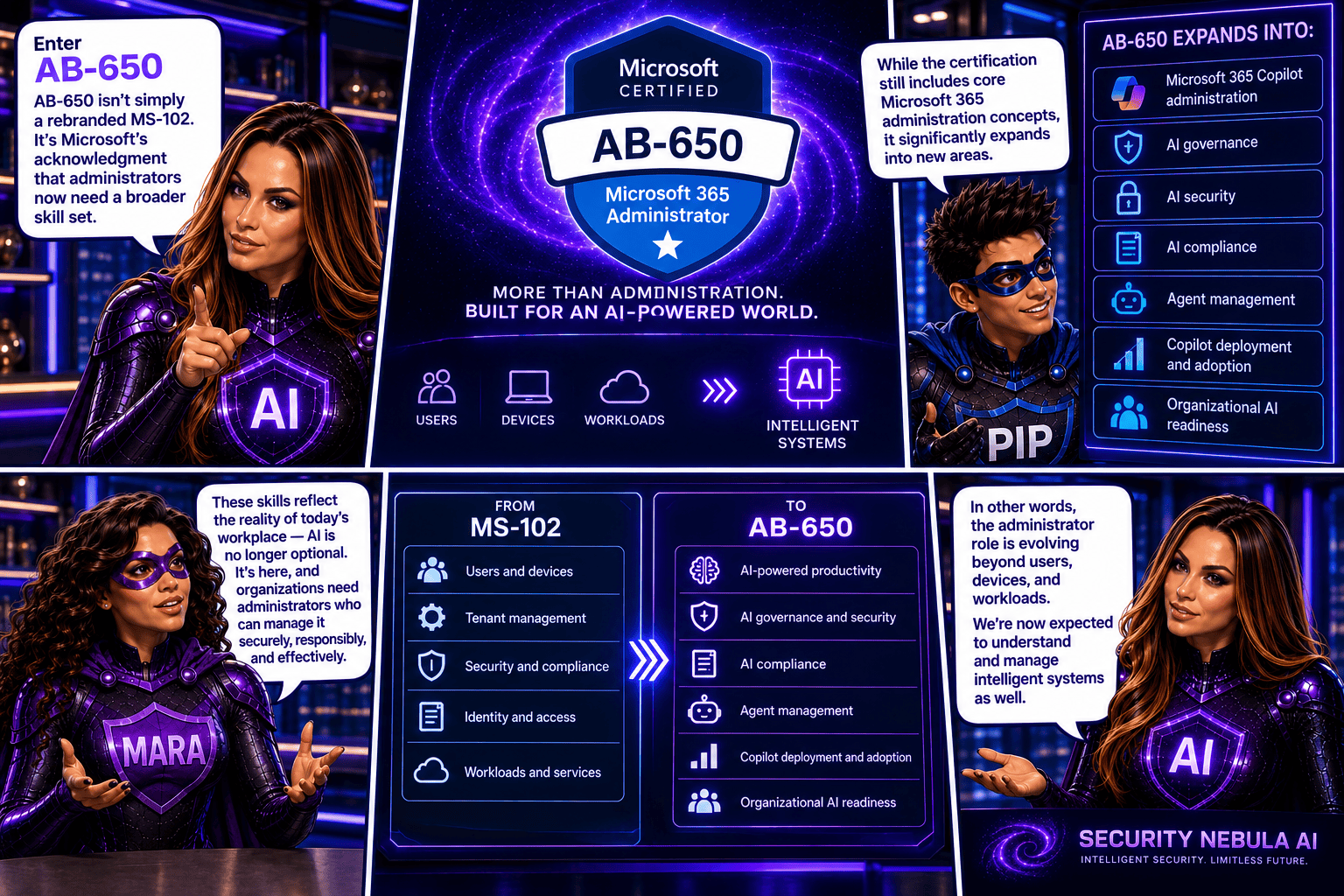
Enter AB-650
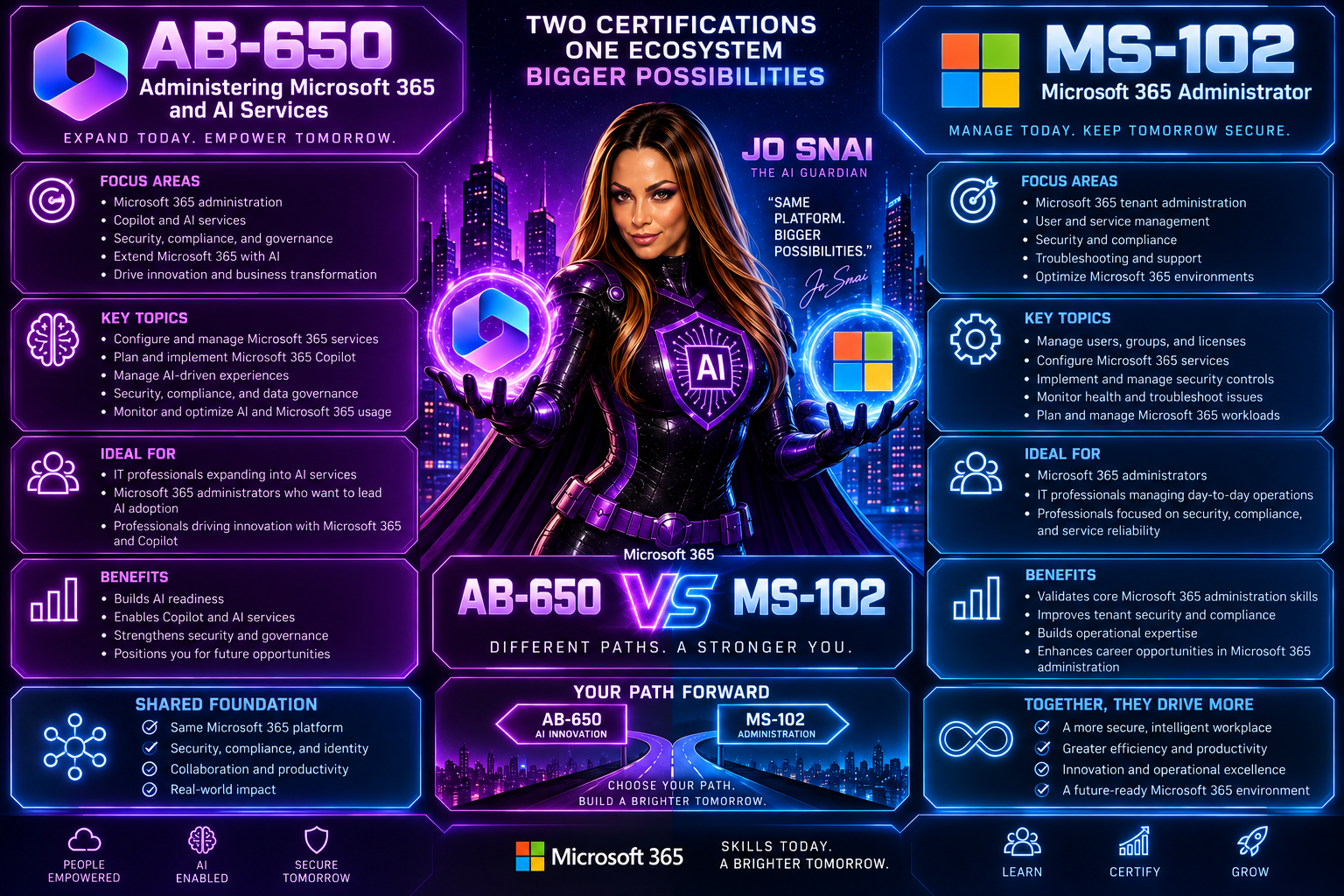
AB-650 isn’t simply a rebranded MS-102.
It’s Microsoft’s acknowledgment that administrators now need a broader skill set.
While the certification still includes core Microsoft 365 administration concepts, it significantly expands into areas such as:
- Microsoft 365 Copilot administration
- AI governance
- AI security
- AI compliance
- Agent management
- Copilot deployment and adoption
- Organizational AI readiness
In other words, the administrator role is evolving beyond users, devices, and workloads.
We’re now expected to understand and manage intelligent systems as well.
The Biggest Difference
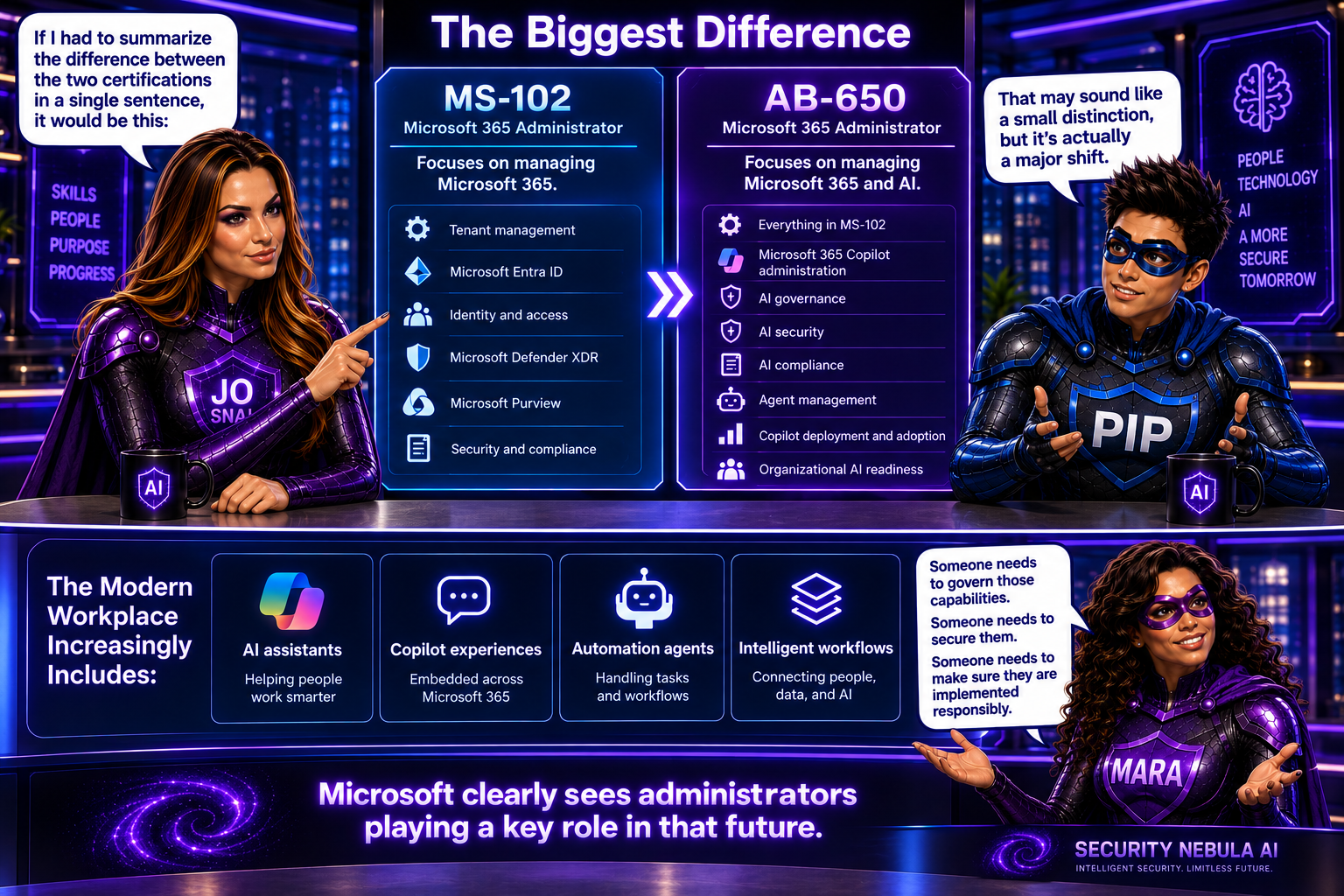
If I had to summarize the difference between the two certifications in a single sentence, it would be this:
MS-102 focuses on managing Microsoft 365. AB-650 focuses on managing Microsoft 365 and AI.
That may sound like a small distinction, but it’s actually a major shift.
The modern workplace increasingly includes:
- AI assistants
- Copilot experiences
- Automation agents
- Intelligent workflows
Someone needs to govern those capabilities.
Someone needs to secure them.
Someone needs to make sure they are implemented responsibly.
Microsoft clearly sees administrators playing a key role in that future.
Should You Still Take MS-102?
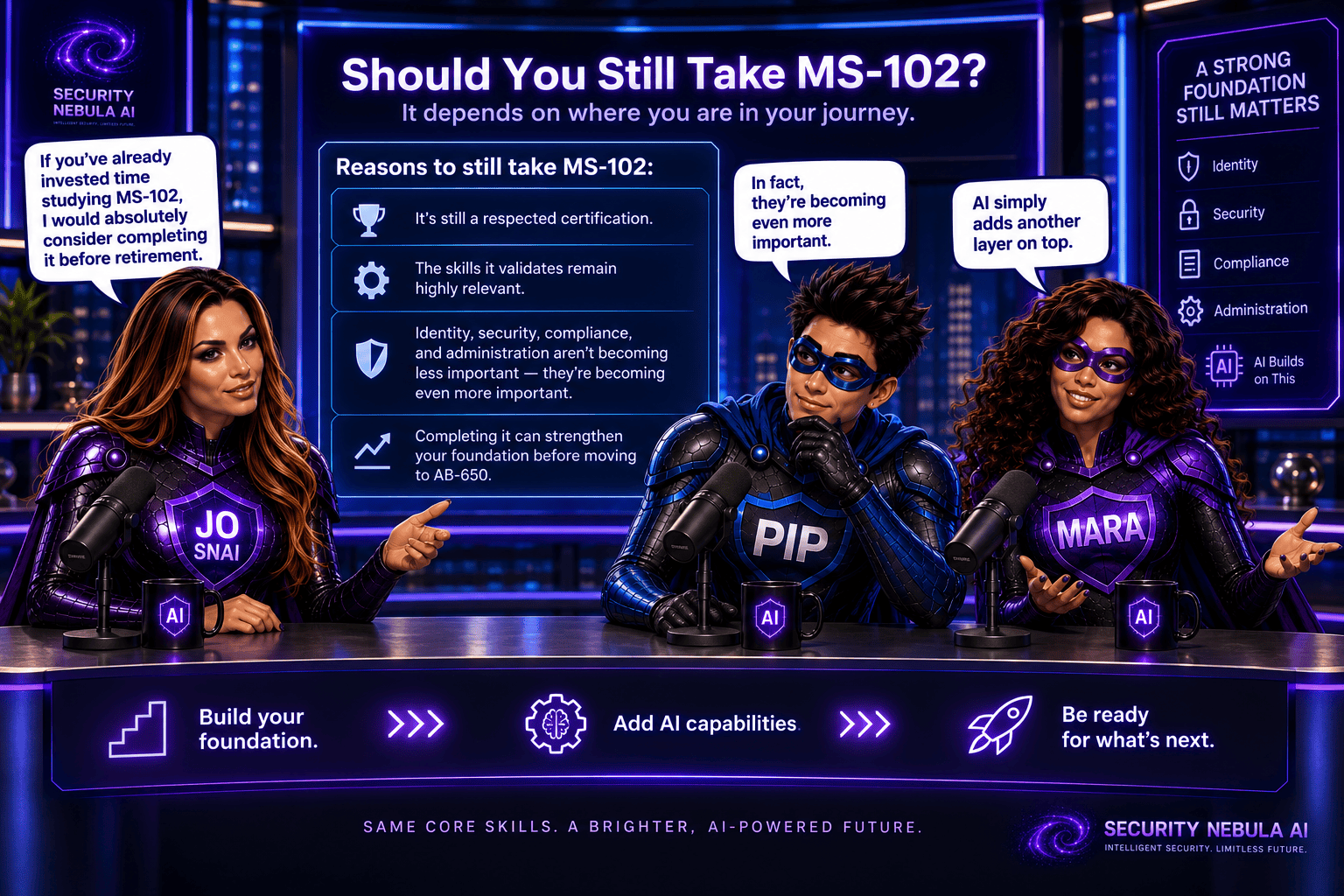
Honestly, I think the answer depends on where you are in your journey.
If you’ve already invested time studying MS-102, I would absolutely consider completing it before retirement.
It’s still a respected certification, and the skills it validates remain highly relevant.
Identity, security, compliance, and administration aren’t becoming less important because AI arrived.
In fact, they’re becoming even more important.
AI simply adds another layer on top.
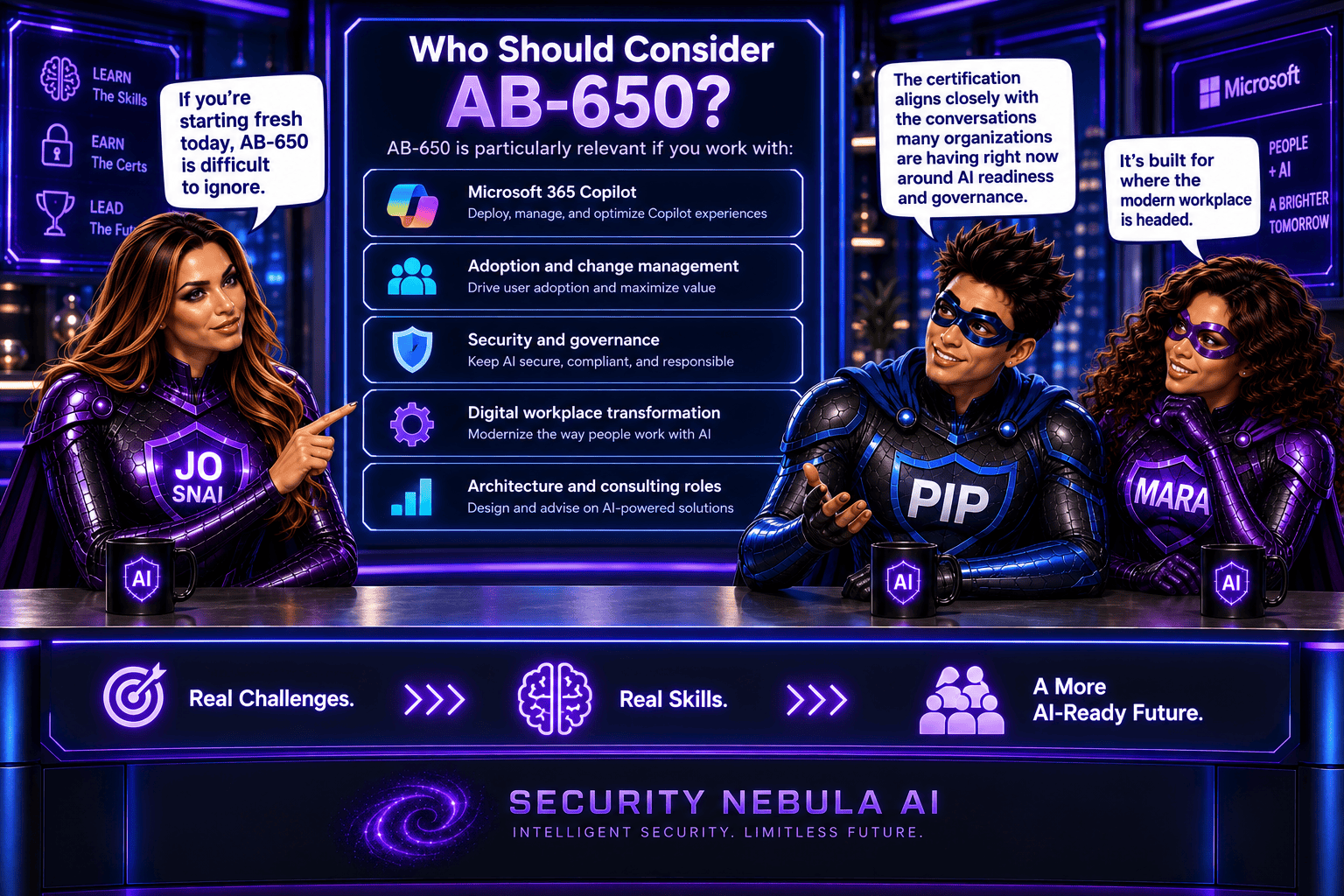
Who Should Consider AB-650?
If you’re starting fresh today, AB-650 is difficult to ignore.
It’s particularly relevant if you work with:
- Microsoft 365 Copilot
- Adoption and change management
- Security and governance
- Digital workplace transformation
- Architecture and consulting roles
The certification aligns closely with the conversations many organizations are having right now around AI readiness and governance.
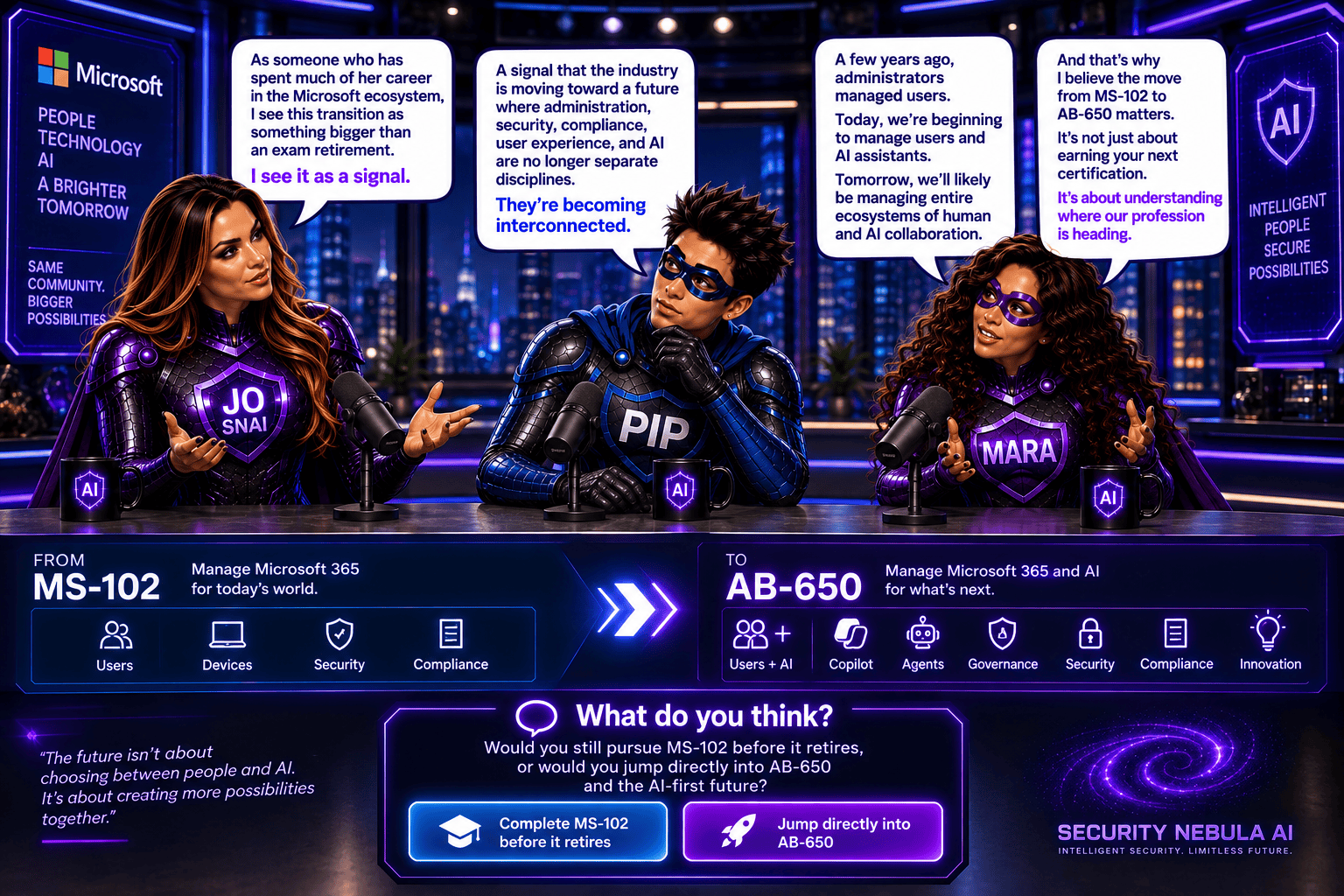
As someone who has spent much of her career in the Microsoft ecosystem, I see this transition as something bigger than an exam retirement.
I see it as a signal.
A signal that the industry is moving toward a future where administration, security, compliance, user experience, and AI are no longer separate disciplines.
They’re becoming interconnected.
A few years ago, administrators managed users.
Today, we’re beginning to manage users and AI assistants.
Tomorrow, we’ll likely be managing entire ecosystems of human and AI collaboration.
And that’s why I believe the move from MS-102 to AB-650 matters.
It’s not just about earning your next certification.
It’s about understanding where our profession is heading.
What do you think? Would you still pursue MS-102 before it retires, or would you jump directly into AB-650 and the AI-first future?