Microsoft Purview DLP Expands to Microsoft Cowork

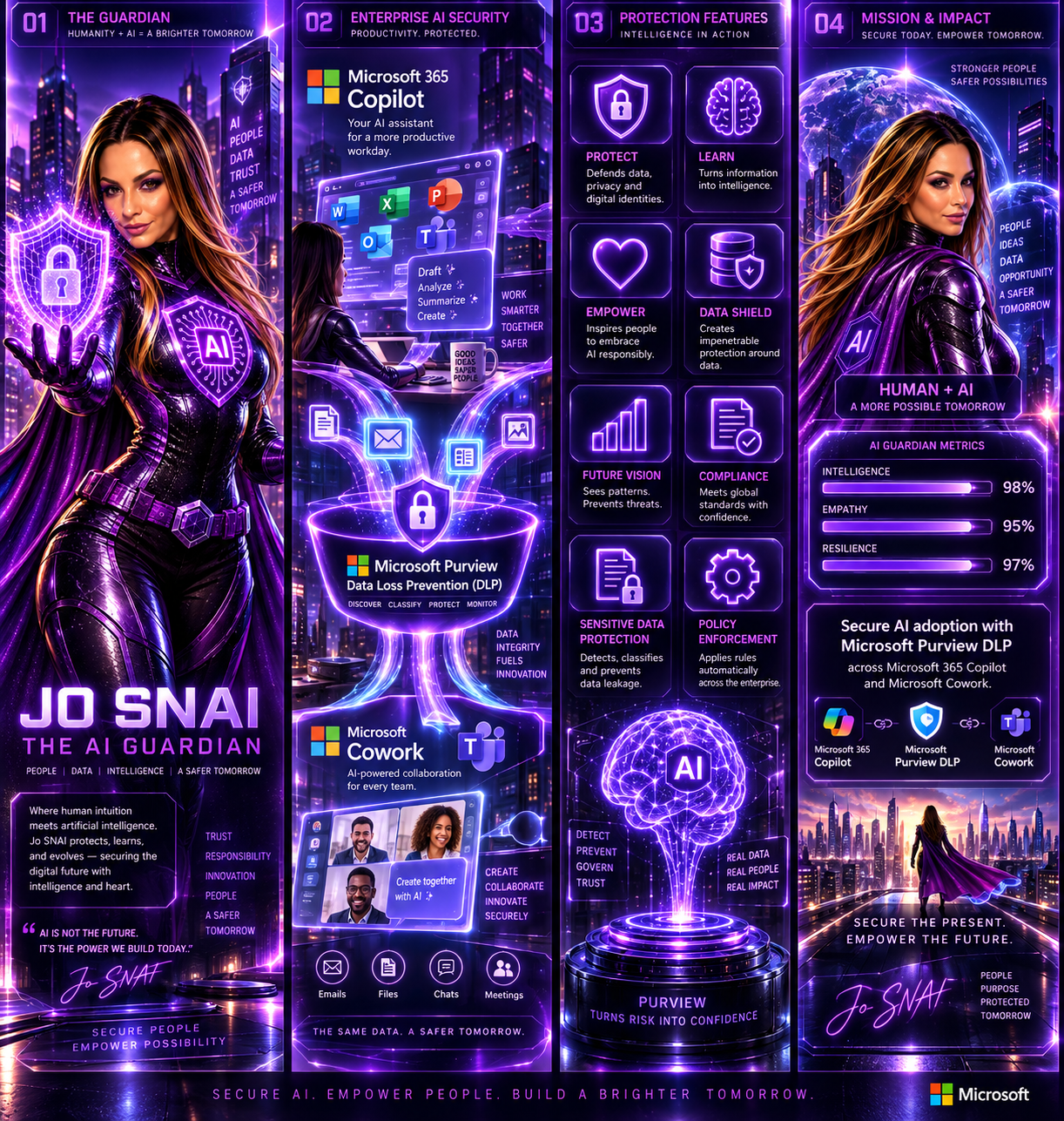
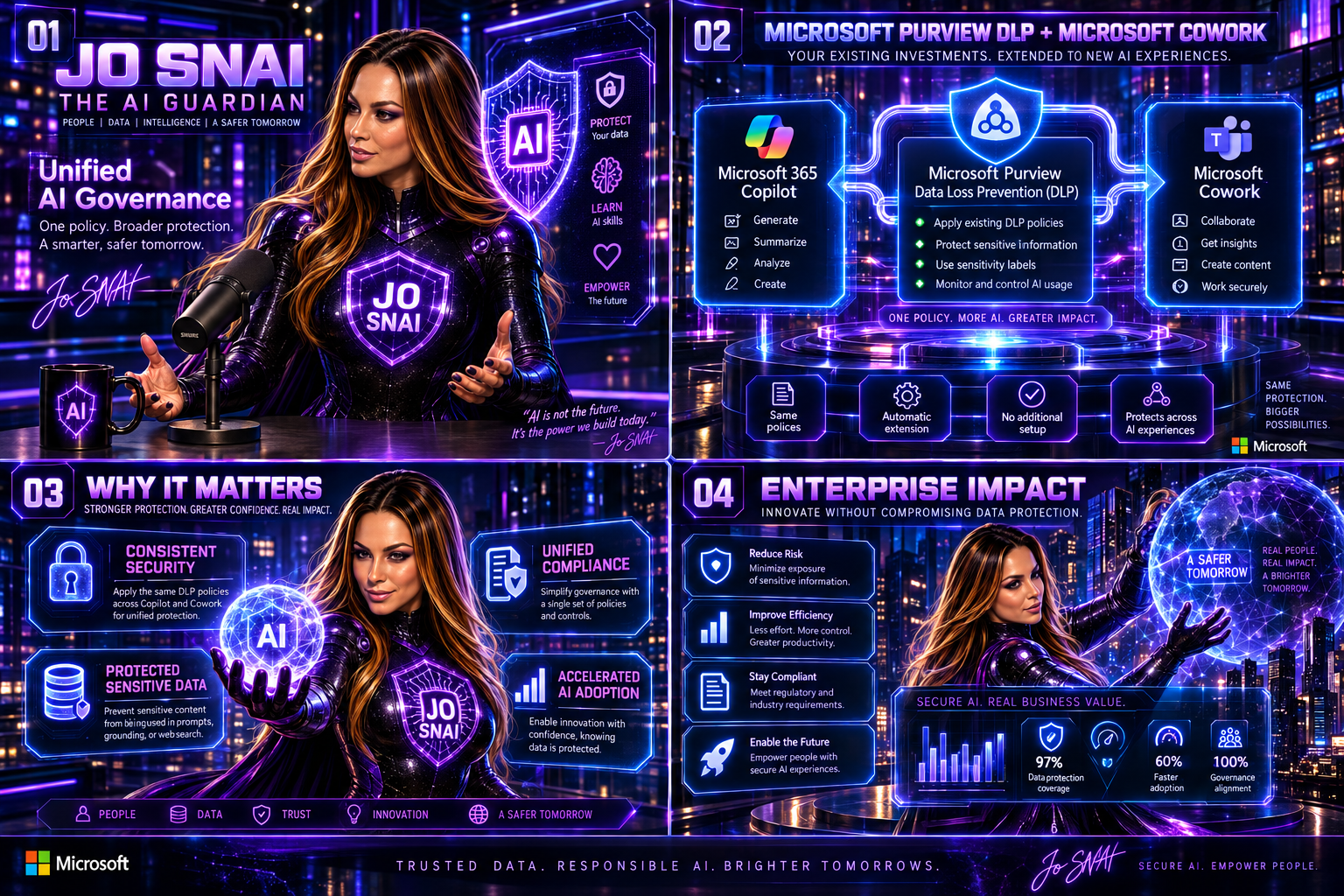
As organizations continue to embrace AI-powered productivity tools, maintaining strong data protection and compliance controls remains a top priority. To support the secure adoption of Microsoft Cowork, Microsoft is extending Microsoft Purview Data Loss Prevention (DLP) capabilities to this new AI experience, ensuring organizations can apply consistent data protection policies across both Microsoft 365 Copilot and Microsoft Cowork. This update helps organizations reduce the risk of sensitive information exposure while enabling employees to take advantage of AI-driven productivity tools with confidence.
 

What’s New?

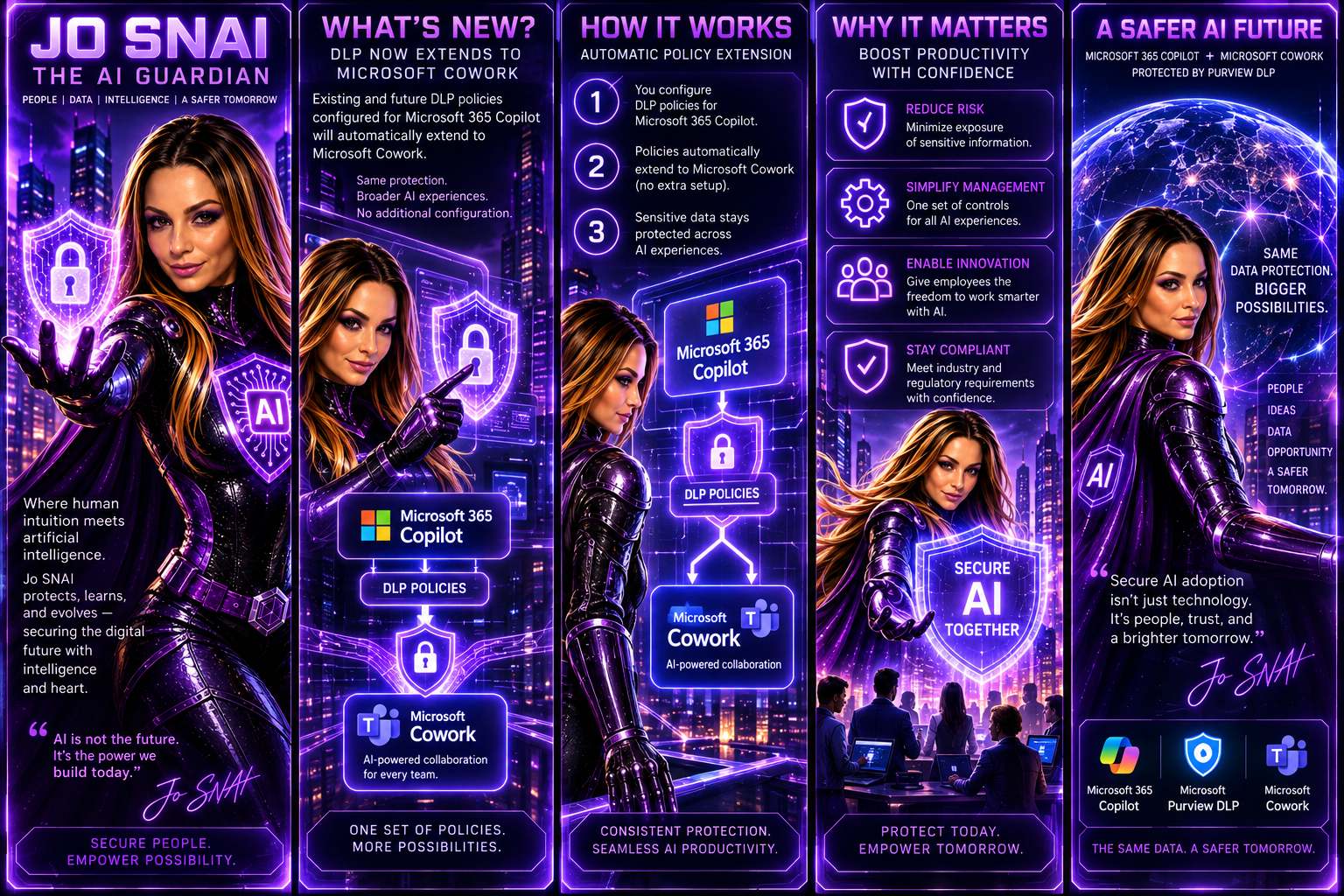
With this enhancement, existing and future DLP policies configured for Microsoft 365 Copilot will automatically extend to Microsoft Cowork. This means administrators can manage AI-related data protection through a single set of policies and controls without additional configuration.
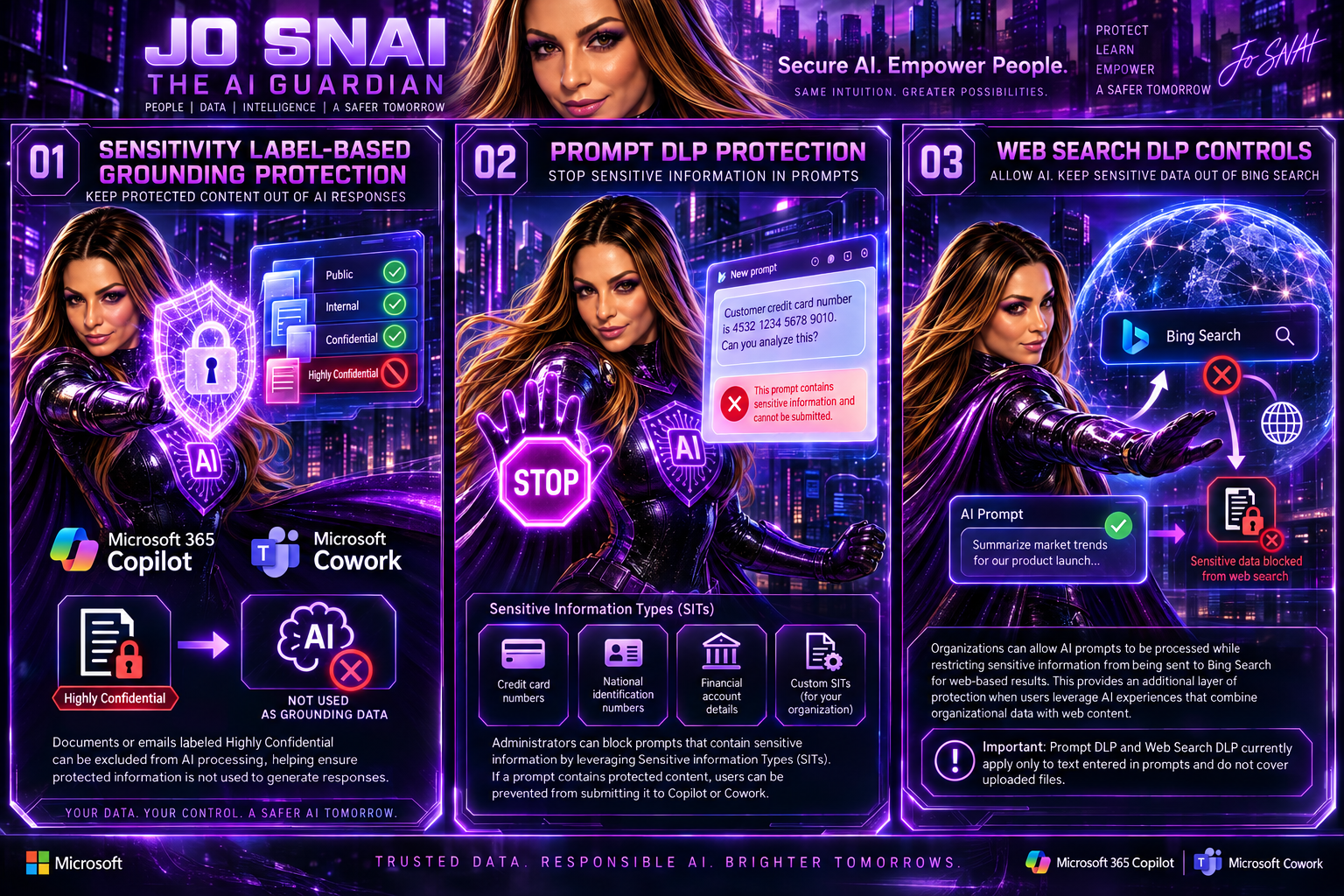
 

The following DLP capabilities will be supported:


1. Sensitivity Label-Based Grounding Protection

Organizations can prevent Microsoft Copilot and Microsoft Cowork from using specific content as grounding data when generating responses.

For example, documents or emails labeled Highly Confidential can be excluded from AI processing, helping ensure protected information is not used to generate responses.

2. Prompt DLP Protection

Administrators can block prompts that contain sensitive information by leveraging Sensitive Information Types (SITs).

Examples include:

  • Credit card numbers
  • National identification numbers
  • Financial account details
  • Custom Sensitive Information Types created by the organization

If a prompt contains protected content, users can be prevented from submitting it to Copilot or Cowork.

3. Web Search DLP Controls

Organizations can allow AI prompts to be processed while restricting sensitive information from being sent to Bing Search for web-based results.

This provides an additional layer of protection when users leverage AI experiences that combine organizational data with web content.

Important: Prompt DLP and Web Search DLP currently apply only to text entered in prompts and do not cover uploaded files.
 

What This Means for Organizations

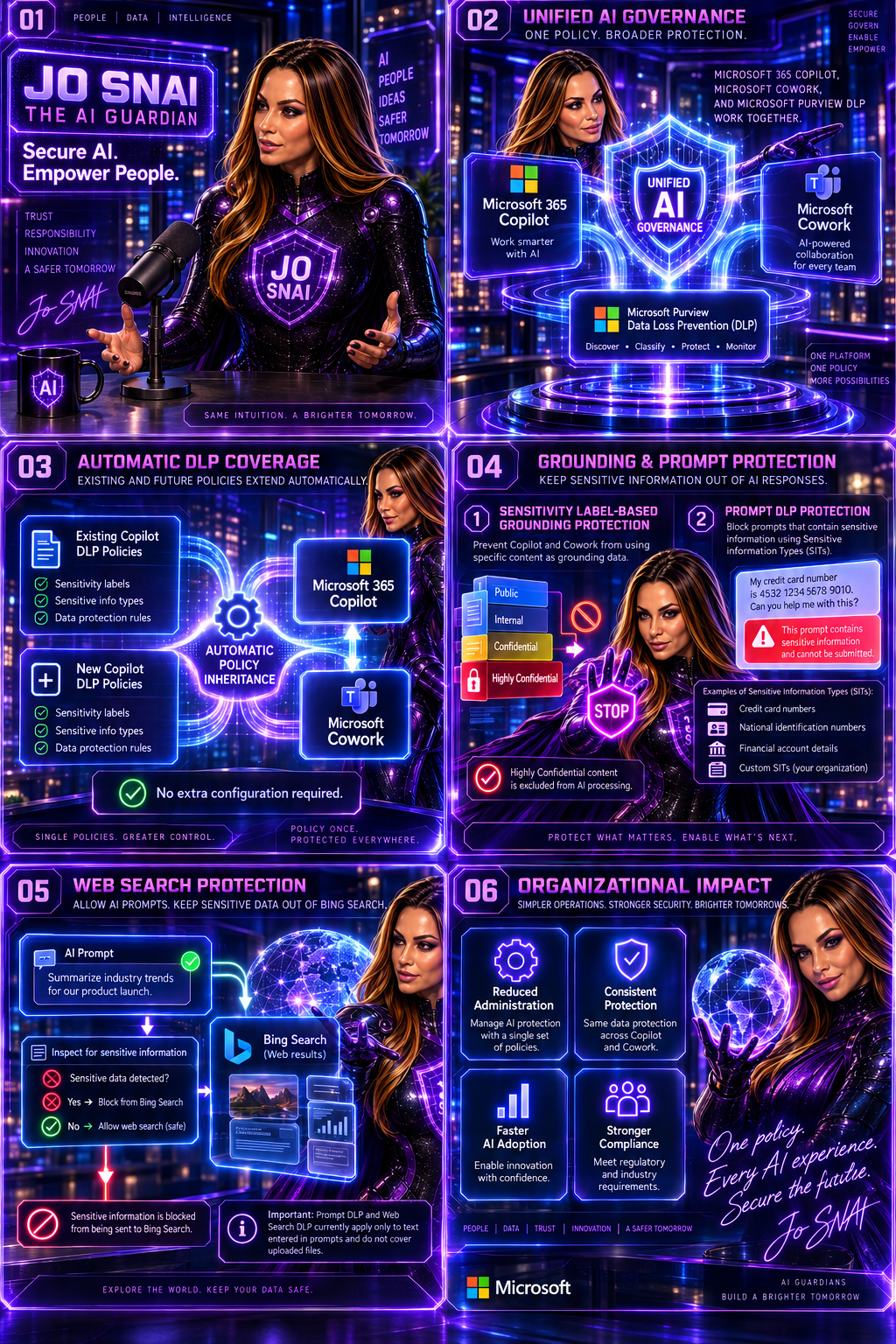
The update simplifies AI governance by automatically extending protection to Microsoft Cowork.

Key changes include:

  • Existing DLP policies targeting Microsoft Copilot will automatically apply to Microsoft Cowork.
  • New DLP policies created for Microsoft Copilot will include Microsoft Cowork by default.
  • Sensitivity labels can be used to prevent protected content from being used as grounding data.
  • Sensitive Information Types can be used to block prompts or restrict sensitive information from being sent for web searches.
  • No separate setup or configuration is required.

For organizations already using Microsoft Purview DLP, this significantly reduces the effort required to secure emerging AI workloads.


Rollout Timeline

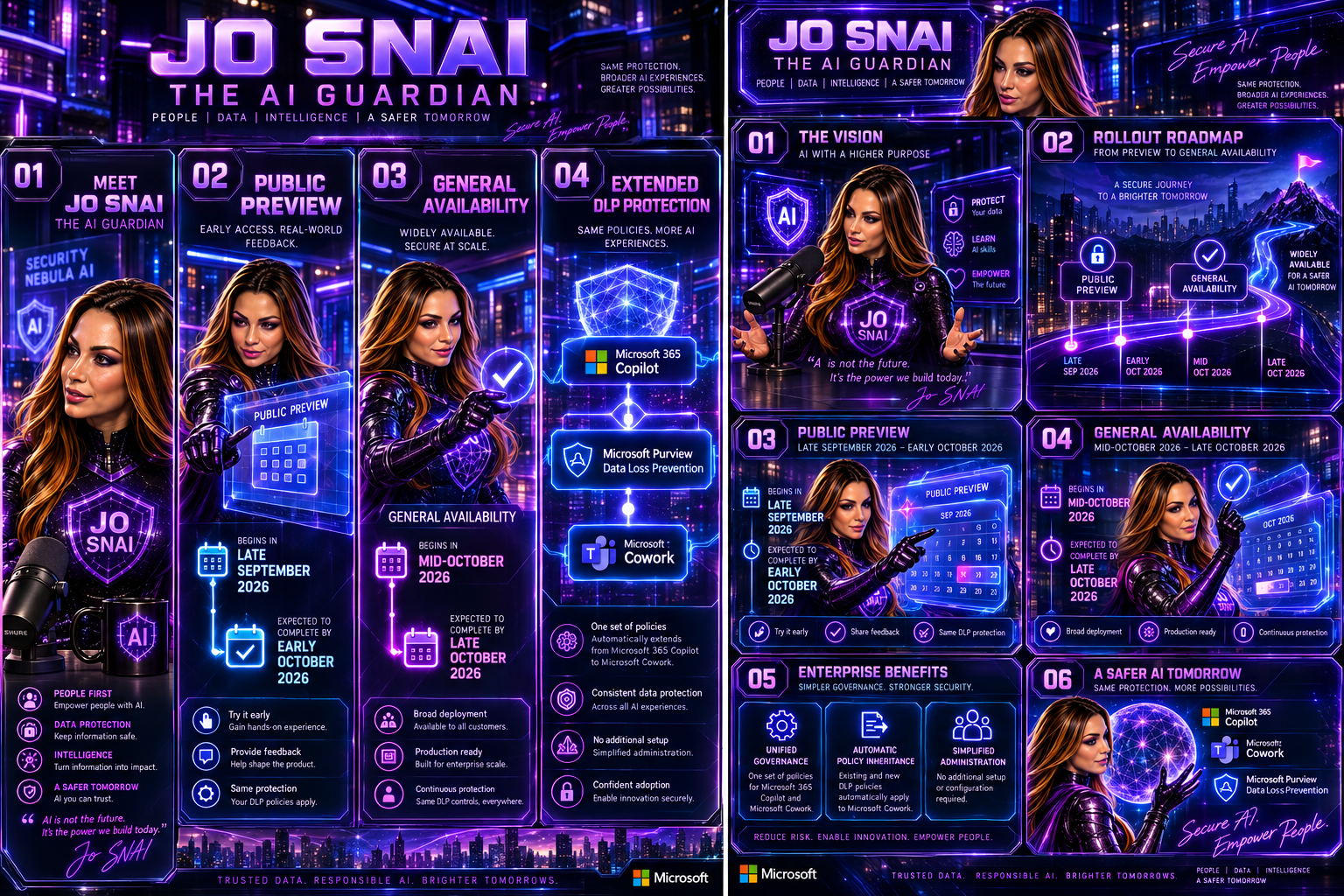
Public Preview

  • Begins in late September 2026
  • Expected to complete by early October 2026


General Availability

  • Begins in mid-October 2026
  • Expected to complete by late October 2026
 

What Should Administrators Do?

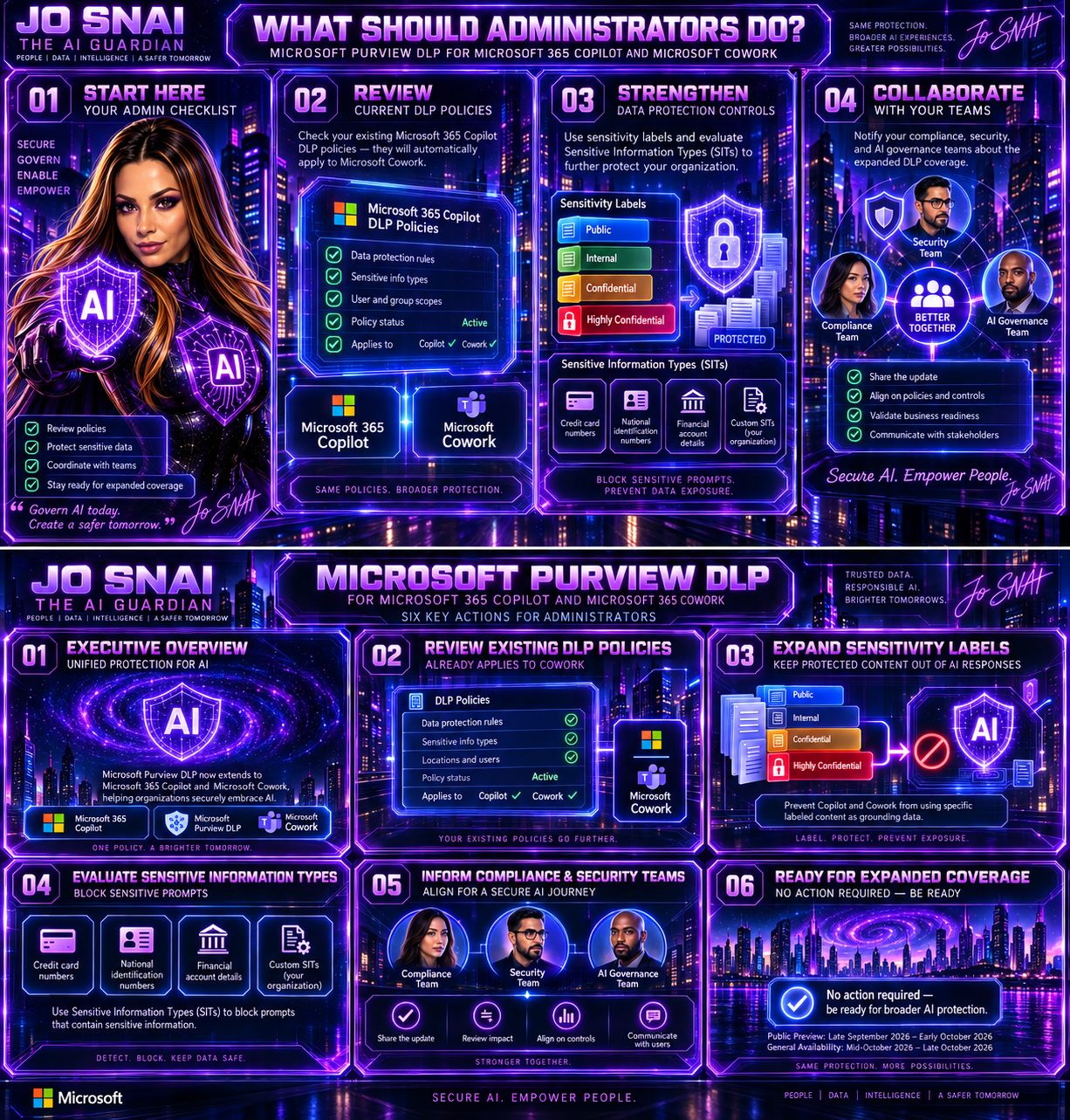
While no action is required to receive the update, Microsoft recommends that administrators:

  • Review current DLP policies targeting Microsoft 365 Copilot.
  • Assess whether additional sensitivity labels should be protected.
  • Evaluate existing and custom Sensitive Information Types.
  • Inform compliance, security, and AI governance teams about the expanded coverage.
Why This Matters

As AI becomes increasingly integrated into daily business operations, organizations need confidence that their existing compliance and security investments extend to new AI services. By bringing Microsoft Cowork under the protection of Microsoft Purview DLP, Microsoft is delivering a more unified approach to AI governance, helping organizations maintain control over sensitive data while accelerating AI adoption across the enterprise.

The result is a consistent security and compliance experience across Microsoft’s AI ecosystem, allowing businesses to innovate without compromising on data protection.


🎧 Tune in for all the details!
🎥 Watch now and discover how to secure AI without slowing innovation.
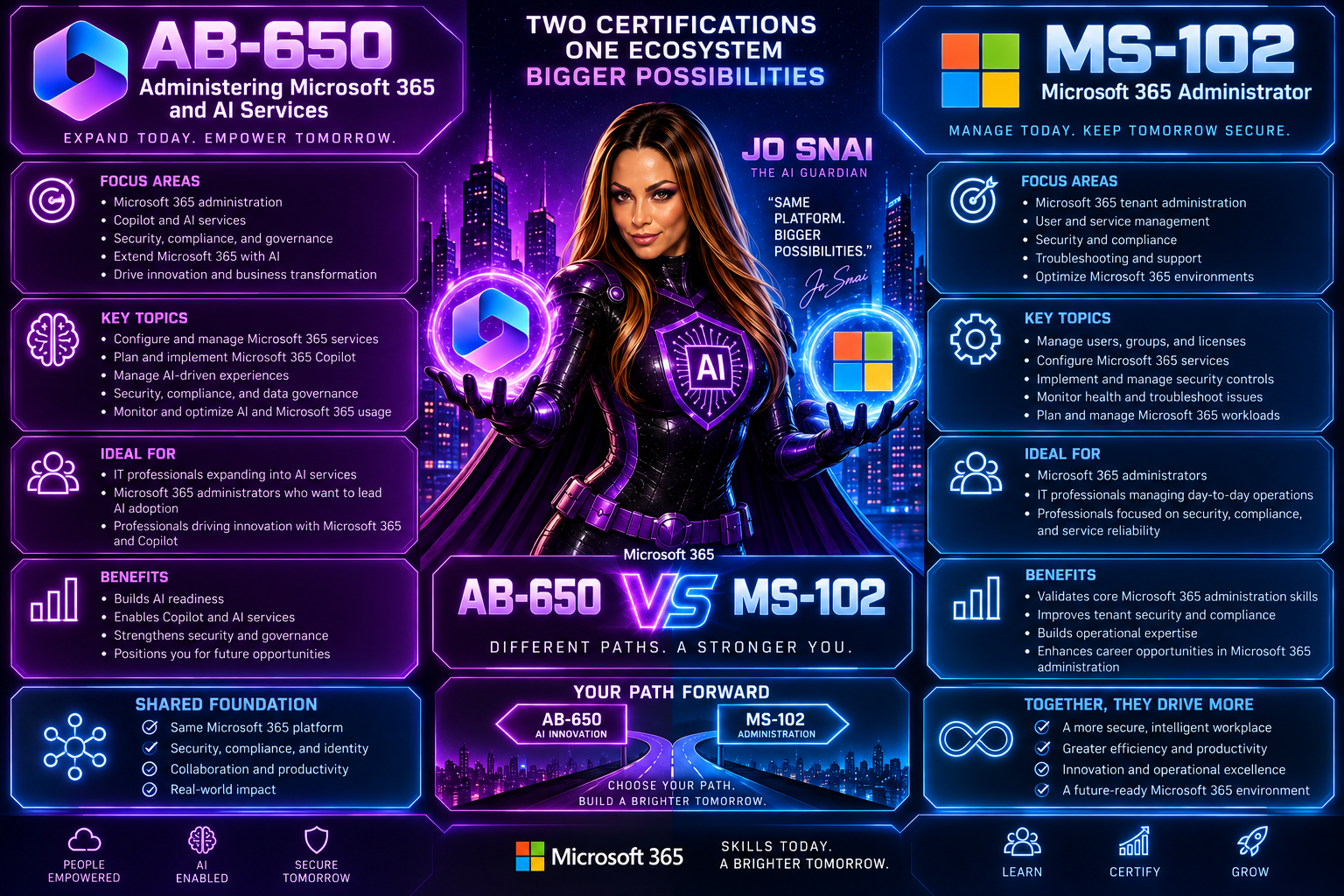
 

MS-102 vs. AB-650: More Than a New Certification. A New Era for Microsoft 365 Administrators

When I first saw that Microsoft plans to retire MS-102: Microsoft 365 Administrator and introduce AB-650: Administering Microsoft 365 and AI Services, my immediate reaction wasn’t, “Oh, another certification update.”

Instead, I found myself thinking:  “This is a reflection of how our roles are changing.”

For years, Microsoft 365 administrators have focused on identities, security, compliance, endpoints, licensing, and tenant management. Those responsibilities aren’t going away. But something new is being added to the mix: AI administration.

And that’s exactly what makes the transition from MS-102 to AB-650 so interesting.


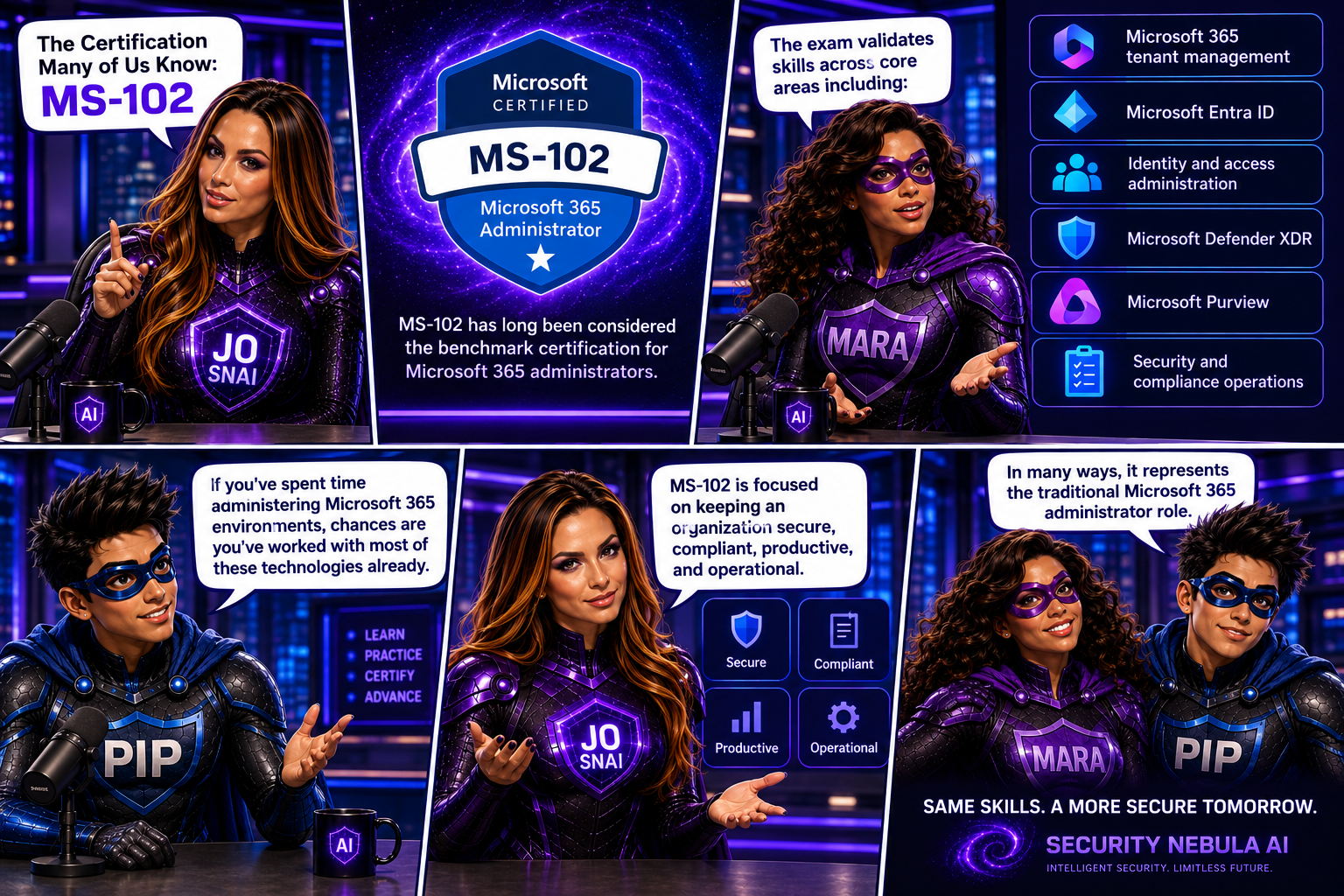
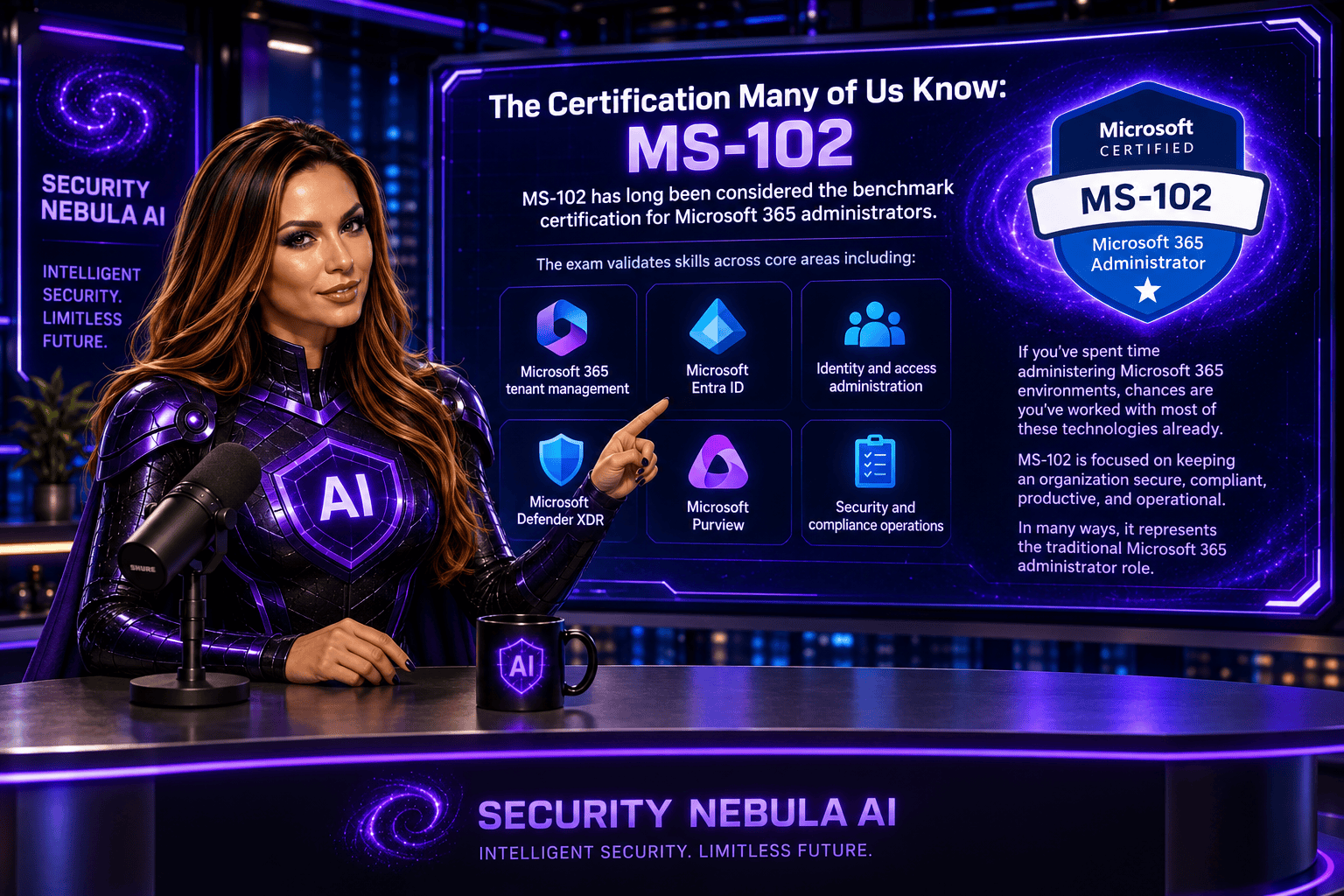
The Certification Many of Us Know: MS-102

MS-102 has long been considered the benchmark certification for Microsoft 365 administrators.

The exam validates skills across core areas including:

  • Microsoft 365 tenant management
  • Microsoft Entra ID
  • Identity and access administration
  • Microsoft Defender XDR
  • Microsoft Purview
  • Security and compliance operations

If you’ve spent time administering Microsoft 365 environments, chances are you’ve worked with most of these technologies already.

MS-102 is focused on keeping an organization secure, compliant, productive, and operational.

In many ways, it represents the traditional Microsoft 365 administrator role.

Why Microsoft Is Moving On

Technology never stands still.

Over the last two years, we’ve witnessed something that has fundamentally changed the workplace: the rapid adoption of AI.

Organizations are no longer asking whether they will use AI.

They’re asking:

  • How do we deploy it?
  • How do we govern it?
  • How do we secure it?
  • How do we control access to organizational data?
  • How do we manage AI agents?

These questions weren’t part of a traditional Microsoft 365 administrator’s responsibilities a few years ago.

Today, they are becoming part of everyday conversations.

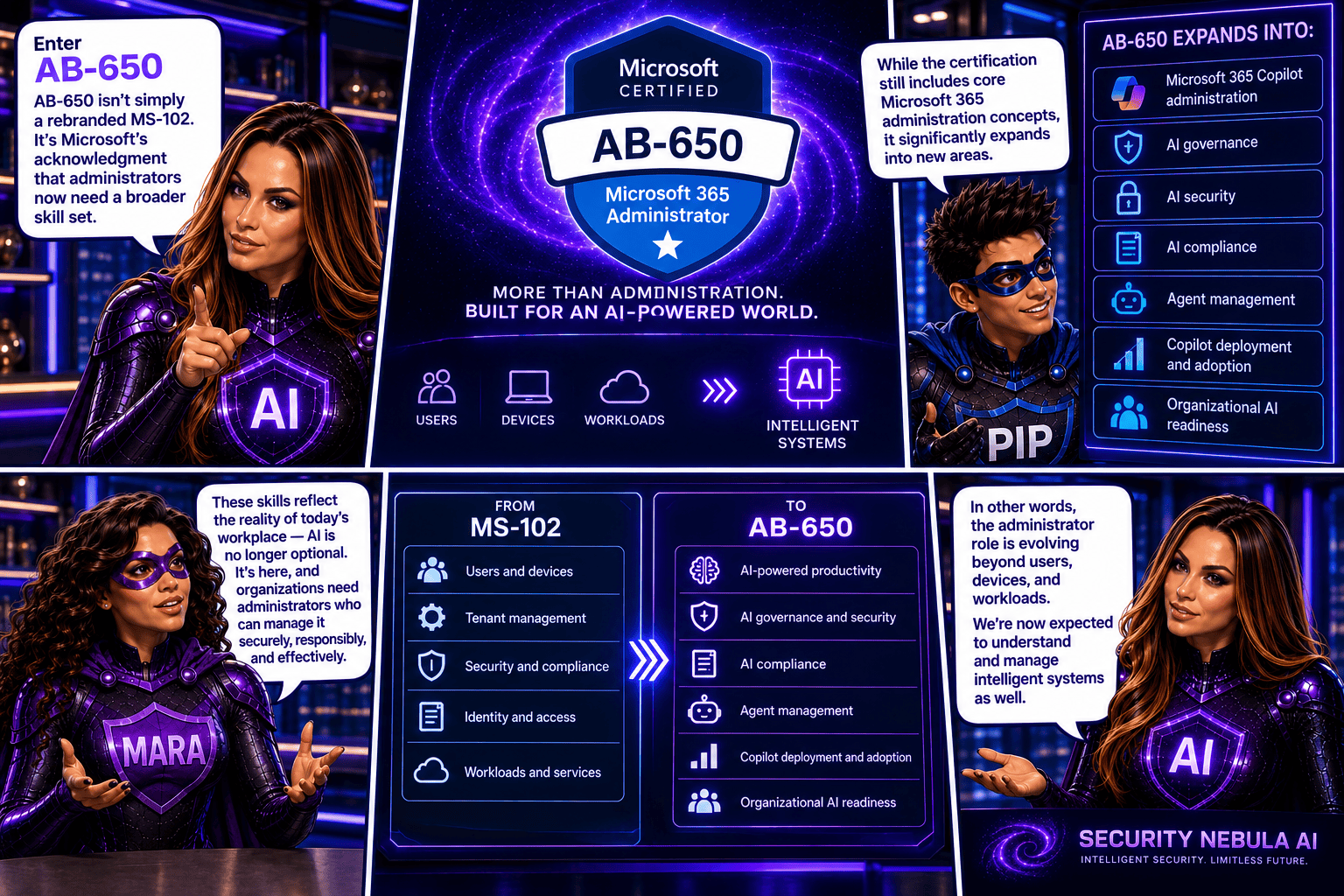
Enter AB-650

AB-650 isn’t simply a rebranded MS-102.

It’s Microsoft’s acknowledgment that administrators now need a broader skill set.

While the certification still includes core Microsoft 365 administration concepts, it significantly expands into areas such as:

  • Microsoft 365 Copilot administration
  • AI governance
  • AI security
  • AI compliance
  • Agent management
  • Copilot deployment and adoption
  • Organizational AI readiness

In other words, the administrator role is evolving beyond users, devices, and workloads.

We’re now expected to understand and manage intelligent systems as well.


The Biggest Difference

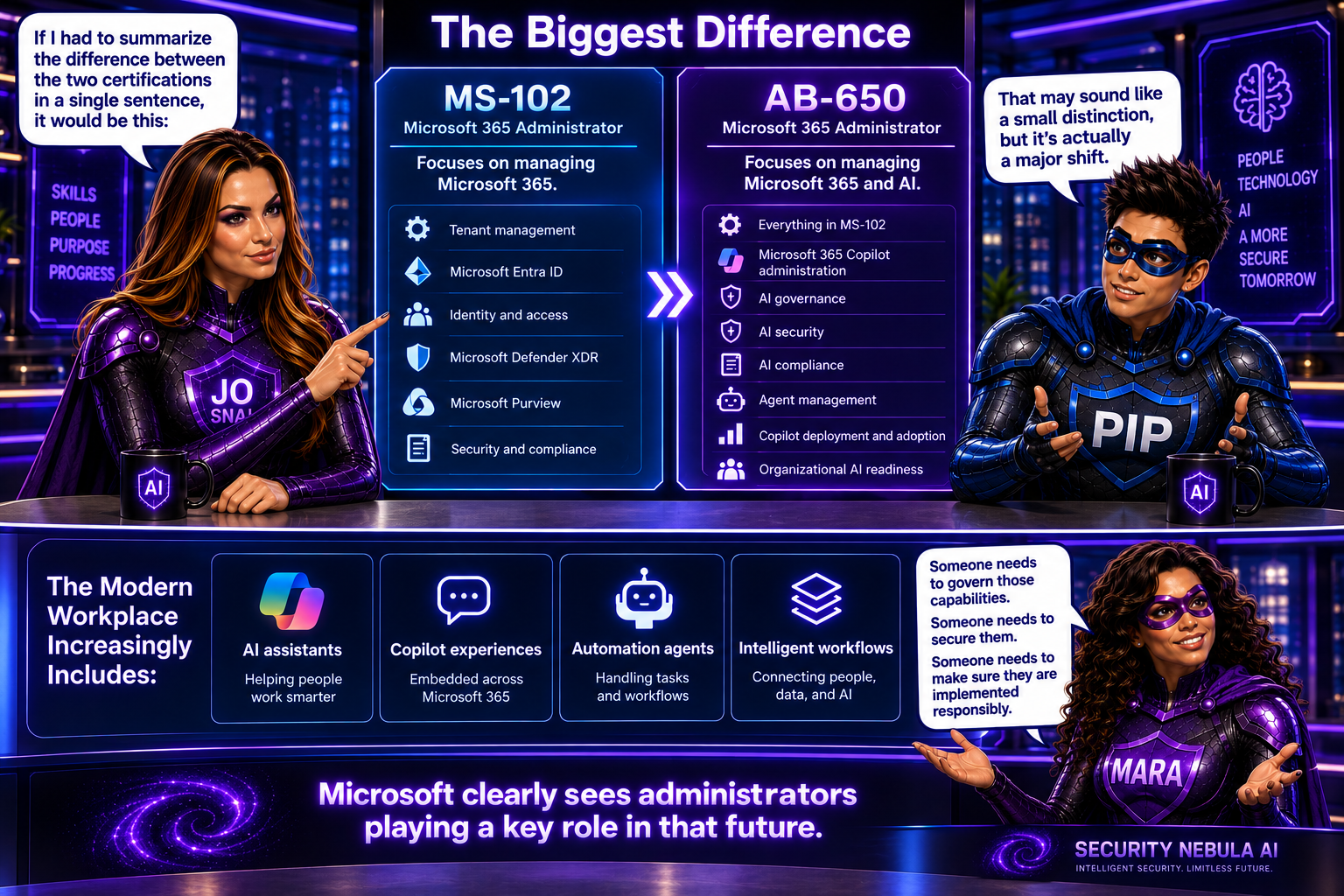
If I had to summarize the difference between the two certifications in a single sentence, it would be this:

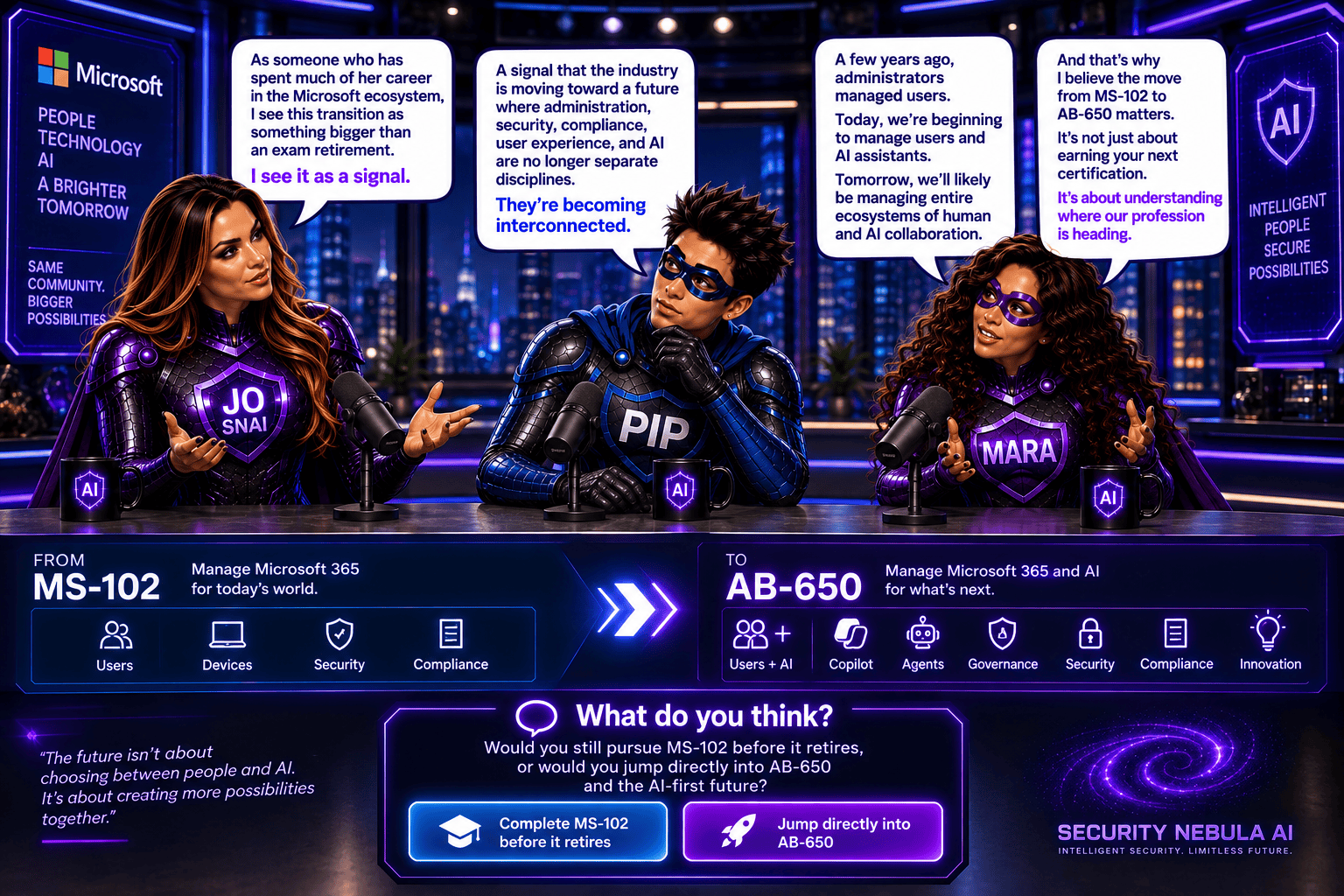
MS-102 focuses on managing Microsoft 365. AB-650 focuses on managing Microsoft 365 and AI.

That may sound like a small distinction, but it’s actually a major shift.

The modern workplace increasingly includes:

  • AI assistants
  • Copilot experiences
  • Automation agents
  • Intelligent workflows

Someone needs to govern those capabilities.

Someone needs to secure them.

Someone needs to make sure they are implemented responsibly.

Microsoft clearly sees administrators playing a key role in that future.

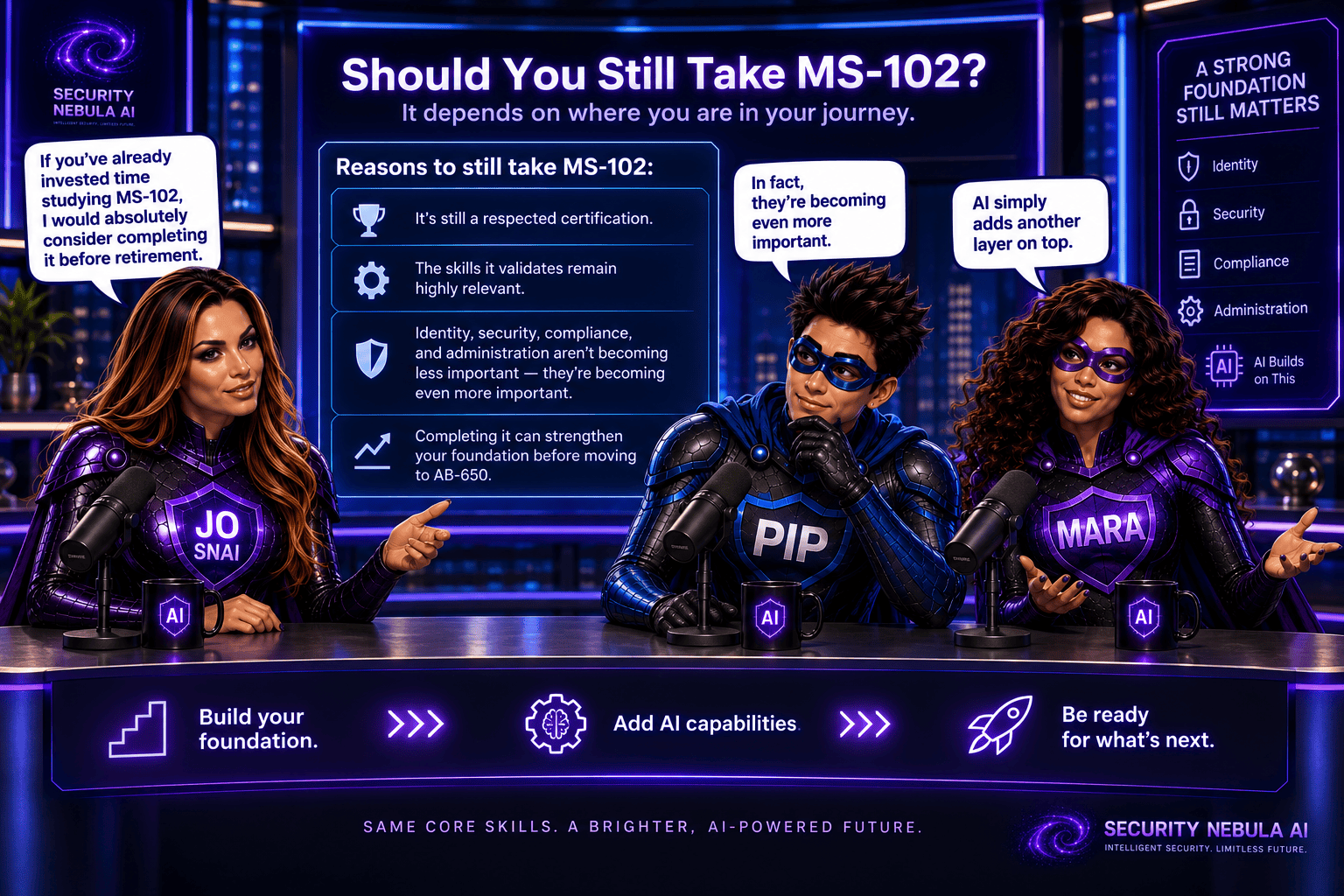
Should You Still Take MS-102?

Honestly, I think the answer depends on where you are in your journey.

If you’ve already invested time studying MS-102, I would absolutely consider completing it before retirement.

It’s still a respected certification, and the skills it validates remain highly relevant.

Identity, security, compliance, and administration aren’t becoming less important because AI arrived.

In fact, they’re becoming even more important.

AI simply adds another layer on top.

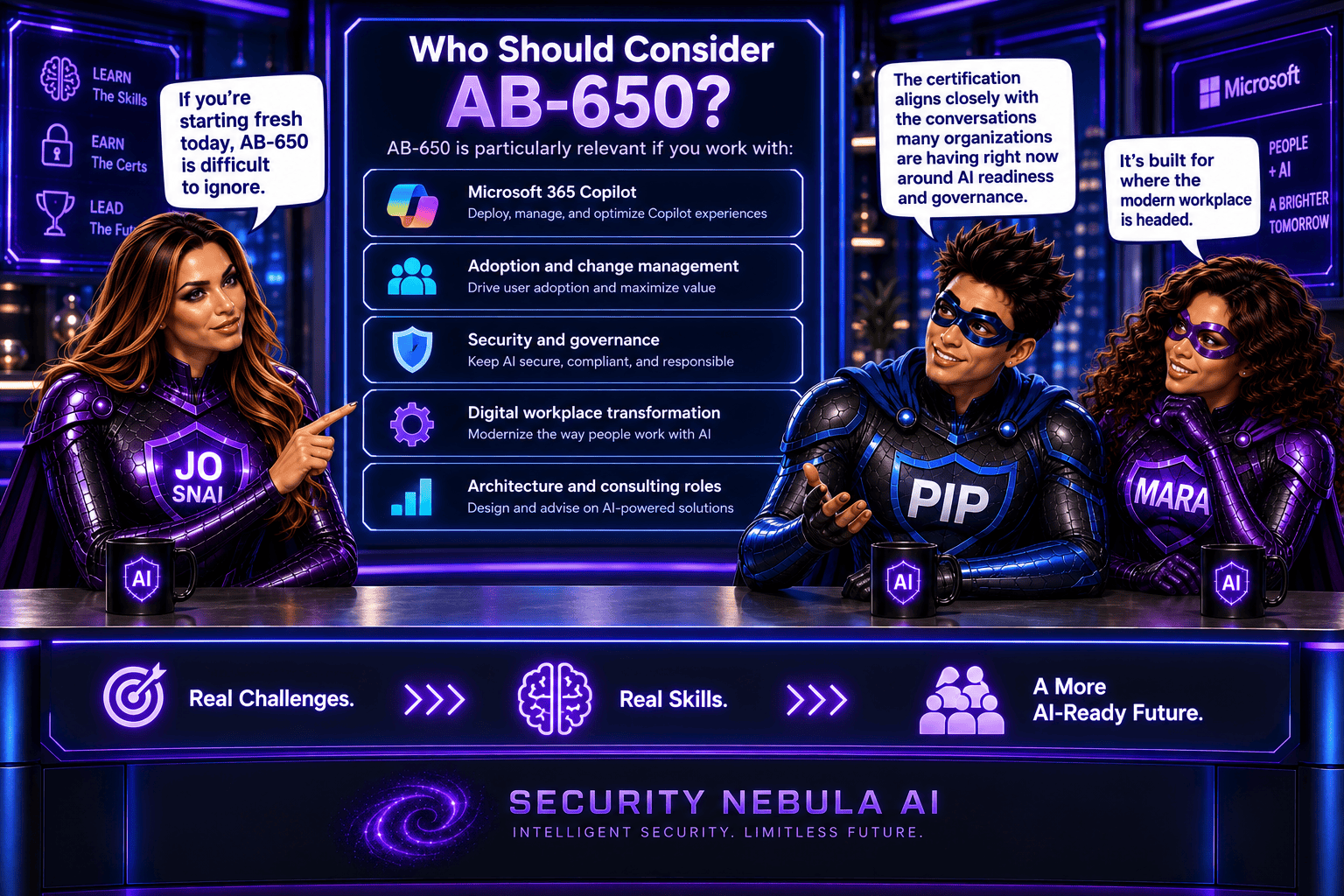
Who Should Consider AB-650?

If you’re starting fresh today, AB-650 is difficult to ignore.

It’s particularly relevant if you work with:

  • Microsoft 365 Copilot
  • Adoption and change management
  • Security and governance
  • Digital workplace transformation
  • Architecture and consulting roles

The certification aligns closely with the conversations many organizations are having right now around AI readiness and governance.

As someone who has spent much of her career in the Microsoft ecosystem, I see this transition as something bigger than an exam retirement.

I see it as a signal.

A signal that the industry is moving toward a future where administration, security, compliance, user experience, and AI are no longer separate disciplines.

They’re becoming interconnected.

A few years ago, administrators managed users.

Today, we’re beginning to manage users and AI assistants.

Tomorrow, we’ll likely be managing entire ecosystems of human and AI collaboration.

And that’s why I believe the move from MS-102 to AB-650 matters.

It’s not just about earning your next certification.

It’s about understanding where our profession is heading.

What do you think? Would you still pursue MS-102 before it retires, or would you jump directly into AB-650 and the AI-first future?

Microsoft Purview DLP: Instances Policy Location Retiring in January 2027

Microsoft has announced the retirement of the Instances policy location in Microsoft Purview Data Loss Prevention (DLP), with the change taking effect on January 6, 2027.

Today, organizations using the Instances location rely on the Microsoft Defender for Cloud Apps file policy infrastructure to enforce DLP and auto-labeling policies across supported third-party applications. To simplify policy management and provide a more consistent compliance experience, Microsoft is moving away from this approach and introducing dedicated application-specific policy locations directly within Microsoft Purview.

Supported applications include:

  • Google Workspace
  • Box
  • Dropbox
  • Salesforce
  • ServiceNow
  • AWS
  • Cisco Webex
What’s Changing?

Instead of creating policies under a generic Instances location, administrators will use dedicated locations for each supported application.

For example:

Current LocationNew Location
Instances (Google Workspace)Google Workspace
Instances (Box)Box
Instances (Dropbox)Dropbox
Instances (Salesforce)Salesforce
Instances (ServiceNow)ServiceNow
Instances (AWS)AWS
Instances (Cisco Webex)Cisco Webex

This change aligns non-Microsoft application protection more closely with the broader Microsoft Purview compliance framework.

Microsoft is introducing these new application locations ahead of the retirement date to allow organizations time to migrate.

Key dates:

  • Dedicated application locations will be rolled out before retirement.
  • January 6, 2027: Instances policy location officially retires.
  • Retirement rollout begins in early January 2027 and is expected to complete by mid-January 2027.
What Happens After January 6, 2027?

Once the retirement takes place:

  • New policies can no longer be created using the Instances location.
  • Existing policies configured with the Instances location will no longer be supported.
  • Organizations should use the new dedicated application locations for all future DLP and auto-labeling policies.
  • Policies that continue to rely on the retired Instances location may no longer be enforced as expected.

If your organization currently uses the Instances location, Microsoft strongly recommends recreating those policies in the new application-specific locations before the retirement deadline.

Recommended Next Steps

To avoid any disruption to DLP enforcement, organizations should begin preparing well before the 2027 deadline.

1. Review Existing Policies

Identify any DLP or auto-labeling policies currently configured through the Instances location.

2. Identify Affected Applications

Determine which non-Microsoft platforms are involved and map them to their new dedicated policy locations.

3. Recreate Policies

Build equivalent policies using the new application-specific locations within Microsoft Purview.

4. Test and Validate

Before retiring legacy policies, verify that policy enforcement, labeling, and user experiences behave as expected.

5. Update Documentation

Review operational procedures, internal documentation, and administrator guidance to reflect the new management model.

6. Notify Stakeholders

Make sure compliance, security, and support teams are aware of the upcoming change and migration timeline.

While the retirement is still several months away, organizations using third-party cloud platforms for collaboration and data storage should start planning their migration strategy now. Moving to dedicated application locations will ensure continued DLP and auto-labeling protection while providing a more streamlined and unified compliance experience within Microsoft Purview.

The bottom line: If you’re using the Instances location today, plan your migration before January 6, 2027. If you’re not, you can safely continue using Microsoft Purview as normal and take advantage of the new dedicated application locations as they become available.

What’s New in Cloud, AI & Security Certifications

Microsoft is rolling out a new wave of Certifications that reflect today’s rapidly evolving cloud, AI, and security landscape. The first beta exams begin this month, with more releases over the next few months, and all new Certifications expected to become generally available later this year.

New Microsoft Certification Beta Timeline (2026)

Machine Learning Operations (MLOps) Engineer Associate
Perfect for professionals who deploy and manage machine learning and generative AI solutions in production.

  • Exam: AI‑300 (beta) — March 2026
  • Training: Available March 2026
  • Go-live: May 2026

Azure Databricks Data Engineer Associate
Ideal for data engineers who design secure, scalable pipelines using Azure Databricks to support real‑time analytics and AI.

  • Exam: DP‑750 (beta) — March 2026
  • Training: Available March 2026
  • Go-live: May 2026

SQL AI Developer Associate
Validates your ability to build AI‑powered, modern database applications using best‑practice governance and DevOps approaches.

  • Exam: DP‑800 (beta) — March 2026
  • Training: Available March 2026
  • Go-live: May 2026

Azure AI Fundamentals
A refreshed Fundamentals Certification focused on building modern AI apps and agents using Microsoft Foundry — great for beginners.

  • Exam: AI‑901 (beta) — April 2026
  • Training: March 2026
  • Go-live: June 2026

Azure AI App and Agent Developer Associate
Aligned with generative and agentic architectures. Covers building generative apps, multistep reasoning workflows, and production‑ready agent solutions.

  • Exam: AI‑103 (beta) — April 2026
  • Training: March 2026
  • Go-live: June 2026

Cybersecurity Business Professional
Validates your ability to recognize risks, apply secure-by-design practices, and support business decision‑making that enables secure AI adoption.

  • Exam: SC‑730 (beta) — April 2026
  • Training: May 2026
  • Go-live: July 2026

Azure AI Cloud Developer Associate
Designed for developers building and monitoring AI solutions on Azure using containers, vector databases, serverless components, and distributed observability.

  • Exam: AI‑200 (beta) — April 2026
  • Training: April 2026
  • Go-live: July 2026

Cloud and AI Security Engineer Associate
Focuses on securing cloud and AI workloads, protecting models, and applying enterprise‑grade security patterns.

  • Exam: SC‑500 (beta) — May 2026
  • Training: July 2026
  • Go-live: July 2026

Windows Server Hybrid Administrator
A unified Certification covering both Azure and on‑premises hybrid administration.

  • Exam: AZ‑802 (beta) — June 2026
  • Training: August 2026
  • Go-live: August 2026

Retiring Certifications: Key Dates & What Replaces Them

As Microsoft updates its Certification portfolio for modern AI‑driven roles, several existing Certifications are scheduled for retirement in 2026. If you hold one of these, make sure you renew it before the retirement date if renewal is available.

You can read more in the official Microsoft article here.