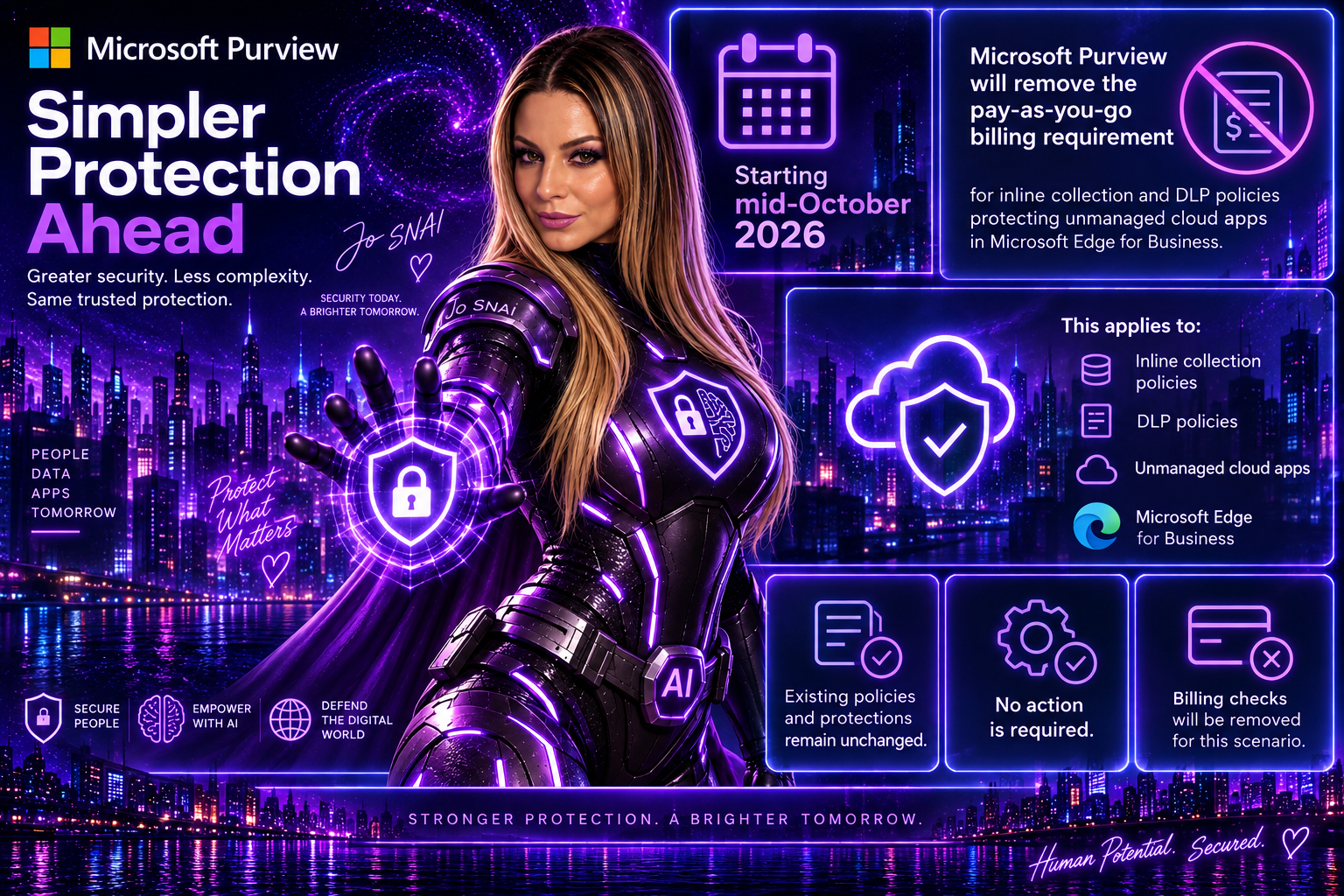
Good news for Microsoft Purview administrators. Microsoft is removing the pay-as-you-go (PAYG) billing requirement for Data Loss Prevention (DLP) and collection policies that protect unmanaged cloud app interactions in Microsoft Edge for Business. This change, rolling out starting in mid-October 2026, simplifies deployment and management by eliminating the need to connect an Azure subscription specifically for this Edge for Business protection scenario.
What’s Changing?
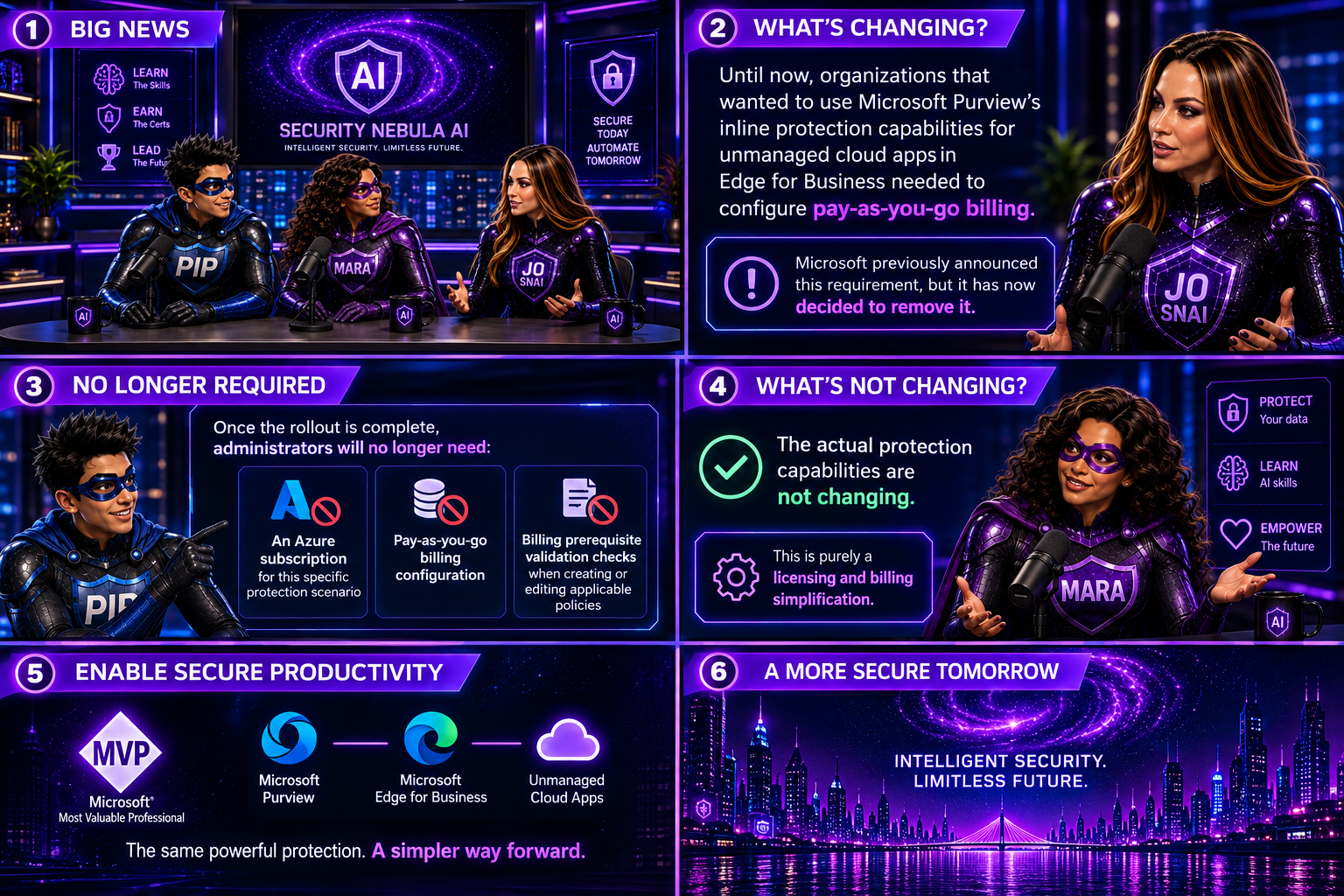
Until now, organizations that wanted to use Microsoft Purview’s inline protection capabilities for unmanaged cloud apps in Edge for Business needed to configure pay-as-you-go billing. Microsoft previously announced this requirement, but it has now decided to remove it.
Once the rollout is complete, administrators will no longer need:
- An Azure subscription for this specific protection scenario
- Pay-as-you-go billing configuration
- Billing prerequisite validation checks when creating or editing applicable policies
The actual protection capabilities are not changing. This is purely a licensing and billing simplification.
What Stays the Same?
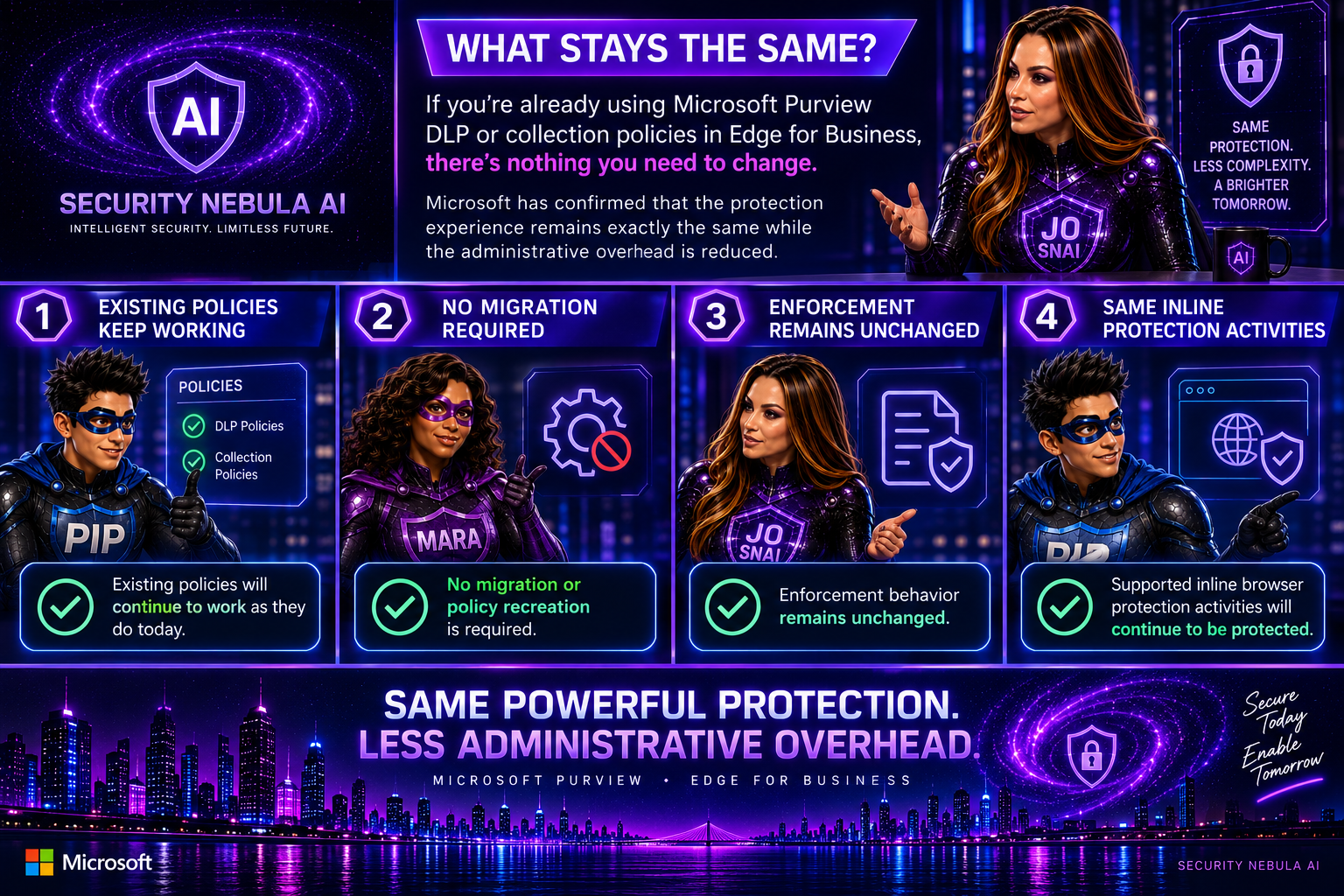
If you’re already using Purview DLP or collection policies in Edge for Business, there’s nothing you need to change.
Microsoft has confirmed that:
- Existing policies will continue to work as they do today
- No migration or policy recreation is required
- Enforcement behavior remains unchanged
- Supported inline browser protection activities will continue to be protected
In other words, the protection experience remains exactly the same while the administrative overhead is reduced.
Billing Impact
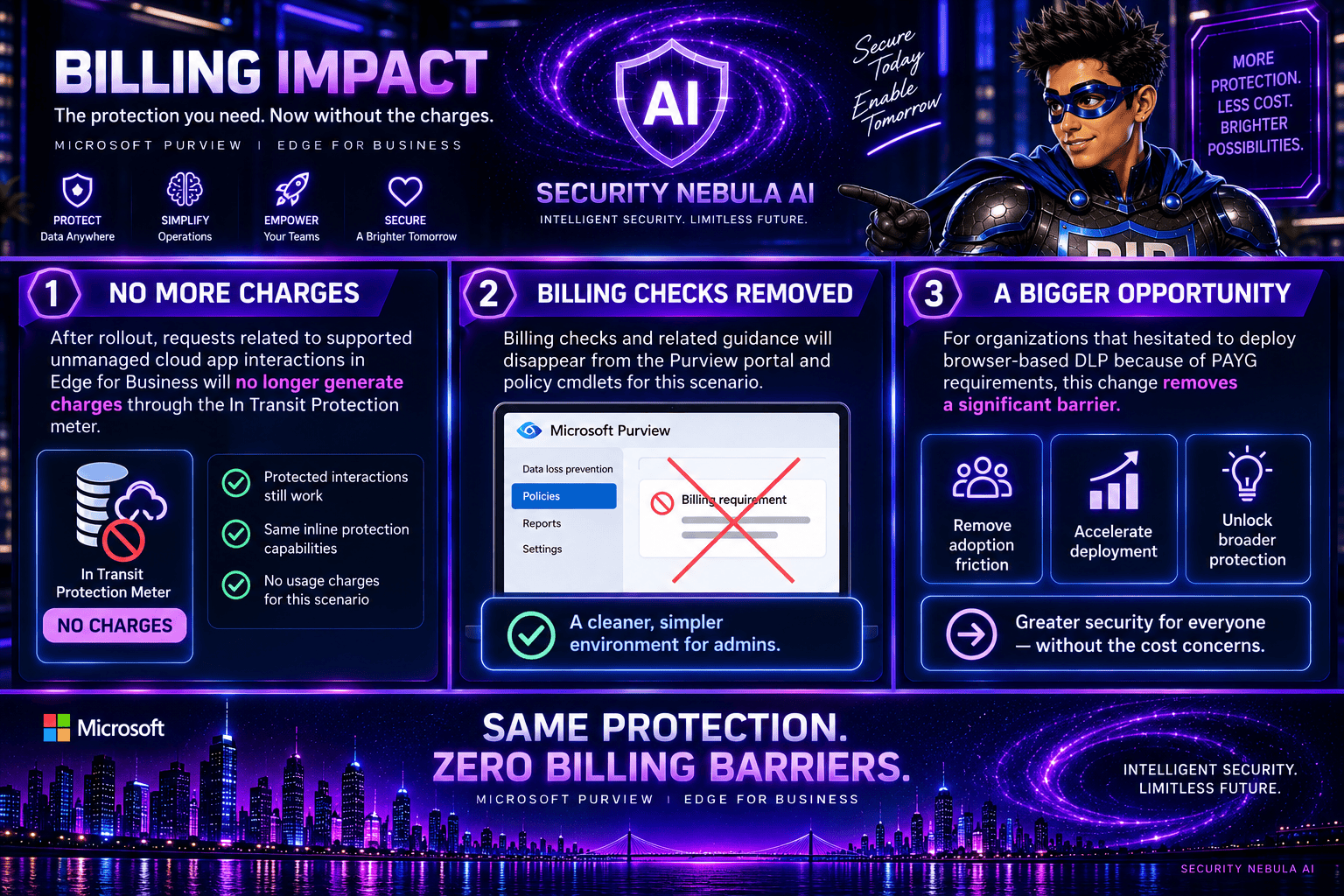
One of the biggest benefits of this update is the removal of charges associated with these protected interactions.
After rollout:
- Requests related to supported unmanaged cloud app interactions in Edge for Business will no longer generate charges through the In Transit Protection meter.
- Billing checks and related guidance will disappear from the Purview portal and policy cmdlets for this scenario.
For organizations that hesitated to deploy browser-based DLP because of PAYG requirements, this change removes a significant barrier.
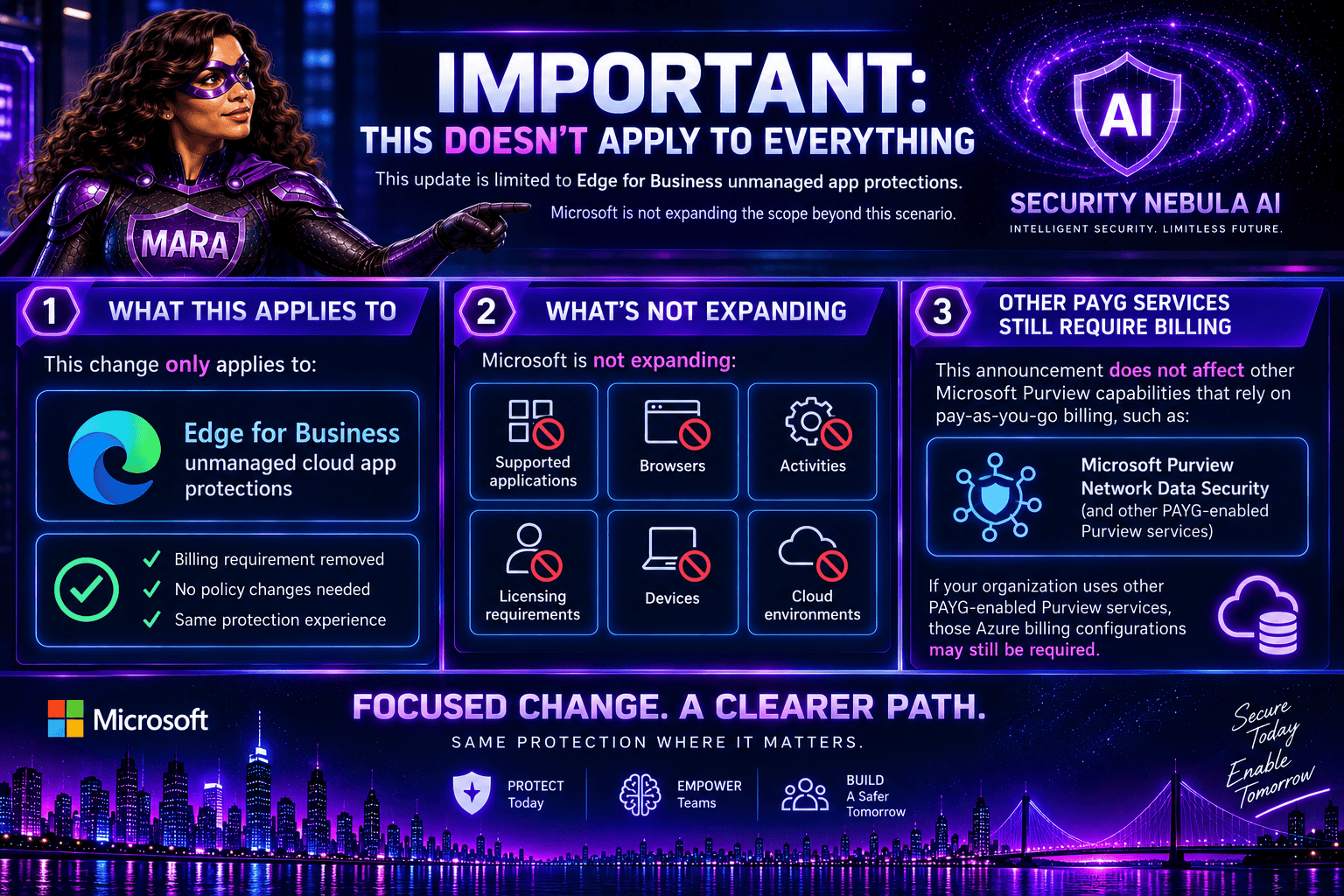
Important: This Doesn’t Apply to Everything
It’s worth noting that this update is limited to Edge for Business unmanaged app protections.
Microsoft is not expanding:
- Supported applications
- Browsers
- Activities
- Licensing requirements
- Devices
- Cloud environments
Additionally, other Microsoft Purview capabilities that rely on pay-as-you-go billing, such as Microsoft Purview Network Data Security, are not affected by this announcement. If your organization uses other PAYG-enabled Purview services, those Azure billing configurations may still be required.
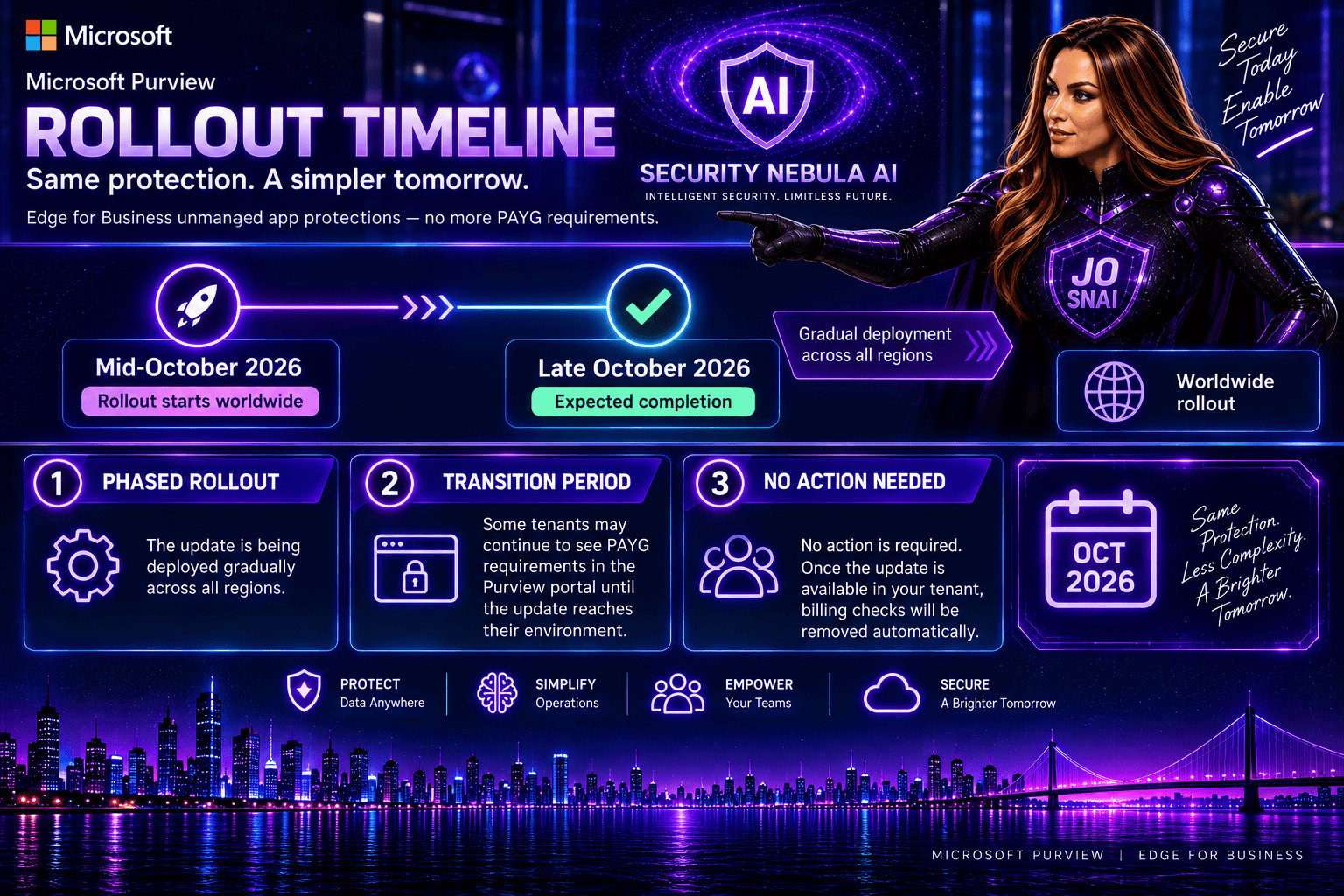
Rollout Timeline
The update is scheduled to roll out worldwide:
- Start: Mid-October 2026
- Expected completion: Late October 2026
Because the deployment is gradual, some tenants may continue to see PAYG requirements in the Purview portal until the update reaches their environment.
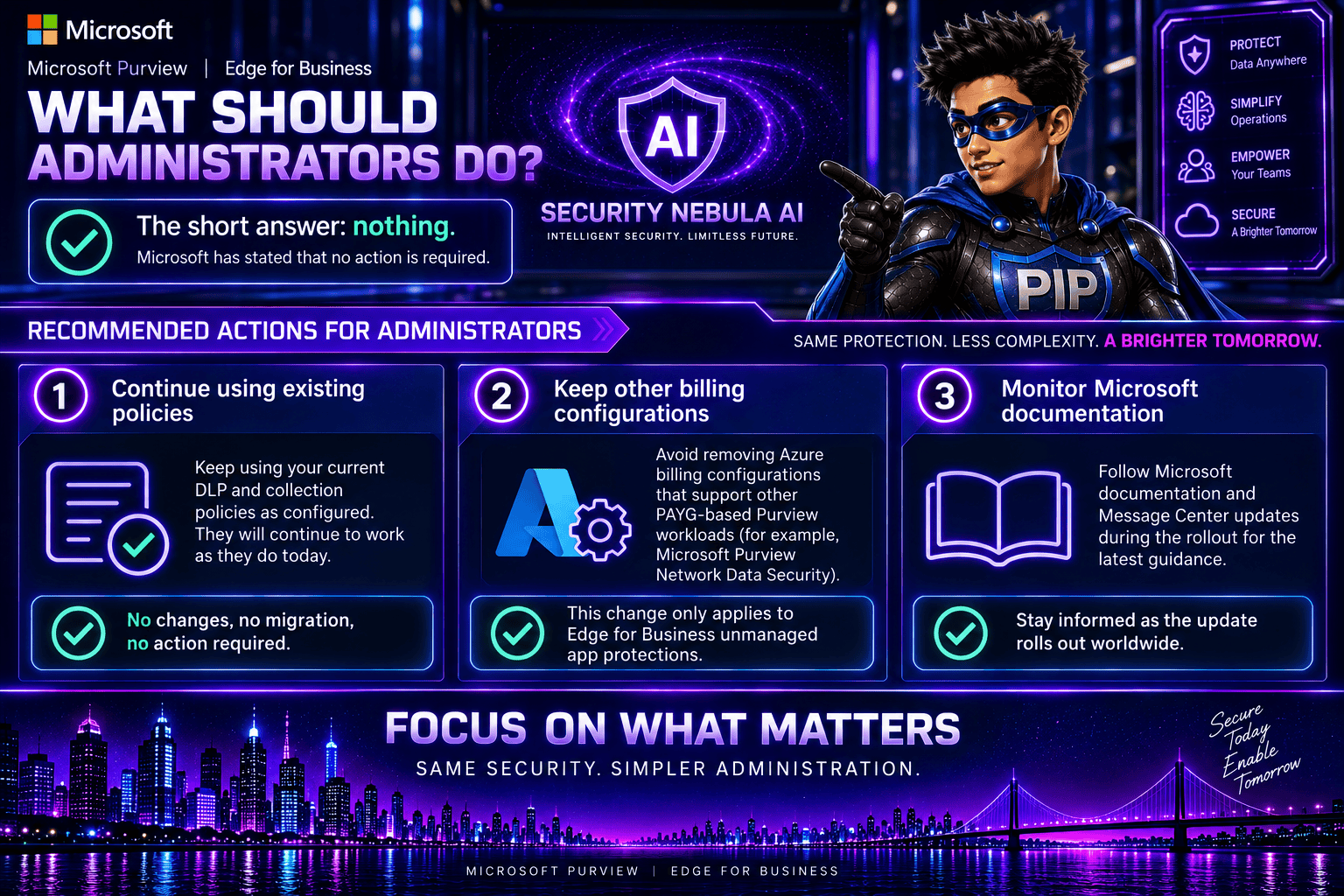
What Should Administrators Do?
The short answer: nothing.
Microsoft has stated that no action is required.
However, I recommend administrators:
- Continue using existing DLP and collection policies as configured.
- Avoid removing Azure billing configurations that support other PAYG-based Purview workloads.
- Monitor Microsoft documentation during the rollout for updated guidance.
This is a welcome change that makes Microsoft Purview easier to adopt and manage. Security teams can continue protecting sensitive data flowing to unmanaged cloud applications through Edge for Business without having to worry about additional billing configuration or consumption-based charges for this use case.
While the underlying DLP capabilities remain unchanged, reducing administrative complexity is always a step in the right direction. For organizations looking to strengthen browser-based data protection, this removes one more obstacle and makes deployment a little more straightforward.