
Removing pay-as-you-go requirements for Edge for Business DLP unmanaged app protections

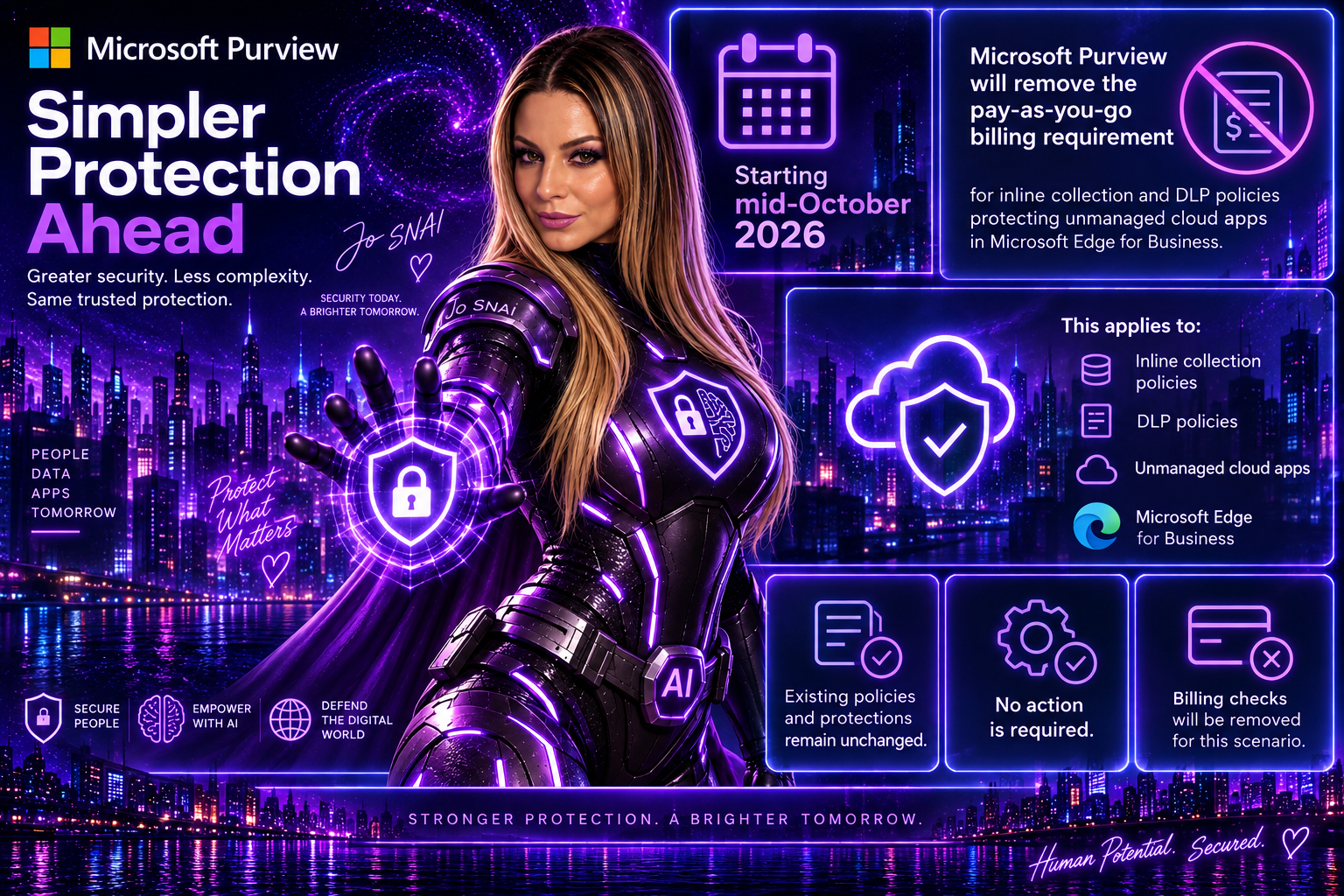
Good news for Microsoft Purview administrators. Microsoft is removing the pay-as-you-go (PAYG) billing requirement for Data Loss Prevention (DLP) and collection policies that protect unmanaged cloud app interactions in Microsoft Edge for Business. This change, rolling out starting in mid-October 2026, simplifies deployment and management by eliminating the need to connect an Azure subscription specifically for this Edge for Business protection scenario.
 

What’s Changing?

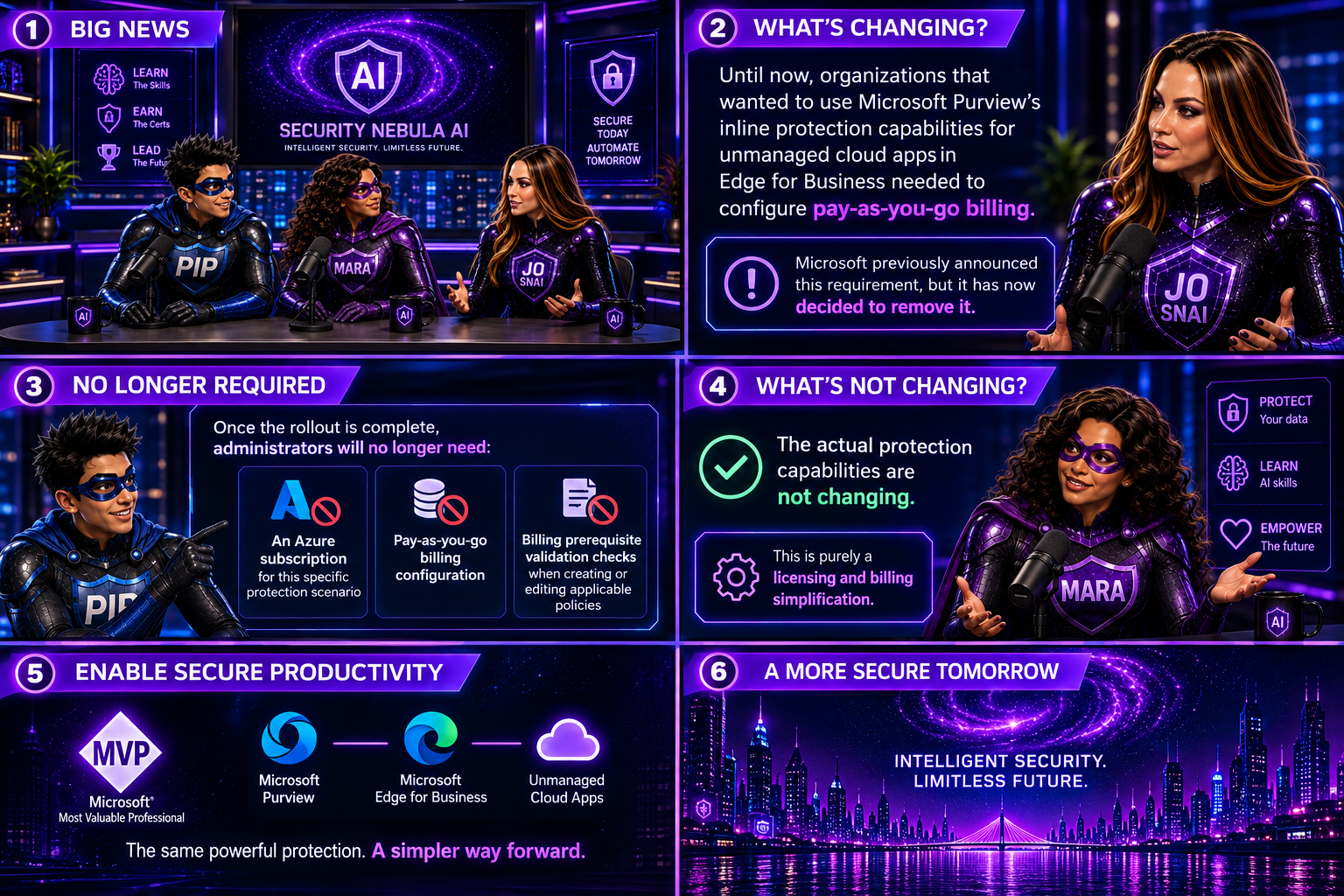
Until now, organizations that wanted to use Microsoft Purview’s inline protection capabilities for unmanaged cloud apps in Edge for Business needed to configure pay-as-you-go billing. Microsoft previously announced this requirement, but it has now decided to remove it.

Once the rollout is complete, administrators will no longer need:

  • An Azure subscription for this specific protection scenario
  • Pay-as-you-go billing configuration
  • Billing prerequisite validation checks when creating or editing applicable policies

The actual protection capabilities are not changing. This is purely a licensing and billing simplification.
 

What Stays the Same?

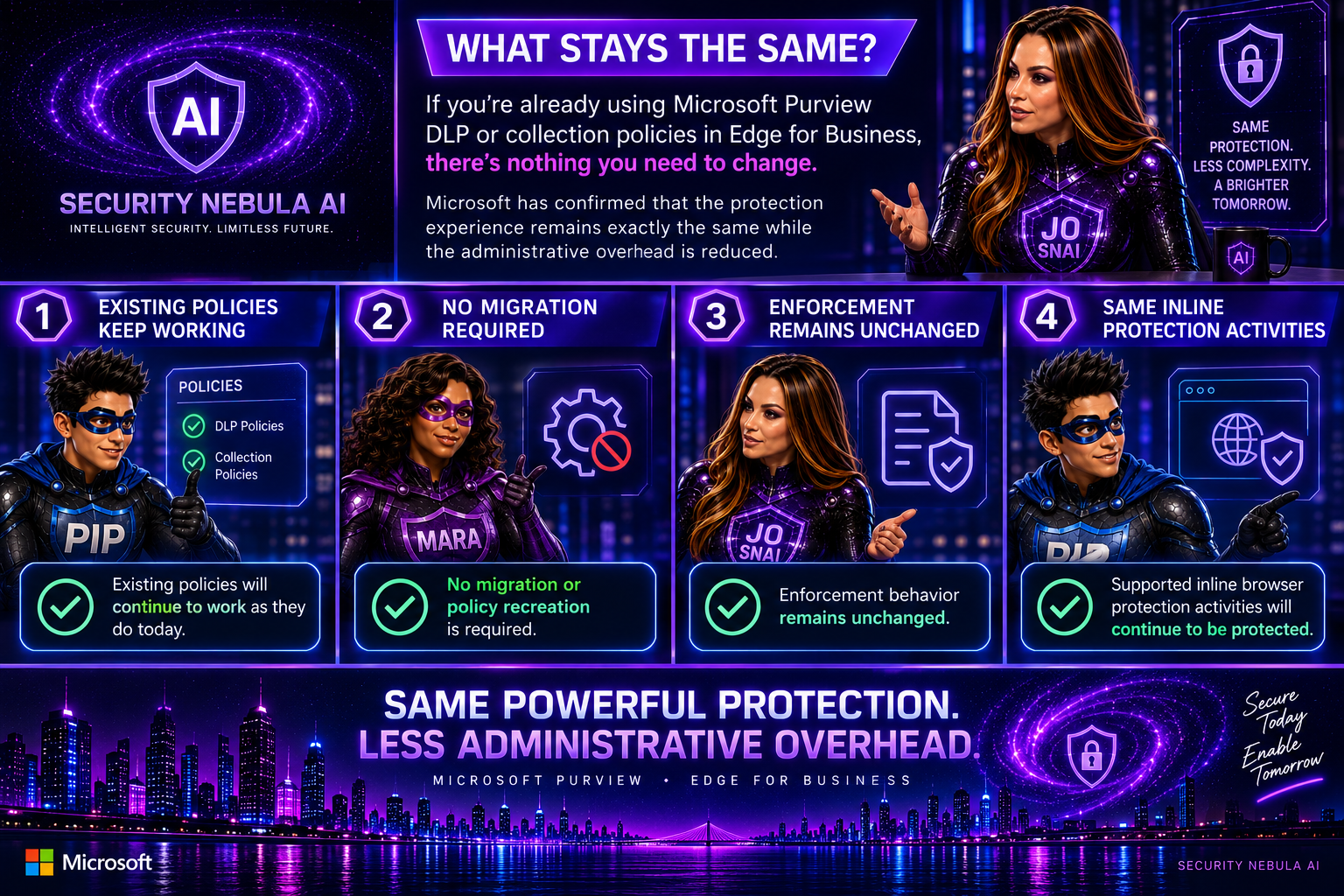
If you’re already using Purview DLP or collection policies in Edge for Business, there’s nothing you need to change.

Microsoft has confirmed that:

  • Existing policies will continue to work as they do today
  • No migration or policy recreation is required
  • Enforcement behavior remains unchanged
  • Supported inline browser protection activities will continue to be protected

In other words, the protection experience remains exactly the same while the administrative overhead is reduced.
 

Billing Impact

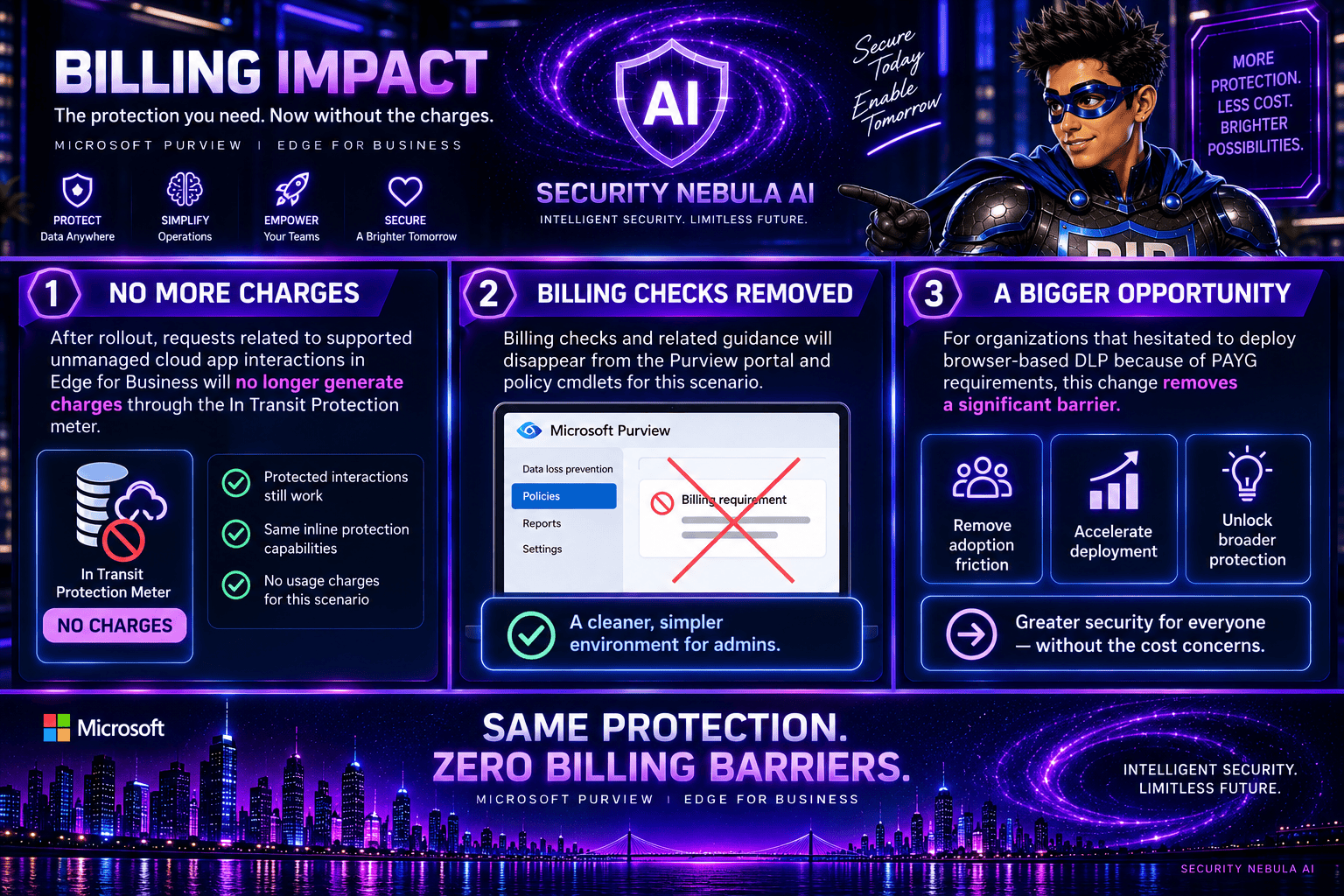
One of the biggest benefits of this update is the removal of charges associated with these protected interactions.

After rollout:

  • Requests related to supported unmanaged cloud app interactions in Edge for Business will no longer generate charges through the In Transit Protection meter.
  • Billing checks and related guidance will disappear from the Purview portal and policy cmdlets for this scenario.

For organizations that hesitated to deploy browser-based DLP because of PAYG requirements, this change removes a significant barrier.
 

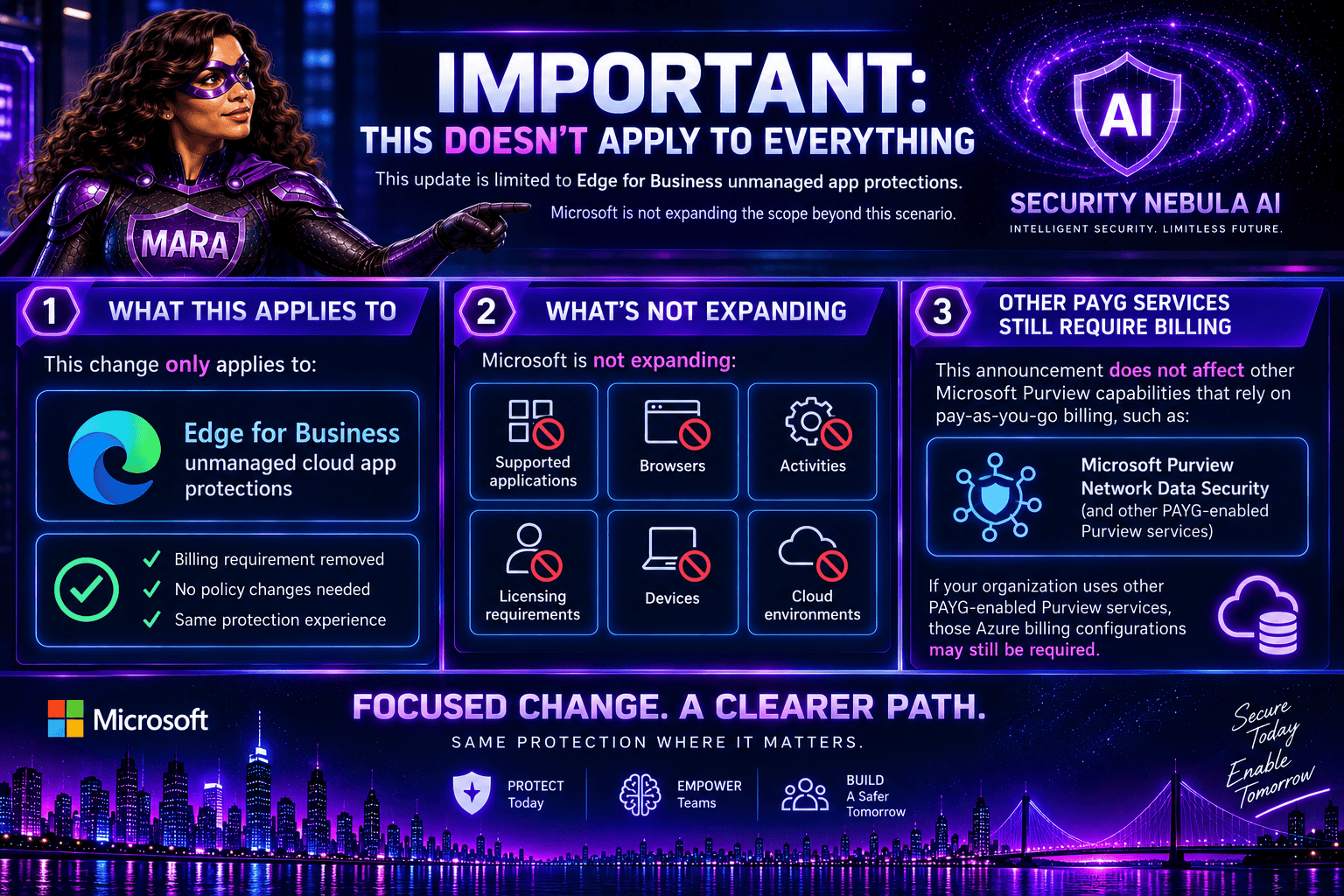
Important: This Doesn’t Apply to Everything

It’s worth noting that this update is limited to Edge for Business unmanaged app protections.

Microsoft is not expanding:

  • Supported applications
  • Browsers
  • Activities
  • Licensing requirements
  • Devices
  • Cloud environments

Additionally, other Microsoft Purview capabilities that rely on pay-as-you-go billing, such as Microsoft Purview Network Data Security, are not affected by this announcement. If your organization uses other PAYG-enabled Purview services, those Azure billing configurations may still be required.
 

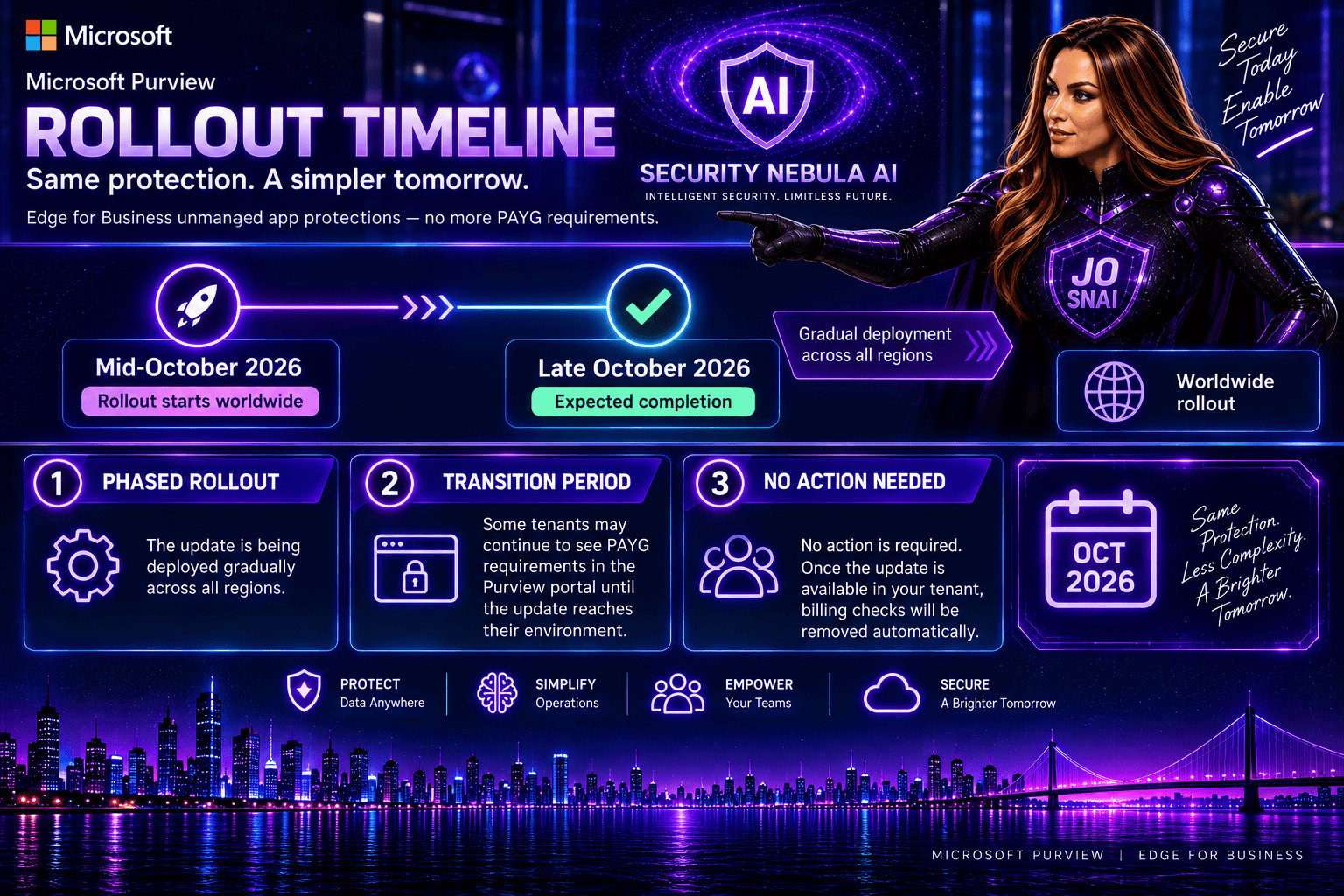
Rollout Timeline

The update is scheduled to roll out worldwide:

  • Start: Mid-October 2026
  • Expected completion: Late October 2026

Because the deployment is gradual, some tenants may continue to see PAYG requirements in the Purview portal until the update reaches their environment.
 

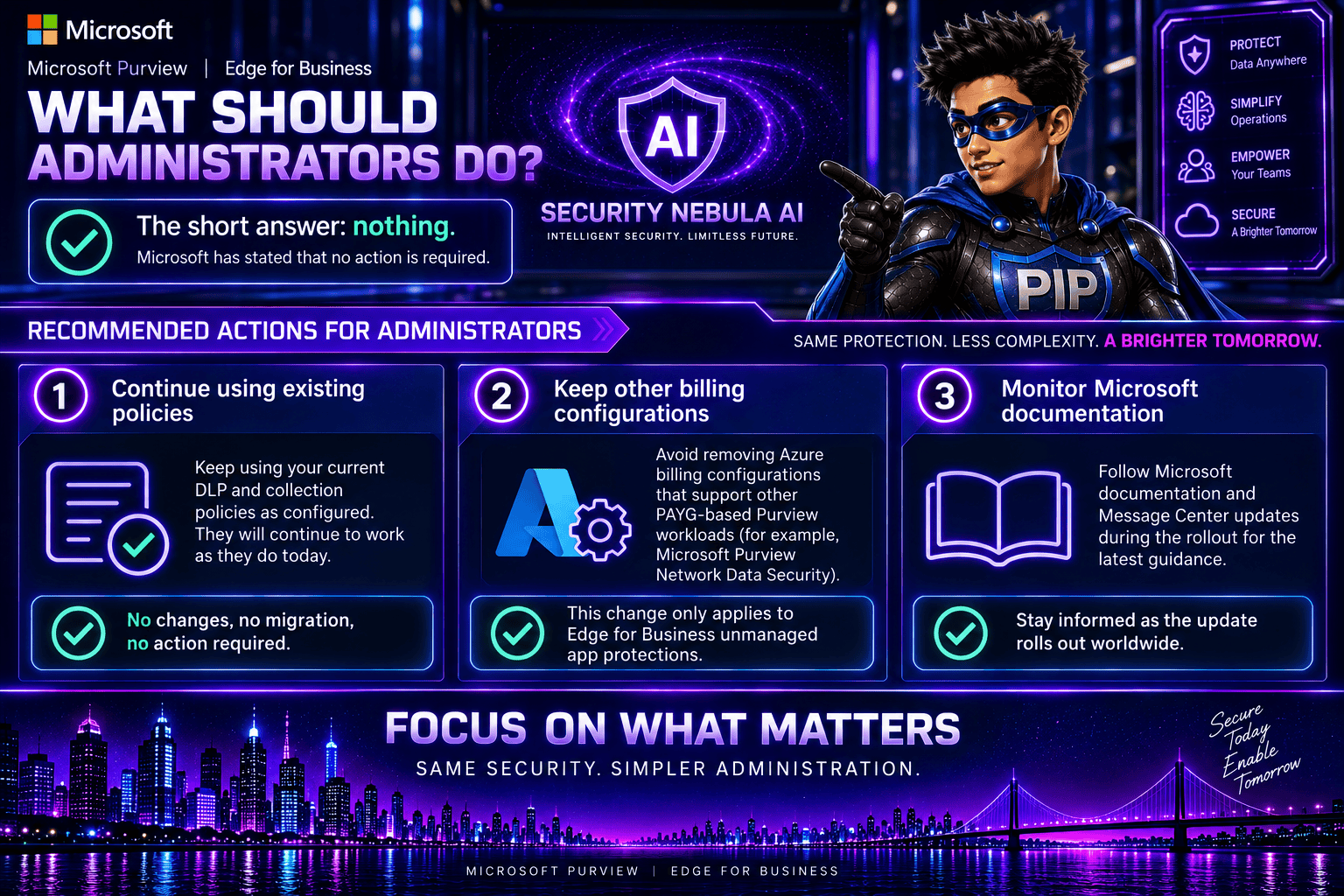
What Should Administrators Do?

The short answer: nothing.

Microsoft has stated that no action is required.

However, I recommend administrators:

  1. Continue using existing DLP and collection policies as configured.
  2. Avoid removing Azure billing configurations that support other PAYG-based Purview workloads.
  3. Monitor Microsoft documentation during the rollout for updated guidance.
 

This is a welcome change that makes Microsoft Purview easier to adopt and manage. Security teams can continue protecting sensitive data flowing to unmanaged cloud applications through Edge for Business without having to worry about additional billing configuration or consumption-based charges for this use case.

While the underlying DLP capabilities remain unchanged, reducing administrative complexity is always a step in the right direction. For organizations looking to strengthen browser-based data protection, this removes one more obstacle and makes deployment a little more straightforward.
 

Microsoft Purview DLP: Instances Policy Location Retiring in January 2027

Microsoft has announced the retirement of the Instances policy location in Microsoft Purview Data Loss Prevention (DLP), with the change taking effect on January 6, 2027.

Today, organizations using the Instances location rely on the Microsoft Defender for Cloud Apps file policy infrastructure to enforce DLP and auto-labeling policies across supported third-party applications. To simplify policy management and provide a more consistent compliance experience, Microsoft is moving away from this approach and introducing dedicated application-specific policy locations directly within Microsoft Purview.

Supported applications include:

  • Google Workspace
  • Box
  • Dropbox
  • Salesforce
  • ServiceNow
  • AWS
  • Cisco Webex
What’s Changing?

Instead of creating policies under a generic Instances location, administrators will use dedicated locations for each supported application.

For example:

Current LocationNew Location
Instances (Google Workspace)Google Workspace
Instances (Box)Box
Instances (Dropbox)Dropbox
Instances (Salesforce)Salesforce
Instances (ServiceNow)ServiceNow
Instances (AWS)AWS
Instances (Cisco Webex)Cisco Webex

This change aligns non-Microsoft application protection more closely with the broader Microsoft Purview compliance framework.

Microsoft is introducing these new application locations ahead of the retirement date to allow organizations time to migrate.

Key dates:

  • Dedicated application locations will be rolled out before retirement.
  • January 6, 2027: Instances policy location officially retires.
  • Retirement rollout begins in early January 2027 and is expected to complete by mid-January 2027.
What Happens After January 6, 2027?

Once the retirement takes place:

  • New policies can no longer be created using the Instances location.
  • Existing policies configured with the Instances location will no longer be supported.
  • Organizations should use the new dedicated application locations for all future DLP and auto-labeling policies.
  • Policies that continue to rely on the retired Instances location may no longer be enforced as expected.

If your organization currently uses the Instances location, Microsoft strongly recommends recreating those policies in the new application-specific locations before the retirement deadline.

Recommended Next Steps

To avoid any disruption to DLP enforcement, organizations should begin preparing well before the 2027 deadline.

1. Review Existing Policies

Identify any DLP or auto-labeling policies currently configured through the Instances location.

2. Identify Affected Applications

Determine which non-Microsoft platforms are involved and map them to their new dedicated policy locations.

3. Recreate Policies

Build equivalent policies using the new application-specific locations within Microsoft Purview.

4. Test and Validate

Before retiring legacy policies, verify that policy enforcement, labeling, and user experiences behave as expected.

5. Update Documentation

Review operational procedures, internal documentation, and administrator guidance to reflect the new management model.

6. Notify Stakeholders

Make sure compliance, security, and support teams are aware of the upcoming change and migration timeline.

While the retirement is still several months away, organizations using third-party cloud platforms for collaboration and data storage should start planning their migration strategy now. Moving to dedicated application locations will ensure continued DLP and auto-labeling protection while providing a more streamlined and unified compliance experience within Microsoft Purview.

The bottom line: If you’re using the Instances location today, plan your migration before January 6, 2027. If you’re not, you can safely continue using Microsoft Purview as normal and take advantage of the new dedicated application locations as they become available.