
Microsoft Purview Expands DLP and AutoLabeling to Third-Party Apps

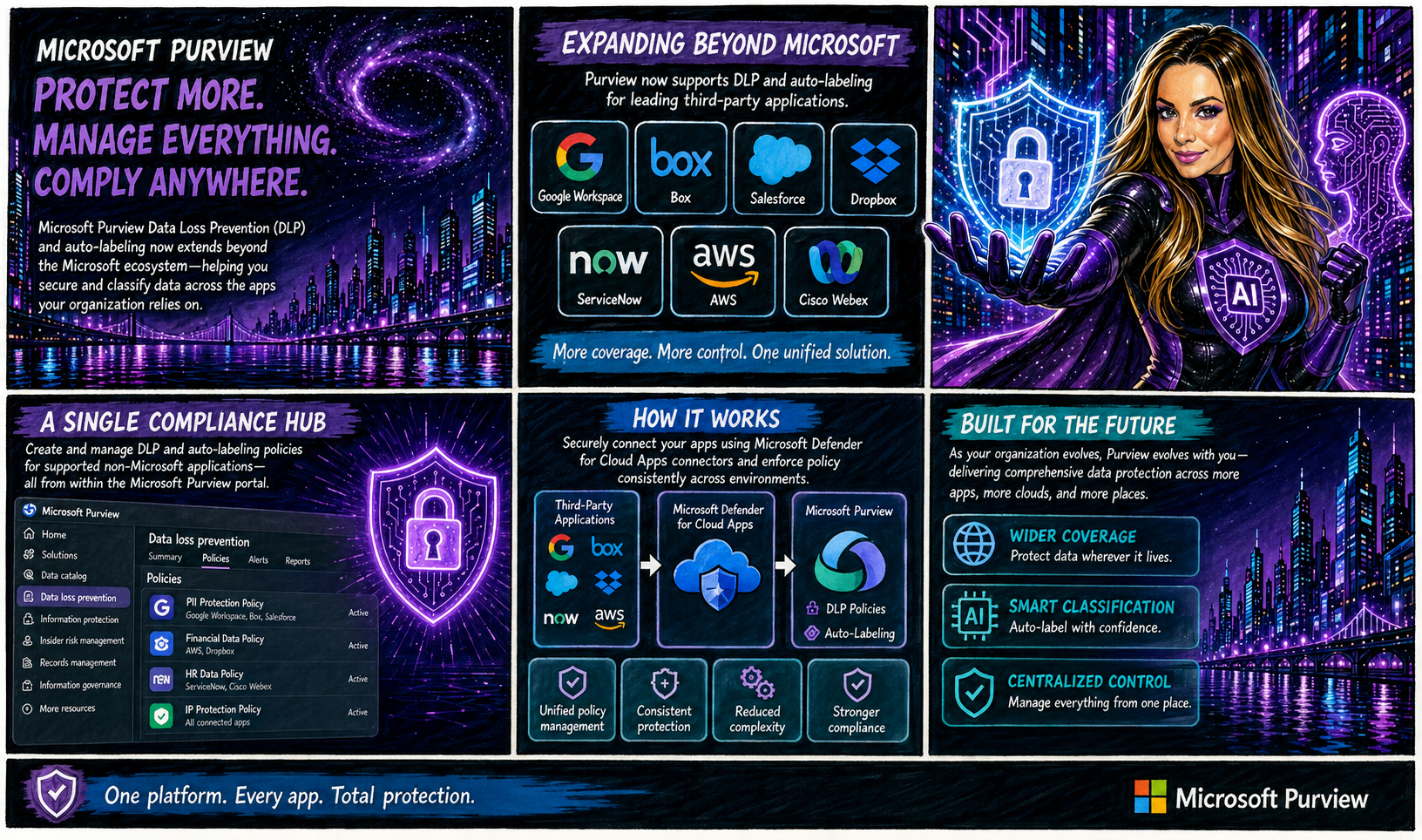
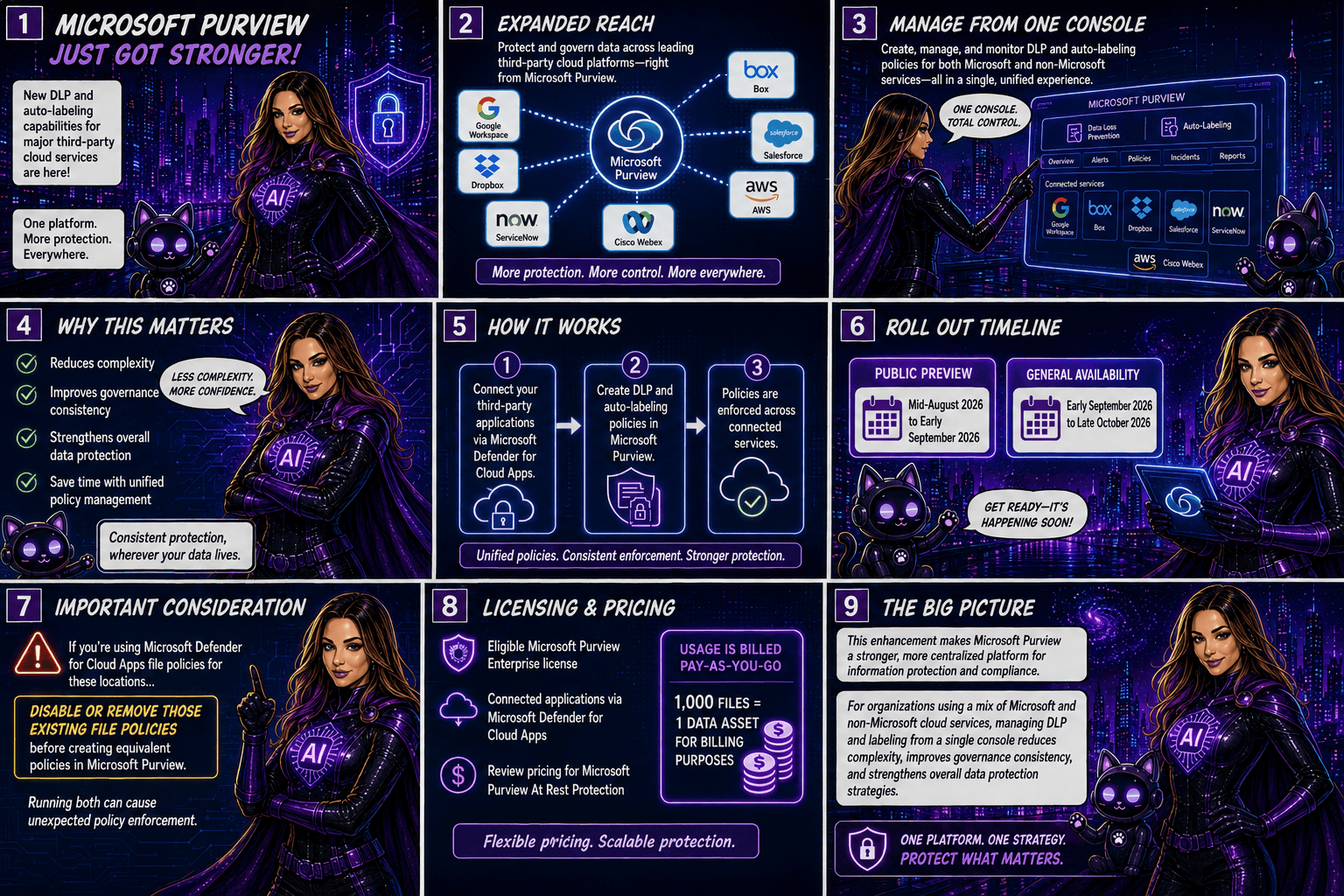
Microsoft is taking another major step toward unified data protection by extending Microsoft Purview Data Loss Prevention (DLP) and autolabeling capabilities beyond the Microsoft ecosystem. Organisations will soon be able to protect and classify data stored in popular third-party applications such as Google Workspace, Box, Salesforce, Dropbox, ServiceNow, AWS, and Cisco Webex, all from within Microsoft Purview.

A Single Compliance Hub for More Applications

Traditionally, organisations managing data across multiple cloud platforms had to rely on separate security and compliance controls for each application. With this update, Microsoft Purview becomes a more centralised compliance solution by allowing administrators to create and manage DLP and autolabeling policies for supported non-Microsoft applications directly from the Purview portal.

The integration is made possible through Microsoft Defender for Cloud Apps connectors, which securely connect these third-party services to Microsoft Purview.
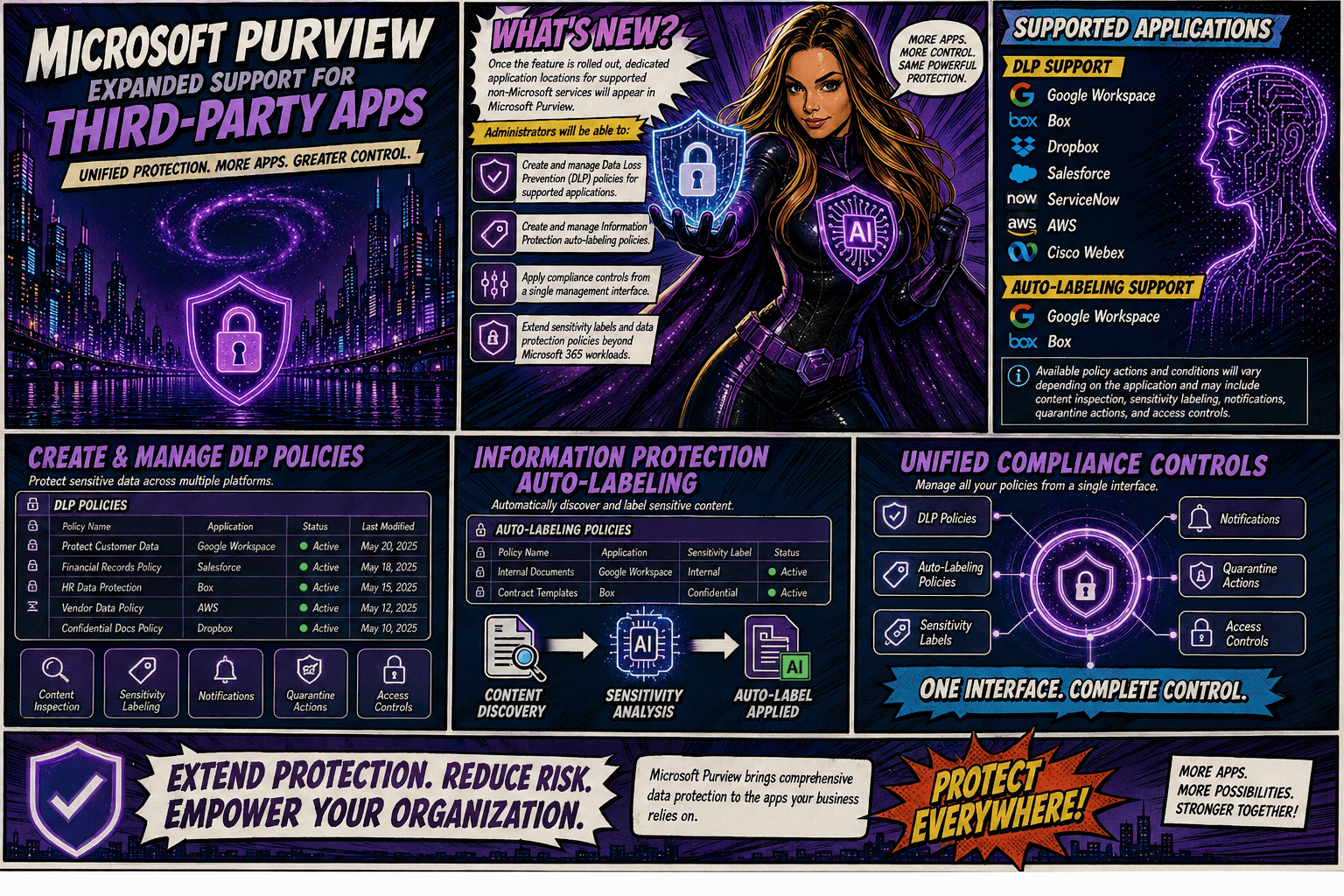
Once the feature is rolled out, dedicated application locations for supported non-Microsoft services will appear in Microsoft Purview. Administrators will be able to:

  • Create and manage Data Loss Prevention (DLP) policies for supported applications.
  • Create and manage Information Protection autolabeling policies.
  • Apply compliance controls from a single management interface.
  • Extend sensitivity labels and data protection policies beyond Microsoft 365 workloads.

Supported Applications

DLP Support

Microsoft Purview DLP will support the following applications:

  • Google Workspace
  • Box
  • Dropbox
  • Salesforce
  • ServiceNow
  • AWS
  • Cisco Webex

AutoLabeling Support

Autolabeling will initially be available for:

  • Google Workspace
  • Box

Available policy actions and conditions will vary depending on the application and may include content inspection, sensitivity labelling, notifications, quarantine actions, and access controls.
Rollout Timeline

Microsoft plans to release the feature according to the following schedule:

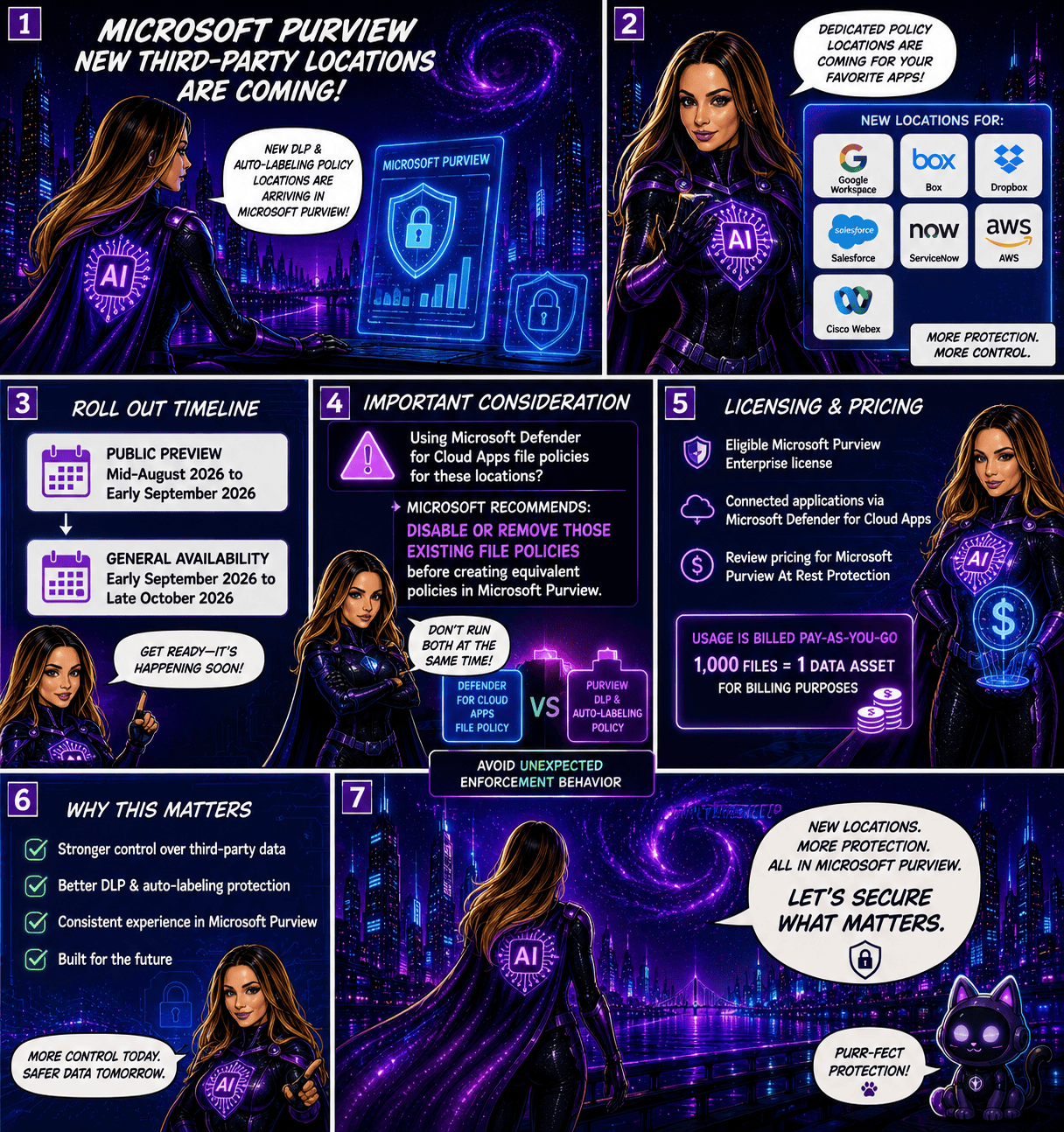
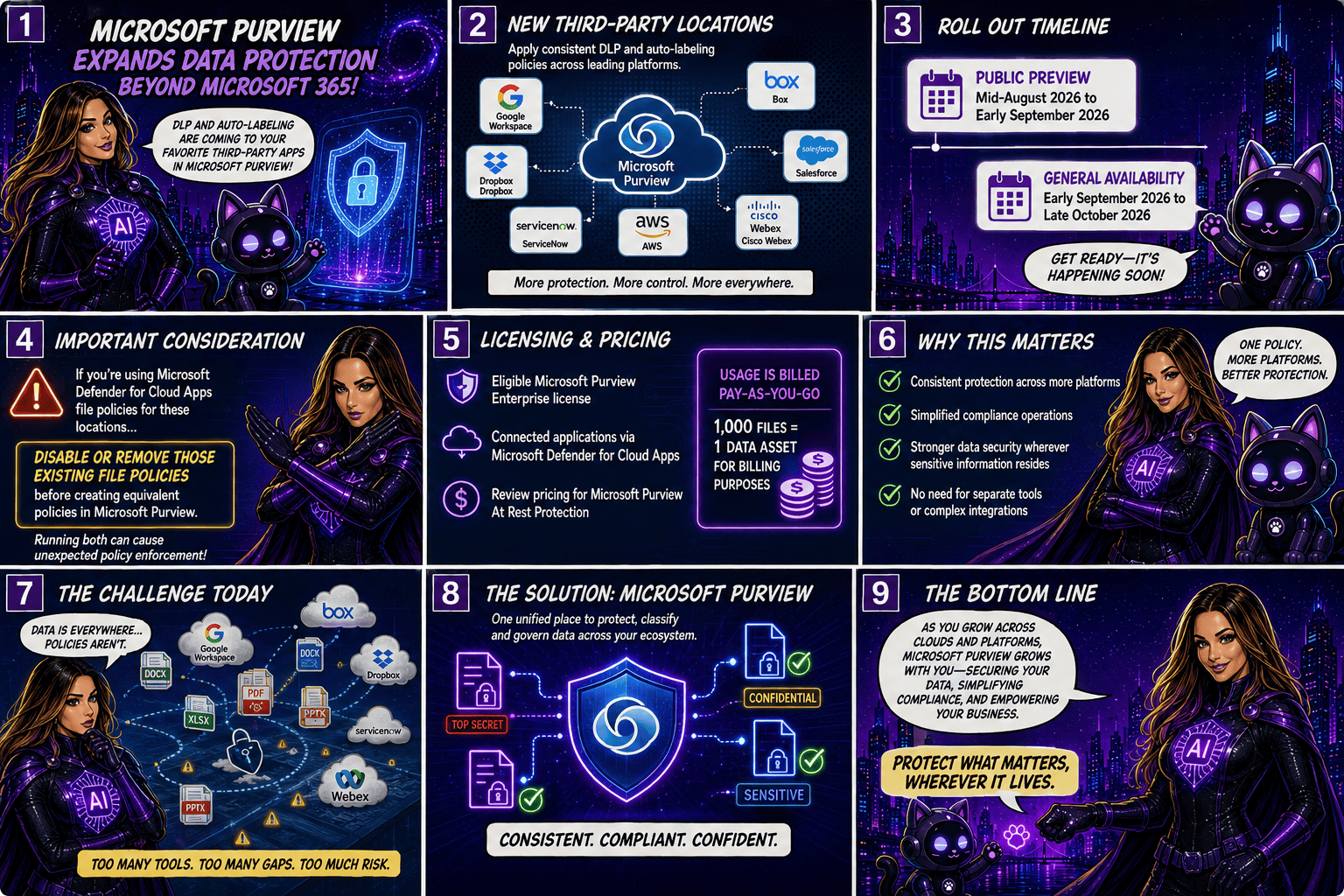
  • Public Preview: Mid-August 2026 to early September 2026
  • General Availability: Early September 2026 through late October 2026

Important Considerations

Organisations currently using Microsoft Defender for Cloud Apps file policies for the same third-party locations should take note: Microsoft recommends disabling or removing those existing file policies before creating equivalent policies in Microsoft Purview. Running both simultaneously could result in unexpected policy enforcement behaviour.

Licensing and Pricing

To use these new capabilities, organisations will need:

  • An eligible Microsoft Purview Enterprise license
  • Connected applications via Microsoft Defender for Cloud Apps

Additionally, customers should review the pricing implications associated with Microsoft Purview At Rest Protection. Usage is billed on a pay-as-you-go basis, with 1,000 files counted as one data asset for billing purposes.
Why This Matters

As organisations continue adopting multi-cloud and multi-platform environments, data often resides well beyond Microsoft 365. This update allows security and compliance teams to apply consistent protection, classification, and governance policies across a broader range of business-critical applications without requiring separate management tools.

By bringing DLP and autolabeling capabilities to leading third-party services, Microsoft is helping organisation simplify compliance operations while strengthening data security wherever sensitive information resides.
This enhancement significantly expands Microsoft Purview’s reach, making it a stronger centralised platform for information protection and compliance. For organisations using a mix of Microsoft and non-Microsoft cloud services, the ability to manage DLP and labeling policies from a single console could reduce complexity, improve governance consistency, and strengthen overall data protection strategies.
🎧 Tune in for all the details!
🎥 Watch the full episode ➡️ here

Microsoft Purview DLP: Instances Policy Location Retiring in January 2027

Microsoft has announced the retirement of the Instances policy location in Microsoft Purview Data Loss Prevention (DLP), with the change taking effect on January 6, 2027.

Today, organizations using the Instances location rely on the Microsoft Defender for Cloud Apps file policy infrastructure to enforce DLP and auto-labeling policies across supported third-party applications. To simplify policy management and provide a more consistent compliance experience, Microsoft is moving away from this approach and introducing dedicated application-specific policy locations directly within Microsoft Purview.

Supported applications include:

  • Google Workspace
  • Box
  • Dropbox
  • Salesforce
  • ServiceNow
  • AWS
  • Cisco Webex
What’s Changing?

Instead of creating policies under a generic Instances location, administrators will use dedicated locations for each supported application.

For example:

Current LocationNew Location
Instances (Google Workspace)Google Workspace
Instances (Box)Box
Instances (Dropbox)Dropbox
Instances (Salesforce)Salesforce
Instances (ServiceNow)ServiceNow
Instances (AWS)AWS
Instances (Cisco Webex)Cisco Webex

This change aligns non-Microsoft application protection more closely with the broader Microsoft Purview compliance framework.

Microsoft is introducing these new application locations ahead of the retirement date to allow organizations time to migrate.

Key dates:

  • Dedicated application locations will be rolled out before retirement.
  • January 6, 2027: Instances policy location officially retires.
  • Retirement rollout begins in early January 2027 and is expected to complete by mid-January 2027.
What Happens After January 6, 2027?

Once the retirement takes place:

  • New policies can no longer be created using the Instances location.
  • Existing policies configured with the Instances location will no longer be supported.
  • Organizations should use the new dedicated application locations for all future DLP and auto-labeling policies.
  • Policies that continue to rely on the retired Instances location may no longer be enforced as expected.

If your organization currently uses the Instances location, Microsoft strongly recommends recreating those policies in the new application-specific locations before the retirement deadline.

Recommended Next Steps

To avoid any disruption to DLP enforcement, organizations should begin preparing well before the 2027 deadline.

1. Review Existing Policies

Identify any DLP or auto-labeling policies currently configured through the Instances location.

2. Identify Affected Applications

Determine which non-Microsoft platforms are involved and map them to their new dedicated policy locations.

3. Recreate Policies

Build equivalent policies using the new application-specific locations within Microsoft Purview.

4. Test and Validate

Before retiring legacy policies, verify that policy enforcement, labeling, and user experiences behave as expected.

5. Update Documentation

Review operational procedures, internal documentation, and administrator guidance to reflect the new management model.

6. Notify Stakeholders

Make sure compliance, security, and support teams are aware of the upcoming change and migration timeline.

While the retirement is still several months away, organizations using third-party cloud platforms for collaboration and data storage should start planning their migration strategy now. Moving to dedicated application locations will ensure continued DLP and auto-labeling protection while providing a more streamlined and unified compliance experience within Microsoft Purview.

The bottom line: If you’re using the Instances location today, plan your migration before January 6, 2027. If you’re not, you can safely continue using Microsoft Purview as normal and take advantage of the new dedicated application locations as they become available.