
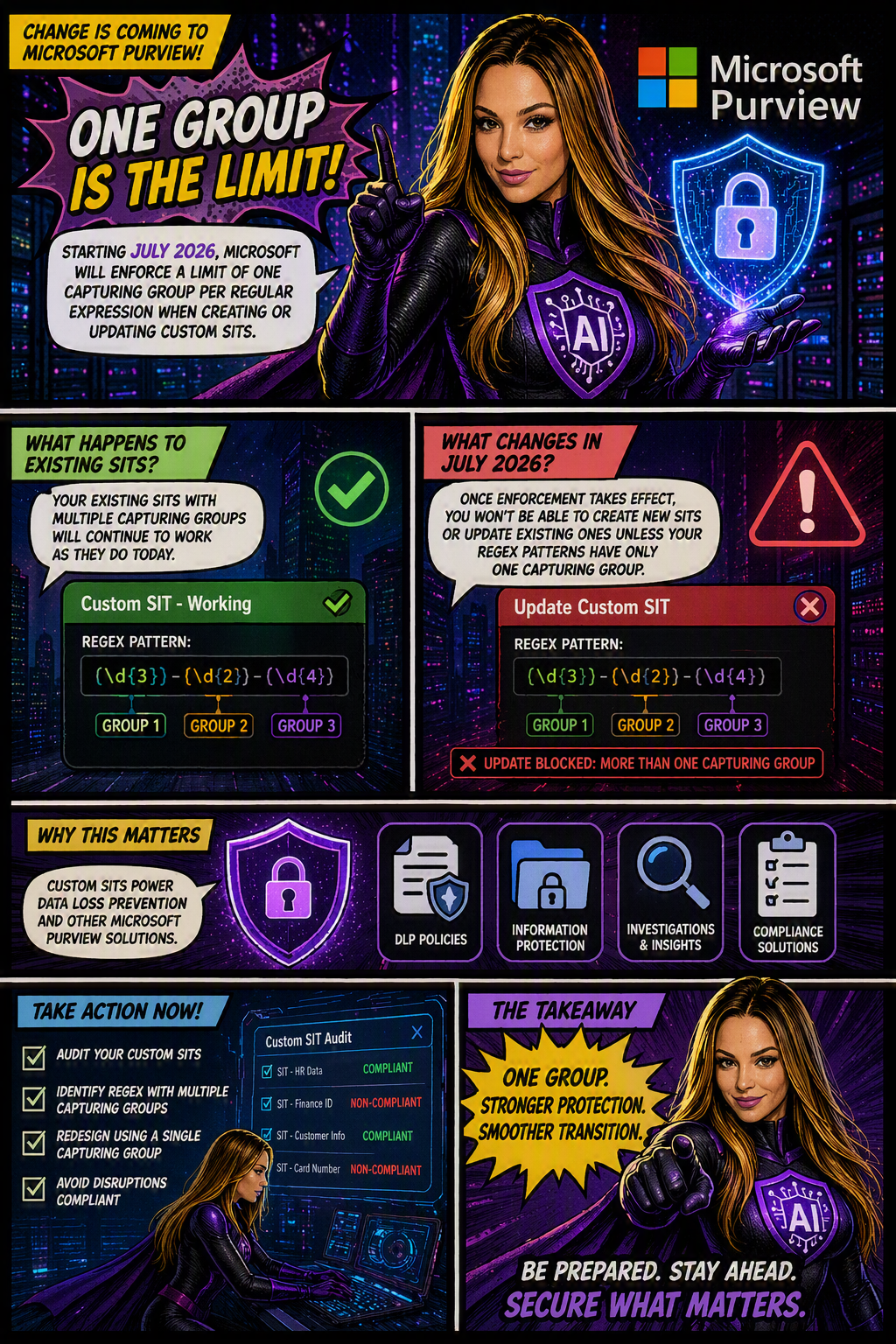
Organizations using Microsoft Purview custom Sensitive Information Types (SITs) should be aware of an upcoming change that may require updates to existing regex patterns.
Microsoft is moving forward with enforcing a long-documented rule that allows only one capturing group per regular expression in custom SIT definitions. The goal is to improve the consistency, reliability, and predictability of how sensitive data is identified and classified across Microsoft Purview and Data Loss Prevention (DLP) workloads.
When is this happening?
The rollout is expected to be completed by early July 2026 across all Microsoft cloud environments, including:
- Worldwide
- GCC
- GCC High
- DoD
Who is affected?
This change primarily impacts:
- Microsoft Purview administrators
- Compliance teams managing custom Sensitive Information Types
- Organizations using custom SITs in DLP, data classification, and compliance solutions
The enforcement applies whether SITs are managed through:
- The Microsoft Purview portal
- PowerShell, including:
New-DlpSensitiveInformationTypeRulePackageSet-DlpSensitiveInformationTypeRulePackage
What changes?
Once enforcement is in place:
✅ New custom SITs must contain only one capturing group in each regular expression.
❌ Creating a new SIT with multiple capturing groups will be blocked.
❌ Updating an existing SIT that contains multiple capturing groups will fail validation.
❌ Administrators will not be able to save changes to existing SITs until non-compliant regex patterns are updated.
What about existing SITs?
Existing custom SITs that contain multiple capturing groups will continue to work in their current state. However, they become a potential issue the moment you need to modify, update, or re-save them.
In other words, if an existing SIT contains a regex pattern with multiple capturing groups, you’ll need to redesign that pattern to comply with the one-capturing-group rule before any future changes can be saved.
Many organizations rely on custom SITs to identify sensitive business information and power key compliance capabilities such as:
Why does this matter?
- Data Loss Prevention (DLP)
- Data classification
- Compliance monitoring
- Information protection policies
If a custom SIT cannot be updated because it fails validation, it could delay policy changes, compliance updates, or new data protection initiatives.
What should you do now?
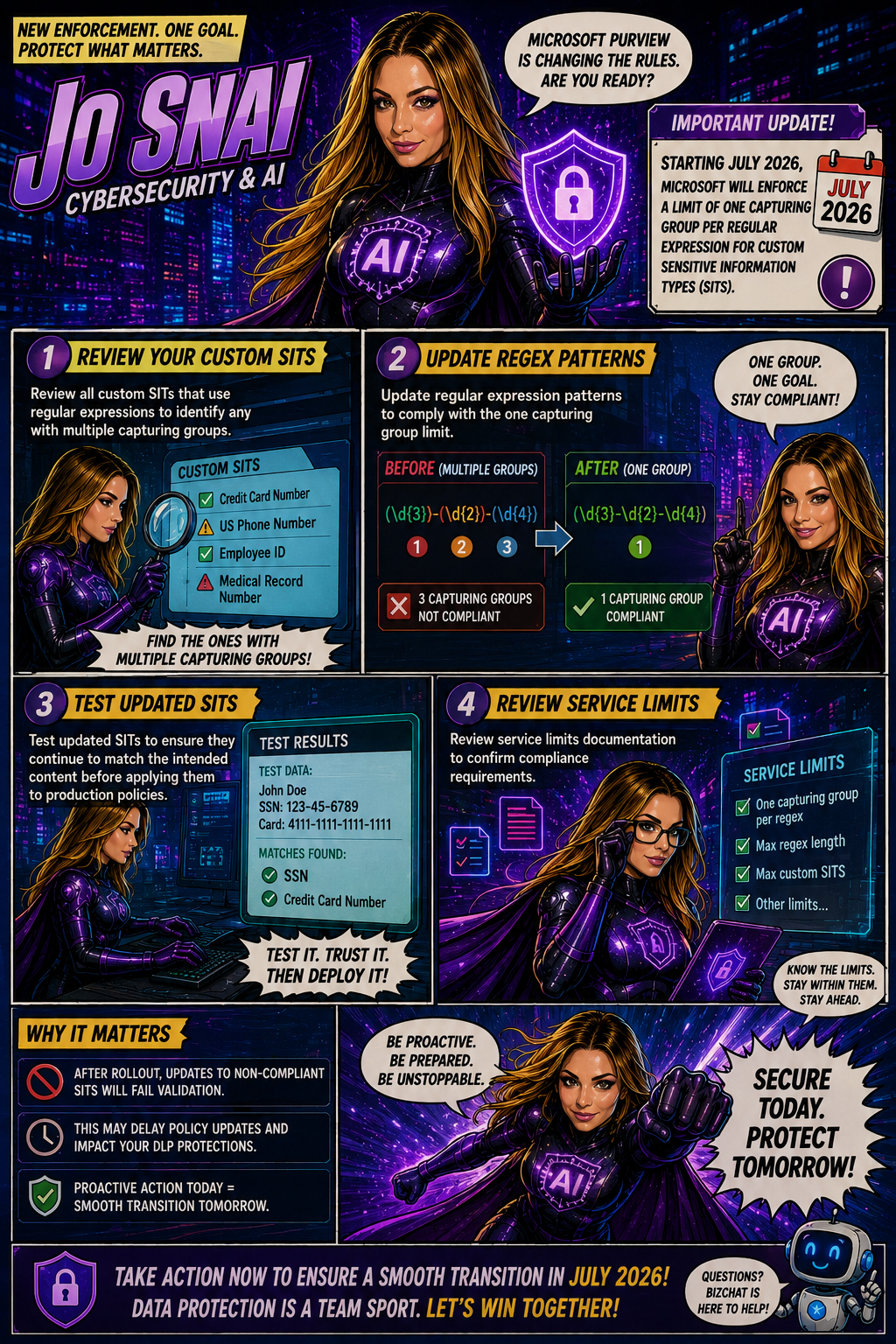
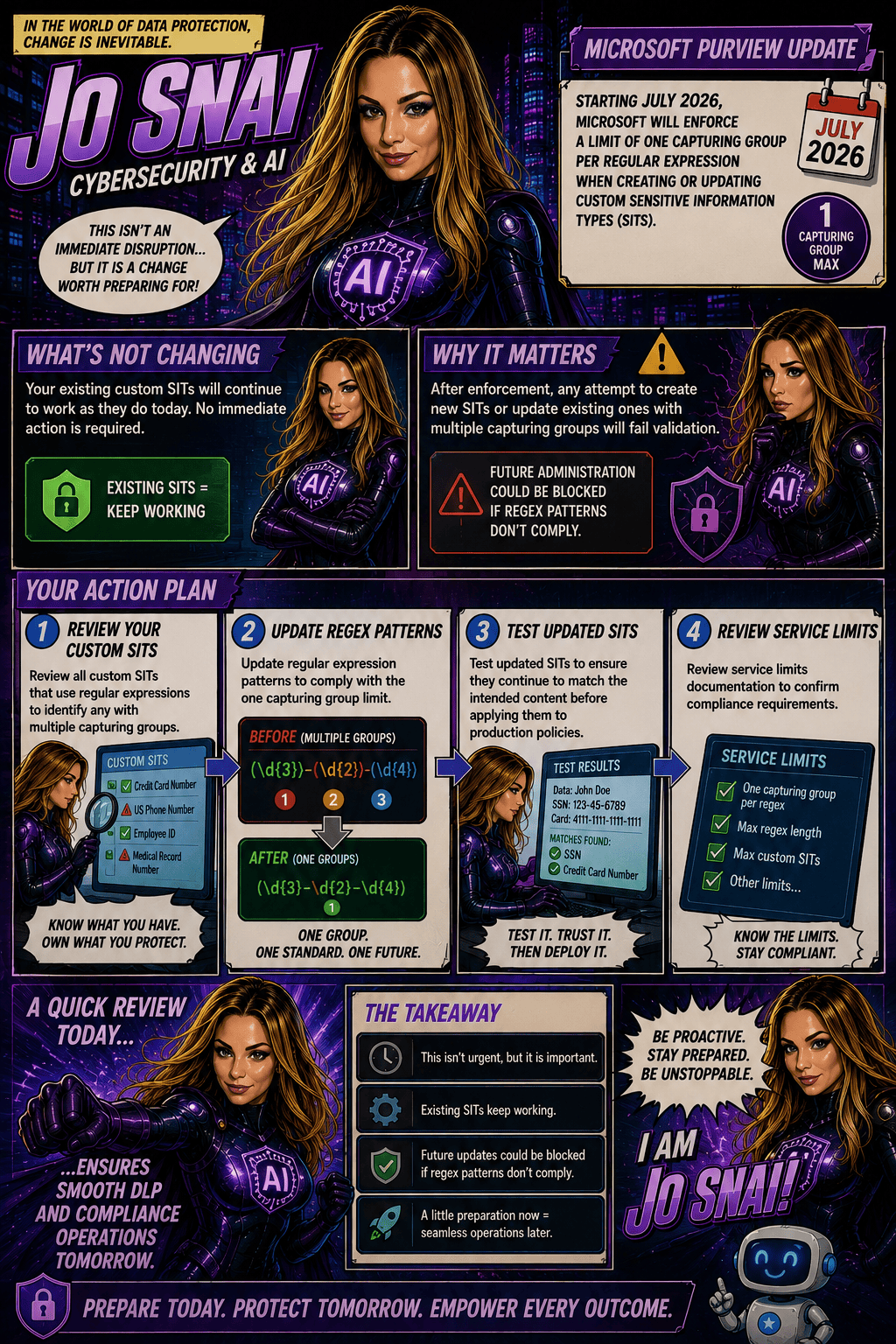
To avoid surprises, Microsoft Purview administrators should proactively:
- Audit existing custom SITs
- Identify regex patterns that use multiple capturing groups
- Redesign patterns to use a single capturing group
- Test and validate updated SITs before future modifications are required
We where stuck in a loop and where not able to edit / change or save it from the Purview Portal anymore due to all SIT’s had multiple capturing groups and where depended on each other. Ended up exporting the Custom full Rule Package with powershell, edit all SIT’s from there, import again and problem was solved: https://learn.microsoft.com/en-us/purview/sit-modify-a-custom-sensitive-information-type-in-powershell